Two coding agents can make two useful changes and still leave you with one broken app. Separate folders prevent a particular kind of collision. They do not decide which result to merge, prove that both features work together, or reserve the database behind your test server.
Offrun 6.1.0, dated October 4, 2026, lists model-picker updates and improvements to agent startup and turn completion. Its parallel-agent guide describes a worktree per chat and user-controlled merging. Worktrees are an existing workflow, not a feature first introduced in 6.1.0. This is a documentation-based planning guide, not a hands-on Offrun review.

The useful question: what can these tasks accidentally share?
Before opening a second agent, write two outcomes and the resources each may touch. If you cannot name the boundaries, start with one task. More chat windows are not a substitute for a smaller brief.
Consider a fictional event-list application. Task A changes the empty-state wording. Task B improves an independent CSV-export error message. Those sound separable. Now add a requirement that both change the common localization registry. That registry needs an owner and an integration order, even if the agents edit different copies of it.
Git's worktree documentation explains that linked working trees belong to one repository. They have separate checked-out files and per-worktree state such as HEAD; many references and the default repository configuration are shared. A worktree is not a security sandbox that confines everything an agent can access.
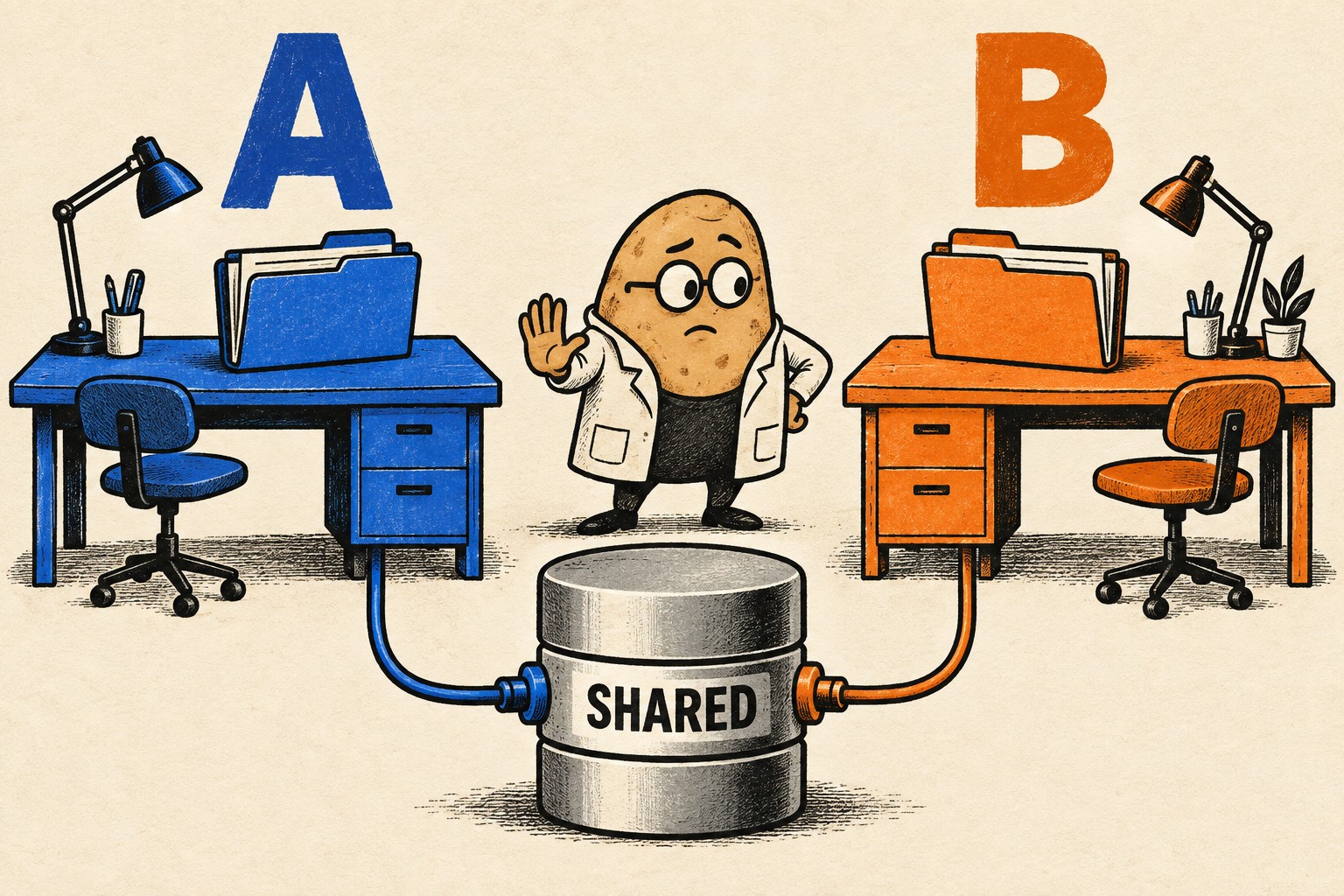
Fill in a two-task resource card
Use this before execution. The example names are invented. Replace every placeholder with an inspected value; an agent repeating your intended configuration is not evidence that the running application uses it.
| Field | Task A | Task B |
|---|---|---|
| Outcome | Clear empty-state wording | Clear CSV-export error |
| Working directory | Recorded absolute path A | Different recorded path B |
| Branch and starting commit | task/empty-state; exact base SHA | task/export-error; same recorded base SHA |
| Expected files | Empty-state component and its tests | Export error component and its tests |
| Shared-file rule | Stop before changing the localization registry | Stop before changing the localization registry |
| Local server | Port 4101, after availability check | Port 4102, after availability check |
| Mutable test data | Disposable fixture A | Separate disposable fixture B |
| Test output | Task A-specific output directory | Task B-specific output directory |
| Integration owner | One named reviewer; A first, then B against the updated result | |
A static site might not need a database at all. Mark that field “not used,” rather than adding infrastructure to satisfy a table. For a database-backed app, check the effective test target without printing credentials. If isolation cannot be established, serialize the tests or use a disposable fixture. Never aim a destructive test at shared or production data.
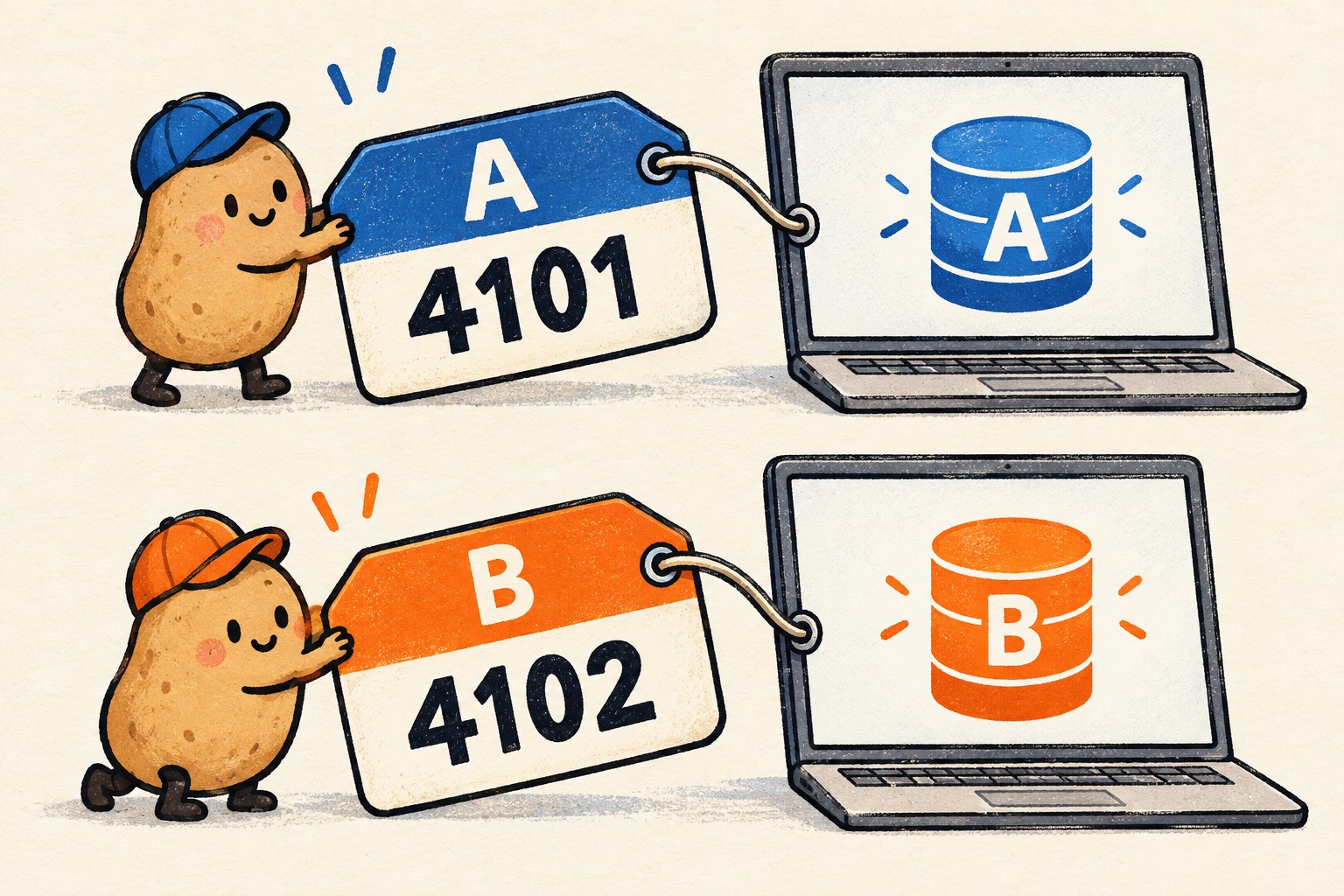
If the project already uses Docker Compose, its project-name documentation describes namespacing environments, with the command-line project flag taking precedence over the environment variable. That is one useful control, not proof that fixed host ports, external services, or explicitly shared resources are isolated. Review those separately. This guide does not require installing Docker or changing your project setup.
Give each agent a stop condition, not just a file list
A file list helps until a task discovers that the real fix is elsewhere. Make that discovery a decision point rather than a license to expand the patch.
Work only in the assigned directory and branch. Implement the stated outcome and the named tests. Before changing a shared registry, dependency version, generated schema, or another task's interface, explain why and wait for a decision. Do not merge, deploy, change credentials, or stop processes belonging to another task. Report the exact files changed, commands run, results, and anything not tested.
This is an original starter brief, not a vendor guarantee or a technical access restriction. If the tools have broad permissions, prose alone will not remove them. Use the controls your environment actually provides, and keep the first trial small enough to inspect.
For the wording example, a useful acceptance check is concrete: open the empty list and confirm the new instruction fits; force a synthetic CSV-export error and confirm the recovery action remains available. “Improve the UX” is not enough to tell whether either task is finished.
Keep a result receipt for each branch
When a worker finishes, ask for evidence you can connect to that exact state:
- Working directory, branch, starting commit, and final commit or reviewed diff.
- Changed and untracked files relevant to the task, including generated outputs.
- Exact check commands, the environment used, and their pass/fail results.
- Unrun checks, unresolved findings, and assumptions that still need a person.
- Any shared resource touched despite the original plan.
An independent reviewer should read the patch and challenge whether it meets the brief. A reviewer saying “looks good” without identifying the state reviewed cannot establish what was checked. Offrun's guide describes an optional agent reading an uncommitted diff; your acceptance decision still needs the actual finding and current patch.
Integrate one change, then test the combination
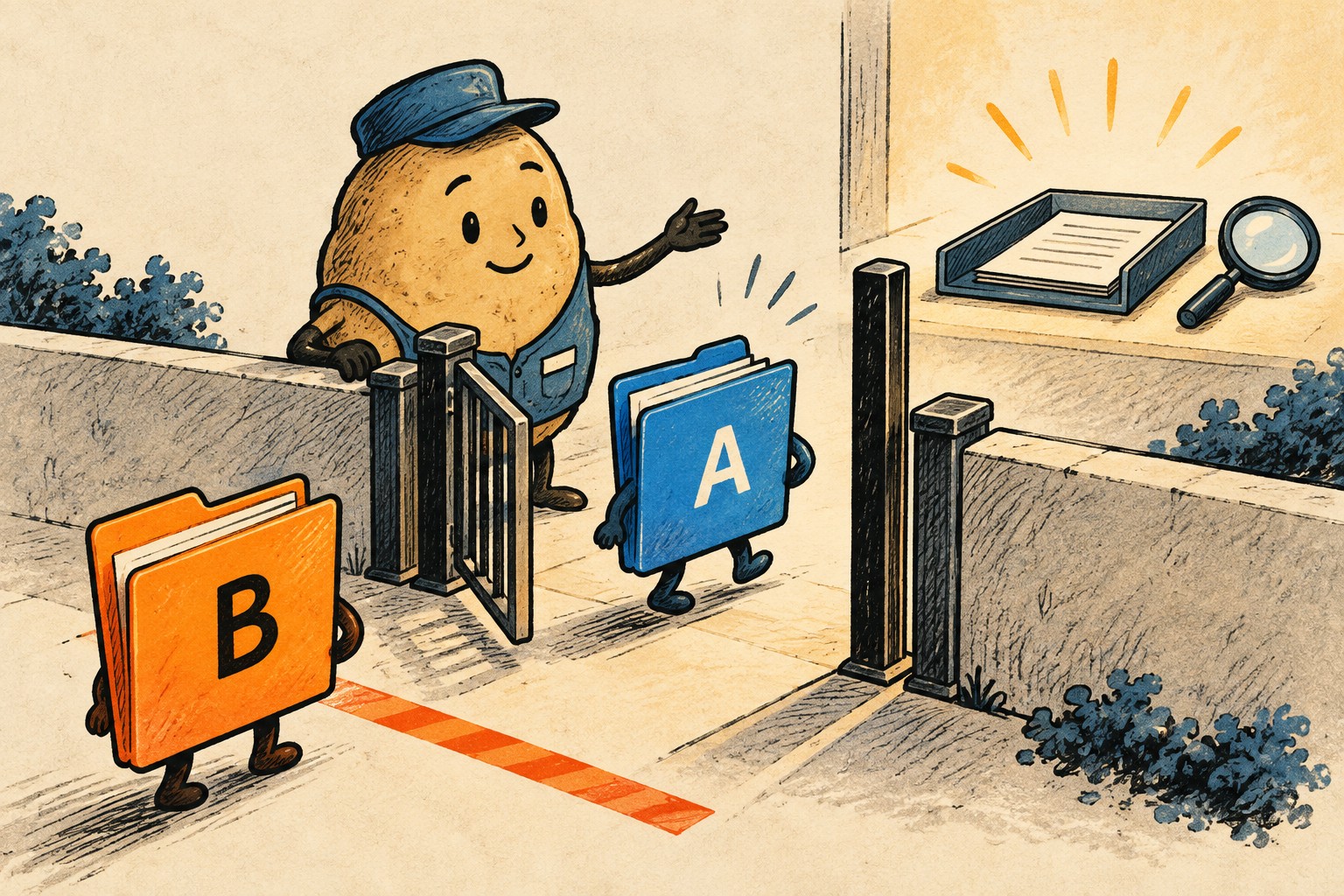
Choose one owner to land changes. Preserve unrelated work before integration; Git's merge documentation warns that starting a merge with substantial uncommitted changes can make recovery difficult. Follow your repository's established review and merge process rather than treating the examples here as commands to run blindly.
- Review A at its recorded state. Confirm scope and checks, then integrate through the normal process.
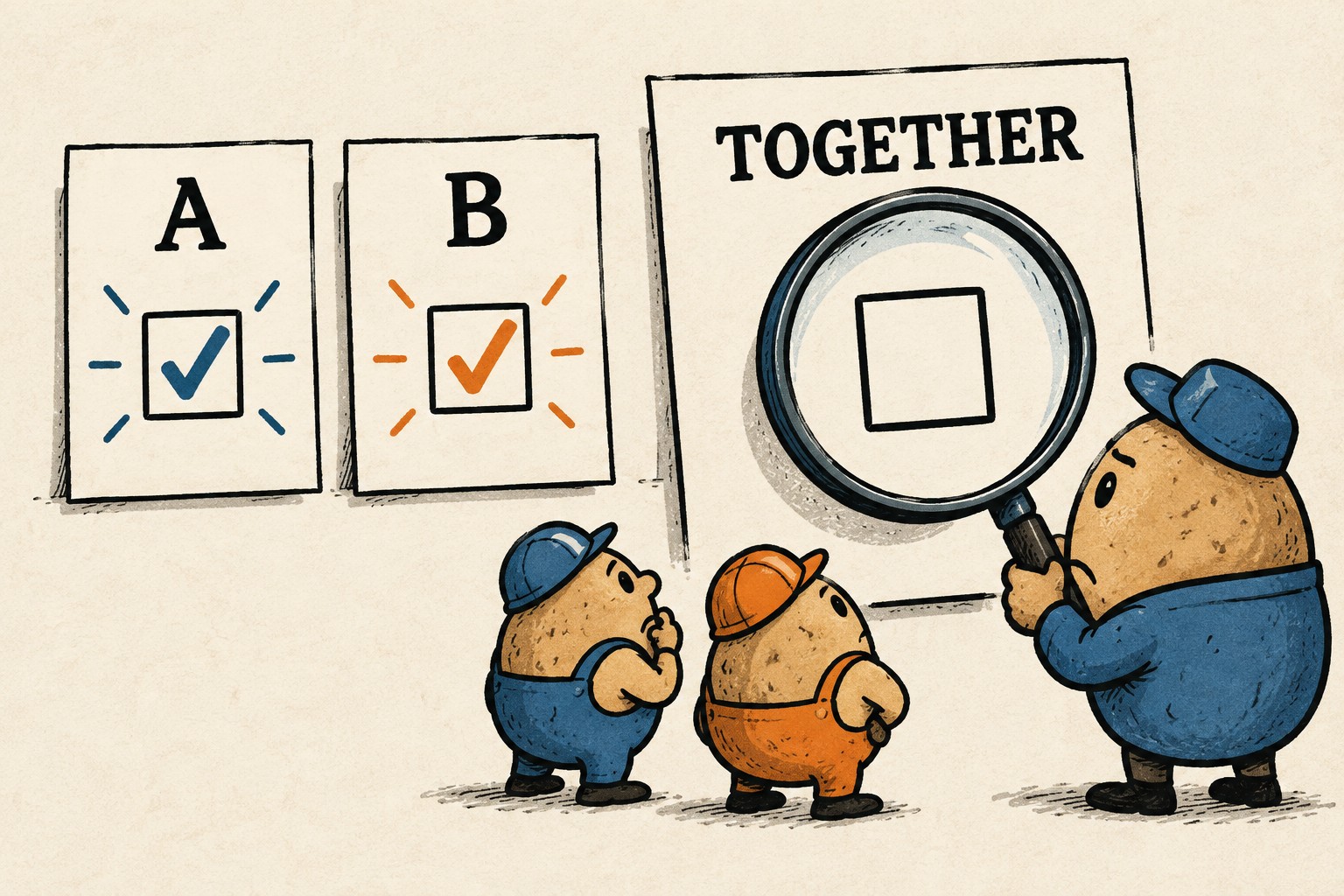
- Bring B against the new baseline. Inspect the combined diff. Resolve overlapping intent explicitly; a conflict-free textual merge is not a behavioral test.
- Run the combined acceptance checks. Open the empty state, trigger the synthetic export failure, and check the shared localization behavior if it changed.
- Record the integrated commit. Attach the combined results to that commit. Do not label earlier branch-only checks as checks of the final version.
- Clean up only after preservation is confirmed. Stop only the task-owned processes and use the repository's normal worktree cleanup procedure. Check for remaining work before removing anything.
A final decision card you can copy
| Question | Your answer |
|---|---|
| Which exact integrated commit did I review? | ________________ |
| Which shared files or resources changed? | ________________ |
| Which combined checks passed, and where is the evidence? | ________________ |
| What remains untested? | ________________ |
| Decision: accept, revise, or wait? | ________________ |
| Who owns the next action? | ________________ |
If both agents finish but nobody can complete this card, the bottleneck has moved to integration. Reduce the batch size until review keeps up. Start with two bounded tasks because their boundaries are understandable, not because two is a scientifically optimal number.
For a task that must pause and resume, use the separate AI coding handoff checklist. The worktree card answers “what must stay separate now?”; the handoff record answers “what must the next session know?” Keeping both short is usually more useful than letting either become a transcript archive.