A one-click installation can still deliver a ten-message support conversation. Before sharing an MCP Bundle, check whether someone can install the exact file, configure it without your private setup, and complete one small task on a machine that is not yours.
This is a practical review of current Anthropic MCPB documentation, checked on October 6, 2026. MCPB is not a new October launch: Anthropic’s original desktop-extension announcement dates to June 26, 2025, with a September 11, 2025 update to the .mcpb name. The checklist below is an original proposed acceptance procedure, not a report of personal testing.

Choose one job before choosing a bundle
An MCPB packages a local MCP server and its manifest in a ZIP archive. The current Claude guide describes a local stdio connection and recommends Node.js, whose runtime is included with Claude Desktop on macOS and Windows. A remote connector has a different deployment and distribution model. Start with the destination and task, rather than assuming every integration should become a downloadable extension.
For this guide, use a fictional read-only helper that lists names of plain-text files in a selected test folder. It does not need to read a personal Documents folder, change files or connect to an account. This tiny example gives the reviewer an observable result without making a real archive the first experiment.
- User job: list the two text filenames in a disposable folder.
- Expected result: both names appear once; neither file changes.
- Boundary: requests outside the selected folder are rejected by the server implementation.
- Stop condition: unexplained access, a changed file, an unexpected network destination or an ambiguous failure.
The boundary is a requirement to implement and verify. A friendly setting label or a manifest entry is not proof that the server enforces it.
Inspect what the recipient will actually receive

The MCPB repository README shows example bundle structures and dependency choices. Read the instructions for the server type you actually use. A developer’s globally installed package or machine-specific path can hide a missing dependency until the bundle reaches someone else.
| Check | Question for the release owner | Evidence to keep |
|---|---|---|
| Identity | Do filename, extension version and release note identify the same build? | Artifact filename and version |
| Contents | Are required runtime files included, with no private examples or credentials? | Reviewed archive inventory |
| Paths | Does startup depend on an absolute path from the developer’s computer? | Resolved entry point on a clean test setup |
| Configuration | Can a new user understand what each field permits? | Redacted settings and one-sentence purpose |
| Compatibility | Which host and operating-system versions were actually tested? | Separate result for each supported target |
Keep sensitive values out of the receipt and screenshots. The manifest specification describes compatibility fields and sensitive user-configuration fields. Use them correctly, but also inspect the application’s own logging and error handling. Masking an input does not establish that later logs omit its value.
Separate packaging checks from behavior checks
The official CLI reference documents mcpb validate manifest.json for schema validation and mcpb pack . for packaging. These are developer steps for an already authorized development environment. Passing a schema check is useful evidence about structure; it is not evidence that file restrictions, failure messages or every operating system work.
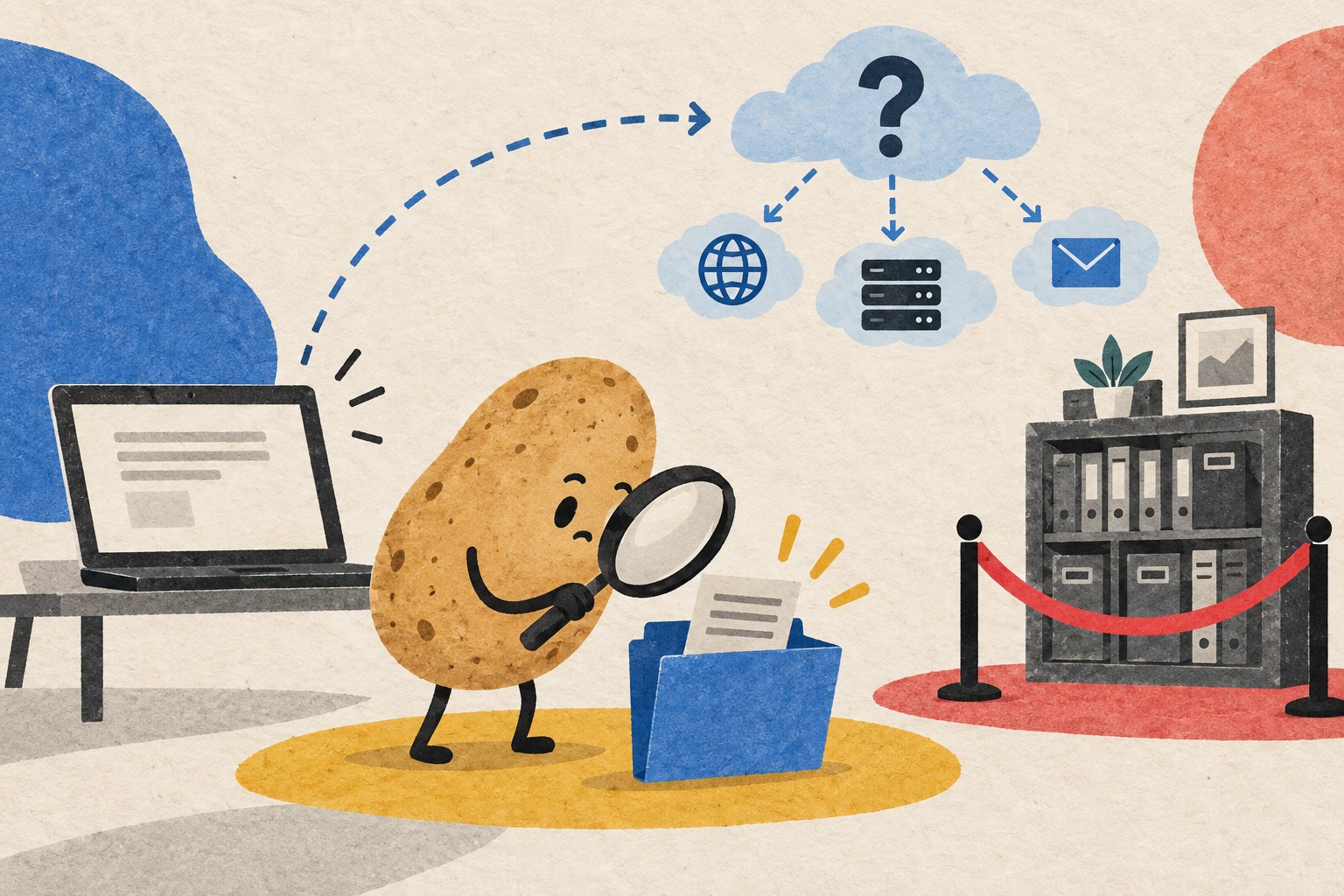
Draw the data journey in ordinary words: “This tool opens files in this folder; these fields are returned to the host; these requests, if any, go to this service.” A local process can still contain networking code, and information returned to an AI host may be processed according to that host’s configuration and terms. Do not describe the whole workflow as offline or private merely because the executable runs locally.
For the fictional helper, use harmless filenames such as alpha.txt and beta.txt. Keep another disposable folder outside the allowed path. Have a reviewer exercise the allowed and rejected cases in an isolated test environment they are authorized to use. If the integration cannot describe its destinations or enforce its intended scope, postpone distribution rather than widening access to make a demo work.
Run a small acceptance matrix

| Case | Proposed expected behavior | Record |
|---|---|---|
| Fresh installation | Instructions and required configuration are sufficient without a developer’s existing settings | Host version, OS, package hash, any missing step |
| Two-file folder | Both expected names appear exactly once; files are unchanged | Expected versus actual names |
| Empty folder | Clear empty result, not a misleading failure or invented filename | Returned result and visible wording |
| Folder removed after setup | Understandable error and a route to choose a valid folder | Error text with personal paths redacted |
| Outside-folder request | Server rejects it without revealing that folder’s contents | Rejection result using disposable test data |
| Host restart | Configuration and behavior follow the documented persistence policy | What remained and what needed re-entry |
| Remove extension | Removal follows the host’s documented flow; any remaining user-created files are identified | Observed state and cleanup instructions |
Mark each row pass, fail or untested. Add a short reason for an untested row. A screenshot of a successful installation fills only the installation row. Repeat the matrix for each platform you promise to support; do not copy one result into the other column.
Send a release receipt with the file
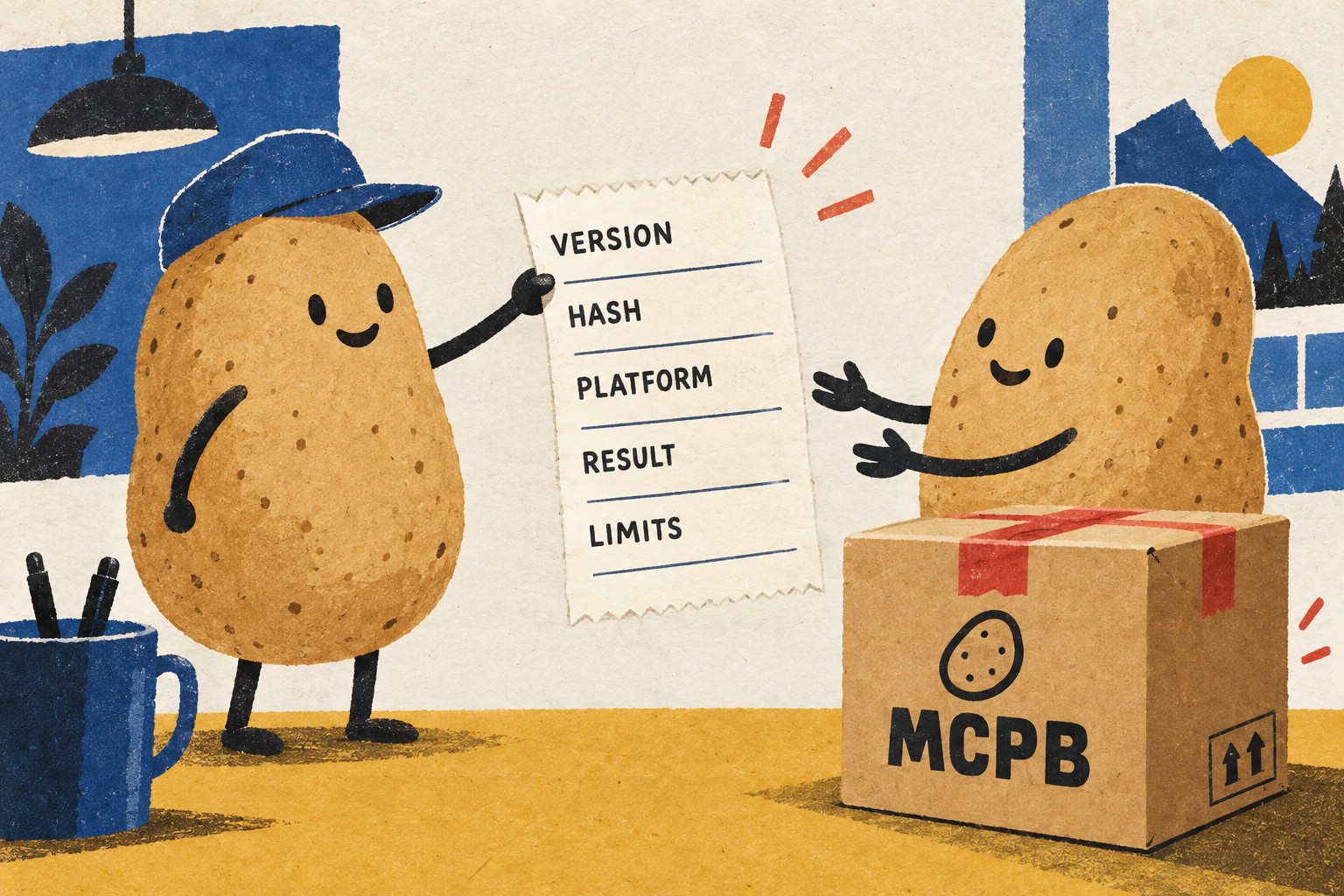
Copy this record into the release note. A hash identifies the bytes reviewed; it does not prove the software is trustworthy. Keep a previously accepted package and its receipt so that a change can be compared with a known reference.
- Artifact: filename, extension version (the version field in manifest.json) and SHA-256.
- Purpose: the single job the recipient can try first.
- Test setup: host version, OS version and fresh-install conditions.
- Data scope: allowed folders, returned fields and documented network destinations.
- Results: completed matrix, failed cases and untested platforms.
- Recovery: removal steps, retained files and the previous accepted version.
- Owner: who can explain a failure, and which redacted evidence they need.
For a larger AI-assisted project, pair this package receipt with an AI coding handoff record. The handoff explains how to continue the work; the receipt explains exactly what another person received. One click should be the start of a clear experience, not the end of your testing.