A modal is easy to draw and surprisingly easy to get half right. Before asking an AI coding tool to build another overlay from scratch, ask it to compare the browser’s native dialog with the behavior your product actually needs. The goal is a smaller maintenance problem, not the fewest lines at any cost.
Nolan Lawson’s October 3, 2026 essay on using the web platform raises a timely question: will AI coding favor established browser capabilities, or produce more custom machinery? This guide turns that question into a bounded modal review. It is an original review procedure, not a claim that a particular app has been tested.
First decide whether the interruption is necessary
Write the user’s job in one sentence: “Change a display name without leaving the profile,” for example. Then ask whether the person needs to keep reading or operating the underlying page. A dialog should not become the default container merely because the design has rounded corners.
| Situation | Candidate to investigate | Question to settle |
|---|---|---|
| A small choice must finish before the current task continues | Modal dialog | What happens on cancel? |
| Helpful information must remain beside the task | Non-modal panel or inline content | Can both areas remain usable? |
| A lengthy multi-step job needs its own URL | Dedicated page | How does Back preserve the person’s place? |
These are starting questions, not universal design rules. In a prototype, changing a page into a modal can silently remove linkability or make a small-screen form much harder to finish.
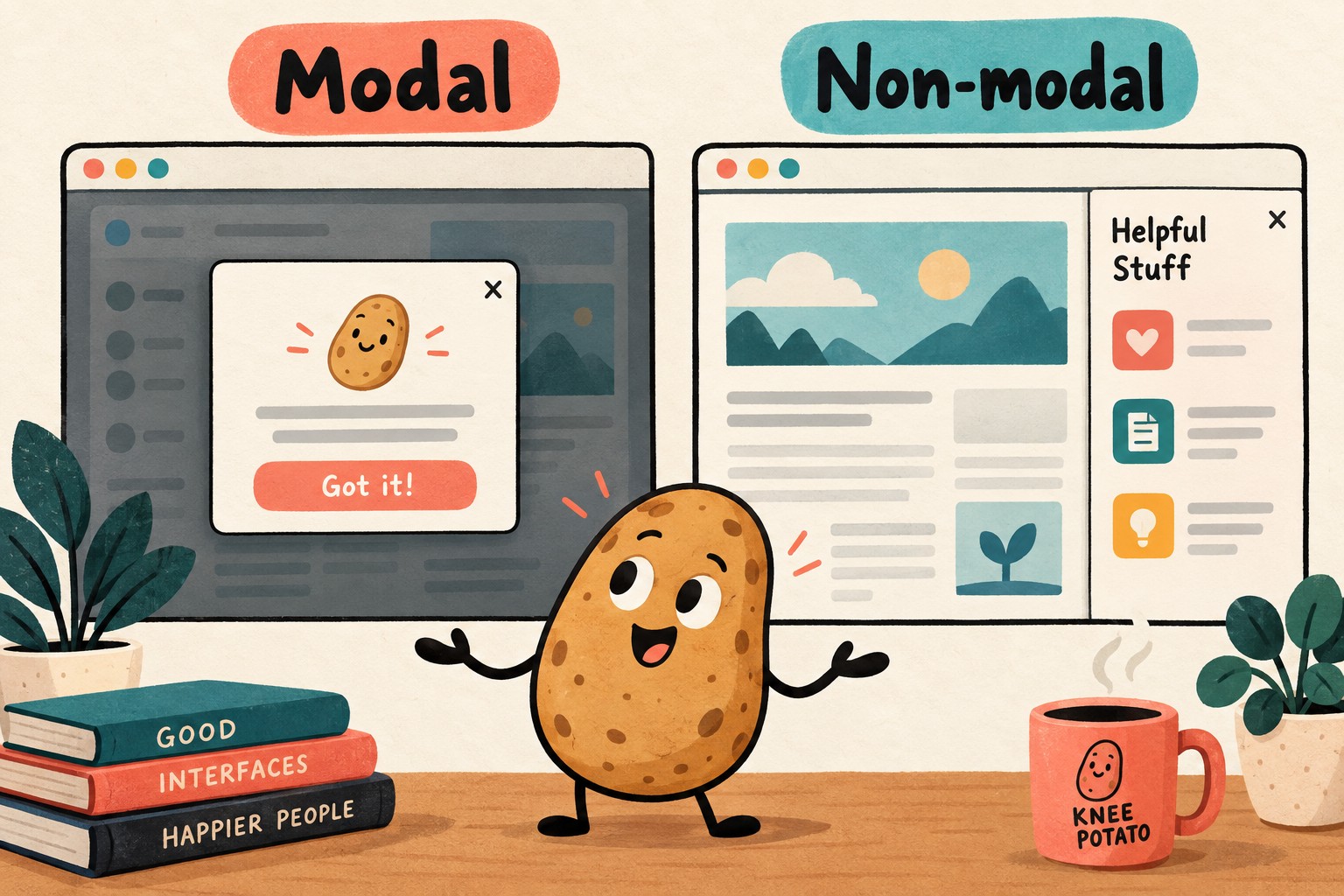
Know what the native element does, and what it does not
MDN’s dialog reference distinguishes opening with showModal() from show(). The first opens a modal; the latter does not make the rest of the page inert. Merely adding the open attribute is not a substitute for modal opening. Check the compatibility information for the exact features you use, especially newer closing behavior.
Browser support does not write your product policy. It cannot decide whether an unsaved edit should be discarded, whether a failed save keeps the dialog open, or what a meaningful action label should say. A method="dialog" form can close a dialog and supply a return value; that is not evidence that anything was persisted to a server.
Do not accept “native” as the whole accessibility review. The WAI modal-dialog pattern covers accessible naming, initial focus and focus return. A long explanation may need a different initial focus target from a short confirmation. If the original launcher disappears after the action, identify a logical next destination rather than trying to focus a missing element.
Run the four-part keyboard journey
W3C’s H102 technique describes browser-managed focus and inert background behavior for native modal dialogs. It is a technique, not a blanket certification for an application. Use the following worksheet to collect evidence in your own supported environments.
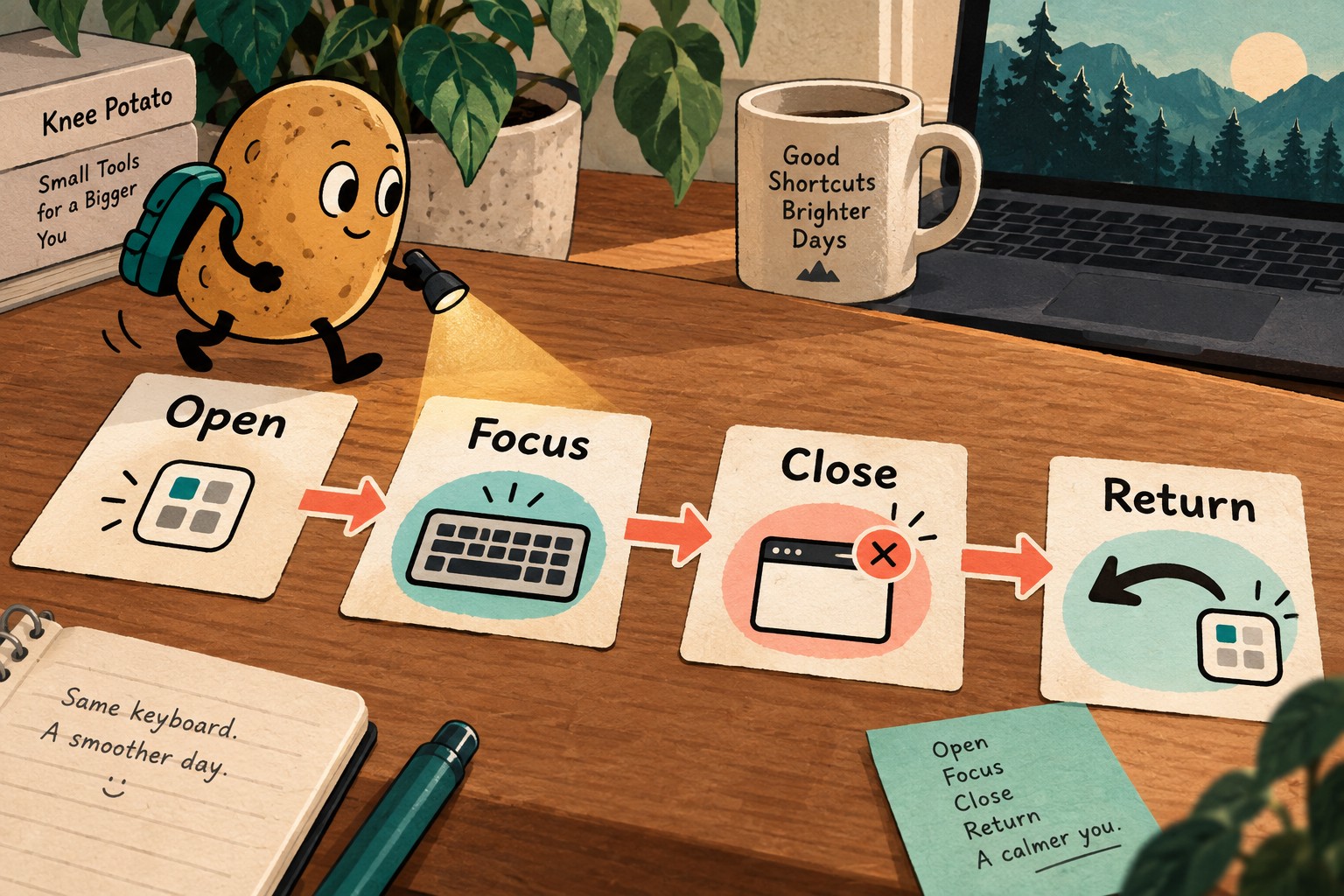
- Open: reach the launcher with the keyboard and activate it. Record the dialog’s announced name and where the visible focus indicator lands.
- Focus: move through the available controls in both directions. Confirm that background page controls cannot be operated while the modal is active. Browser chrome is a separate destination, not a background application control.
- Close: exercise the explicit cancel control and the intended Escape behavior separately. Check that neither accidentally performs the primary action. Then exercise successful completion as a different case.
- Return: verify that focus returns to the launcher, or to a documented next step justified by the workflow or the launcher’s removal. Reopen the dialog and confirm its state is intentional.
Record browser and operating-system versions, input method, assistive technology where tested, expected result and actual result. A passing desktop mouse test leaves the keyboard and screen-reader rows untested; it does not fill them in by implication.
Use an awkward example before a polished demo
For the fictional display-name editor, keep the original saved value “Moss” and type “Moss Studio” as a draft. Now run the cases below in an isolated test setup. The expected outcomes are a proposed product contract; agree on them before treating a different result as a bug.
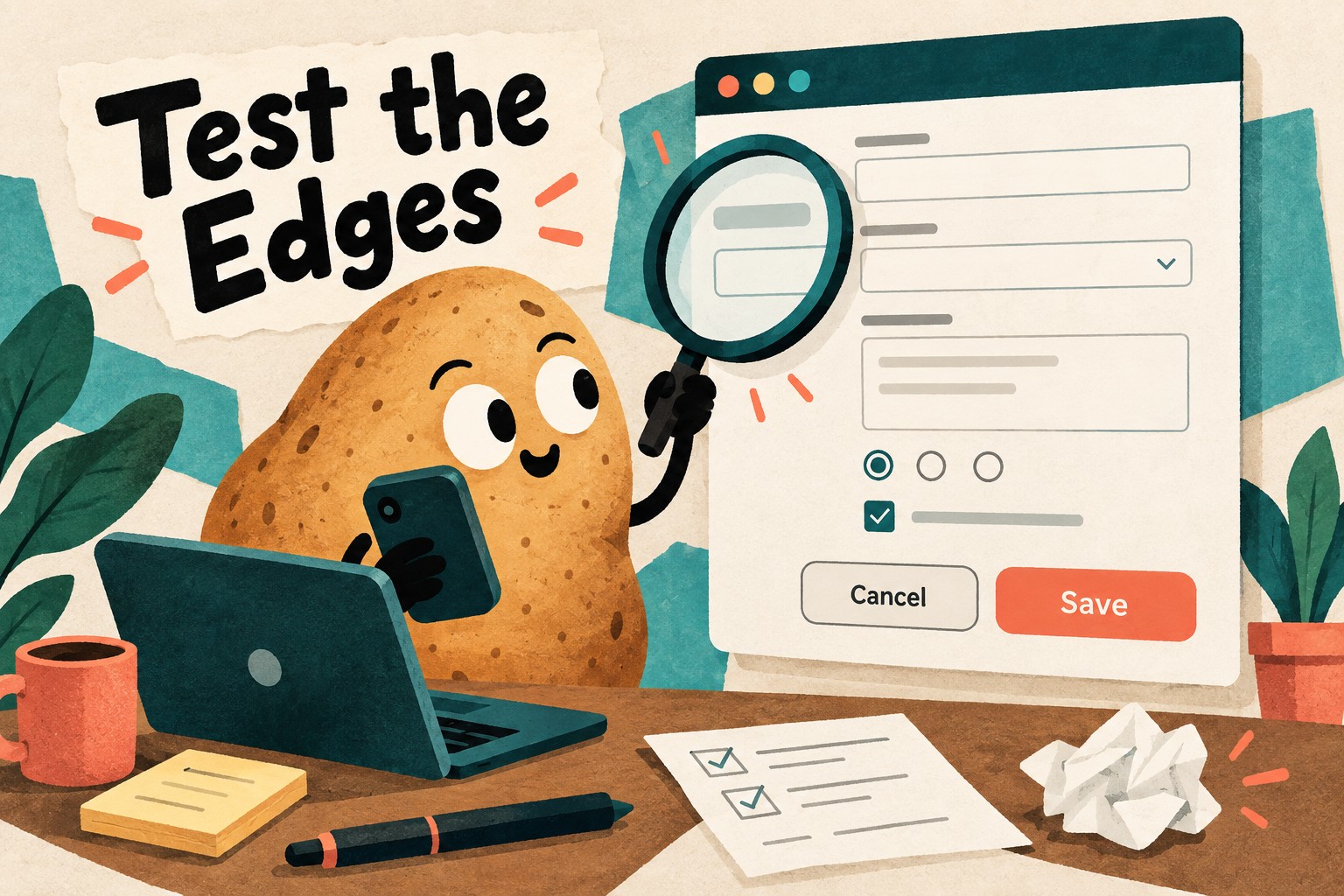
| Case | Proposed expectation | Evidence to keep |
|---|---|---|
| Cancel after typing | Saved name remains Moss; any discard warning follows the agreed policy | Saved value after reopening |
| Save fails | Draft remains available, the error is understandable, and retry is possible | Visible error and retained draft |
| Save succeeds | New value is confirmed before the task is presented as complete | Readback of saved value |
| Narrow screen or enlarged text | Instructions and actions remain reachable without covering each other | Viewport, zoom/text setting and screenshot |
| Launcher removed by completion | Focus moves to the documented next useful place | Actual focused element |
A screenshot records appearance, not successful storage or a complete focus path. Keep those receipts separately. Do not run destructive production actions simply to obtain a tidy test result.
A bounded prompt for your coding assistant
Review only the display-name editor. Preserve its data model and save/cancel policy. Compare the current implementation with a native HTML dialog opened in the appropriate mode. Before editing, list required behavior and supported browser/assistive-technology combinations. Make a reversible candidate in an isolated branch or copy. Test opening, focus, each closing path, save failure, long content and focus return. Report observed results separately from untested assumptions. Do not replace unrelated overlays, add dependencies or change permissions without agreement.
Give the assistant the real task contract, not just this placeholder. If it proposes removing a library, ask which remaining components use it. A modal migration should not break a menu elsewhere because both happened to share a helper.
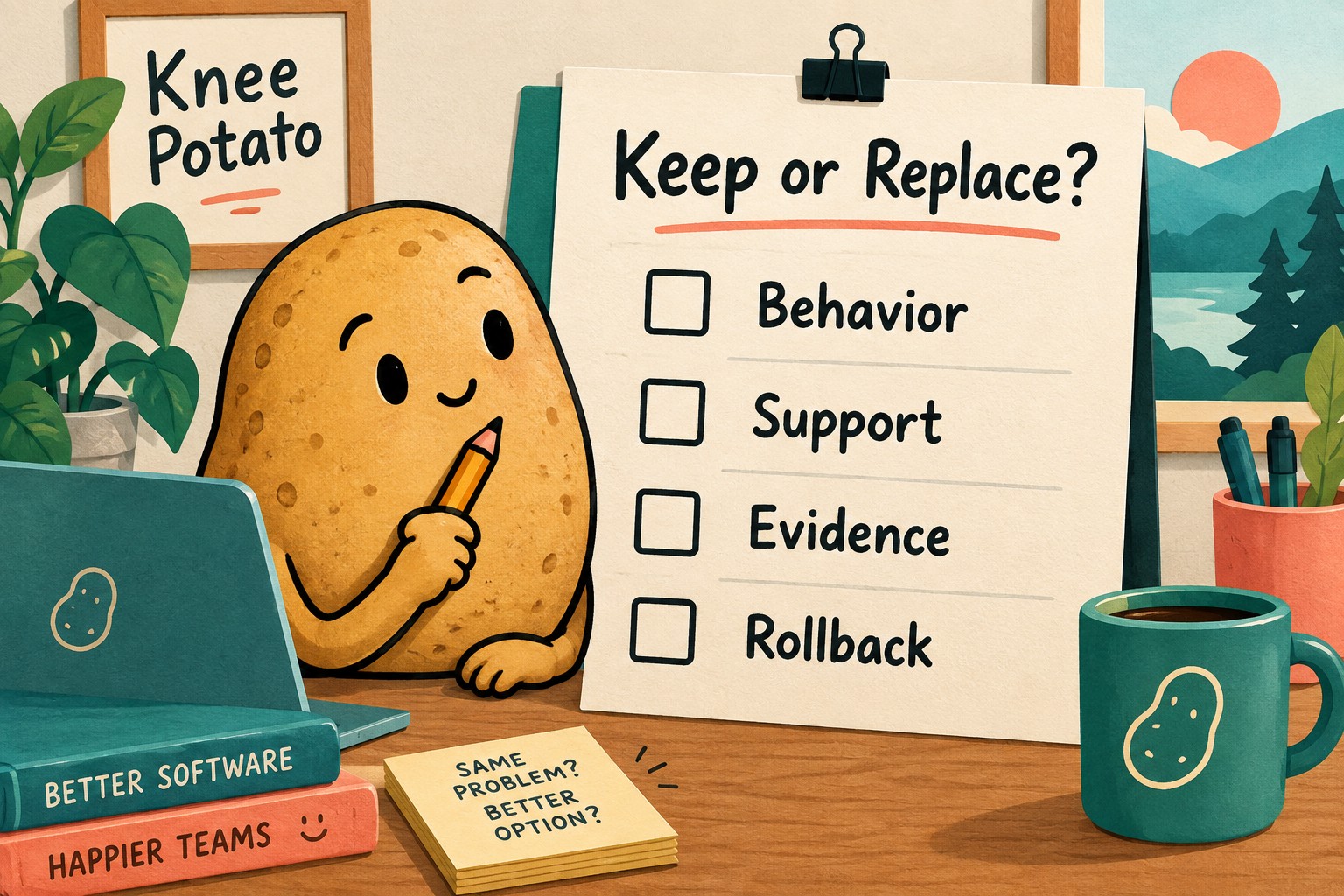
Keep a decision record, not a victory lap
- Component and owner: which one was reviewed?
- Required behavior: modal or non-modal, save policy and dismissal policy.
- Candidate: native implementation, existing component, or no change.
- Evidence: test environment, passing cases, failures and untested combinations.
- Trade-off: what maintenance was removed, and what limitations remain?
- Rollback: the preserved revision and the condition that would trigger a return.
Keep the existing component if the candidate does not meet a requirement you can name. Prefer the simpler supported implementation when the evidence supports it. Either outcome is more useful than asking an agent to reinvent every browser behavior because the first screenshot looked good.
For a broader product review, pair this with the task-first AI UI review brief. For restarting the work later, keep the result in a checkable handoff record.