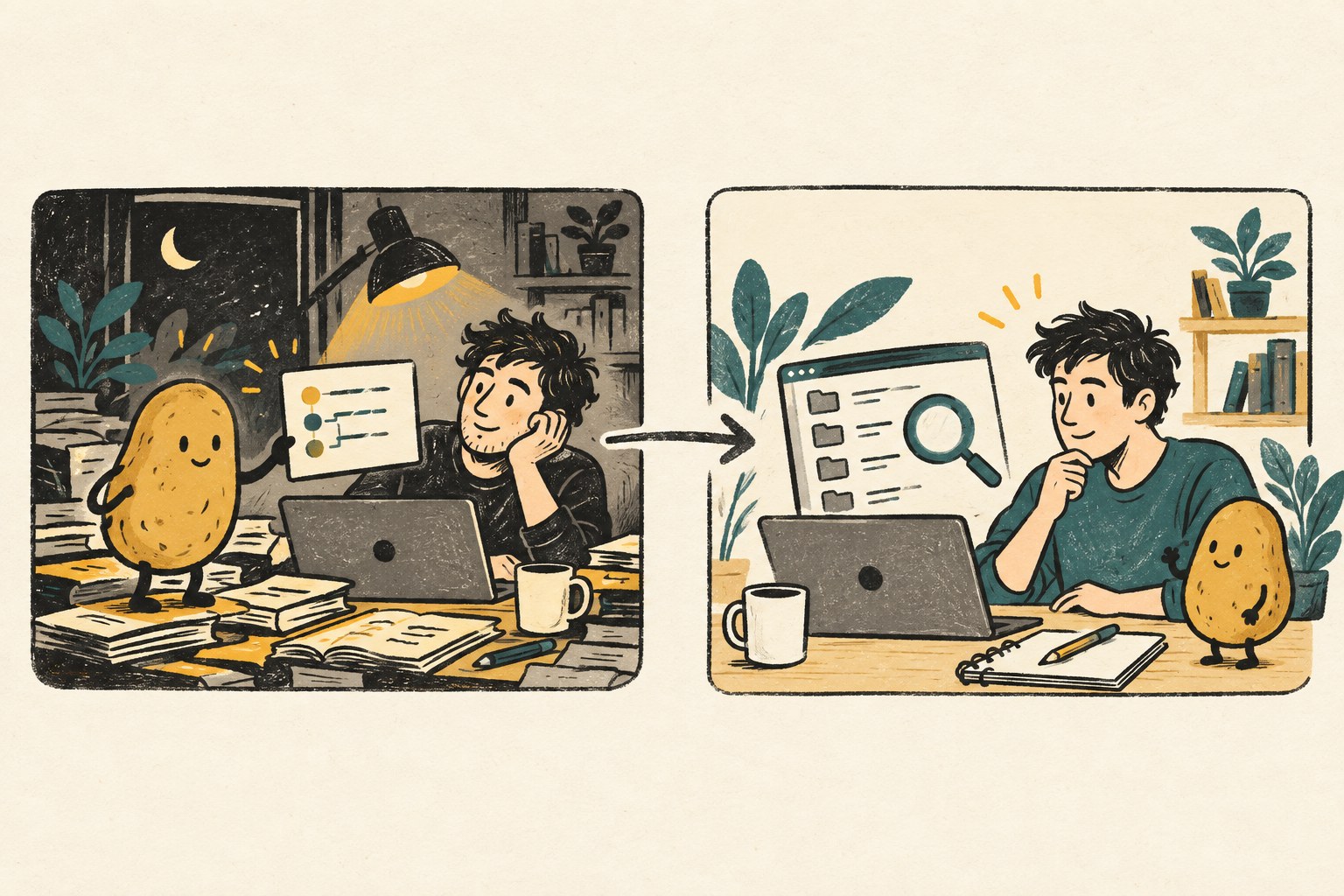
A coding session ends with “all done.” The next session opens a different folder, finds an uncommitted fix and cannot tell whether the test result belongs to that fix. The missing ingredient is not another enthusiastic summary. It is a small record that can be checked against the work.
On October 3, 2026, developer Kevin Liao published an argument for documentation over conversation recall. His proposal is to keep project knowledge in readable, maintained documents. That is a useful prompt for improving handoffs, but his criticism of memory products is an opinion, not a benchmark proving every retrieval system fails.
This guide offers an original, tool-neutral restart test: give a fresh session enough information to find the current work, identify what is uncertain and propose one safe next check. It does not require installing a memory plugin. We have not tested or endorsed Liao's Operator Memory product.
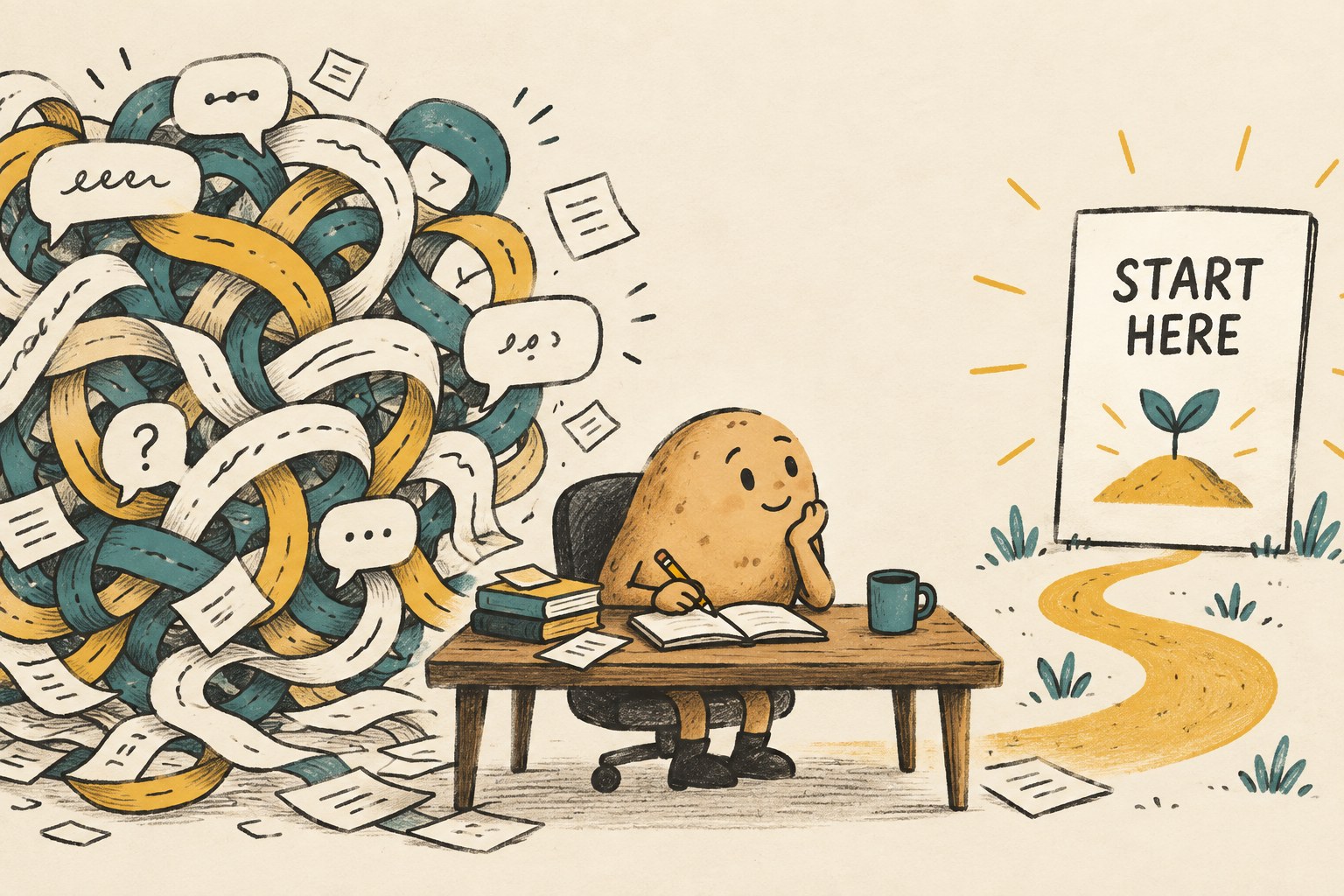
Separate three kinds of information
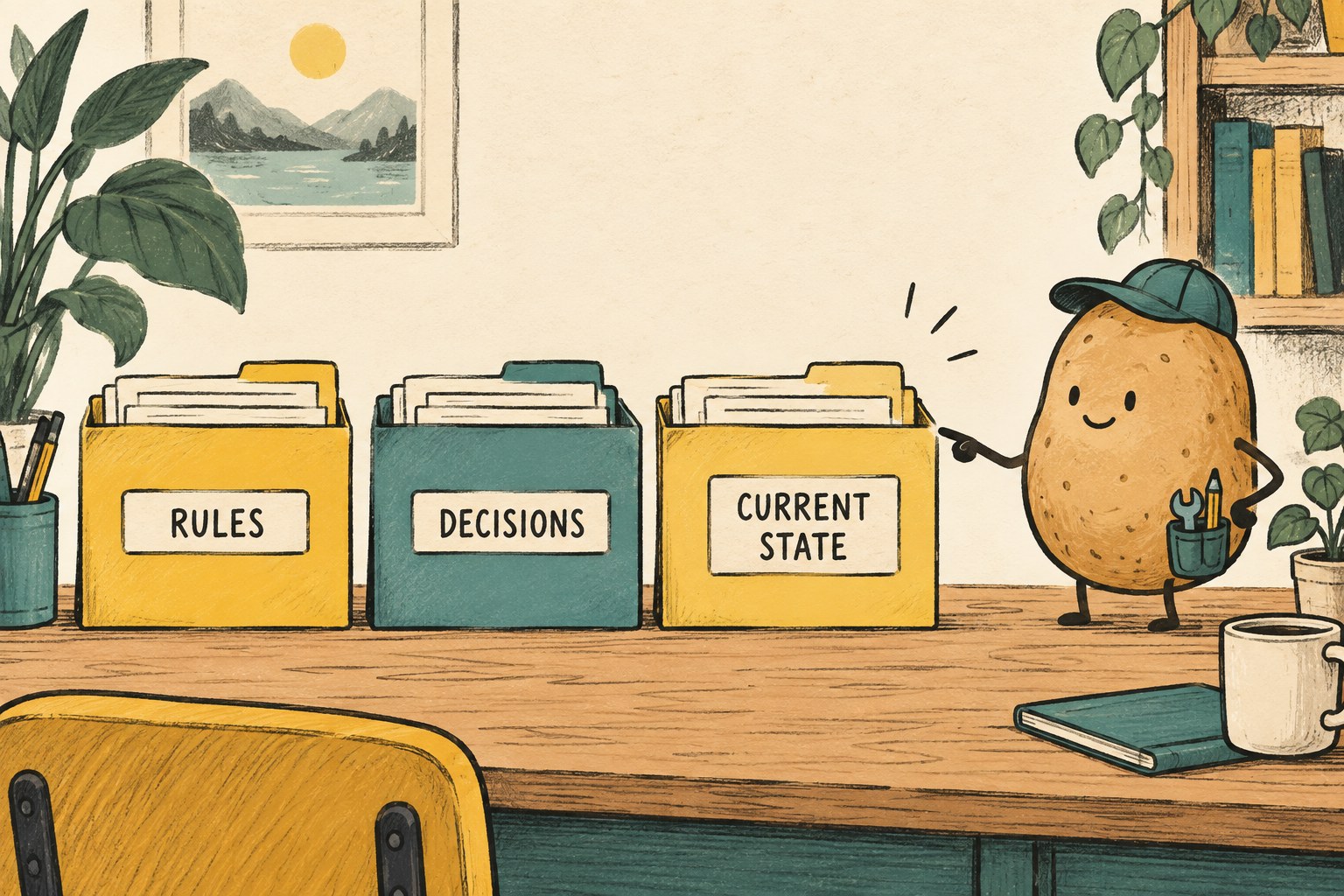
A project rule, a design decision and a report from yesterday's test serve different purposes. Mixing them into a single running diary makes it easy to mistake history for current instructions.
| Record | Put here | Keep out |
|---|---|---|
| Rules | Where to start, approved workflow, applicable checks and boundaries | A claim that yesterday's build is still the latest |
| Decisions | The chosen approach, its reason and what would justify revisiting it | Unreviewed brainstorming presented as a settled choice |
| Current state | The work location, revision, local changes, latest evidence and next check | Secrets, an entire chat transcript or an unsupported “finished” label |
For a small project, these can be three sections in one document. Split them only when reading becomes difficult. The point is clear meaning, not a miniature filing cabinet empire.
Claude Code's official documentation distinguishes project instructions from automatically written notes and warns that instruction files are context rather than enforced configuration. Apply that distinction here: a handoff can describe a boundary, but permissions and technical controls still need to enforce it. A sentence in a file cannot grant access the next worker does not have.
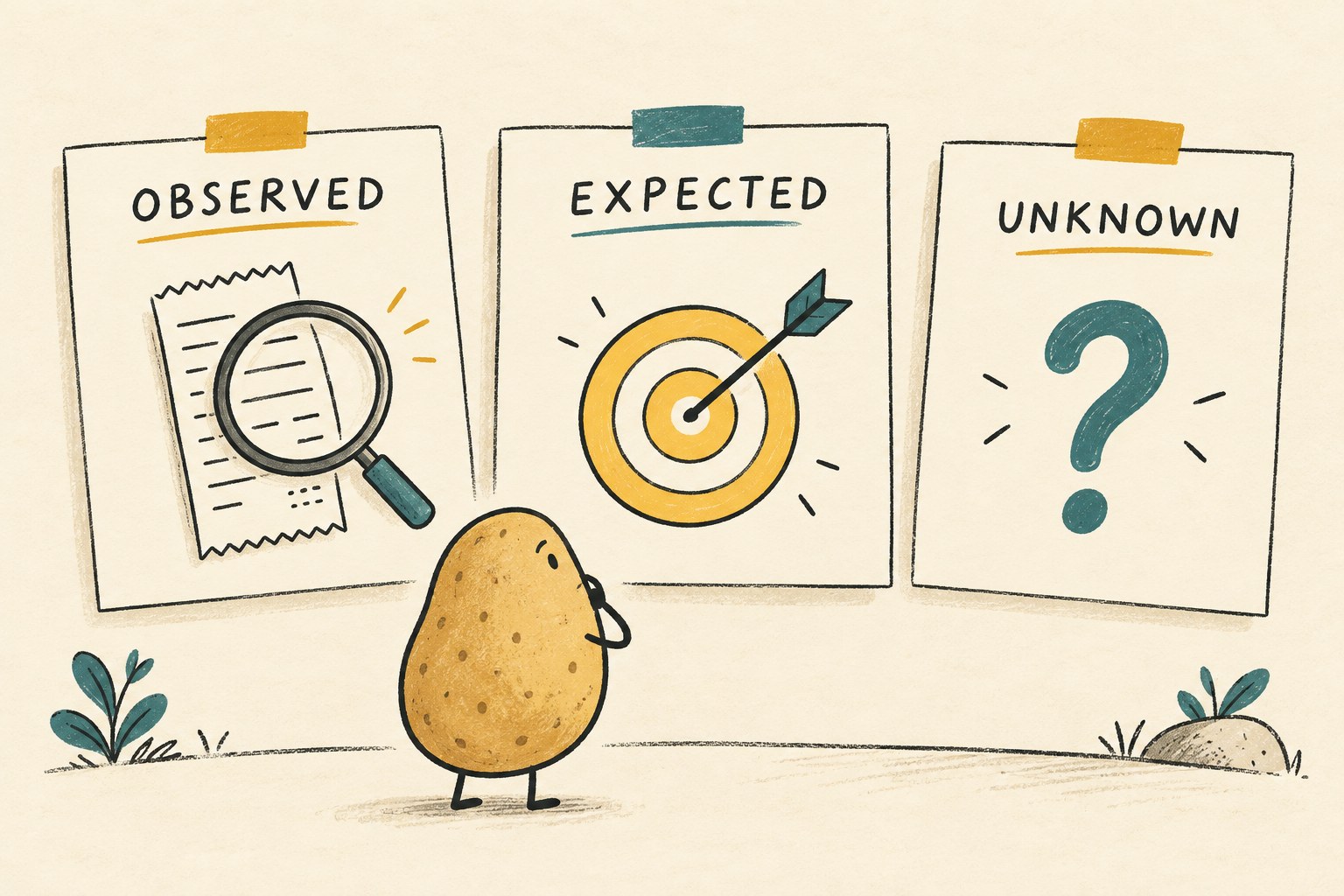
Make every completion claim inspectable
Use three labels when preparing the current-state section:
- Observed: something you actually inspected, with a date and evidence location.
- Expected: the behavior the change is intended to produce.
- Unknown: something not checked, unavailable or inconclusive.
Suppose you are changing a fictional recipe app's search field. “Search fixed” bundles several claims together. A more useful entry says: “Observed: the empty-query unit test passes for revision X plus the listed local patch. Unknown: keyboard behavior on a physical phone. Next check: inspect the saved simulator result for the cancel-search case.”
That example is invented. Its value is the structure: a reader can disagree with the conclusion without having to reconstruct the whole conversation.
| Weak note | More useful note |
|---|---|
| Tests passed | Which command or suite, which revision and local changes, result counts, skipped checks, and where the output is saved |
| Uploaded | Which destination, object or job ID, observed status, and whether the resulting item was reopened |
| Does not work | Smallest reproduction, expected result, actual result and the environment used |
| Try again | What changed since the failed attempt, why another attempt is appropriate, and what must be checked first |
A commit identifier alone does not describe uncommitted work. List relevant modified and new files, and say where their preserved contents live. Do not “clean up” that uncertainty by discarding them.
Copy this restart record
Use this as a short form in a project document. Replace every placeholder. Leave an explicit unknown instead of filling a gap with a guess.
- Goal and finish line
- What the user should be able to do, and the checks required before calling it complete.
- Work location
- Repository or workspace, branch or detached state, current revision, and relevant local changes.
- Evidence
- Latest check, timestamp, tested state, result, skipped coverage and durable output location.
- Still running
- Owner and job or process identifier for unfinished work. Say “unknown” if you cannot confirm whether it stopped.
- Open problem
- One concrete remaining defect or question, with the shortest known reproduction.
- Boundaries
- What may change, what must stay intact and which next action needs a person's decision.
- Next check
- The first read-only comparison or inspection that should happen before another edit.
Store links only where the intended reader can open them. An inaccessible screenshot is a pointer to missing evidence, not a verified result. Keep credentials and private customer information out of the handoff; reference approved access procedures instead.
Rehearse the restart before making more changes
Open a fresh session in an authorized copy or workspace and provide the record. Ask it to inspect, not implement. A useful first prompt is:
Read the restart record and inspect the referenced project state without changing it. Tell me what is complete, what is uncertain, whether the record matches the current files, and the first check you would perform. Do not launch another writer or repeat an external action.
Then compare the answer with reality. Can the session identify the right work folder? Does it notice the local patch? Does it preserve a skipped test as skipped? If it invents a missing result, improve the record or its evidence links before authorizing work.
This is a rehearsal, not proof that every future session will behave correctly. Start with a small change that has a clear finish line. Our one-task AI experiment guide provides a related way to keep an evaluation bounded.
Handle a stale or conflicting record
If the file says revision A but the workspace is at B, pause the planned edit. First determine whether B contains newer authorized work. Compare the relevant changes and update the record; do not automatically reset the project to make the note true.
If a test is still running, keep its owner attached to that work until its status is known. If a publish or upload attempt returned an unclear result, inspect the destination before repeating it. A handoff should prevent duplicate effects, not make them easier to automate.
If two documents disagree about an important requirement, name the conflict and ask the responsible person to resolve it. Neither the longer document nor the more confident sentence wins by default.
Close with a receipt, not a victory lap
After the next step, update the same current-state record. Replace outdated status, preserve meaningful decision history, and link the new evidence. The five-field card below is a compact ending for a session; the longer form above remains useful for unresolved work.
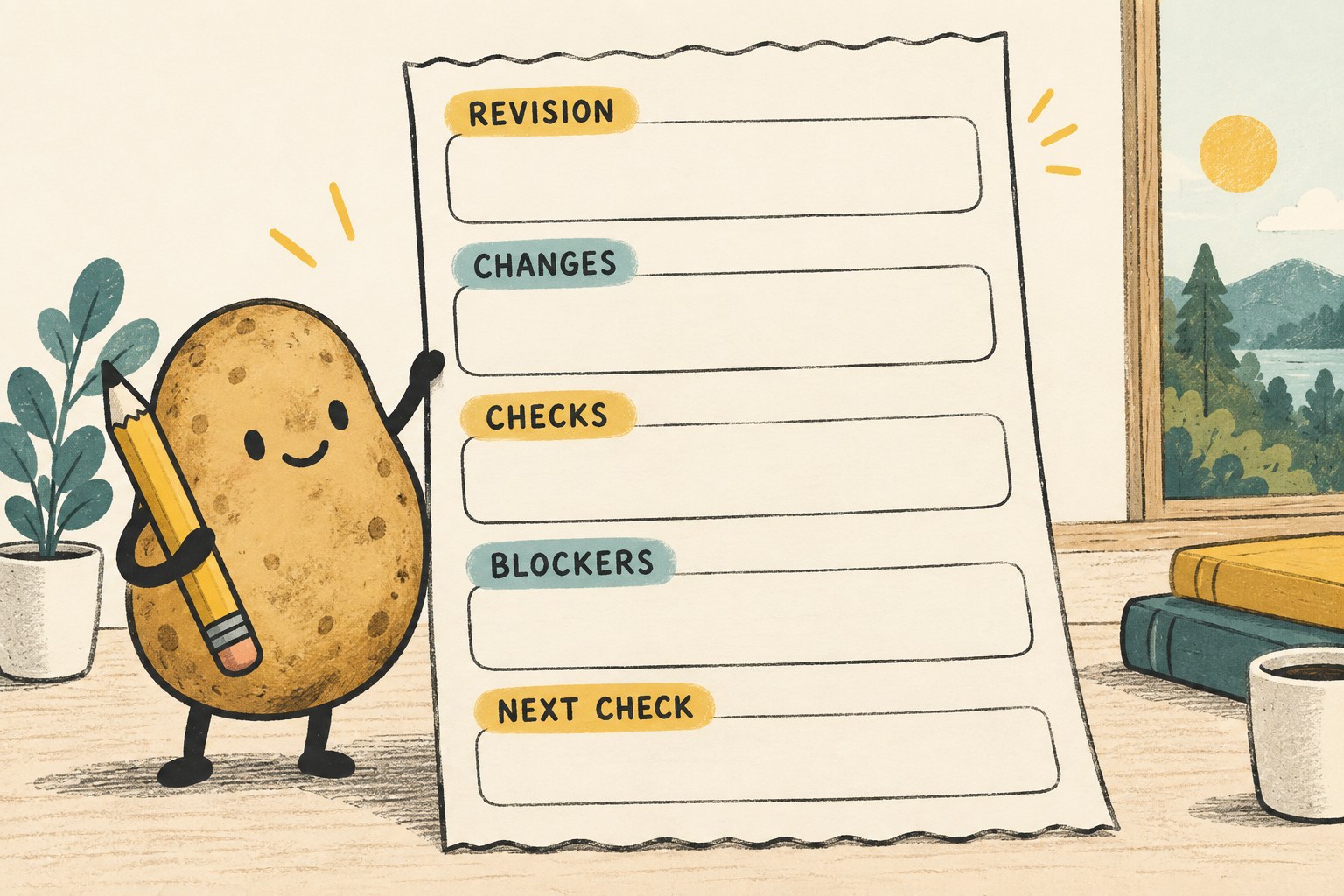
- Revision: what state the receipt describes, including local changes.
- Changes: what actually changed during this session.
- Checks: what ran, what passed or failed, and what was skipped.
- Blockers: what still prevents completion.
- Next check: what the next reader should verify first.
The practical test is simple: can someone continue without guessing, overwriting newer work or repeating an uncertain action? If the answer is no, add the missing evidence or boundary. More prose is optional.