A useful coding extension should earn its place in your session. Start with one small job, a few observable checks and a way to remove it. Otherwise, a convenient status panel can become another system you have to debug.
Claude Code's October 1, 2026 mods tutorial describes JavaScript or TypeScript extensions that run inside a session, observe events, change behavior and draw interface elements. It specifies version 2.1.287 or later and warns that the API can change: generated type declarations for the installed build are the version-specific authority. This guide turns that development into a small, reversible evaluation plan. It is not a report of a mod we installed or tested.

Pick a job you can describe without naming an API
Write one sentence: “After each completed task, show whether my three required checks have results.” That is more testable than “make my agent safer.” The first sentence has a trigger, a visible result and a limit. The second can expand indefinitely.
For an initial experiment, prefer an informational display over something that changes commands. This is a scope recommendation, not a claim that an observer is harmless. A readout can still access or expose information. Keep real client material and credentials out of the experiment, and use an environment approved for evaluating code from that publisher.
| Proposed job | Observable success | Explicit non-goal |
|---|---|---|
| Display which checks ran | Each named check has a result or “not run” | Do not execute checks automatically |
| Summarize changed files | The list agrees with the inspected change set | Do not edit or revert files |
| Show a session reminder | The reminder appears at the agreed point | Do not approve commands or change permissions |
Separate watching from changing
The tutorial groups hook behavior into observing an event, rewriting it, or answering it without continuing the chain. It also says mods run with Claude Code's access and should be installed only from trusted publishers after reviewing the repository. A sandboxed module is not a promise that the extension cannot reach files or the network through the host's APIs. Claude Code’s permission rules and sandbox cover its tool calls, not code a plugin executes itself; processes started by a mod run outside that sandbox. Read the current plugin security documentation before evaluating any candidate.

Use those three behavior types as review questions, not as badges assigned by a marketplace description. “Shows a panel” describes its interface, not everything its source does. Ask a qualified reviewer to identify its event hooks and any calls that read files, launch commands, contact a server or retain state. If nobody can explain an unexpected capability, stop the trial rather than adding more trust to make it work.
Make a needs-versus-access inventory
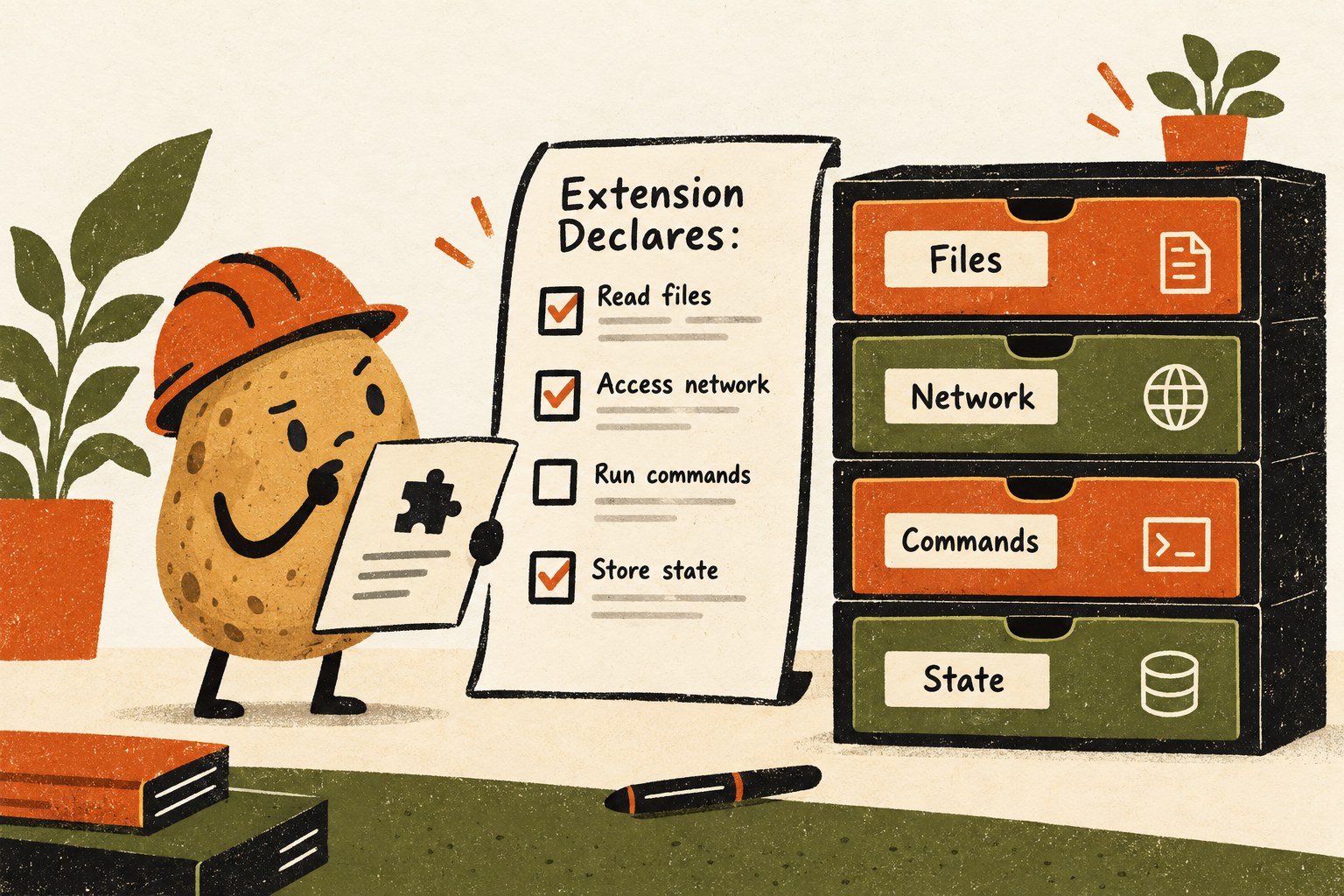
Here is a fictional candidate: a panel that shows whether a project contains a README, a test folder and a license file. Its stated job concerns file presence. A request to send the contents of those files to a remote endpoint deserves a separate explanation; it is not automatically necessary just because the interface looks local.
| Area | Question to answer before loading | Record |
|---|---|---|
| Files | Which paths are read or changed, and why? | Exact scope and any uncertain paths |
| Network | Which destinations receive which data? | Destination, payload purpose, unresolved questions |
| Commands | Can it start or alter an operation? | Trigger and expected effect |
| State | What persists, and what resets? | Expected reload and fresh-session behavior |
| Updates | Does the installed revision match the reviewed revision? | Version or revision and review date |
This inventory is not a security certification. It gives the reviewer a concrete mismatch to investigate and the user a reason to decline unnecessary scope. Do not paste secrets into a review prompt or grant additional access simply to finish the checklist.
Run a small behavior matrix, not a screenshot contest
Only after the source and access review is acceptable, test in a disposable environment with fabricated data. Record what you actually observed. A clean validation result and an attractive screenshot are different evidence from correct behavior.
| Case | Expected result to define | Evidence to capture |
|---|---|---|
| Ordinary input | The promised information appears accurately | Input and displayed result |
| No matching data | A truthful empty state, not an invented success | Empty fixture and screen |
| Failed underlying operation | Failure remains visible | Error and resulting display |
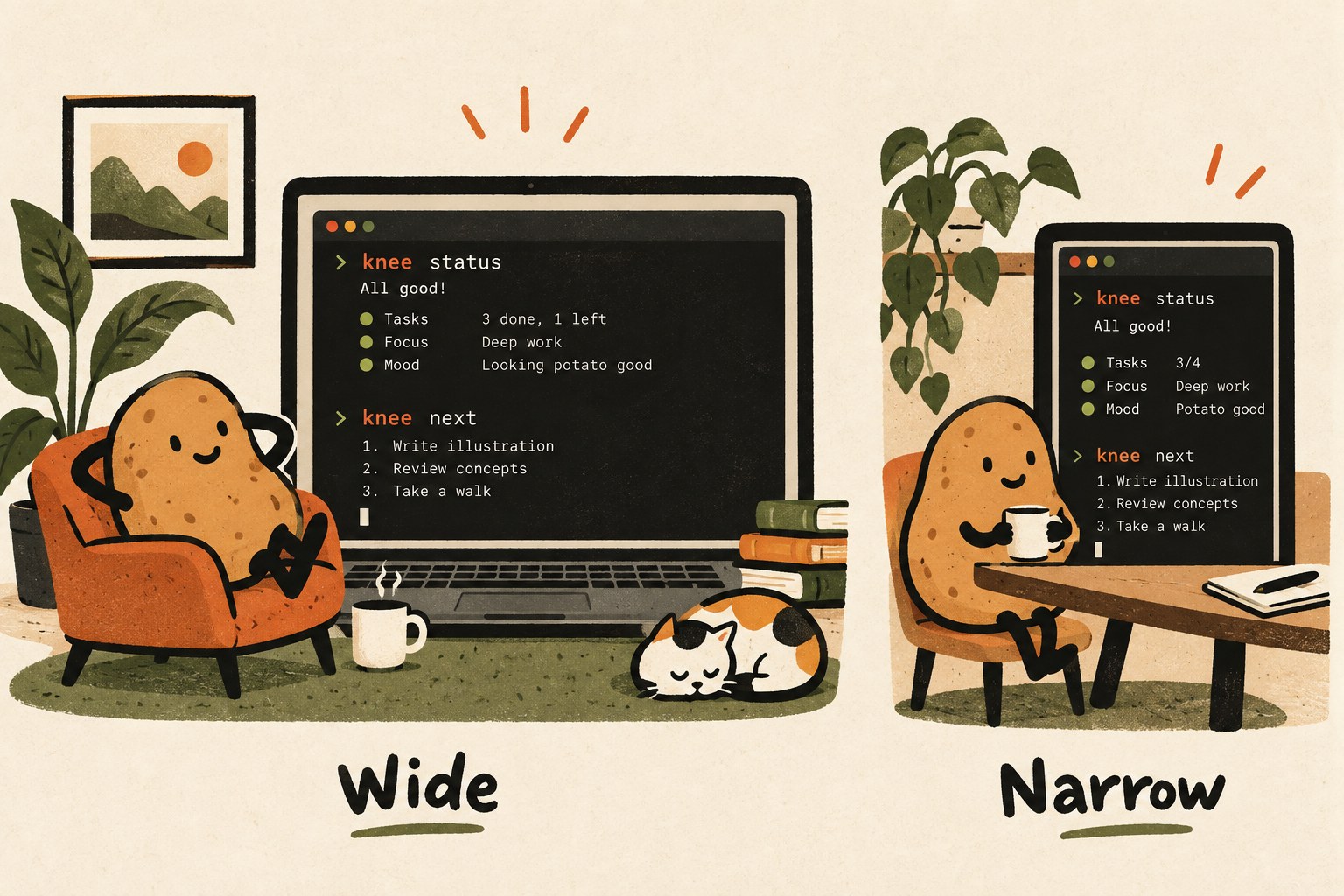
| Narrow window | Essential labels stay readable | Smallest supported width |
| Reload and fresh session | State follows the documented retention rule | Before-and-after values for both cases |
| Removal | The session returns to the known baseline | Normal workflow repeated without the candidate |
For the file-presence example, try a folder with all three items, one without a test folder and one where a read fails. “Unable to check” must not become “missing,” and neither should become a green pass. Then change the fixture and check that an old result is not left on screen as if it were current.
Do not use a dangerous real command to see whether a warning panel catches it. A display test or a documented test harness with harmless fixtures is the appropriate starting point. A warning feature does not replace the host's permission controls.
Keep a review record you can revisit
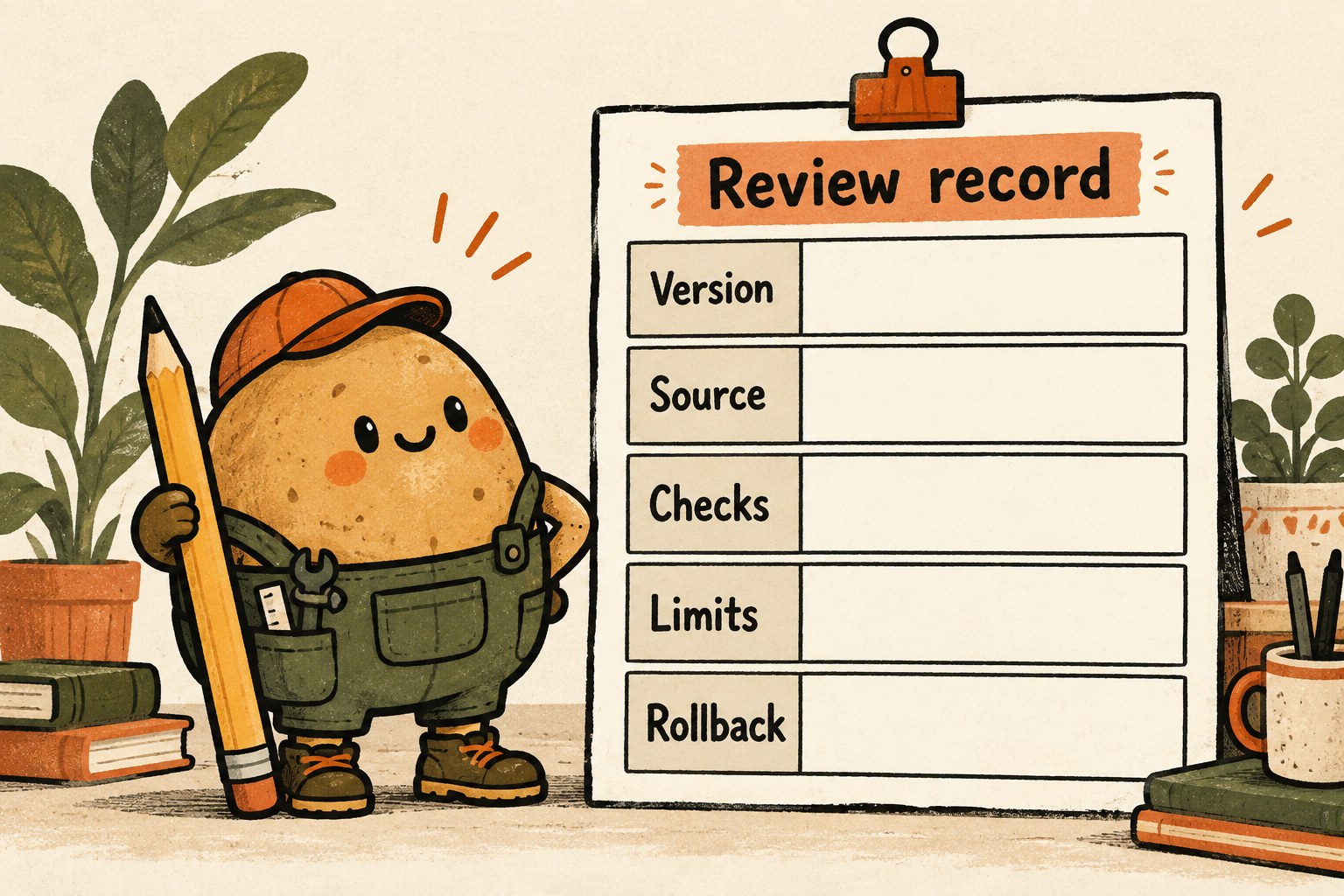
Copy this short record into your project notes. Leave unknowns visible.
- Candidate and exact revision: name, publisher, source link, version or commit.
- Host: installed Claude Code version and interface used.
- One job: trigger, expected result and non-goals.
- Access review: reviewer, date, inspected scope and unanswered questions.
- Checks: each case marked passed, failed or not run, with evidence.
- Limits: untested surfaces, widths, errors and interactions.
- Rollback: documented removal method and whether the baseline was restored.
- Decision: keep for this bounded use, revise and repeat, or do not load.
Revisit the record when either the host or the mod changes. A past pass belongs to the revision and conditions that produced it. If the trial adds more uncertainty than usefulness, keeping the ordinary interface is a successful outcome too.
For the surrounding workflow, use our task-first UI review brief to protect the original journey, and the AI coding restart record to preserve what was actually checked.