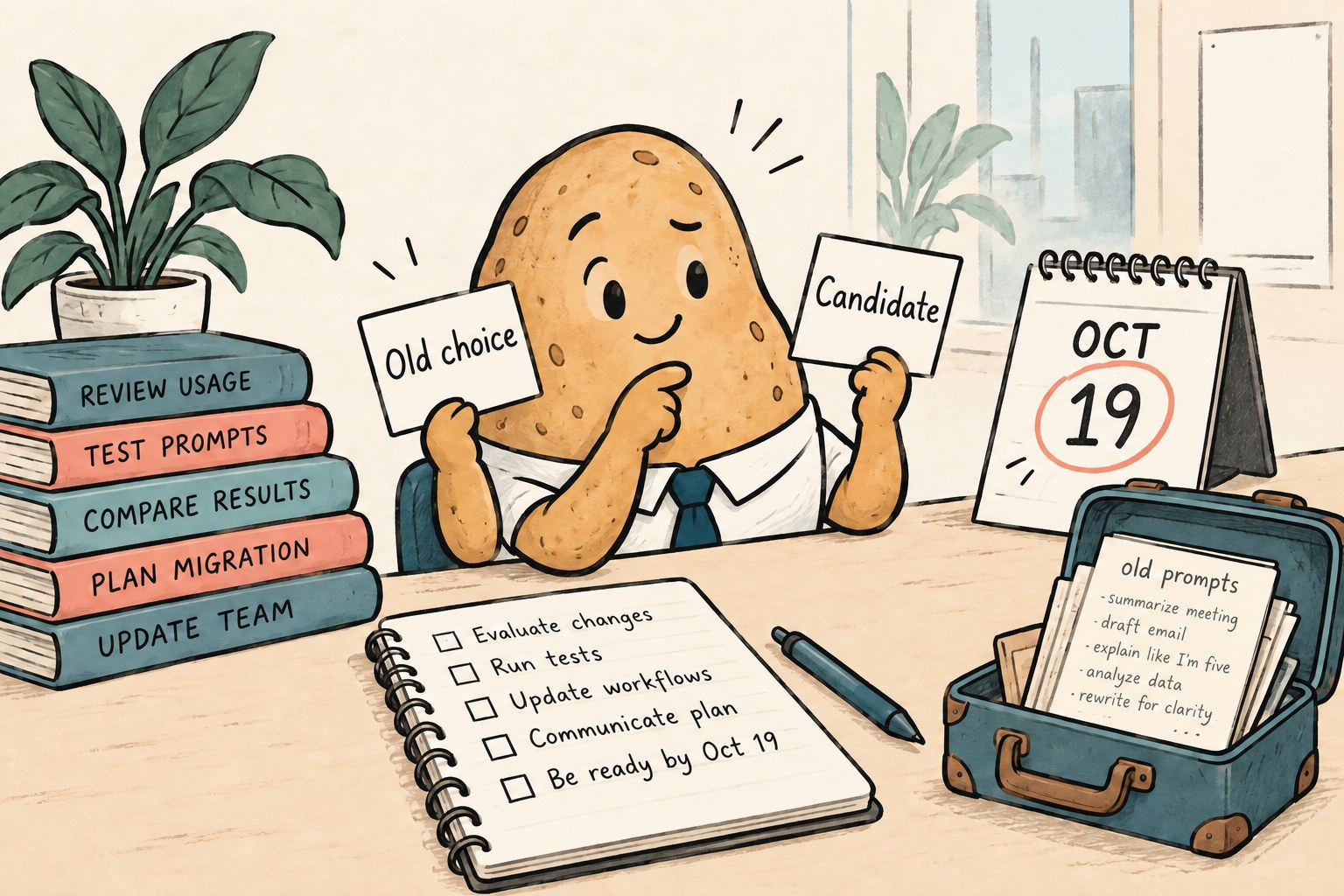
A model name can become a dependency without anyone putting it in a package file. It lives in a saved prompt, an onboarding note or the editor you open every morning. Before a retirement date arrives, make a small replacement record rather than trusting that a new name means the same result.
GitHub's September 18, 2026 Copilot announcement schedules six model retirements for October 19. As checked on October 5, it suggests Gemini 3.8 Flash for Gemini 3.7 Flash; GPT-5.6 Sol for GPT-5.5 and GPT-5.4; GPT-5.6 Luna for GPT-5.4 mini and GPT-5 mini; and Grok 4.6 for Grok 4.5. This is a Copilot notice, not a statement about every provider's API.
Start with one working habit
Pick the Copilot task you would most miss tomorrow. Perhaps it explains an unfamiliar function, edits a repetitive test or proposes a small refactor. Give that habit an owner and a replacement deadline. A single-person project still needs an owner: you, ideally before the morning when everything is due.
The method below is an editorial planning aid, not a report of hands-on migration testing. It deliberately keeps model availability, output quality and spending limits separate. One green checkbox cannot stand in for all three.
Write an inventory you can finish
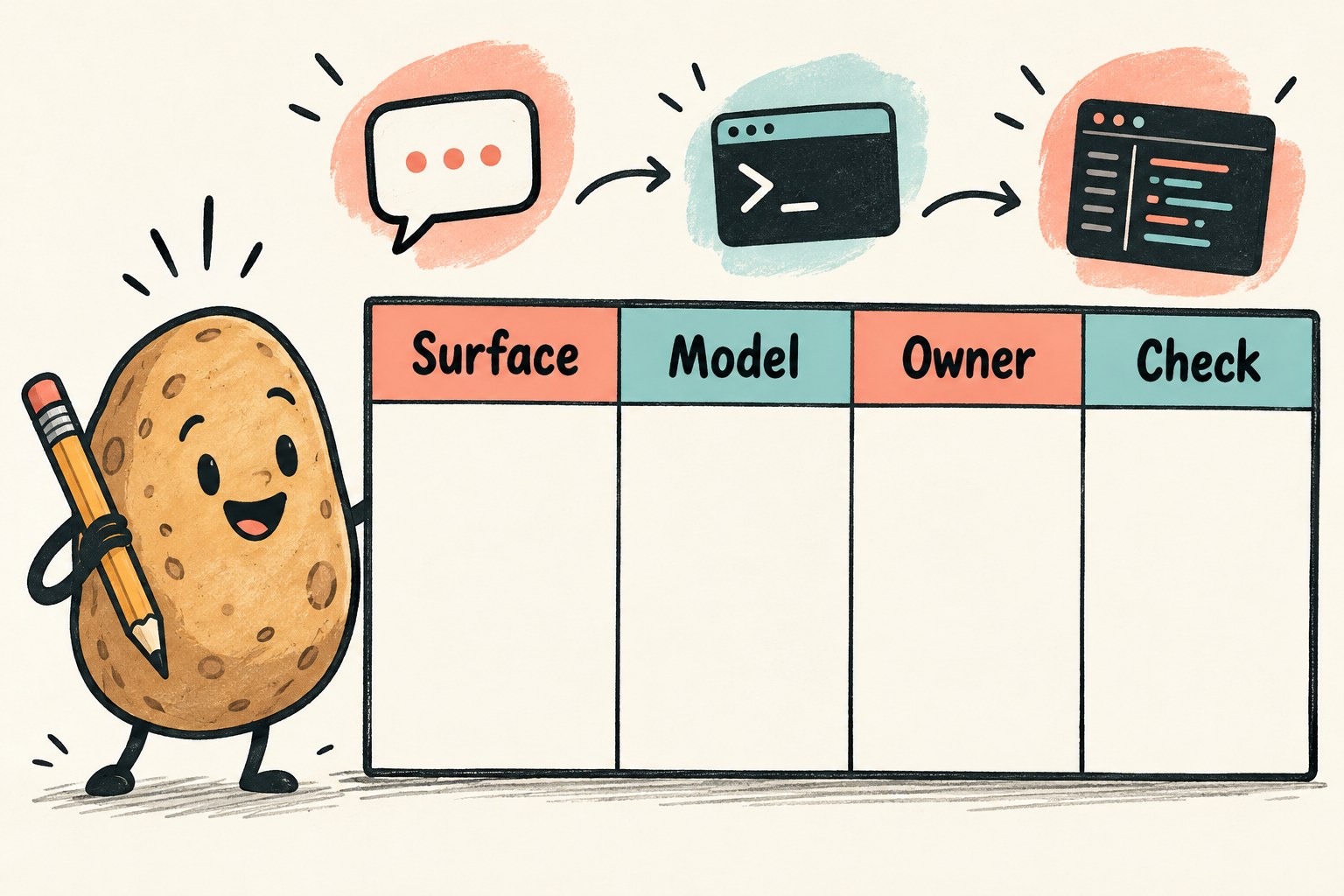
Use one row per actual working surface. Do not mark a terminal workflow complete because a chat window worked. Copy names from the product you use, and record an automatic selection as automatic rather than guessing which model ran behind it.
| Field | What to record |
|---|---|
| Surface | Editor and extension version, web chat or other actual interface |
| Current selection | Exact displayed name, or automatic/unknown |
| Dependency | Saved instruction, team note or configuration that names it |
| Replacement | Candidate, where it is available and who can approve access |
| Evidence | Date checked, small task result and unresolved issue |
Search your own project notes for the retiring names. Do not mass-replace every matching string: a historical experiment, quoted release note and active setting have different jobs. Change active instructions deliberately and leave dated historical records accurate.
Separate missing access from a bad result
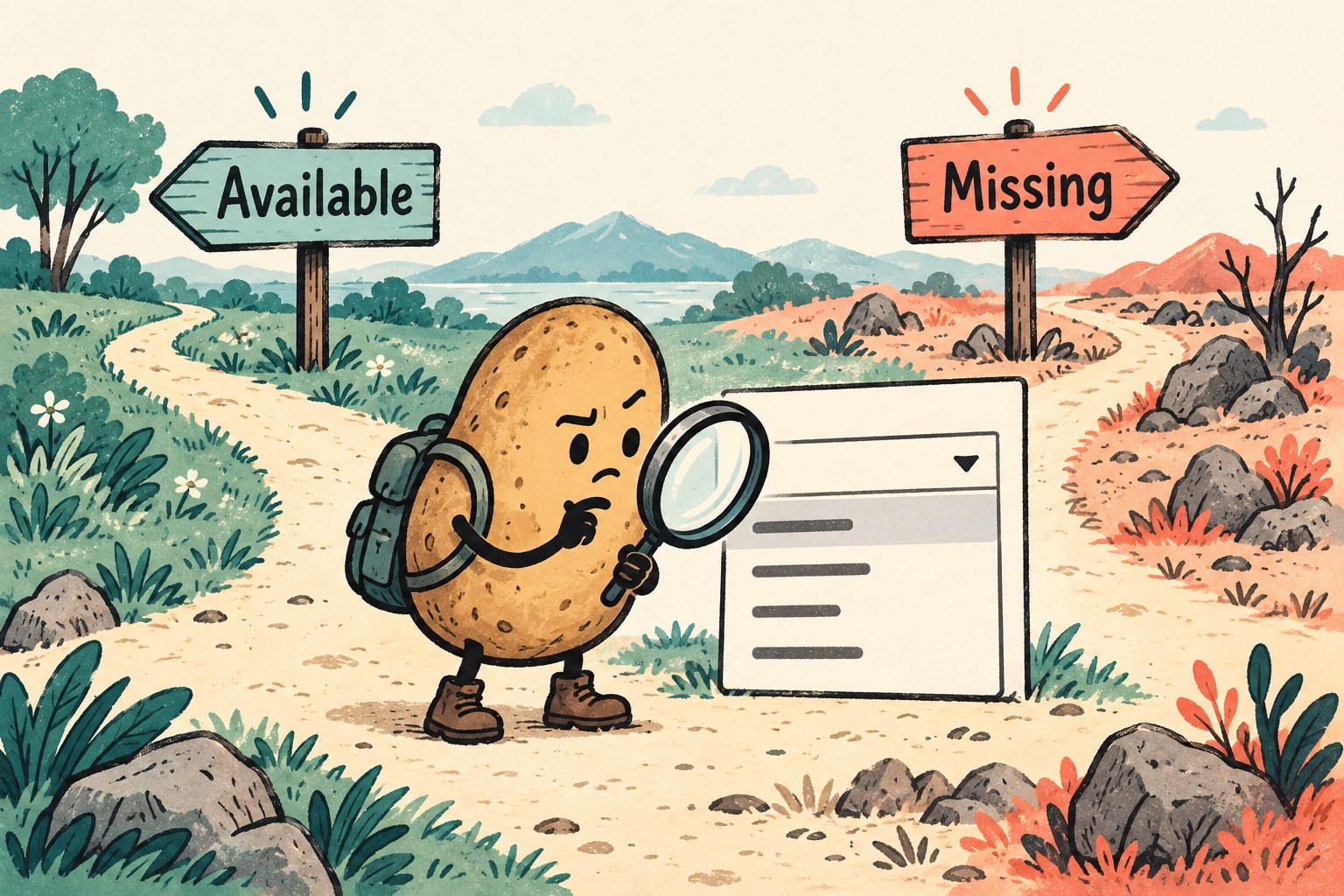
The announcement says suggested replacements are enabled under default model enablement for Business and Enterprise unless an administrator has disabled the default or the particular model. It also says deprecated models need no manual removal afterward. Neither statement proves that your intended replacement is selectable today in your exact setup.
Check GitHub's supported-model documentation against the interface and plan you actually use. The documentation currently lists automatic model selection only for Copilot Free and Student; record Auto and test the workflow rather than expecting a manual replacement selector. If a model is missing in a setup that supports selection, collect the surface, version, account context and exact message. Ask the authorized policy owner to investigate; do not use a different account to sidestep an intentional restriction.
If the model is available but produces an unsuitable answer, move to task evaluation. That is a different problem from access. Keep the failure description specific: “changes an unrelated file” is actionable; “the new model feels worse” is hard to diagnose.
Run a tiny acceptance set
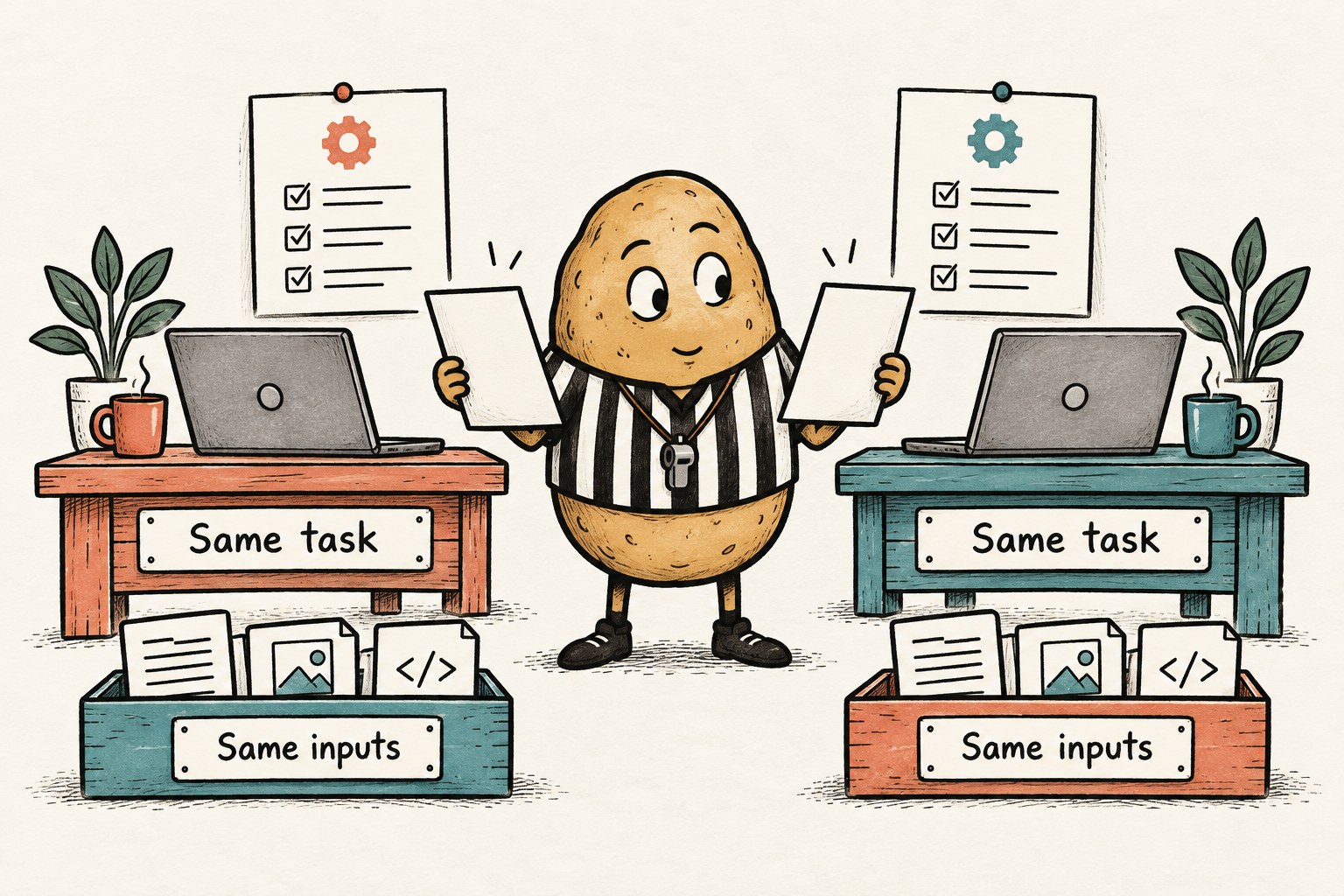
Use a disposable copy or branch and harmless inputs you are authorized to share. A branch is not a security sandbox: for agent or tool-enabled tests, use a secret-free disposable environment and restrict external actions. Start each comparison from the same revision and instructions. Write the expected outcome before asking the model, so a persuasive answer does not quietly move the goalposts.
| Task | Checkable outcome | Failure to watch for |
|---|---|---|
| Explain a function | Names the real inputs, return behavior and one edge case | Invents a helper or assumption absent from the code |
| Make a bounded edit | Changes only the requested behavior; relevant tests pass | Unrequested cleanup hides a regression |
| Handle missing context | Identifies the missing file or requirement | Claims it inspected information it never received |
These are suggested test cases, not a benchmark suite. Adapt them to your work. A documentation-only workflow needs a different check from a repository-editing workflow. Include one previously troublesome example, but do not use private customer material merely to make the test realistic.
Record failures as well as successes. If you repeat a case, keep the earlier result. Three attempts with two failures are not a clean pass just because the third answer looks tidy. Run your ordinary tests and review the diff yourself; a model's assurance is not test evidence.
Make the fallback survivable after retirement
“Switch back to the retired model” is not a dependable fallback after the deadline. Choose an allowed alternative that you have checked, or document a manual path for the task. For a small code edit, that might mean a saved reproduction, test command and human review. For an explanation, it might mean reading the source with a short list of unresolved questions.
Also check the applicable allowance and spending controls in your account before increasing usage. This guide does not assume replacement models cost the same or authorize changing a budget. If limits are unclear, keep the trial bounded and ask the account owner.
Copy this replacement receipt
- Workflow and owner: ______
- Surface/version and date checked: ______
- Old selection and replacement actually selected: ______
- Starting revision and permitted test input: ______
- Acceptance cases, observed results and diff/test evidence: ______
- Usage limit checked; unresolved access or quality issue: ______
- Allowed fallback after October 19: ______
- Active notes updated; next review date: ______
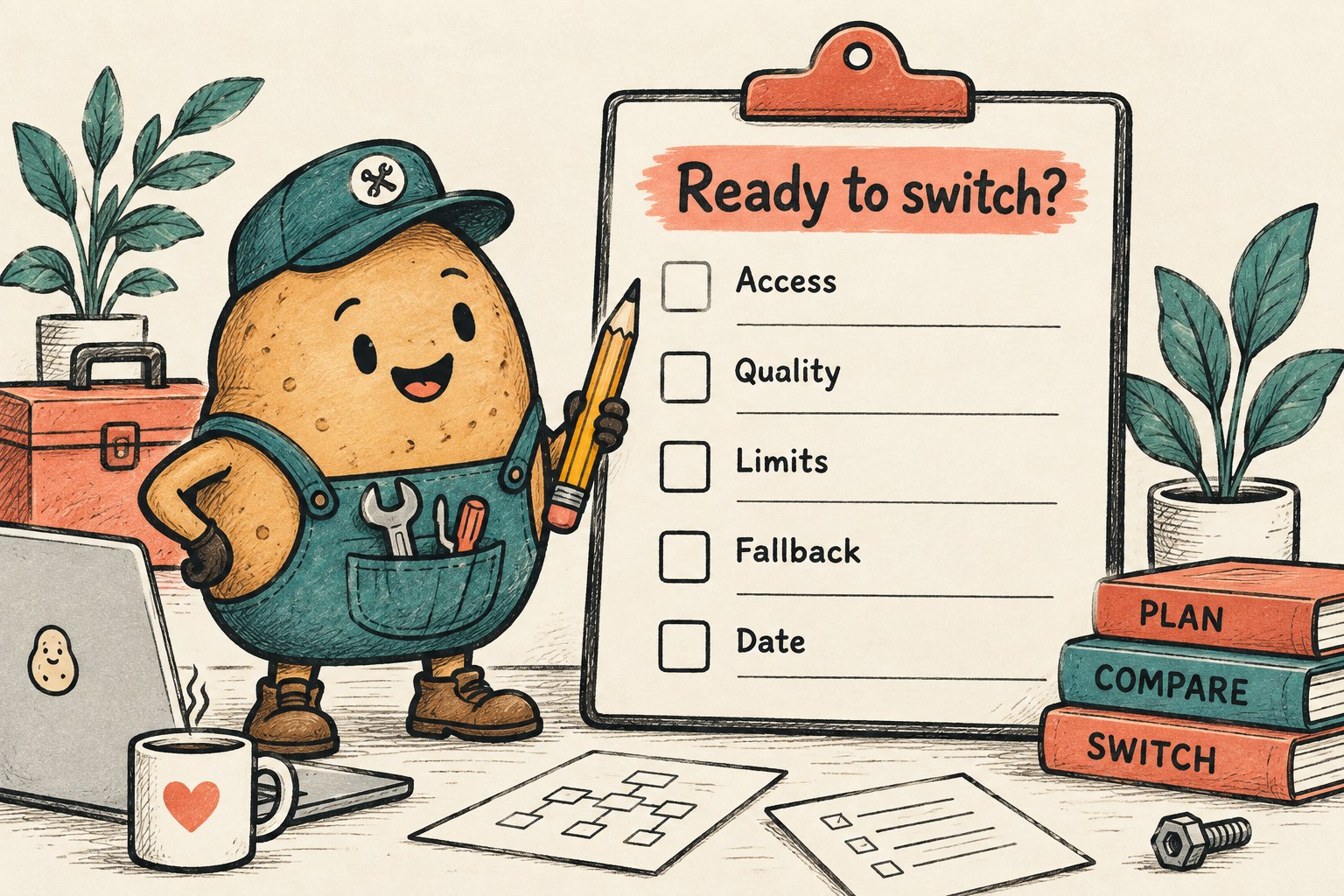
Keep this receipt next to the work, not buried in a chat. If another person must resume it, our AI coding handoff guide adds the restart details. The goal is a replacement you can explain and verify, not an impressive collection of model names.