A secret guard can be installed and still miss the route you actually use. The useful question is not “Did setup finish?” It is “What happened when this host used this tool?”
Agent Guard v3.5.6, published on October 4, 2026 UTC, supplies a timely example. Its release notes describe a fix for blocked prompts being echoed by Claude Code: the changed behavior applies to Claude Code 2.1.214 or later, while older or unrecognized versions retain the previous behavior. That is a specific compatibility claim, not proof that every installation is protected.
This guide turns that distinction into a small acceptance record for a coding-agent guard. It is a documentation-based review plan, not a hands-on test or endorsement of Agent Guard. Use a disposable project, synthetic fixtures and an authorized setup. Never use a real credential to find out whether protection works.
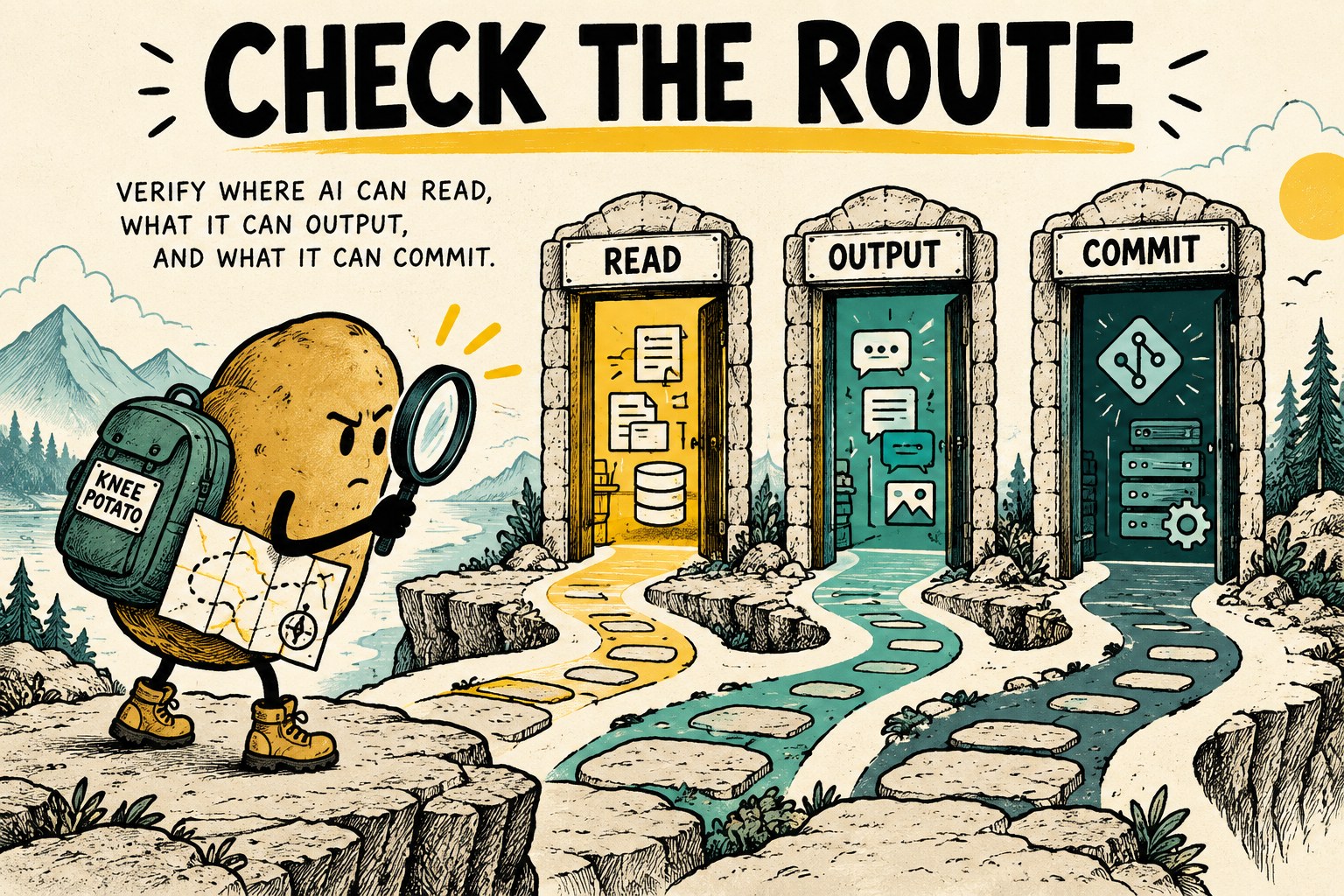
Start with a route inventory, not a green badge
Write down how the agent can encounter sensitive material in your workflow. A file-reading tool, a terminal command and a pasted message are different paths. So are a local Git commit and a remote repository check. A result from one path should not silently fill the others.
| Boundary | Question to answer | Evidence to keep |
|---|---|---|
| Before a read | Was the selected operation refused before its contents were returned? | Tool route, synthetic test identity and block result |
| Tool output | Did the expected replacement reach the agent through this exact route? | Observed output and matching local diagnostic record, where available |
| Direct input | What does the documented host integration do with user-submitted text? | Host/version-specific documentation and a synthetic-only check |
| Repository boundary | Which files or changes were actually scanned? | Scope, scanner outcome and the relevant commit or test workspace |
The table is an original review aid, not a claim that any particular product implements every row. Mark unsupported and untested routes explicitly. Do not ask an agent to inspect your credential store to complete the inventory; describe locations and access rules without copying their contents.
Keep four kinds of evidence separate
Agent Guard's version-pinned verification guide separates dependency checks, synthetic behavior, local scans and live host probes. Its setup checks do not establish that a running host dispatches the hook. A live probe only establishes the route exercised. That distinction is useful well beyond this particular tool.
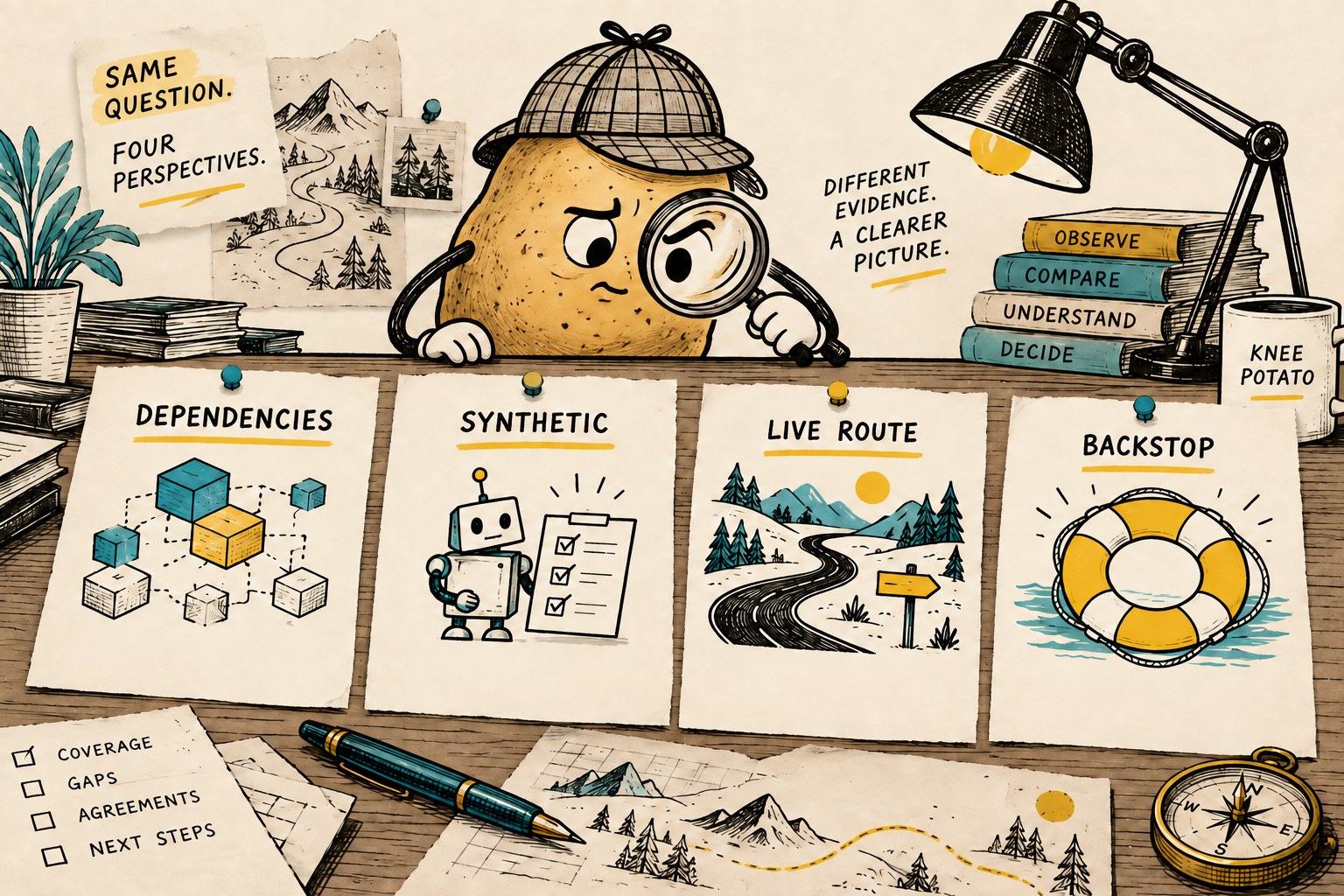
- Dependencies: Record whether required commands and configuration are available. “Installed” belongs here.
- Synthetic behavior: Record what a fixture check actually exercised. Passing a bundled test is not the same as checking your integration.
- Live route: Exercise the harmless documented probe through the normal host route you intend to use. Record the host, version and tool.
- Repository backstop: Record a separate result for the relevant scan or push protection. Do not treat it as a substitute for preventing content from entering an earlier conversation.
For example, a shell check may succeed while the file-reading route remains untested. The honest receipt says “terminal observed; file read untested.” It does not say “all secrets protected.”
A bounded first-trial checklist
Before starting, confirm that installing or changing the guard is allowed in your environment. Review the project's official source, compatibility and installation guidance; this article does not ask you to run an unreviewed installer. Keep normal repository protections enabled.
- Choose one disposable workspace. Use non-sensitive files with no production credentials, customer records or real account configuration. Keep the production project out of the trial.
- Record the combination. Note the guard version, host version, operating system, integration and configuration you are assessing.
- Use the project's harmless fixtures. Prefer the documented built-in sentinel or test fixture to inventing a realistic-looking key. Never copy a working token into a prompt, file or command.
- Run the normal route. If everyday work uses a particular terminal tool, test there. Repeat for a separately documented file-reading route only when it is supported and authorized.
- Check the evidence outside the agent's answer. Where the integration supplies a run identifier, compare it with the local diagnostic entry yourself. “The agent said it worked” is not the entire acceptance record.
- Stop on an unexpected result. Preserve a small, sanitized description of the failed route and configuration. Do not retry with real data or bypass the block to finish the demonstration.
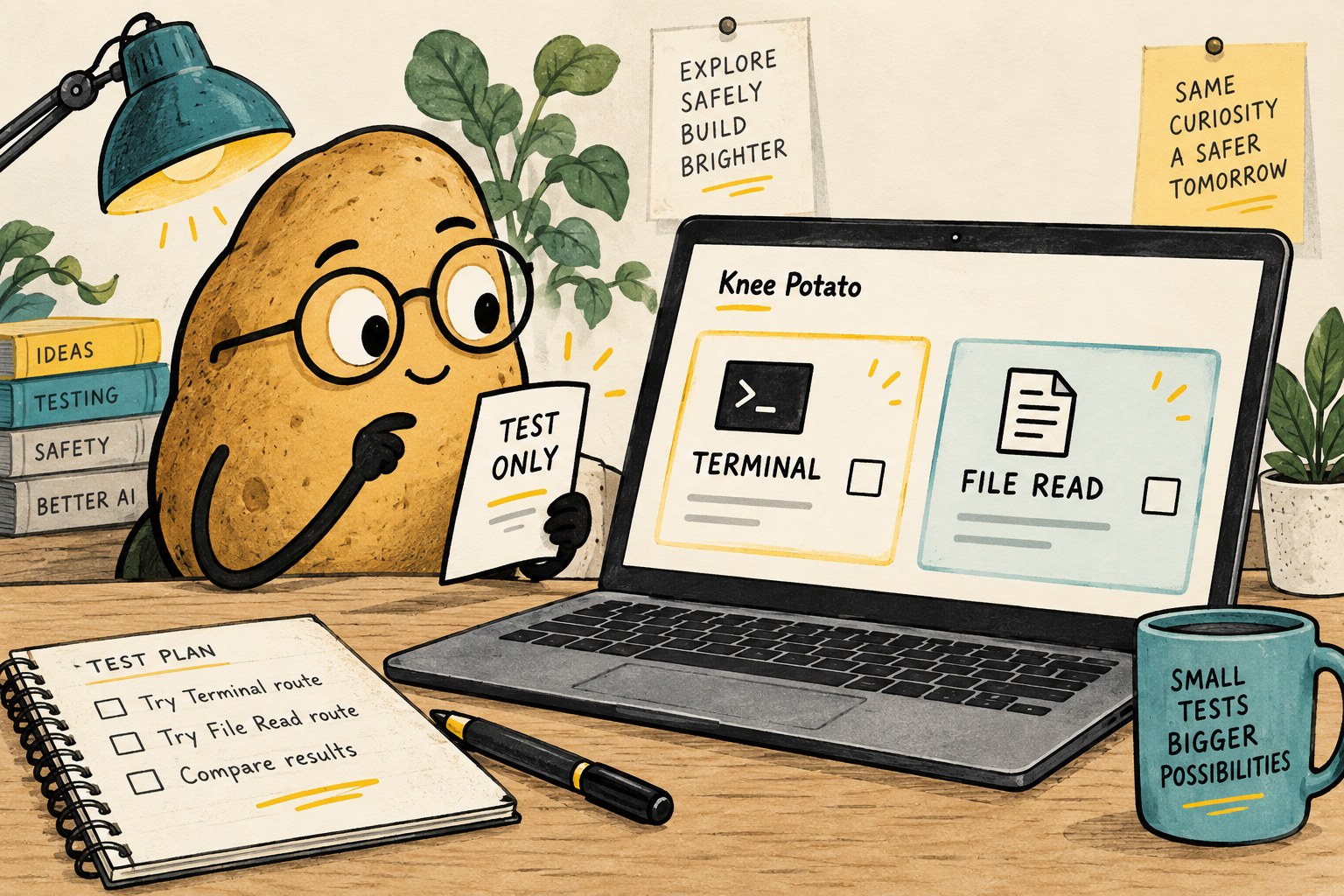
Do not put the literal expected redaction word into your test input and then celebrate when it comes back. That only proves the word survived the trip. For Agent Guard, follow its documented probe procedure rather than substituting a homemade output string; fixture details can change between versions.
“Not scanned” is a result worth keeping
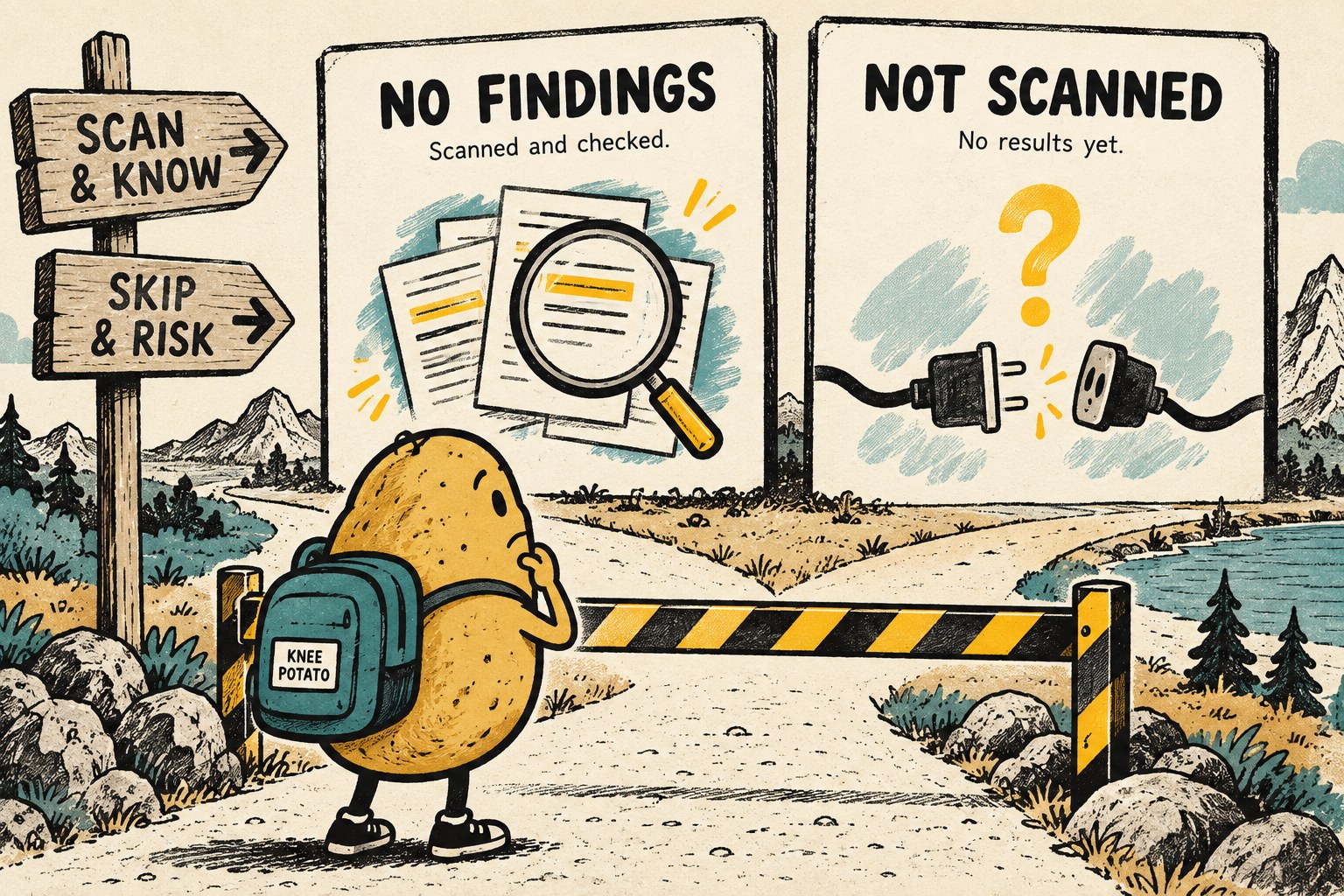
A missing dependency, timeout or unreadable configuration is not evidence of a clean input. Give it its own status. Otherwise, a dashboard can look reassuring precisely when the scanner did no work.
| Observed outcome | Record it as | Next action |
|---|---|---|
| The intended check completed and reported no findings | No findings in the stated scope | Keep the scope and version with the result |
| The synthetic probe did not produce the expected behavior | Route check failed | Investigate the integration without real data |
| The check could not execute | Not scanned | Repair the prerequisite and rerun the same bounded check |
| The route was never exercised | Untested | Do not infer coverage from another route |
These are editorial labels for a review record, not a replacement for your tool's documented exit codes. Retain the original diagnostic outcome alongside the label.
Keep the repository backstop, but know its boundary
GitHub secret scanning addresses exposed credentials in repository history and other supported GitHub surfaces. Push protection can stop supported detected secrets during a push. Availability and enablement depend on the repository and account. Check the actual setting rather than assuming every private repository has the same coverage.
Those controls address a different point in the journey from a local tool response entering an agent conversation. Layer the evidence instead of awarding one product the whole job. If an actual credential is exposed, stop the experiment and use your organization's incident process and the issuer's revocation or rotation process; hiding a line in a later screenshot is not remediation.
Copy this route acceptance record
Use one row per route. Leave blanks as “unknown” rather than filling them with a general installation success message.
| Field | Your entry |
|---|---|
| Review date and owner | Who checked it, and when? |
| Guard / host / OS versions | The exact combination |
| Route and configuration | Which tool path and relevant policy? |
| Synthetic fixture | Harmless fixture name; no secret values |
| Expected behavior | Block, replacement or scan outcome |
| Observed evidence | Sanitized result and local diagnostic reference |
| Status | Observed as expected / failed / not scanned / untested |
| Limit and retest trigger | Excluded routes; host, plugin or policy change |
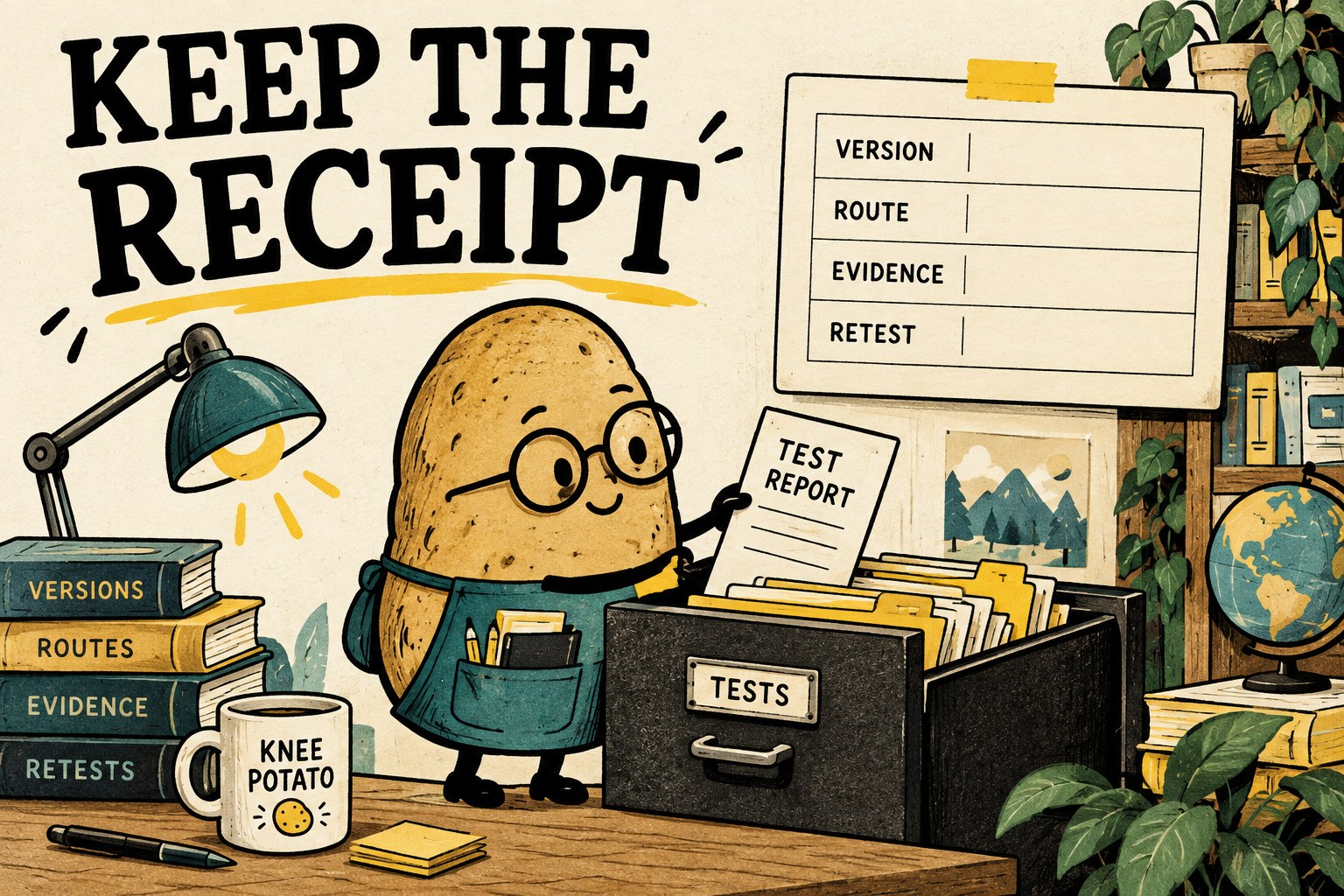
After a relevant update, rerun the affected route rather than copying yesterday's checkmark. Keep this record alongside an AI coding handoff so the next person knows what was observed and what still needs checking.
The useful finish line: one narrow route, a harmless test, an independently checkable result and an honest limit. The potato gets a receipt, not a superhero cape.