A travel pouch can contain six cables and still be missing the one that charges your watch. Before deciding what fits in the pouch, give every device a complete charging route: the right lead, the right power source and the particular port you intend to use.
This guide provides an original matching card for equipment you already own. It helps separate documented compatibility, observed charging and unresolved questions before departure. It is a packing method, not a product test, electrical certification or promise of charging speed.
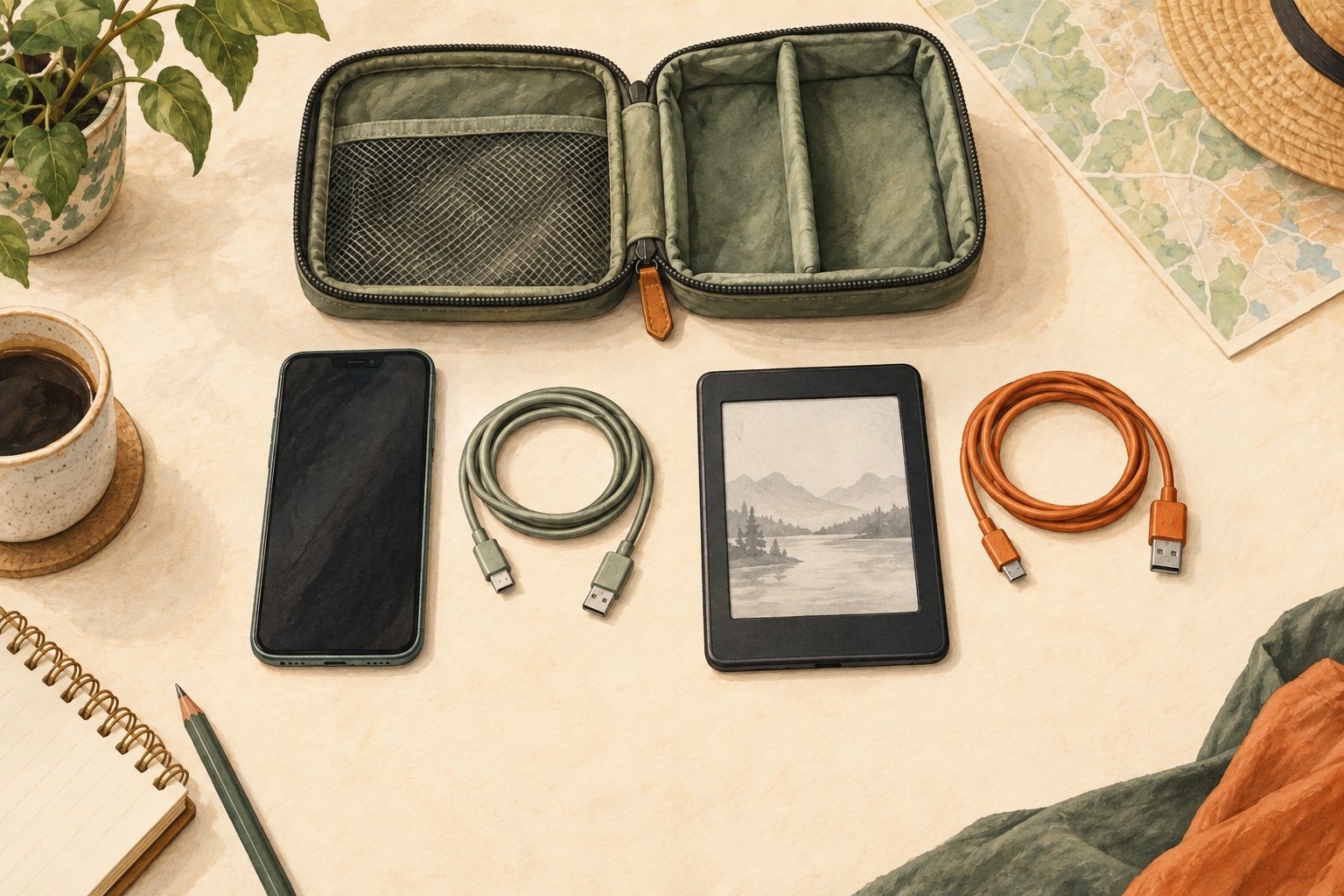
Start with the devices, then find their charging pieces
List only the devices coming on this trip. Include small items that are easy to overlook: an e-reader, headphones, a camera or a watch with a separate puck. Write the exact model beside each one and find its manufacturer's charging instructions.
Next, gather the equipment you normally use for those devices. Give each cable a simple identifier such as C1 or C2, and each charger an identifier such as P1. Record a distinctive feature or model so the note can be matched back to the physical item. A cable's color can help you find it; it cannot establish its rating.
Keep wall power adapters, rechargeable power banks and travel plug adapters as separate inventory items. Check the product's identity rather than assuming every small block performs the same job. This worksheet focuses on device-to-charger matching. Destination mains compatibility and any battery transport restrictions need their own current checks before travel.
Match the whole route, not just the connector shape
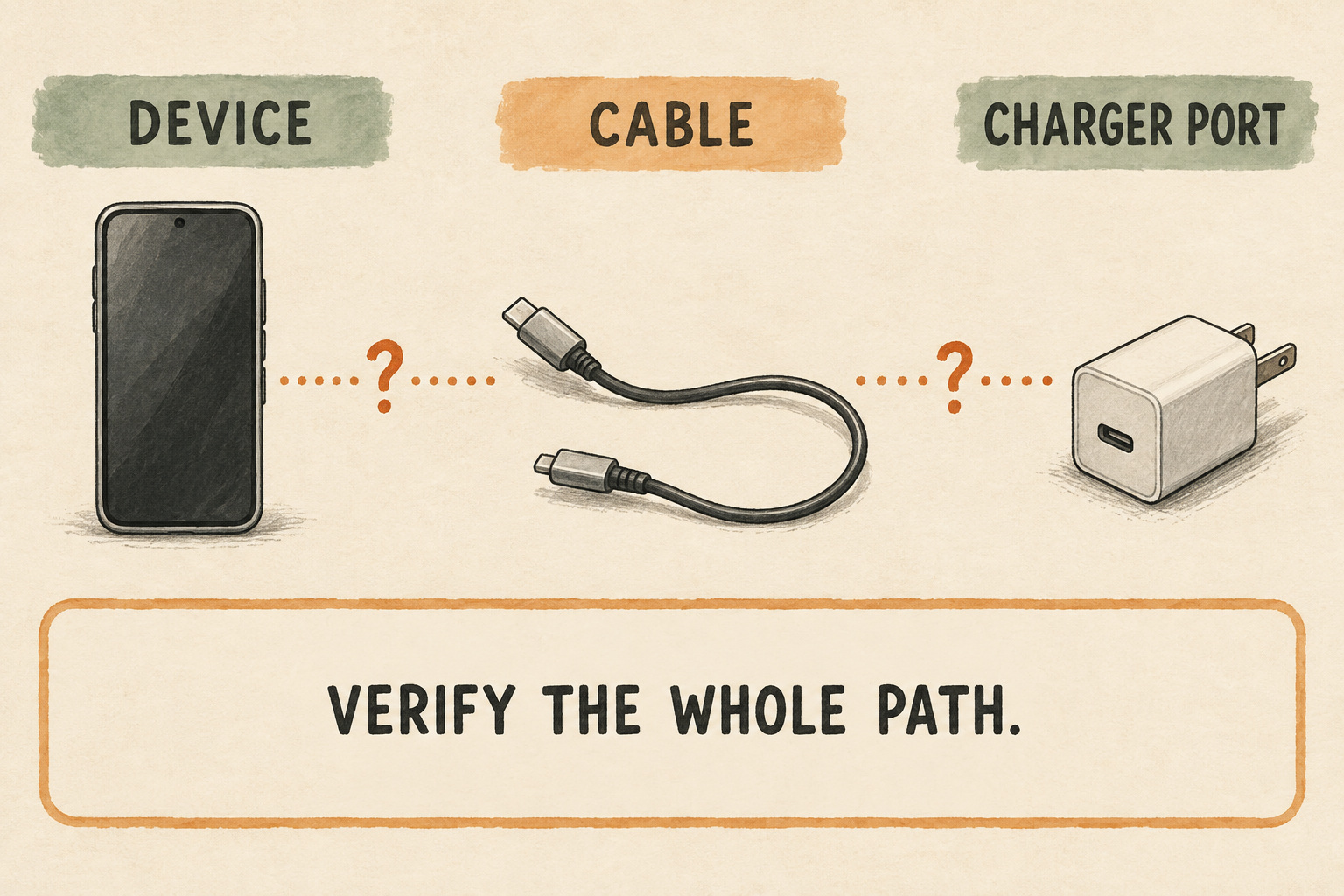
The USB Implementers Forum's terminology guide distinguishes the USB-C connector from USB Power Delivery and explains that power capabilities vary between products. Two ends that fit do not, by themselves, tell you what charging behavior to expect.
For each device, look up the permitted charging equipment and compare that information with the actual cable and charger model. Include a required dock or proprietary lead in the route. Record the specific port, especially when a charger has several. Keep any missing specification marked unknown; do not assign a cable a power rating from appearance or an unrelated listing.
Manufacturers' guidance can be quite specific. Google's Pixel charging instructions, for example, distinguish cable and power-adapter combinations and say charging speed can change with the equipment used. That is a reason to read the page for your device, rather than apply one phone's requirements to the entire pouch.
Copy this device matching card
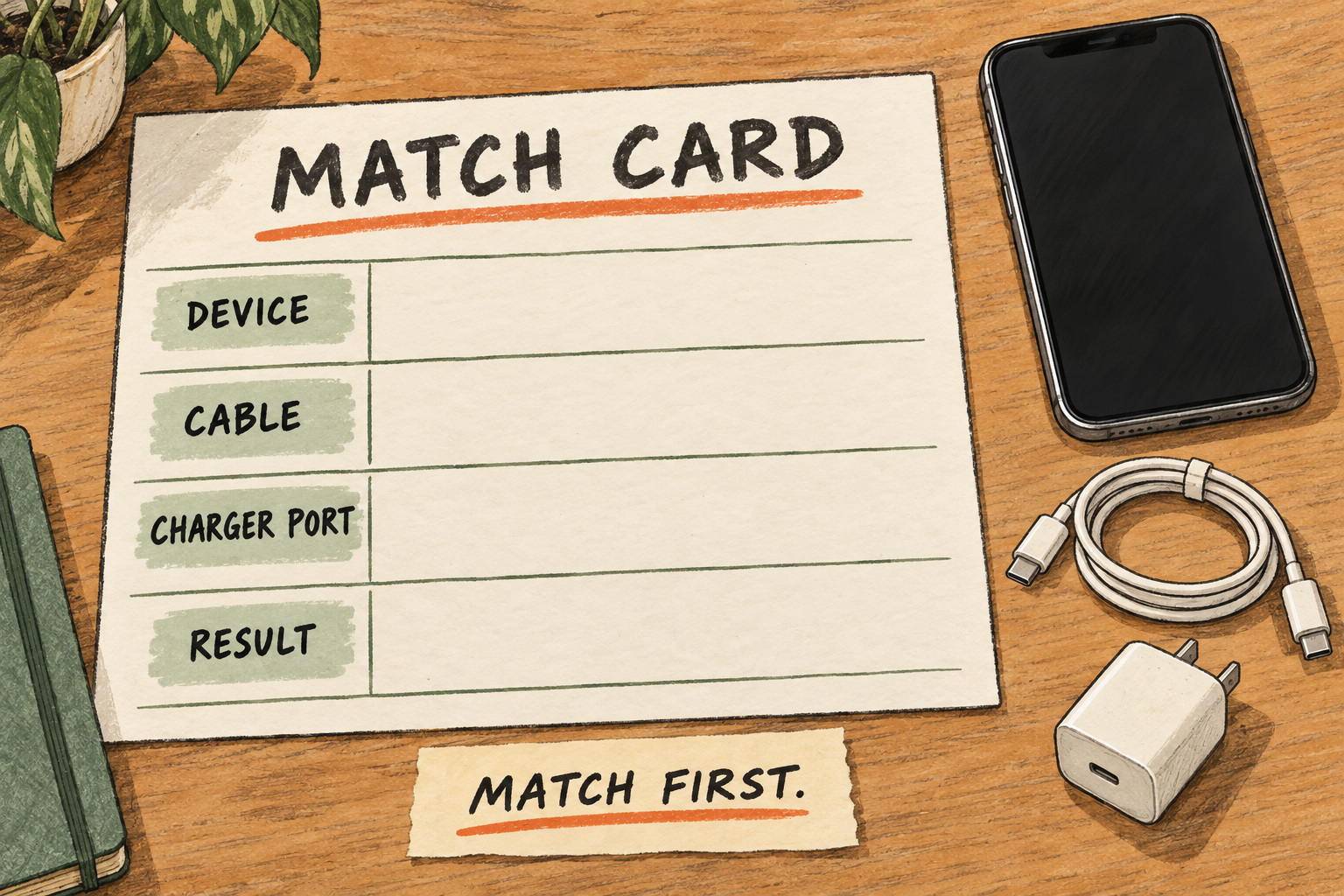
Use one card per device in a paper note or a document you can access during the trip. The four large fields in the illustration are a visual reminder; the fuller record below preserves the important distinctions.
- Device and exact model: ______
- Needed on this trip for: ______
- Manufacturer's instructions or saved manual: ______
- Cable ID and any required dock or puck: ______
- Cable ends and documented capability: ______ / unknown
- Charger ID, model and exact port: ______
- Compatibility information checked: yes / unresolved; evidence: ______
- Condition check: no visible damage / exclude; note: ______
- Single-device check: date: ______; observed result: ______ / not tested
- Planned shared-port combination: ______; result: ______ / not tested / not applicable
- Charging time needed for the plan: ______; established in this check / not established
- Shared cable or charger; charging order: ______
- Unresolved question and next action: ______
- Packing decision: pack / leave home / resolve before relying on it
Keep the evidence fields separate. “The instructions identify this combination” and “a charging indicator appeared” record different things. A brief successful connection does not establish a cable's full capabilities, a safe product certification or the time needed for a full charge.
A shared cable appears on every device card that depends on it. You still pack one physical cable, but now you can see which devices will compete for it. If a device has no complete route, it stays an open item rather than disappearing into a general “electronics packed” tick.
Check condition before trying the planned combination
Apple's iPhone safety guidance warns against damaged charging equipment and charging with moisture present. It identifies damaged prongs, frayed cables and a damaged adapter enclosure as reasons to stop use, and calls for ventilation during charging. Follow the safety instructions for your own equipment.
Set aside suspect equipment instead of testing whether it can manage one more trip. Do not patch a damaged cable or force a connector. “No visible damage” is simply the result of a visual check, not proof that an item is safe.
For equipment with documented compatibility and no identified problem, check the exact route you plan to pack, following its manufacturer's instructions. Record the cable, port, date and what you actually observed. Stop using a combination that produces a warning, behaves abnormally or needs the cable held at an angle, and use the maker's support guidance.
The pouch is for storage. Take charging equipment out and use it in the conditions its instructions require; do not zip an operating charger inside it. There is no universal short test duration or battery-percentage increase that certifies this kit. If charging time matters to your itinerary, record that as a separate requirement and leave it unresolved until you have relevant evidence.
Write a sequence when equipment is shared
A charger with two ports does not automatically provide its headline output independently to both devices. Apple's instructions for its 35W dual-port adapter describe power sharing for that particular model. Other chargers can behave differently, so use your charger's own single-port and multi-port documentation.
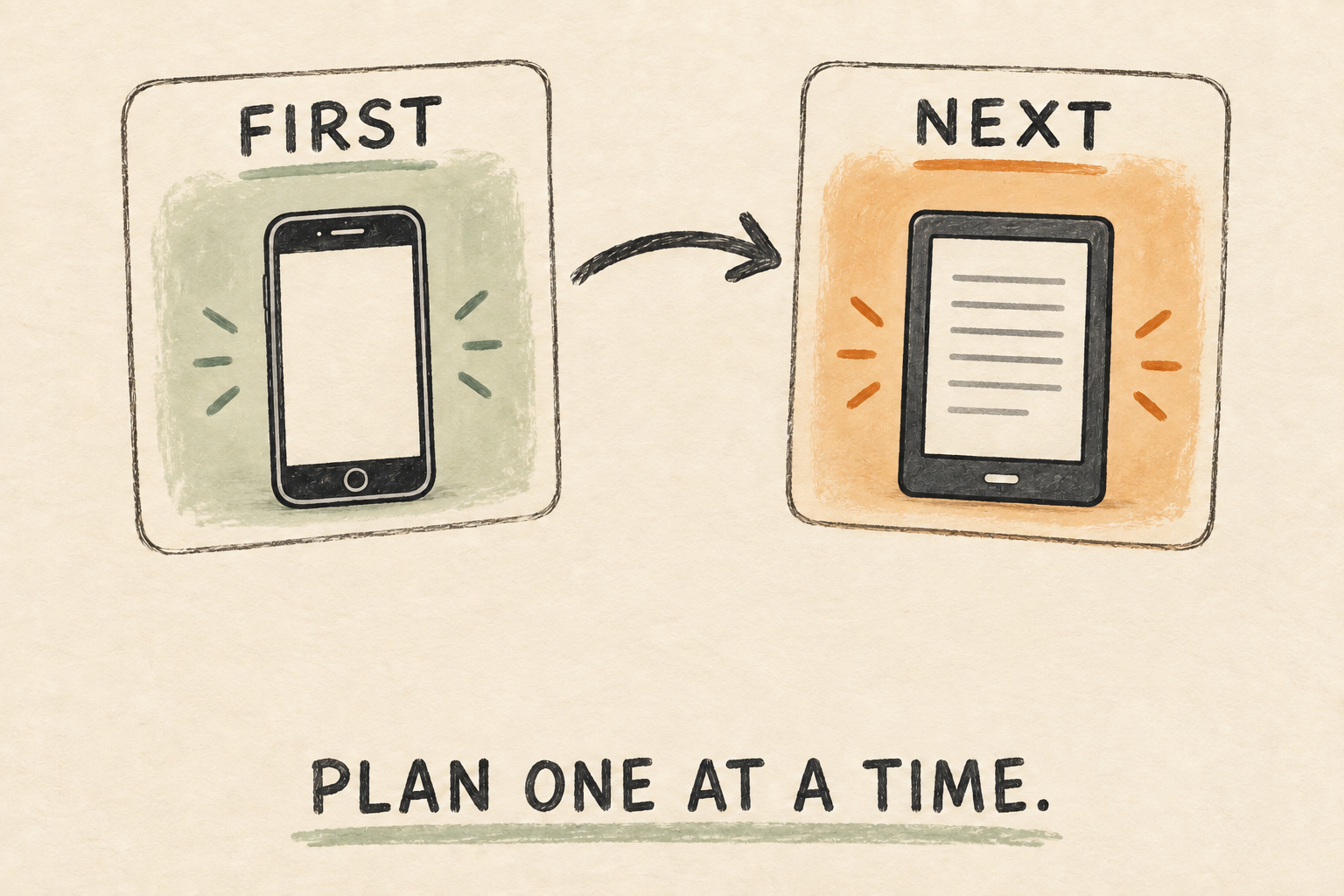
If you intend to charge two devices together, check that documented combination and observe the actual setup before relying on it. A successful single-device check leaves the simultaneous arrangement unverified. If your plan uses one shared cable, write separate charging windows rather than imagining it in two places at once.
For example, a traveler might need their phone ready for an afternoon walk and their e-reader only later. Their planning note could read: phone first; e-reader next; move C1 only after the phone is ready. This is a fictional scheduling example, not a claim that those devices share a compatible lead or will finish charging within a particular time.
Add a fallback for a conflict: use another already-verified route, allow more time or leave an optional device behind. If you choose a backup cable, assign it to the device and charger combination it actually supports. “Spare” should describe a job it can do.
Pack by the card, then count by the same card
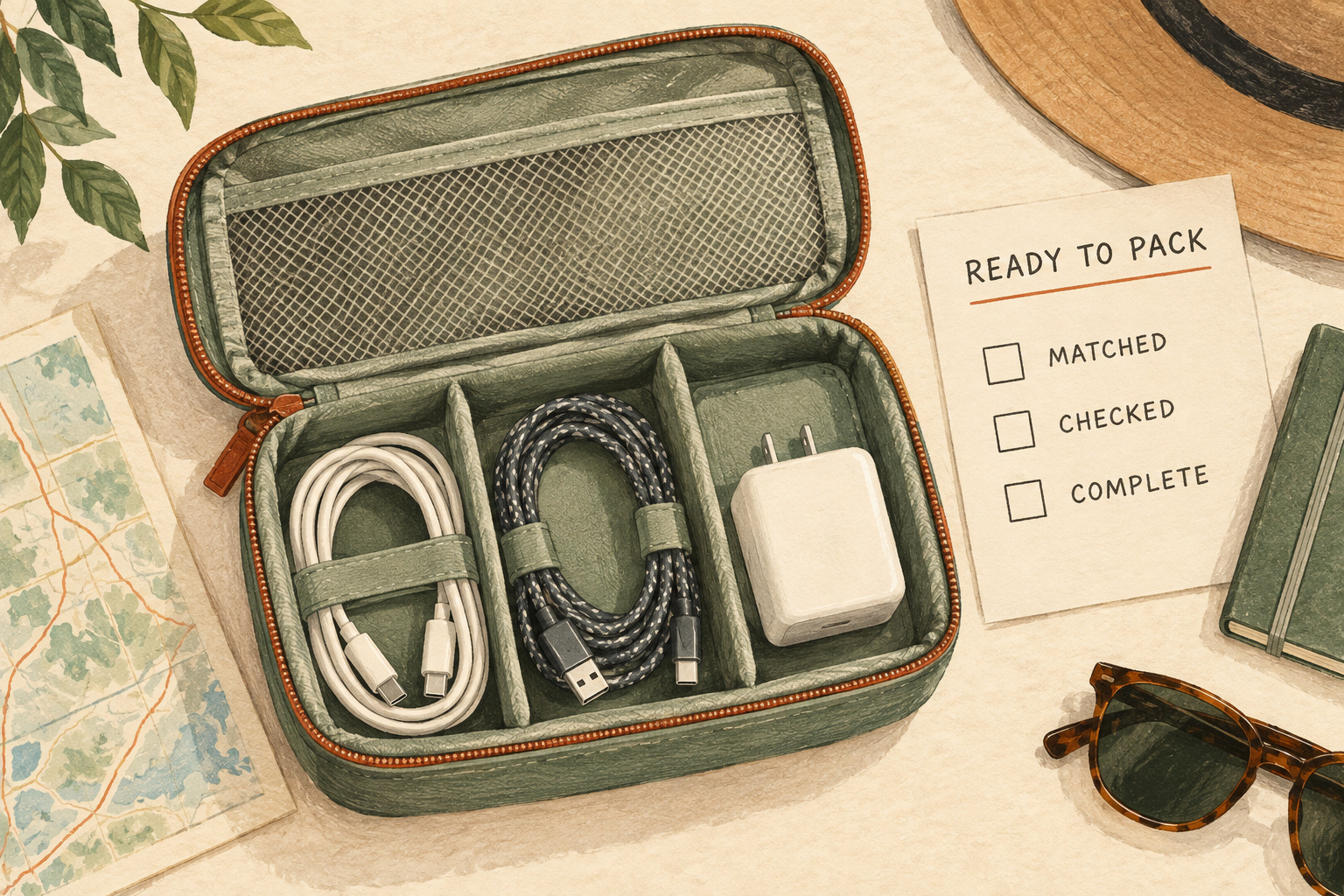
Once the routes are resolved, gather their physical pieces. Keep cables separately identifiable and loosely arranged according to their care instructions. If you add removable ID tags, keep original markings, contacts and ventilation clear. Avoid bending a cable sharply just to make a smaller pouch look tidy.
- Match: lay each device card beside its cable, required accessory and charger.
- Count: count physical items once, even when several cards share them.
- Place: give each piece a findable compartment without crushing the contents or forcing the zipper.
- Record: note anything still in daily use that must be added before leaving.
- Recheck: if you substitute a cable or charger, update the route and its evidence instead of carrying over the previous result.
The same record is useful when leaving accommodation: match the pieces back to the list, including anything at a bedside socket or desk. Pair it with the hotel checkout room sweep for the rest of the room. After returning home, put everyday equipment back where it belongs and save genuine gaps in your next-trip reset note.
A finished kit has an assigned route for each device, an honest record of what remains unknown and a way to find every piece again. The pouch merely holds the result.