A robot vacuum's schedule can remember the hour. It cannot tell you that someone left a charging cable beside the sofa five minutes ago. Before starting a run, make one small decision for each room: ready now, clear something first, or leave this room out.
This room-readiness checklist is for ordinary household preparation with an already installed robot. It helps you connect a floor check, today's intended rooms and a short observation record. Follow your exact robot's manual and the flooring or rug care instructions; this guide does not test a particular machine or provide repair instructions.
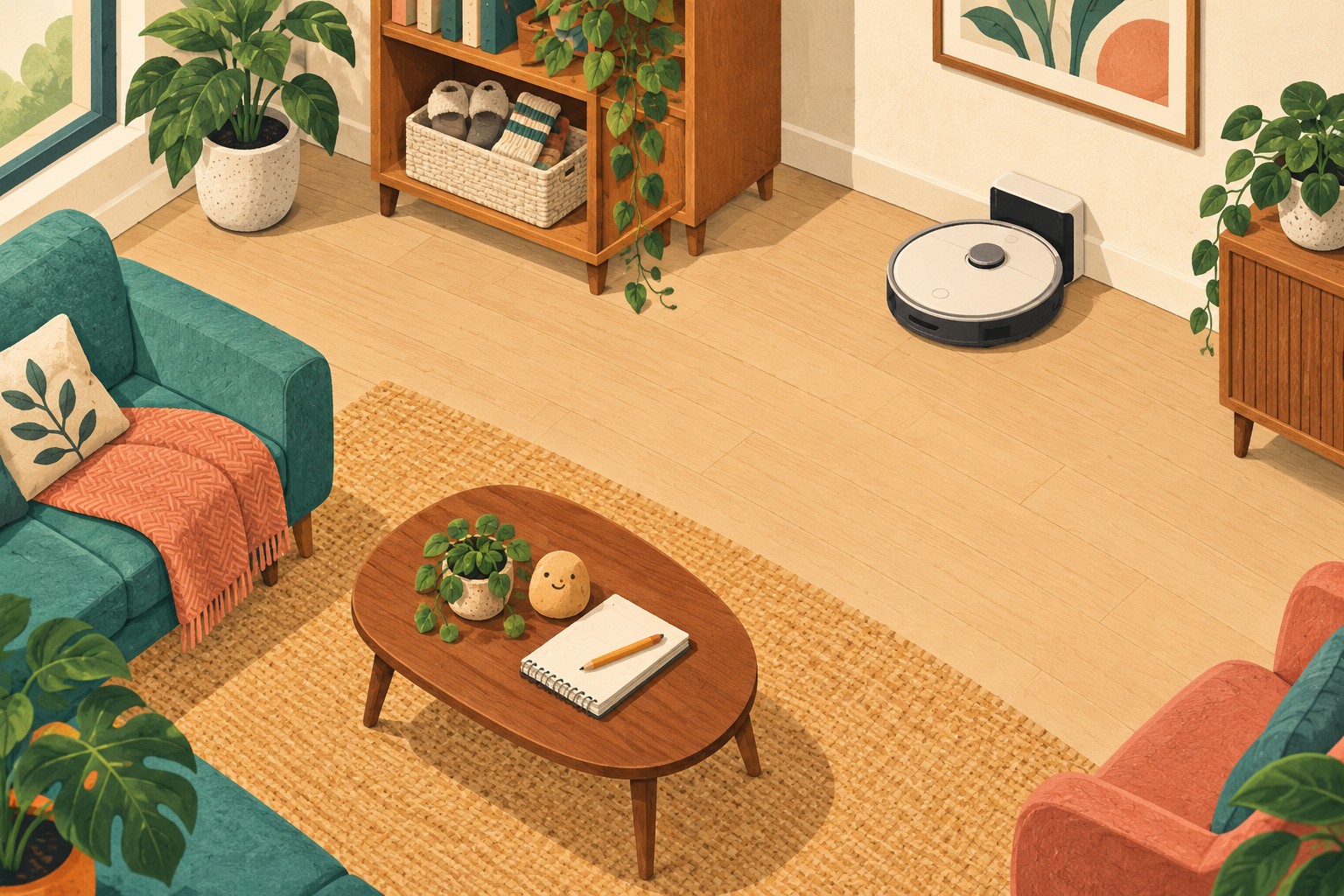
Give today's run a room list
Write the rooms you actually want cleaned before opening the start screen. A short list such as “living room and dining area” is easier to check than “everywhere.” Add the cleaning mode you intend to use. On a vacuum-and-mop model, confirm the selected mode and its required attachments rather than assuming the button means vacuum only.
Keep the first version small enough to inspect. You do not need to reorganize the whole apartment to decide whether one room is ready. If another room needs a longer tidy, give it a separate task and leave it outside this run using the exclusion method your model supports.
| Room | State before starting | What makes the decision checkable? |
|---|---|---|
| Living room | Clear first | Put slippers away and remove the loose charging cable from the floor; then inspect again. |
| Dining area | Ready for the planned run | Selected floor area is accessible and the relevant preparation checks are complete. |
| Study | Leave out today | Unresolved floor clutter; confirm the room is excluded before starting elsewhere. |
These are fictional entries, not measurements of a robot's performance. “Ready” describes your preparation decision. It does not certify that the robot will reach every corner or that every floor material is suitable.
Clear the floor without moving the problem next door
Walk the intended area while the robot is idle. Look underneath the desk edge and beside the sofa as well as across the middle of the room. Give small loose items a destination above and outside the cleaning area. A basket placed on the floor in the next doorway simply becomes tomorrow's obstacle.
iRobot's coverage guidance recommends removing clothing, loose cables and toys before a cleaning job. It also notes that moving an obstacle after the robot has encountered it can affect access to that area. Do the ordinary rearranging before the run where possible.
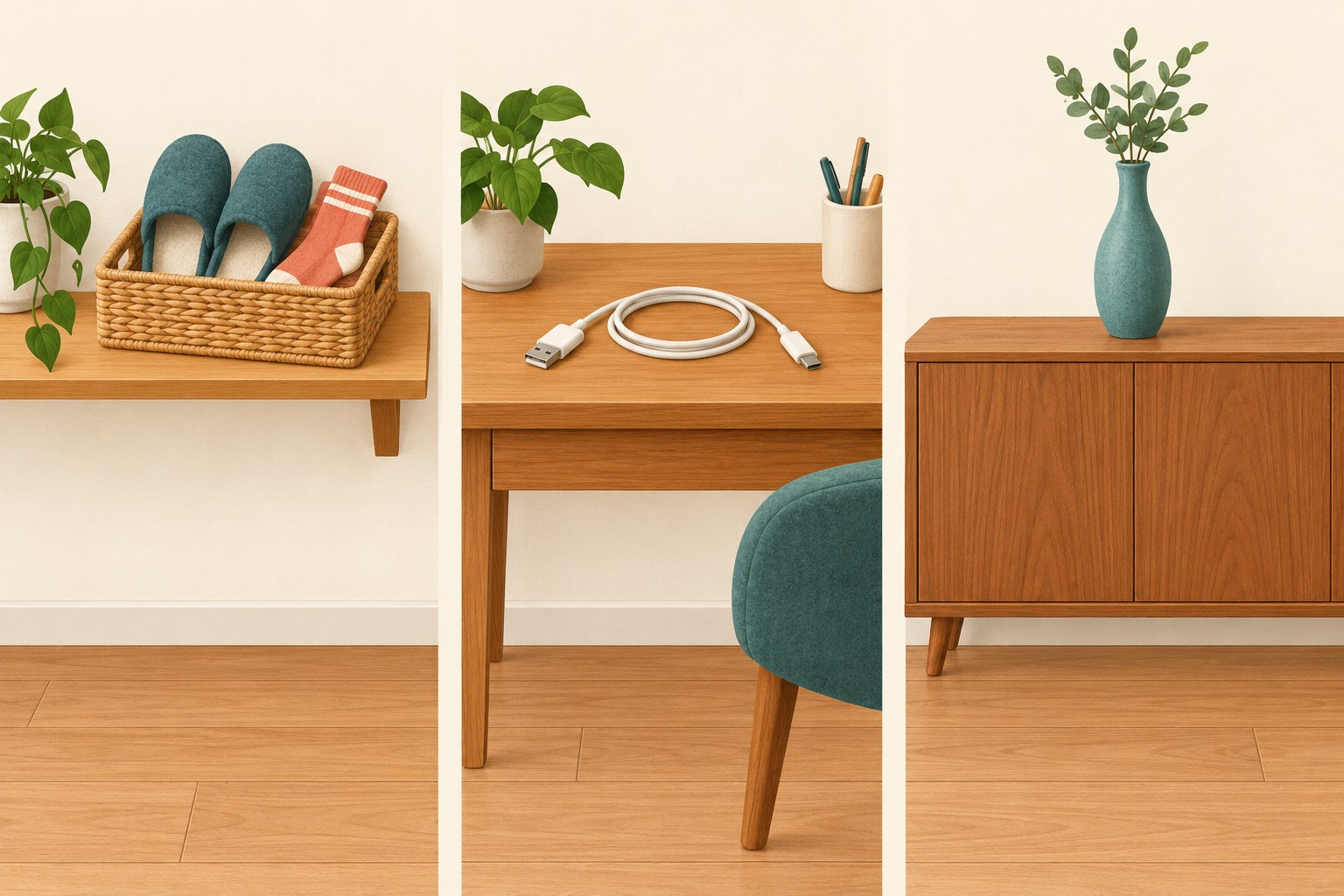
- Loose belongings: return slippers, clothing and small objects to their usual places or one temporary collection basket.
- Cables and trailing fabric: remove them from the robot's working area without pulling on connected equipment. Check both the obvious loop and the part hidden beside furniture.
- Unstable objects: relocate items that could be knocked over to an appropriate stable surface.
- Anything you cannot resolve now: keep the affected area out of the run and write the remaining task down.
The Roborock S8 Pro Ultra manual similarly calls for clearing cables and loose items and moving fragile or unstable objects. It prohibits use on floors with liquid or sticky substances. Its instructions are a concrete model example; use your own manual's restrictions for spills, unsuitable debris and other hazards. Deal with those separately before reconsidering the room.
Check the boundary and the return route
Match the room list to the real doors and, where supported, the selected rooms in the app. A handwritten “study excluded” note does nothing to block an open doorway. Confirm the actual exclusion method is in place. Do not assume every robot has room selection or virtual boundaries.
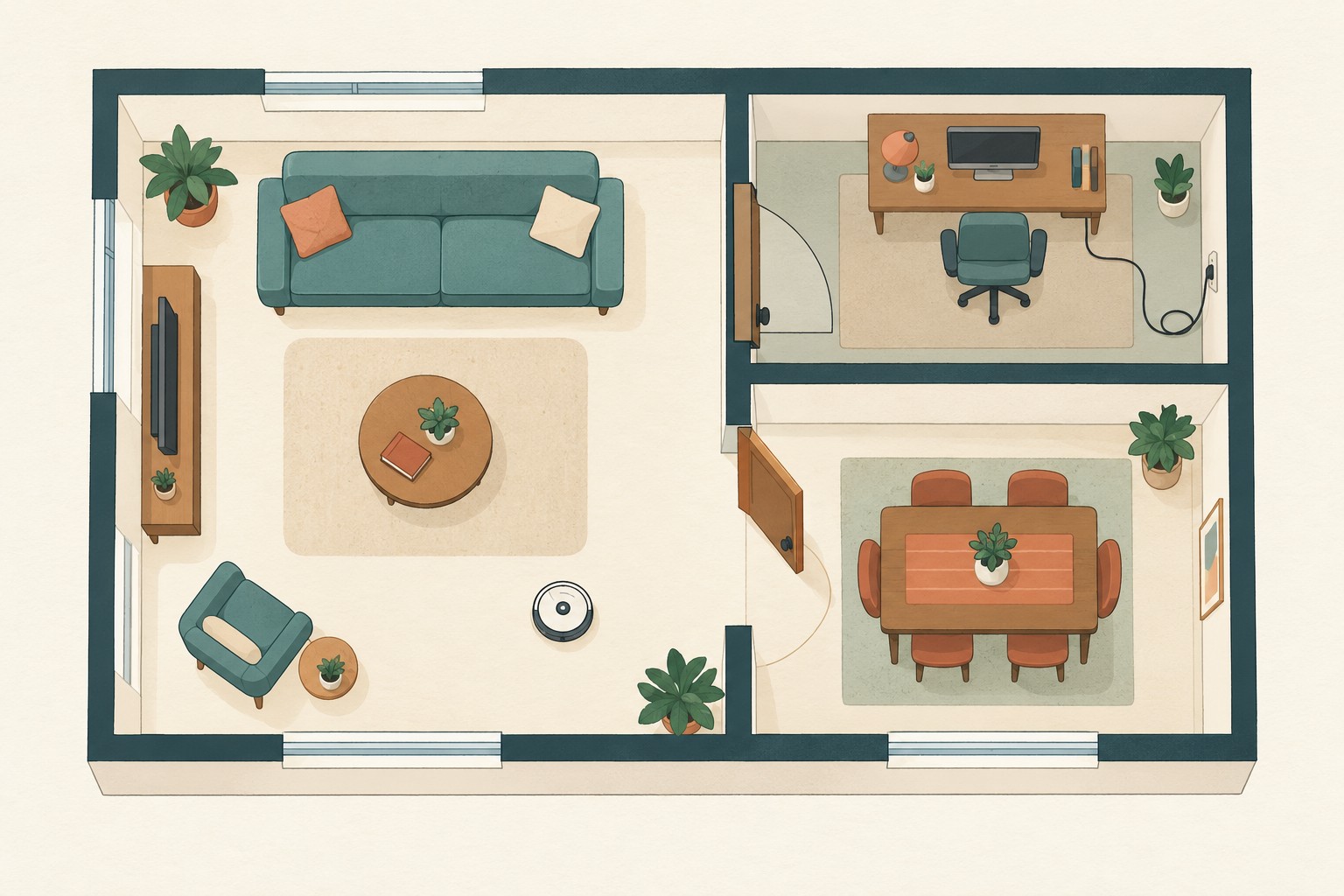
For an ordinary room you are leaving out, a closed door may be the simplest boundary if appropriate for the household. Check that it really closes. For rooms you include, keep the intended access open without creating a new trip hazard. Do not wedge doors with loose objects in the robot's path.
Look back toward the dock. Has a bag or delivery box appeared in its approach? Keep its placement and clearance consistent with the model's installation instructions. There is no universal dock spacing supplied by this worksheet.
Raised edges need the manufacturer's safety precautions. The S8 Pro Ultra manual requires a secure physical barrier when used in a raised area. A drawn no-go zone is not a substitute for that requirement. If the required protection is unresolved, leave the affected area out and do not use a cleaning run to test whether the robot will stop in time.
Check rugs and transitions against their care instructions and your robot's guidance. iRobot identifies thick carpet and physical thresholds as possible access problems. Record a doubtful spot for model-specific checking rather than transferring a clearance number from another machine.
Observe the first route, then record the location
Know the model's pause or stop control before beginning. Roborock's S8 Pro Ultra manual tells owners to follow the entire first cleaning route and watch for problems. Use your own model's first-use instructions; a successful trip across one room does not validate every doorway and surface.
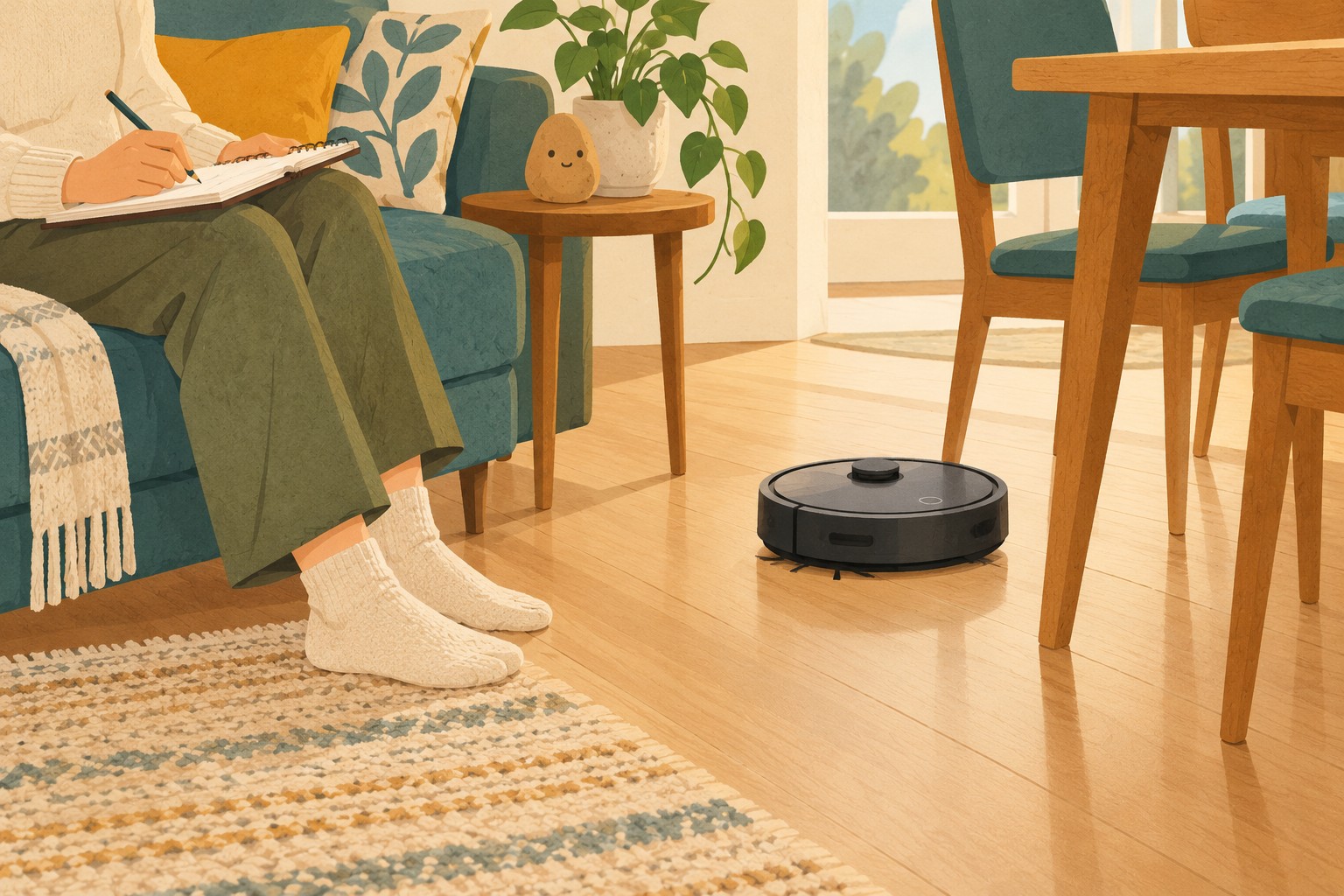
Write observations as places and events. “Stopped at the dining-room threshold” is more useful than “bad navigation.” If something goes wrong, stop or pause using the manual's procedure before intervening, and follow its safety instructions. Switch off and disconnect as your manual requires before clearing a tangle or touching brushes. Do not reach into moving brushes, force the robot through a gap or modify its sensors.
| Record | Useful example | Next step |
|---|---|---|
| Exact location | Dining doorway, coming from the living room | Check that transition against this model's guidance. |
| What you observed | Robot stopped; the displayed message was recorded. | Use the matching troubleshooting instruction. |
| What remains unknown | Whether the whole dining area was reached | Leave its completion unchecked until inspected. |
| Change for the next run | Remove the identified obstruction, if permitted. | Recheck the same location after the change. |
This is a fictional observation template. A repeated issue, damage or an instruction you cannot interpret belongs with the manufacturer's support process. Repeatedly sending the robot into the same unresolved spot is not a useful check.
Separate the run ending from the room being finished
When the robot returns, check its reported status before marking the job complete. iRobot explains that some models return to recharge partway through a cleaning job. Docked can therefore mean paused; consult your model's status rather than judging by location alone.
Then look at the floor you intended to cover. Keep excluded rooms, blocked areas and visible remaining mess on the unfinished list. A completed machine cycle and your household finish line are different observations, so give each its own box.
Copy this short record into your household notes:
- Robot model and official manual: ______
- Today's rooms and intended cleaning mode: ______
- Rooms or areas left out; actual exclusion checked: ______
- Loose items, trailing cables and unsuitable mess checked: ______
- Access, dock approach and required safety precautions checked: ______
- Run status at return: finished / paused / issue to resolve
- Floor inspection: complete for today's scope / remaining area ______
- One preparation change before next time: ______
Keep the recurring preparation beside your weekly cleaning plan. If slippers are the recurring obstacle, improve their storage spot. If the same room is always excluded, give its preparation a realistic separate slot. Build the schedule around rooms you can actually make ready, then keep the pre-run check short enough to repeat.