A query can be short enough to fit on a sticky note and still ask a model to make thousands of decisions. Before trying to make AI-SQL faster, make its workload visible: which documents enter, which pairs get compared, and what counts as a useful answer?
Full Stack Data Lab introduced Quail on September 24, 2026, then published a cost-model explanation on October 1. The project combines query planning with inference for AI-powered data operations. Those announcements are a useful reason to revisit a surprisingly practical habit: count the work before pressing Run. This guide provides an original sizing worksheet and small trial plan, not a benchmark or a claim that we installed Quail. Quail introduction; October 1 cost explanation.
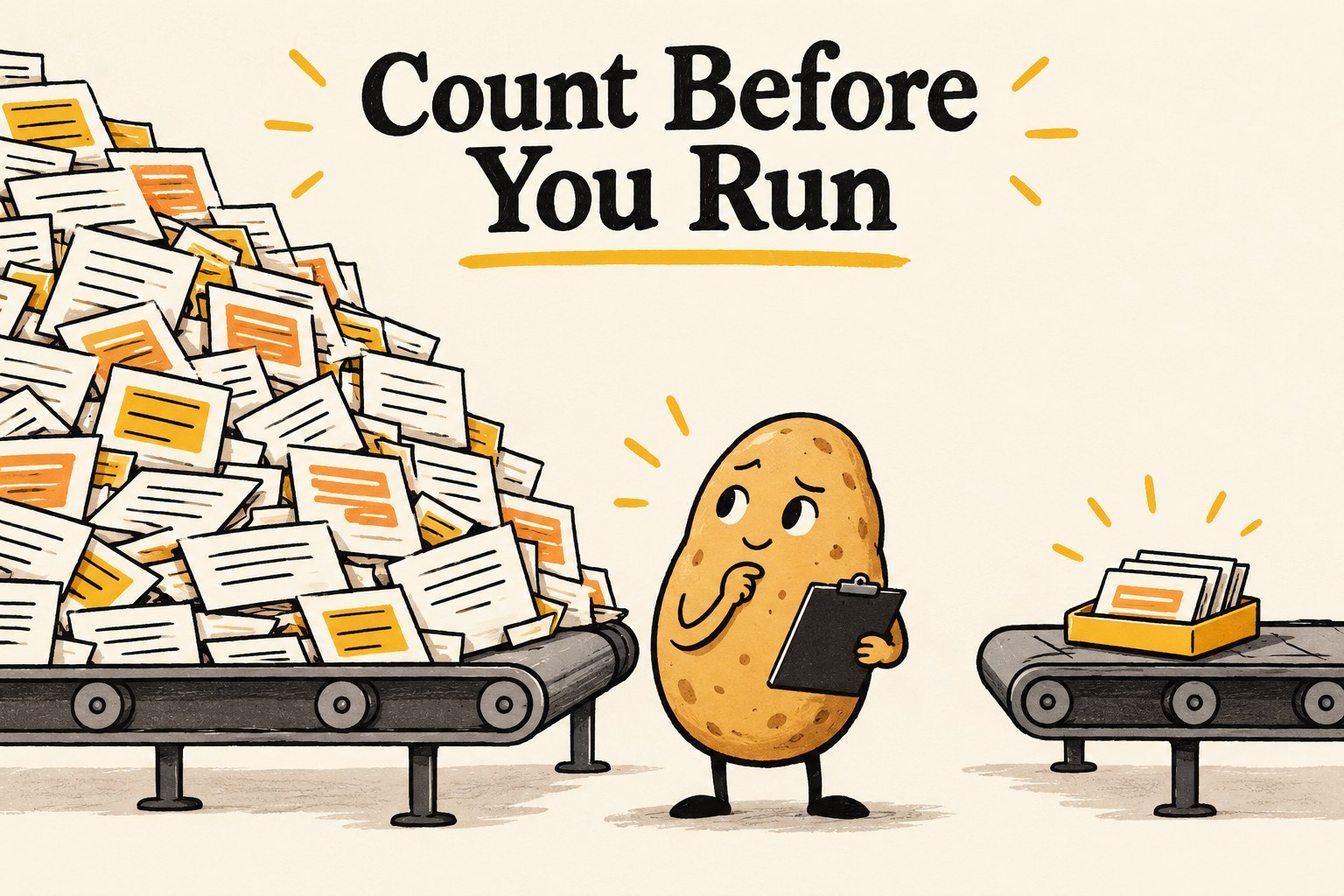
Start with a question that has a boundary
This exercise adapts the movie-review example in Quail’s documentation. Imagine a personal archive of 250 public-domain film reviews and 12 subject labels. You want to find reviews that discuss the ending, then connect them to relevant subjects. These numbers are invented for the worksheet; they are not Quail performance results.
First write what “discuss the ending” means. Does “the ending was weak” count? Does “I watched it to the end” count? Does a plot summary with no opinion count? Without that boundary, a faster engine can deliver an impressively quick pile of disagreements.
For this example, use: “Count a review when it describes or evaluates the movie's final events or resolution. Merely saying the viewer finished watching does not count.” Keep a separate list of ambiguous examples rather than quietly making the model's answer your definition.
Count rows and candidate pairs separately
Quail's SQL reference distinguishes a model predicate over one row from one over a pair of rows. It also documents ordinary column conditions that narrow inputs before the AI predicate. A join with an appropriate equality condition can restrict which pairs reach the model. Use those conditions only when they preserve the question you actually want to answer. Quail SQL reference.
| Question | Illustrative arithmetic | What it tells you |
|---|---|---|
| One decision for each review | 250 reviews | 250 candidate row decisions |
| Compare every review with every subject | 250 × 12 | 3,000 candidate pair decisions |
| Compare 60 surviving reviews with every subject | 60 × 12 | 720 candidate pairs after filtering |
The 60 survivors are a made-up scenario, not an expected pass rate. These counts describe logical opportunities for evaluation, not API requests, tokens, GPU time or a bill. Batching, reuse and the actual plan can change the execution work. Never convert “3,000 pairs” into a dollar amount without the execution and pricing assumptions.
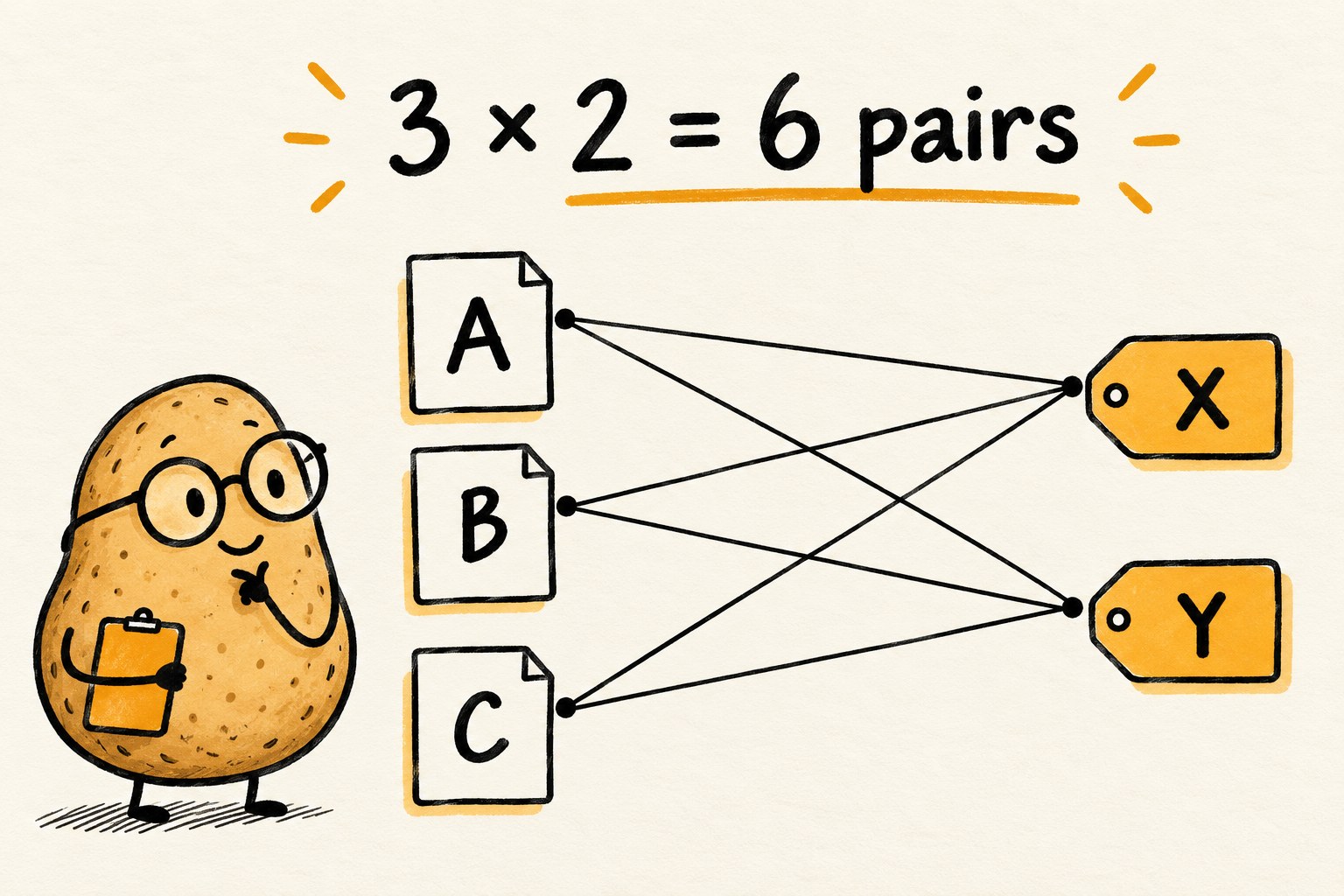
A helpful sanity test: double each side of a full pair comparison and the candidate pairs quadruple. By contrast, doubling a single row filter doubles its candidate rows. That is why adding “just one more table” deserves a fresh worksheet.
Make the trial small at the input
Prepare a separate, explicitly bounded input dataset before running inference. Keep stable IDs so a returned answer can be traced to its original text. Use synthetic or appropriately licensed, non-sensitive documents for a first trial. Do not upload private archives to a hosted demo simply because the demo is convenient.
Choose examples with a purpose: a few obvious matches, obvious non-matches, borderline wording, unusually long documents and missing text. This is a diagnostic sample, not a representative accuracy estimate. A random sample answers a different question and may miss the exact edge case you need to debug.
Do not assume a small output means a small job. Quail documents that sorting, deduplication and a positive offset can prevent early stopping; grouped results may require classifying the full input. A limit applied while collecting completed results cannot undo inference already performed. Check the SQL limits and result collection behavior for your query.
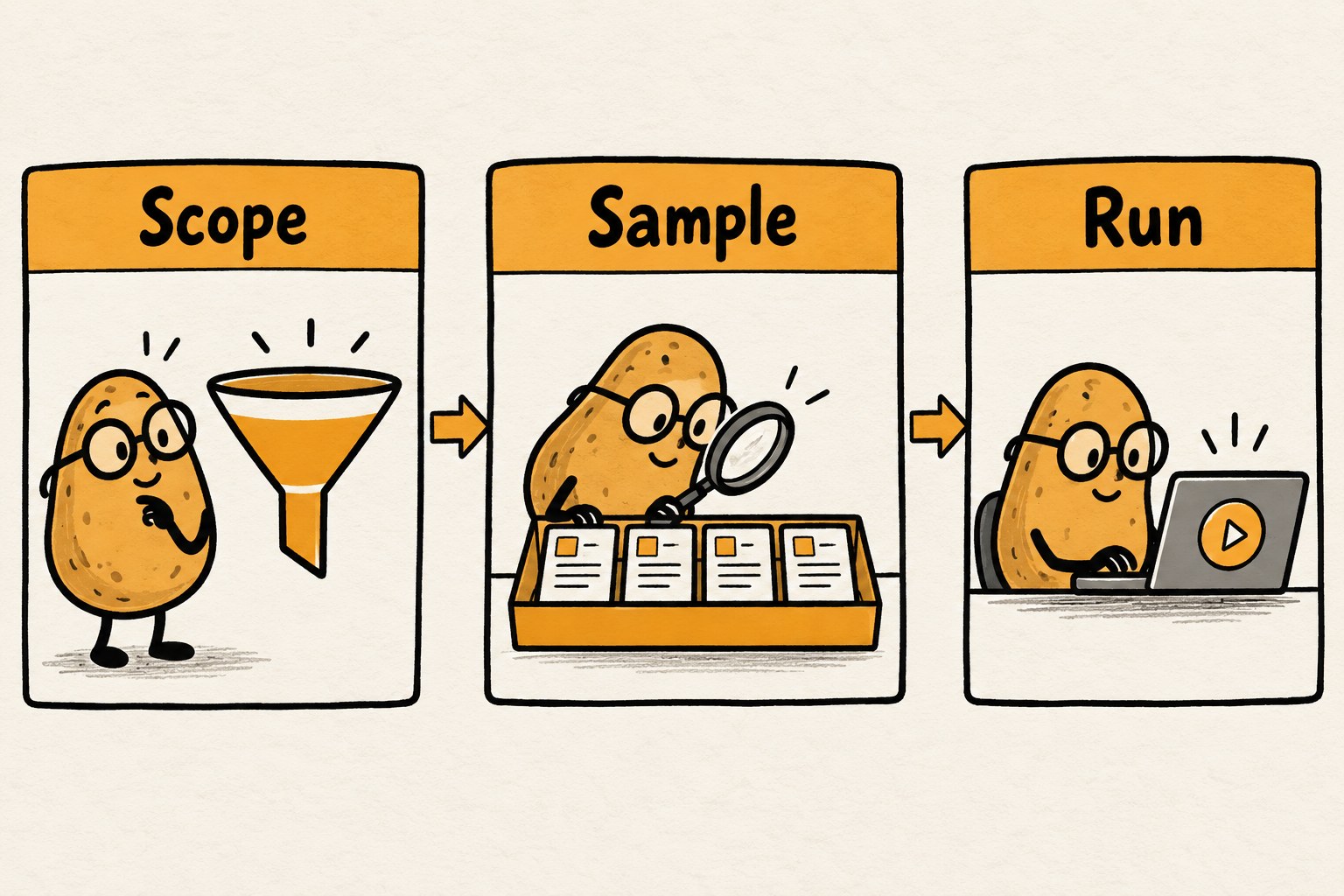
Keep planning and execution visibly different
With a query already prepared in a configured session, Quail offers three different inspection steps:
query.explain()previews the plan without loading the model onto the GPU.query.run()executes it and returns a result object.result.explain()inspects that completed run without running the model again.
By contrast, query.explain(analyze=True) executes a query. Calling it repeatedly means repeated runs. Save the returned result and inspect it rather than rerunning just to obtain another view. These snippets explain the methods, not a complete installation or deployment recipe. Official plan and result guide.
Before executing, confirm that the input paths and row counts match your trial, the selected environment is one you may use, and you understand its resource limits. A plan preview is not a promise that a surrounding cloud environment is free.
Treat estimates as hypotheses, not invoices
The October 1 cost article explains Quail's hardware-based lower-bound model. An optimistic hardware limit is not a measured end-to-end duration. The explanation explicitly accounts for assumptions that real execution may not meet. That distinction matters more than any headline speedup when deciding whether your own job is worth running. How Quail estimates filter cost.
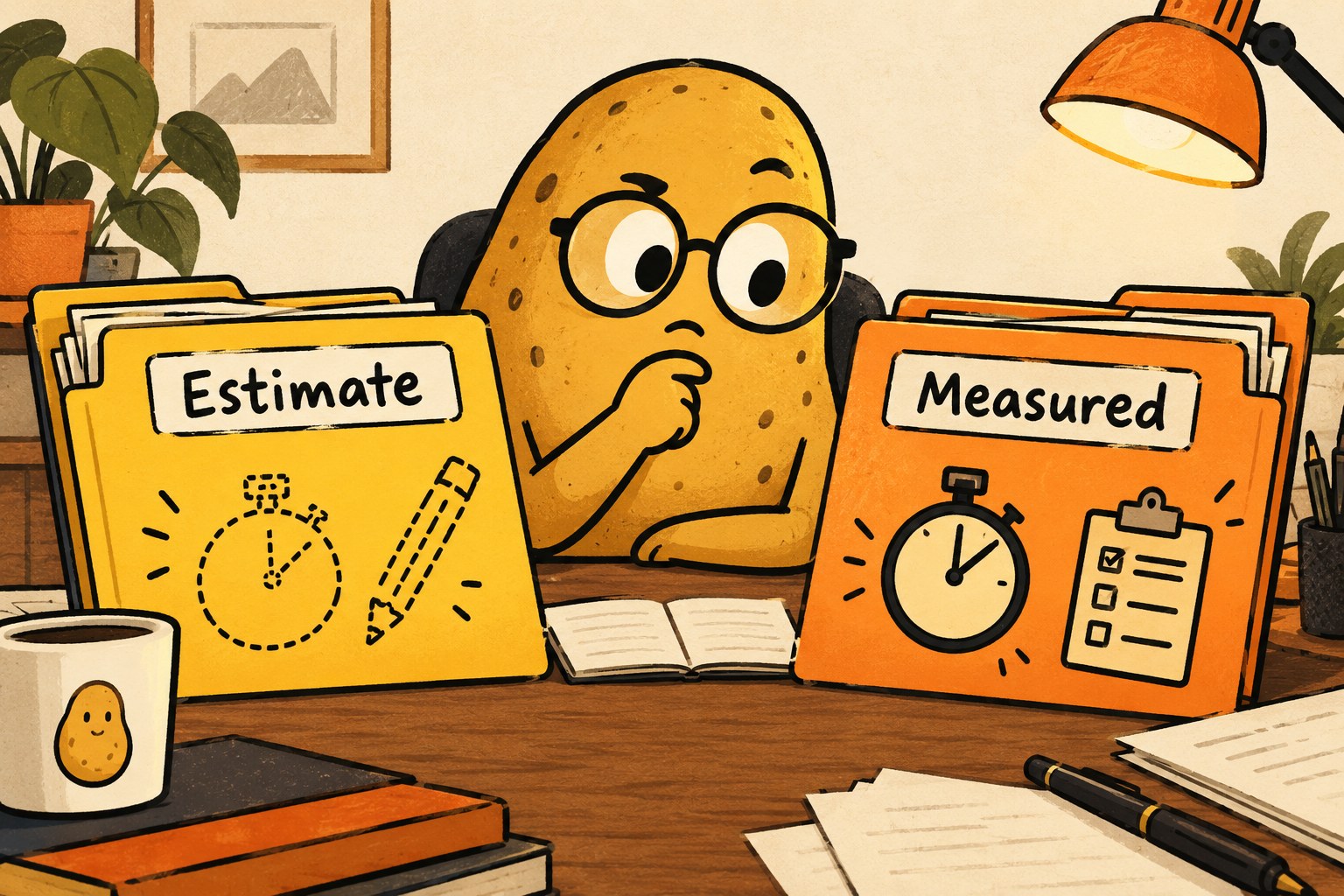
Use a two-column record. Put expected input size and candidate pairs in the estimate column. After the authorized trial, put observed counts, startup and elapsed time in the measured column. Write “not measured” for anything you did not collect. Do not fill gaps using another team's benchmark.
Use this copyable workload card
- Question: What exact yes/no or matching decision do I need?
- Data boundary: Which dataset copy, fields and stable IDs are included?
- Input size: Left rows ___; right rows ___; candidate pairs ___.
- Valid preconditions: Which ordinary filters or keys narrow the job without changing its meaning?
- Trial cases: Clear matches ___; non-matches ___; ambiguous ___; long or missing text ___.
- Configuration: Quail version, model, query text and execution environment ___.
- Before running: Authorized resource limit ___; stopping method ___; output location ___.
- Observed: Completed rows/pairs ___; elapsed time ___; startup ___; errors ___.
- Meaning check: Correct ___; wrong ___; unresolved ___; manually inspected total ___.
- Next decision: Revise the question, reduce the scope, investigate a mismatch, or approve a larger trial.
Check the answers before scaling the job
Inspect both returned matches and excluded examples. Looking only at the attractive result list can hide false negatives. For the toy review task, manually inspect the “watched it to the end” case even if it disappeared from the output.
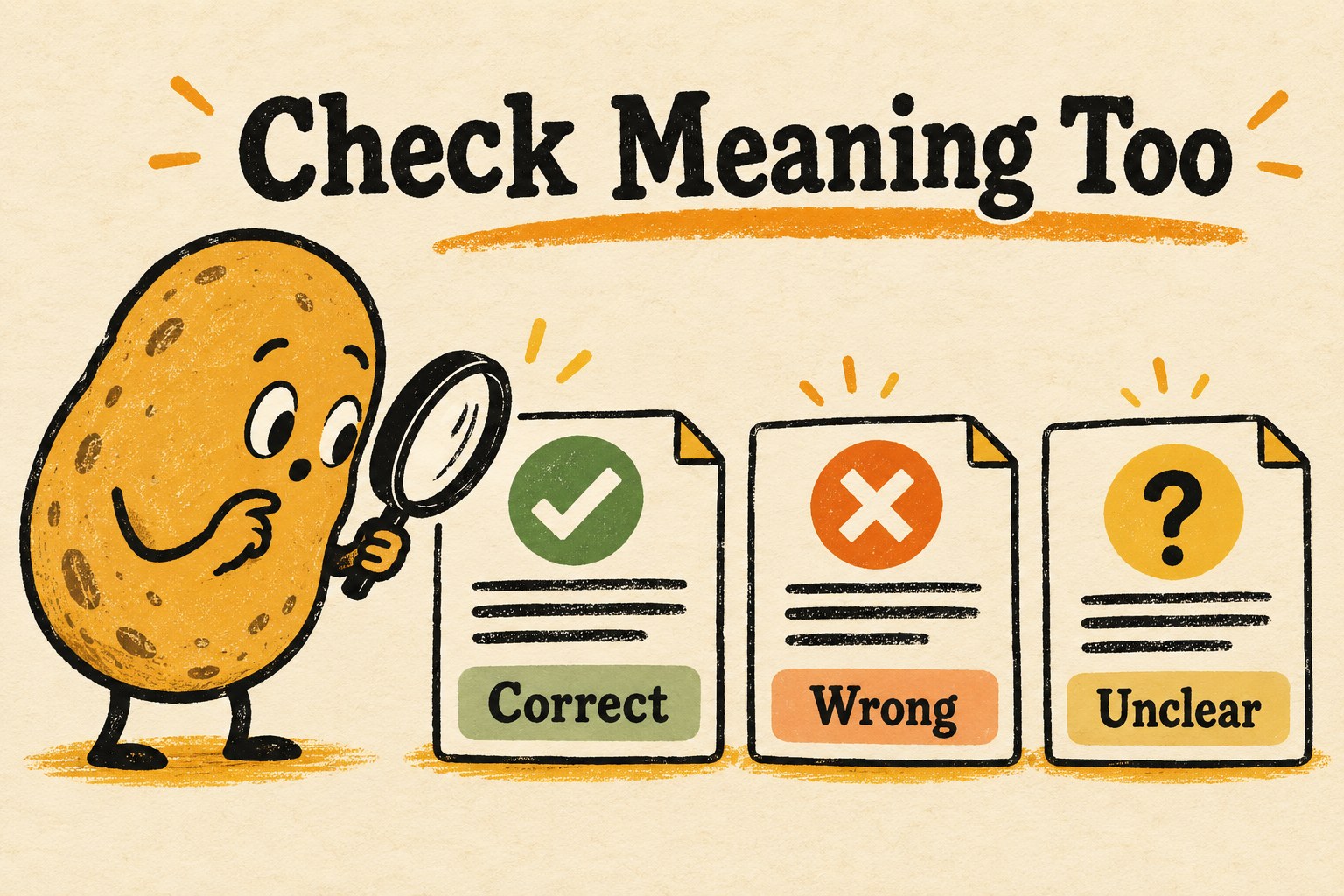
Record why each disagreement matters. A wrong label might be harmless in a personal reading filter but unacceptable in a consequential decision about a person. This starter exercise is for low-stakes document organization; it does not establish suitability for hiring, healthcare or other high-impact uses.
Change one meaningful thing at a time: the task definition, input selection or model configuration. Keep the same diagnostic cases so you can explain what improved and what regressed. A tiny hand-picked set cannot prove general accuracy, but it can reveal that your question is still unclear before you scale it.
The practical finish line is a bounded job whose cost assumptions and answer quality you can explain. For the broader habit of comparing AI against a concrete task, see our one-task AI experiment guide. The potato does not need a faster conveyor belt until it knows what is going down the belt.