A useful page watcher should tell you three things: what it could read, what changed, and when you should check the source yourself. A cheerful “done” is not much help if the page was unavailable.
OpenMuse, CopilotKit’s open-source personal-agent alpha, offers a timely example. Its changelog dates the initial alpha to September 15, 2026; current discovery coverage is not a new launch date. The project combines an agent interface with background work and public-page tracking. This guide focuses on a modest first exercise: rehearse a watch, inspect its evidence, and keep the decision in your hands.
This is a documentation-based guide, not a hands-on review or an installation walkthrough. The worksheets and example below are our proposed checking method, not promises that OpenMuse provides every field as a built-in control.

What to know before you start
The official README describes recurring checks for public-page changes, text availability, and USD price thresholds. It also describes deduplicated alerts and failure backoff. That makes a small watch more appropriate than an open-ended instruction such as “handle my shopping.”
There are important limits. OpenMuse calls itself an alpha for self-hosting and building on. Its quick start requires development tooling and a CopilotKit Intelligence project key. The sample experience can run without a model, Google account, or Docker, but that does not make the complete live system configuration-free. If nobody is maintaining the deployment, start with the planning card below rather than treating this as an ordinary ready-to-use consumer app.
The feature inventory lists an in-app notification inbox; device push remains a planned extension. Do not assume an alert will reach a locked phone. The verification notes also distinguish exercised sample behavior from live-provider acceptance and say durable work needs a running server host.
Write one narrow watch card
Pick one public page and one observable question. A page-change watch can be useful for an event’s registration notice or a software project’s public release page. Avoid beginning with a private account, a personalized offer, or an urgent deadline where a missed alert would be costly.
| Field | Write this before configuring anything |
|---|---|
| Source | The exact public URL you will also open manually. |
| Question | One visible condition, such as whether the registration-status sentence changes. |
| Baseline | The relevant wording you can read now, plus the observation time and time zone. |
| Useful change | The change that would make you take another look. A rotating banner may not count. |
| Review plan | Where you will inspect alerts and when you will manually revisit the source. |
| End condition | The date or resolved decision after which you will pause or cancel the watch. |
For a price question, specify the exact item, variant, currency, and what the displayed number includes. A page that mentions several prices is a poor first exercise. A successful text match still does not establish availability, the checkout total, or eligibility for a promotion.
Rehearse with the built-in example first
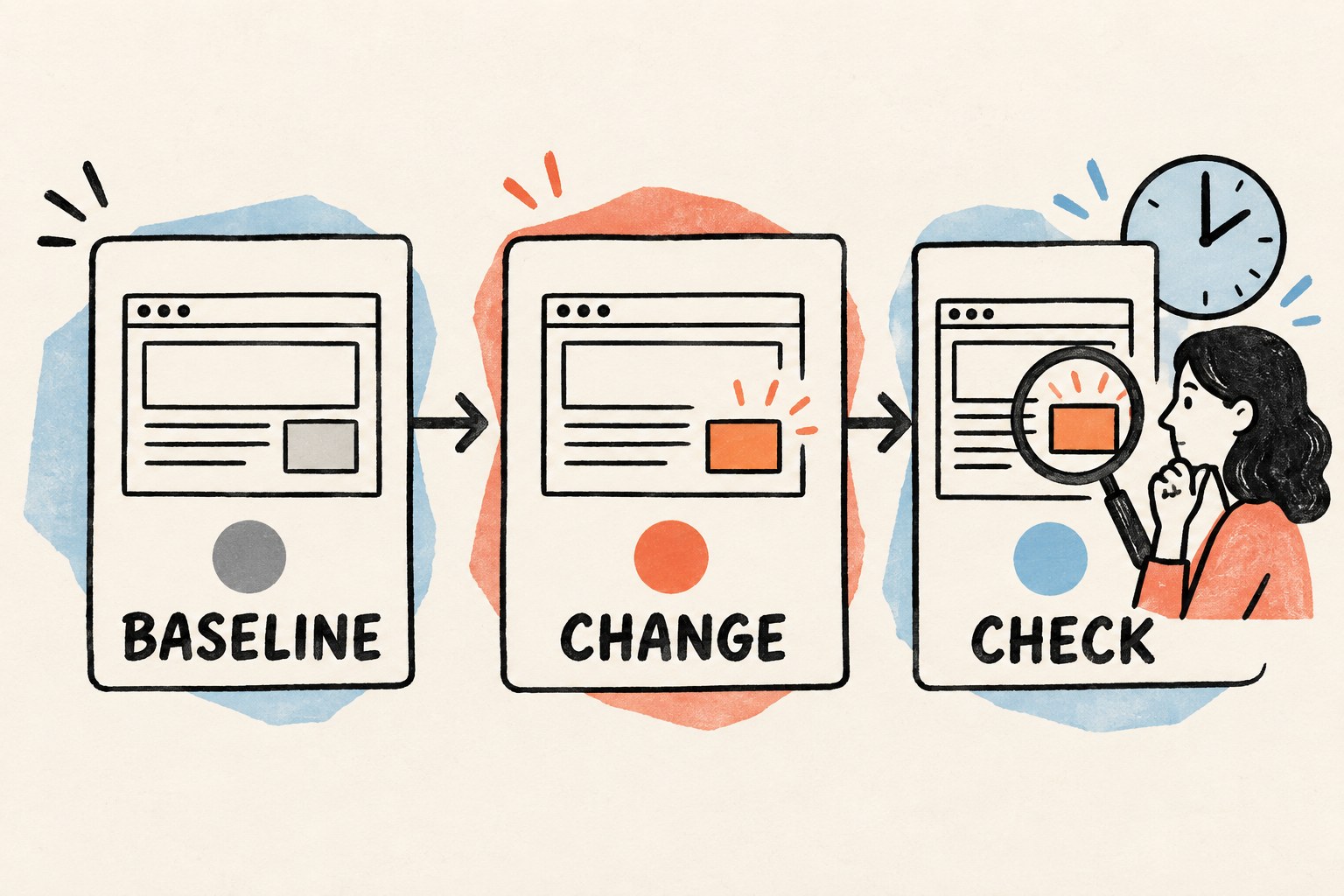
The README’s suggested tracking exercise is concrete: open Goals → Track, create a built-in availability watch, and change the built-in test page to trigger an alert. Follow the current project instructions in an already configured sample environment. Do not substitute a real merchant or submit a form just to create a test event.
- Observe the starting state. Read the test page yourself and note the initial value. Confirm the watch has actually recorded an observation; a saved configuration alone is not evidence of a completed check.
- Make the documented sample change. Change the built-in test page using its supported sample controls. Record what you changed and when.
- Inspect the resulting alert. Open the in-app result and compare it with the page. Ask whether the notification points to the right source and whether its reported change matches the change you made.
- Check an unchanged observation. Let another normal check occur without changing the page. Look for a fresh observation without another identical change alert. If it repeats, note the behavior instead of assuming deduplication worked.
- End the exercise. Pause or cancel the sample watch through its supported control. Inspect the resulting state so that a practice watch does not remain forgotten in the background.
These are acceptance questions, not reported test results. We have not run this sequence. The project’s verification document reports coverage for baseline, change detection, deduplication, retry/backoff and pause behavior, but your configured version and deployment still need checking.
Keep four outcomes separate
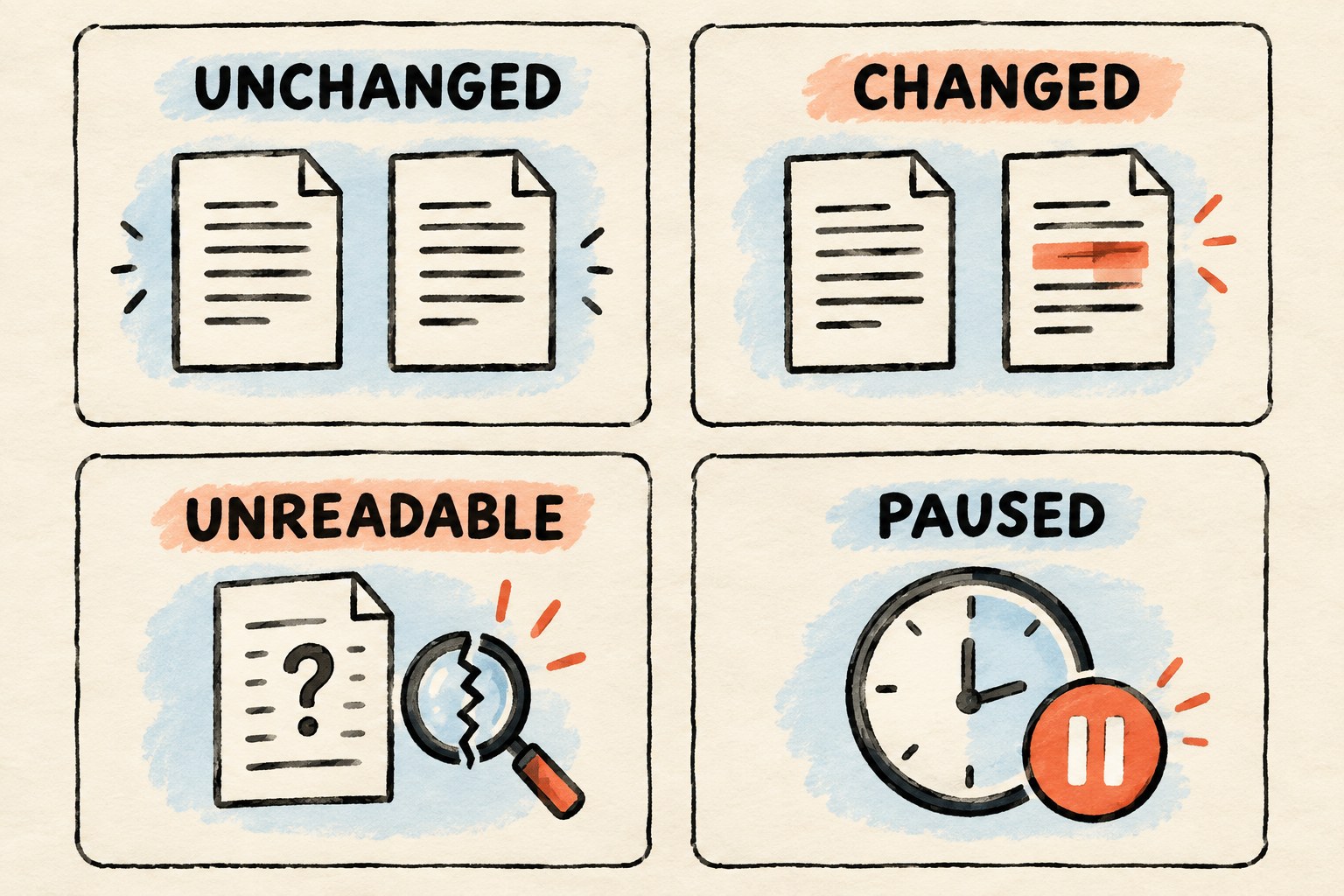
Silence is ambiguous. It might mean the page did not change, the check failed, the watch paused, or you did not look in the place where the notification was saved. Use the following labels in your own review notes; they are not a claim about exact interface wording.
| Outcome | Evidence to look for | Your next step |
|---|---|---|
| Unchanged | A recent successful observation of the intended page and condition. | Keep the watch if the decision is still relevant. |
| Changed | A source-linked observation showing the relevant difference. | Open the source and decide whether it matters. |
| Unreadable | A failed check, access restriction, missing page content needed to evaluate the condition, or other inability to establish the condition. | Record the uncertainty. Recheck normally or choose a better public source. |
| Paused | The watch is visibly paused or no longer running. | Decide whether to resume it; do not interpret inactivity as a stable page. |
A successfully read page without a target phrase can be a valid negative match for a text-availability watch. An absent match is not itself a read failure.
Never turn “could not read” into “sold out” or “no update.” Do not bypass a login, CAPTCHA, or access restriction to make the exercise pass. A blocked source is useful information about the suitability of that watch.
Use a receipt you can audit in ten seconds
An alert should send you back to evidence, not make you reconstruct a mystery. Keep this compact receipt beside your first few observations. Fill it yourself if the interface does not expose all the fields.
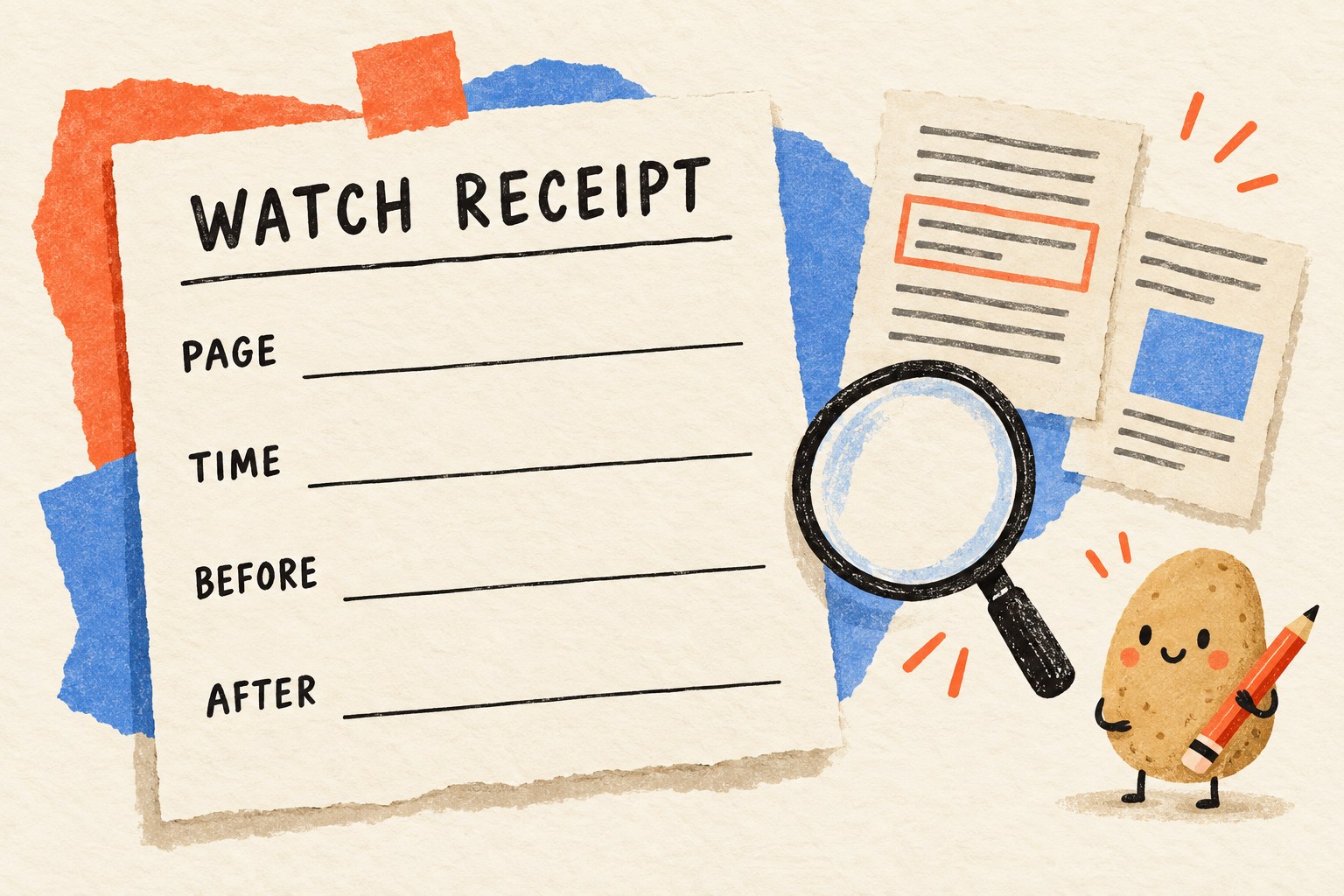
- Page: exact source URL and page title.
- Checked: date, time, time zone, and whether the observation succeeded.
- Before: the previous relevant wording or value, with its earlier observation time.
- After: the current relevant wording or value.
- Decision: meaningful change, irrelevant change, or still uncertain.
- Next step: manual source review, keep watching, revise the question, or stop.
Here is a fictional example. At 09:00, a workshop page says “Registration opens soon.” At 15:00, the observed sentence says “Registration is open.” That is enough to justify opening the page. It is not evidence that places remain, that your preferred session exists, or that you have registered. An unrelated change to the footer date is not the same event.
If your desired sentence is not reliably visible, simplify the target or choose another source. More frequent checks cannot fix a badly defined question.
Move to one real public page, then review the value
After the sample exercise makes sense, try one low-stakes public page that you are permitted to monitor. Keep the check frequency proportionate to the task and the site’s rules. Use the deployment’s supported settings rather than inventing a polling interval it may not offer.
For the first few checks, compare the saved observation with a normal manual visit. Count relevant alerts, irrelevant alerts, and failed checks separately. This is a small usability check, not a statistical accuracy benchmark. A result can be technically correct and still be noisy enough to make the watch unhelpful.
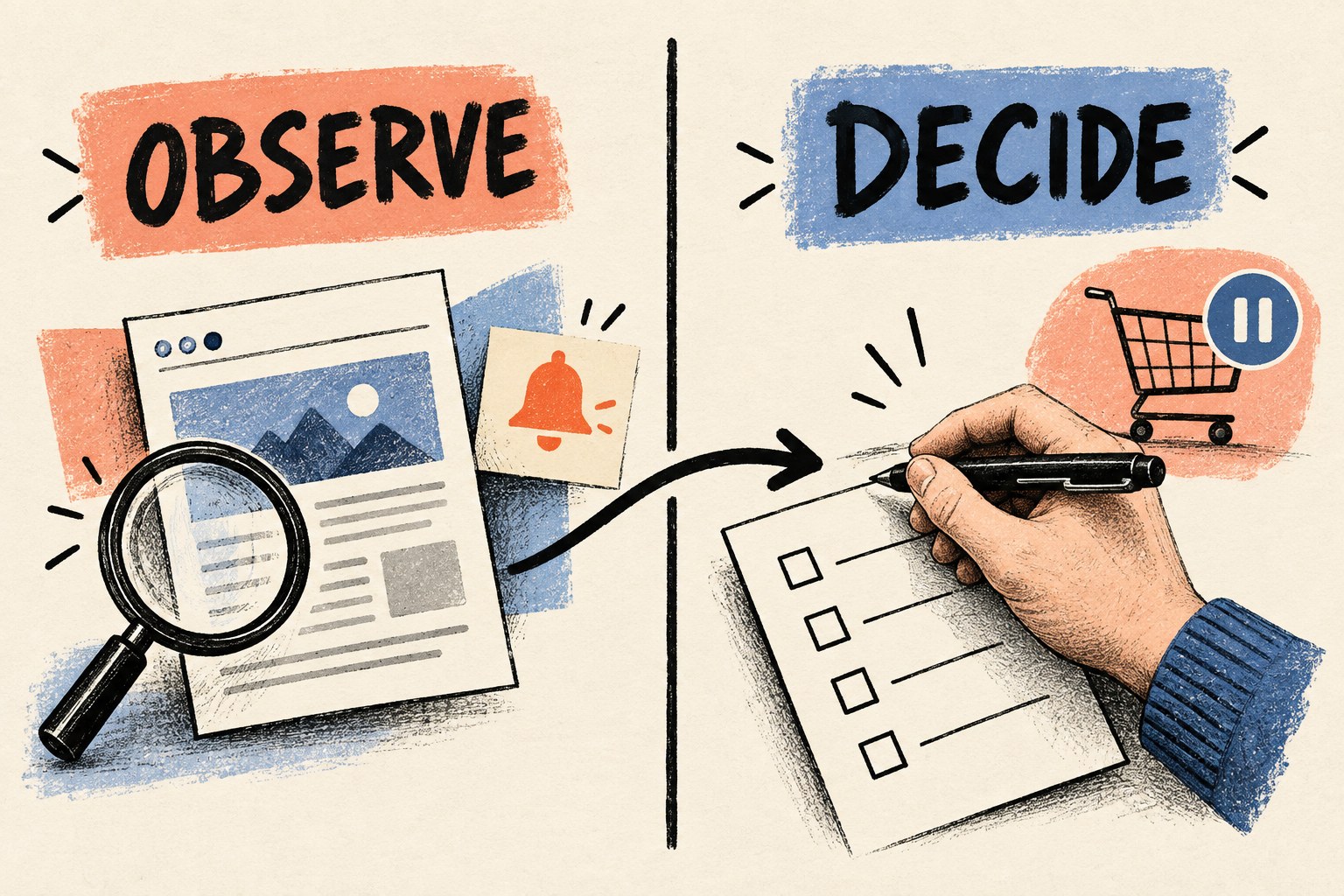
A simple stopping rule helps: keep the watch if it answers a recurring question with evidence you can inspect; revise it if harmless page decoration keeps triggering it; pause it if the decision has passed or the source cannot be read reliably. Do not leave a forest of forgotten watchers growing just because planting them was easy.
OpenMuse’s alpha is an interesting building block, but the useful habit is broader: write the condition, prove the observation, and separate noticing from acting. For a wider evaluation plan, use our one-task AI experiment. For a task brief that hands work back with sources and unresolved questions, see the long-task handoff guide.
Sources and scope
- OpenMuse changelog: initial alpha dated September 15, 2026.
- OpenMuse README: current setup boundaries, public-page tracking, and the built-in watch exercise.
- Feature inventory: implemented surfaces and remaining extensions.
- Release verification: project-reported tests and their limitations.
Documentation checked October 5, 2026. All five visuals are original AI-generated conceptual illustrations, not OpenMuse screenshots or evidence of a tested deployment. No personal accounts were connected and no live watch was created for this article.