
Before putting a week of social posts into a new scheduler, prove that one post reaches the right account in the right version. A calendar full of green boxes is a plan. The public posts are the result.
CogSend is a self-hosted social scheduler for Mastodon, Bluesky, LinkedIn, Threads and X. Its repository records a September 28, 2026 version 1.9.0 release commit. It surfaced in our current GeekNews research, but that discovery is not its launch date. This guide reads the documentation at that commit and proposes a first-post review routine; we have not deployed or tested the software.
The attraction is understandable: prepare one idea, adapt it for several networks and keep the scheduler in your own Cloudflare account. The tradeoff is that someone still owns account connections, infrastructure and delivery checks. Start small enough that you can explain every result without opening a spreadsheet called final-final-actually-final.
Choose one real post, not your whole calendar
Use a low-stakes announcement you already intend to publish: a new article, an opening-hours reminder or a link to a public resource. Avoid a deadline-critical launch for the first trial. Pick one destination initially, then add a second after you understand the first result. This is a suggested rollout sequence, not a CogSend requirement.
Write down what success means before you touch the composer:
- The correct account publishes once.
- The text, link and image order match the reviewed version.
- The intended date and time zone are explicit.
- You can find the public post and record its URL.
- A failure has one named person responsible for checking it.
If you already have the same announcement scheduled natively on a platform, reconcile that reservation first. Do not leave two systems responsible for publishing the same account, topic and time. A private planning note is a safer rehearsal than an accidental “test” announcement to customers.
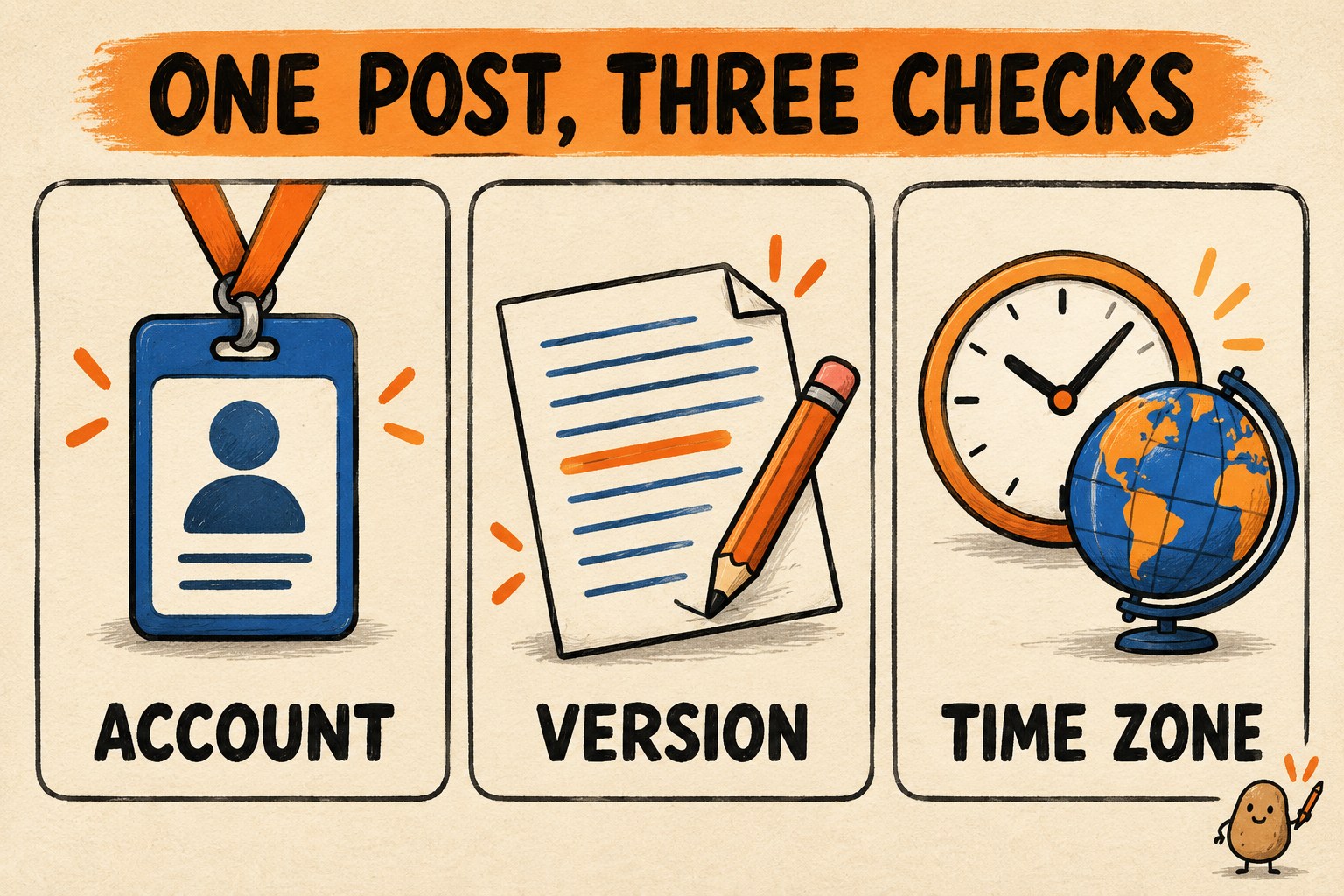
Check each destination as its own deliverable
The composer documentation describes a shared Global draft and platform-specific overrides. An override stops following later Global text changes until it is reset. It also says a thread sent to LinkedIn is flattened into one post. Those details make a final per-platform review worthwhile even when the starting words are identical.
For example, imagine a fictional ceramics studio posting a workshop announcement. Its shared draft says Saturday at 10. The editor creates a shorter platform override, then corrects the Global draft to Sunday at 10. The shorter version can still say Saturday. Checking the Global tab alone would miss the mistake.
| Check | Question to answer before scheduling |
|---|---|
| Account | Is this the studio account, rather than a personal or retired account with a similar avatar? |
| Text | Did the final date, location and link correction reach every override? |
| Thread | Does each post make sense in order? Does a flattened version still read naturally? |
| Images | Are the chosen images in the intended order, with useful descriptions rather than filename alt text? |
| Destination link | Does it open the correct public page without requiring the reader to use your login? |
The documented composer supports up to four images per card and platform-specific media limits. Its counters and checks are useful guardrails, but they cannot tell you that a date is wrong or a picture belongs to a different event. Review the meaning, not just whether the form accepts it.
A scheduled time needs a delivery check
In the scheduling guide, due posts are processed by a recurring tick. The built-in trigger runs every minute, but a due backlog can carry into later ticks when the available request budget is exhausted. A timestamp in the queue therefore should not be treated as a promise of simultaneous publication everywhere.
For your trial, record the full local date, clock time and zone. “Tomorrow at nine” becomes ambiguous when a collaborator reads it later or travels. Set a reminder to inspect the result after the intended time, leaving room to investigate a delay. This is an operator check; it is not a claim that a particular number of minutes guarantees delivery.
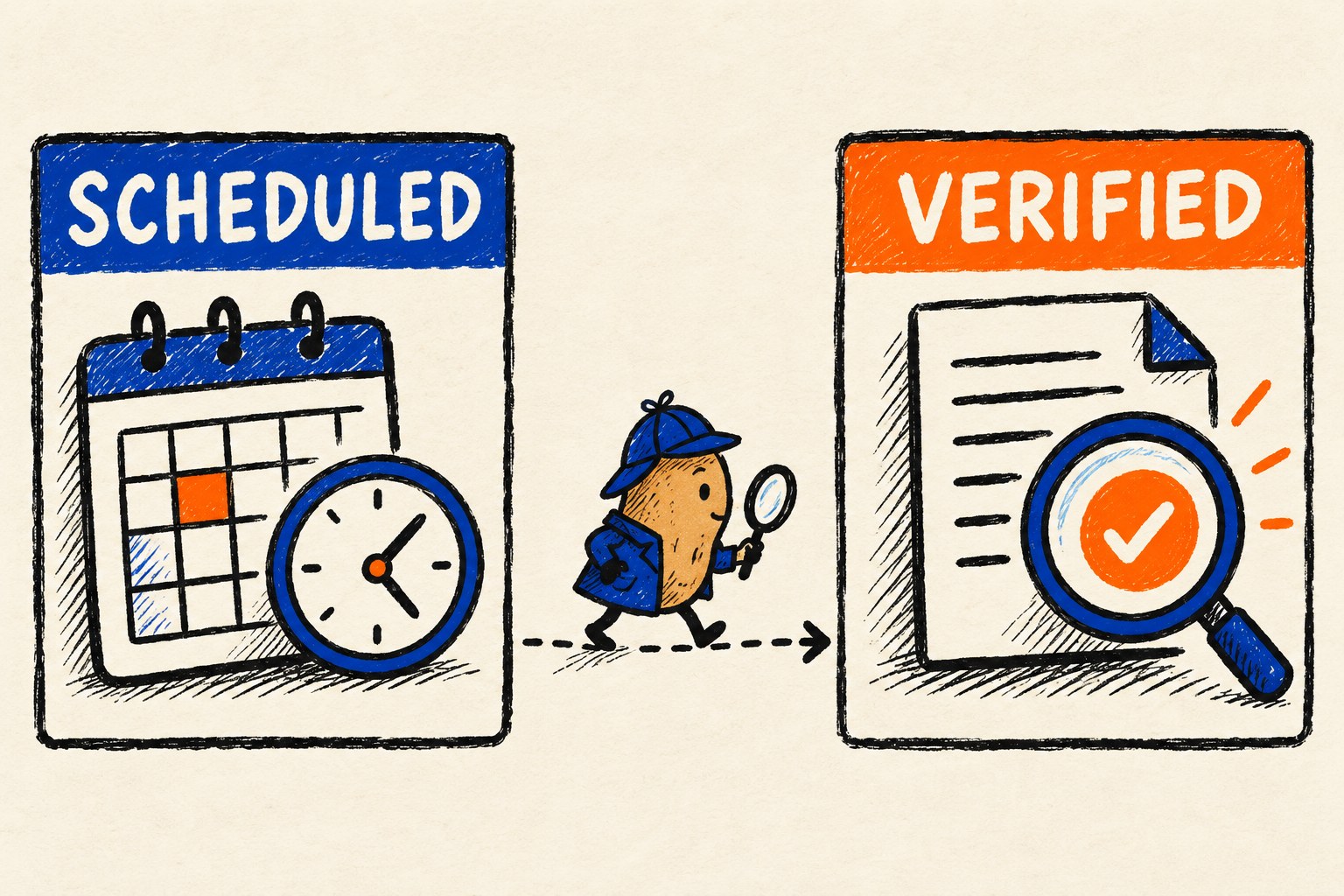
Before trusting a larger queue, confirm that scheduled publishing is actually receiving ticks. The documented Settings view shows scheduler health. A newly deployed app may briefly show no tick yet; if the queue is not moving, inspect that state and the documented troubleshooting path rather than repeatedly moving the same post's time forward.
Keep the distinction visible in your own notes: planned, queued, reported delivered, and publicly checked. Do not rename a queued item “done” just because its scheduled time has passed.
When only one destination fails, do not replay all of them
The Posts and Insights documentation says one multi-account card retains a result for each account. Its Retry action targets failed accounts. Retryable scheduled failures can already be backing off automatically, with up to five attempts before entering Failed. Separately, Post again creates a new draft. Those are different actions with different consequences.
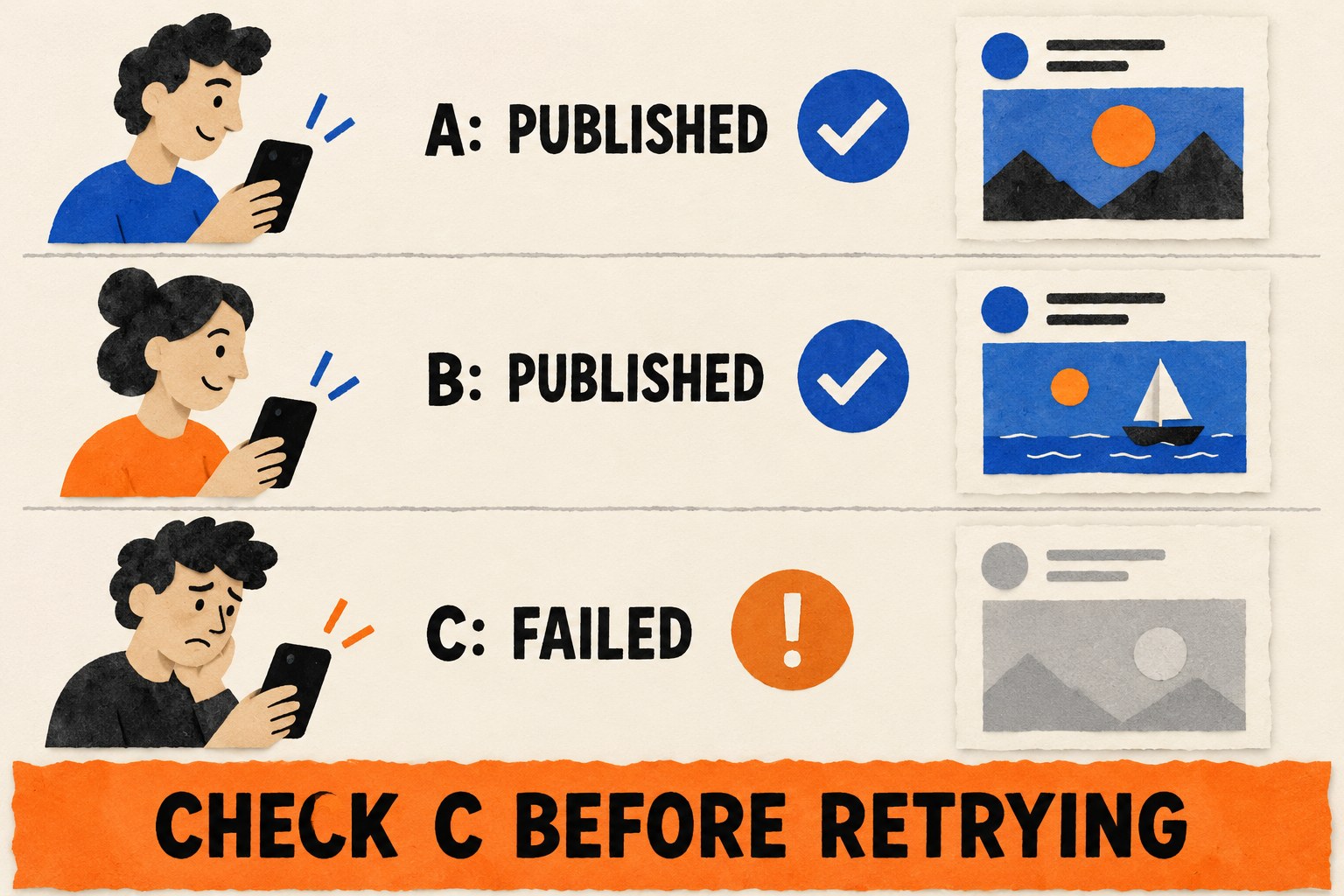
Use this fictional result as a rehearsal: destination A is published, B is published, and C reports a timeout. First inspect C's state and whether another automatic attempt is pending. Open C's public profile or known post URL to look for the expected content. A timeout alone is not evidence that no public post exists.
- If the post is already public: save the link and investigate the status mismatch. Do not send a second copy to make the dashboard look tidy.
- If it is still retrying: avoid starting a competing manual publication. Track the current attempt.
- If failure is final and no post is found: read the error, fix the stated cause and use the documented failed-destination retry where appropriate.
- If you cannot establish the result: mark it unresolved and stop resubmitting until you can reconcile it.
For a multi-part thread, also check which parts are visible and connected. A visible first post does not establish that the whole sequence arrived. Preserve the known links and ordering before deciding on recovery. This cautious review procedure is our recommendation, not a claim that the application can prevent every duplicate under every platform failure.
Keep a small publication receipt
A receipt should answer a future question without reconstructing a whole browser session. Keep one row per destination, even if you drafted the announcement once.
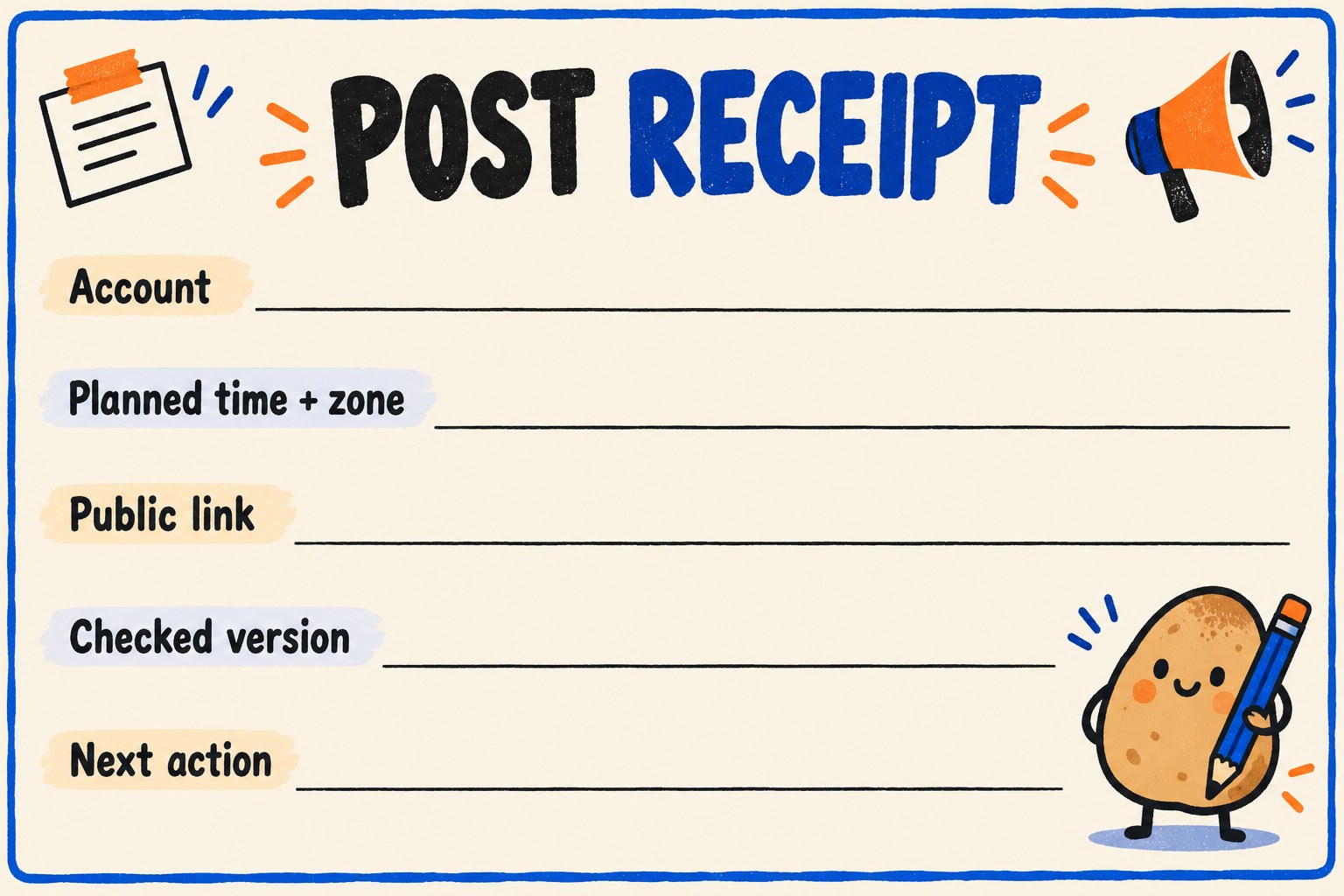
| Field | What to record |
|---|---|
| Account | Platform and exact public handle. |
| Planned time + zone | Full date, intended time and named time zone. |
| Public link | The actual post URL, or “unresolved” if you have not established it. |
| Checked version | Short content identifier plus confirmation of text, links and media order; include when you checked. |
| Next action | None, investigate, or a specific failed-destination recovery with an owner. |
Do not put API keys, passwords or backup codes in this receipt. It is a delivery record, not an account-recovery file. For a solo operator, a short private note may be enough; a shared team sheet needs an agreed owner so two people do not both retry the same failure.
Decide whether self-hosting earns its maintenance
The project README places the application on Cloudflare Workers, with D1 and R2 storage, and documents connections through platform credentials or an optional provider. Self-hosting moves responsibility to your setup; it does not make platform requirements, usage limits or maintenance disappear. Check the current setup and provider terms before committing money or connecting accounts.
After the first trial, answer three practical questions: Did adapting the draft save meaningful effort? Could you diagnose a delayed or failed destination? Can you name who will maintain the deployment and account connections? If those answers are unclear, keep your existing publishing method while evaluating further. A reliable single-platform routine is more useful than five queues nobody is watching.
The first milestone is one explainable publication: the intended account, the reviewed content, a public link and a clear outcome. Once that works, expand the calendar rather than the uncertainty.