A backup file can exist, open successfully and still be the wrong answer. The useful question is whether it contains the records your app needs when the original is unavailable.
LatticeDB’s October 1, 2026 storage fix makes that distinction concrete. With its write-ahead log disabled, backup and serialization could miss committed pages still held in memory. The change adds a direct flush when there is no log, with regression tests that write 50 nodes and check the recovered count. Those tests disable full-text and vector indexes; the application-level retrieval checks below go beyond what they establish. This is a source-code change, not a claim that every published package already contains it.
Here is a small, repeatable restore drill for a local knowledge app. It is a planning checklist based on the project’s documentation and patch, not a benchmark or a report of hands-on testing.
First, identify the build you actually run
The v0.15.0 release was published on August 29, before the October fix. A current README and an installed binary can describe different states. Record your library or CLI version, package source and resolved commit when available. Verify that your chosen build includes the fix before relying on the affected copy path; do not assume that reinstalling the same version changes it.
Also record the storage configuration you use. Do not disable the write-ahead log on valuable data to reproduce this issue. If you need to investigate the affected configuration, use a disposable database containing invented records.
Decide what a usable copy must contain
| Observation | What it establishes | What remains to check |
|---|---|---|
| The app reported a successful write | The application received its write result | Whether your chosen copy contains that state |
| A backup file was produced | The backup operation produced an artifact | Whether a separate reader can recover expected content |
| The recovered data passes your checks | The tested copy works for the tested cases | Untested data, configurations and future changes |
A green badge on the second row does not graduate itself to the third. The badge has not done the homework.
Build a tiny recovery fixture
Use a separate scratch project with harmless invented content. Make the expected results boring enough to check by eye. For example, create three notes with stable test identifiers, one relationship between two notes and one distinctive phrase in a note. Keep a short manifest outside the database:
- Expected note identifiers: note-A, note-B and note-C.
- Expected note-B text: “Orange folder lives on the top shelf.”
- Expected relationship: note-A points to note-B.
- Expected lexical search result for “orange folder”: note-B, if your app indexes that field.
- Expected semantic-search behavior: record the result your chosen model and settings should return; do not invent a universal similarity score.
Adapt this to your app rather than adding unused features. A note viewer needs different checks from a graph explorer. If you do use embeddings, save the model identifier, dimensions and query settings with the fixture so a later change has an explanation.
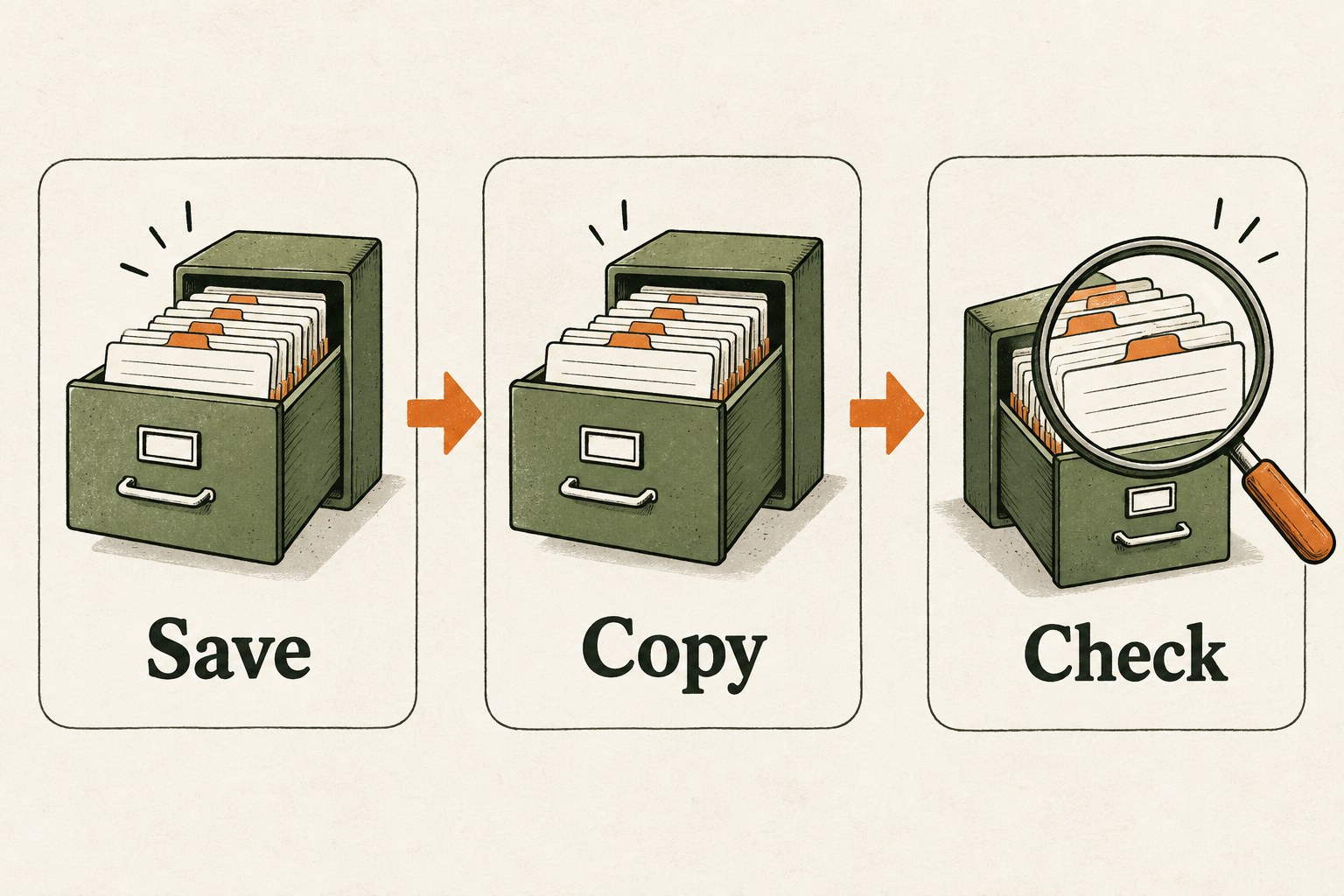
Make the copy without fighting the database
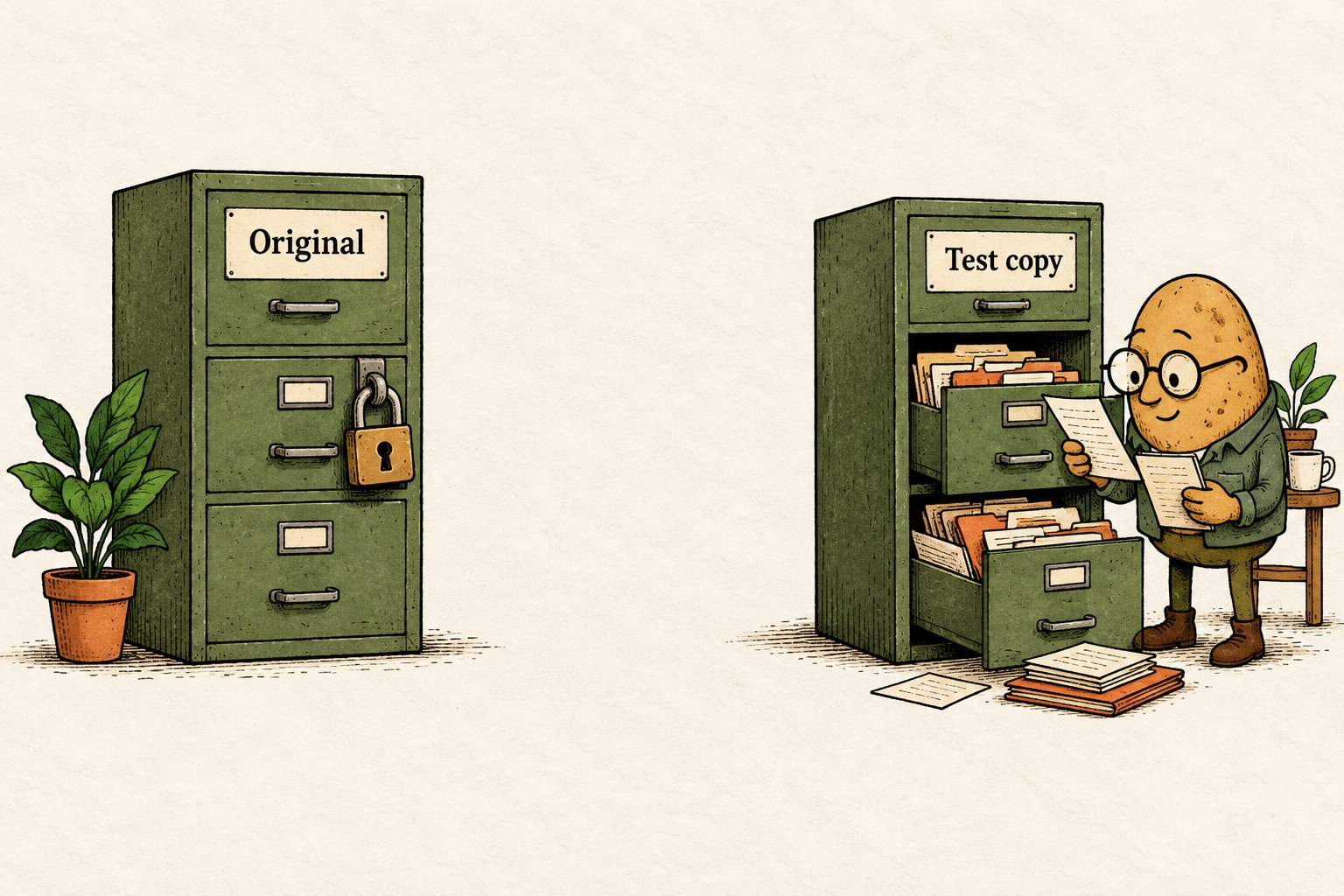
Follow the official backup guide for your installed version. It warns against copying an open database file directly and describes supported backup and replication paths. Arrange a safe point with no open transaction; use the owning application’s supported API when that application already holds the database. Do not remove a lock to make a second process get in.
Choose a new destination for every drill. Keep the source intact and record when the copy was taken. Writes after that boundary should not be expected in an earlier snapshot. If continuous replication is your actual workflow, exercise that workflow and record the recovery point it reports, rather than treating a nightly copy as equivalent. A single-file backup can be opened directly; a replication directory must first be restored using the documented restore operation into a new, non-existing output file. Check that recovered file, and never force it over the original.
Open the copy separately and inspect its contents
- Confirm the path. Point the test reader at the new recovery artifact, not the original database. Make the path visible in your test log.
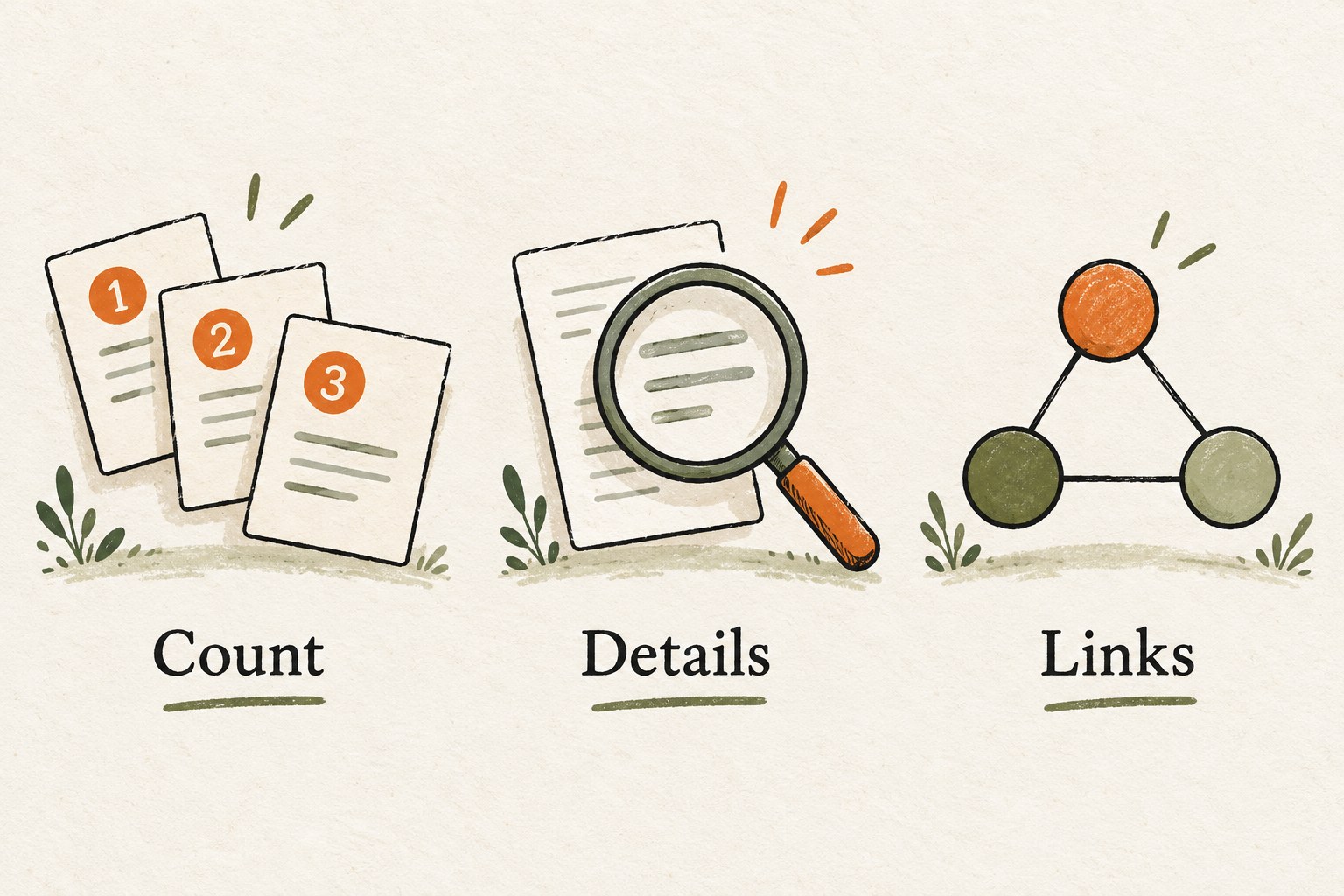
- Compare counts and identifiers. Matching totals alone can hide a missing record replaced by a duplicate or unrelated record.
- Read meaningful fields. Check the distinctive phrase and any fields your app actually displays.
- Traverse the expected relationship. Verify both endpoints, direction and relevant properties if your feature uses them.
- Run the retrieval checks. Exercise the lexical or vector paths your app depends on. A successful open does not test those features.
- Record exceptions. A query error, missing record or mismatch is a failed drill until investigated, even if the file has a plausible size.
The project’s full-text guide describes indexed fields and BM25 retrieval. Use its version-appropriate API rather than assuming every property is searchable. Our fixture above is a suggested application check, not an official conformance suite.
Save the recovery evidence
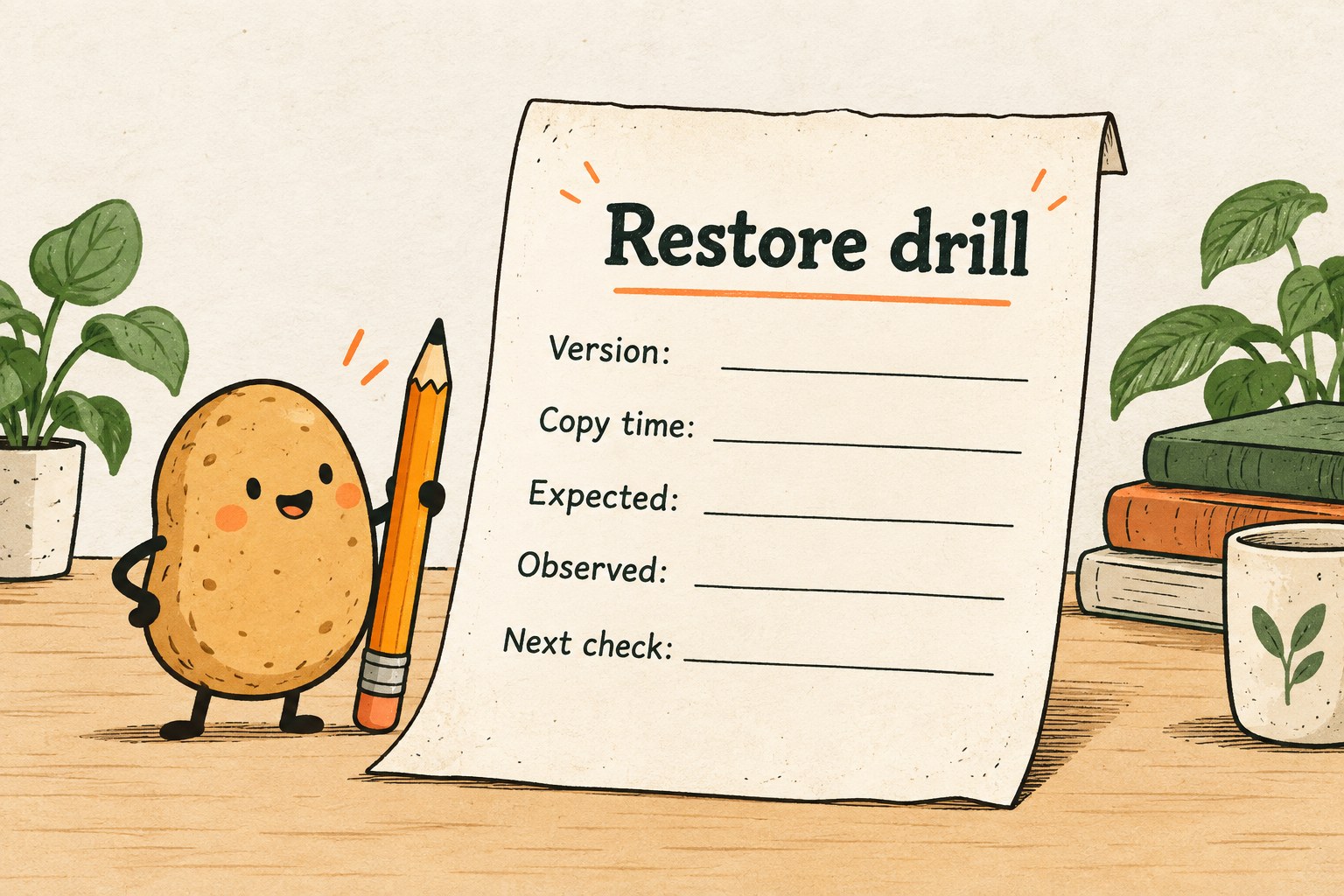
Copy these fields into a plain-text note or issue. Fill in observations, including failures; leave unknowns marked unknown.
- Build: version, resolved commit if known, binding and platform.
- Configuration: storage mode, log setting and relevant index settings.
- Artifact: source label, new destination, copy time and reported recovery time.
- Expected: identifiers, count, representative fields, relationships and retrieval outcomes.
- Observed: results from the separate copy, with query errors preserved.
- Decision: pass for this fixture, investigate, or repeat after a specific fix.
- Next check: after changing the database build, schema, indexes or backup mechanism.
If the copy fails, preserve both it and the original. Stop any automatic “replace original” step, narrow the failing check and repeat on disposable data. Do not delete older known-good backups just because a new file was created. Storage retention and access controls need their own plan.
What this drill does not prove
A three-note fixture will not establish crash durability, large-dataset behavior or a recovery-time guarantee. Add representative test data and failure cases before depending on the system for important work. The durability documentation is the place to check what the selected storage mode promises; a successful copy is not a substitute for that configuration decision.
The practical finish line is modest: you know which build made the artifact, which state it should contain, and which checks succeeded after opening that artifact separately. That is a much better starting point than a folder called “backup-final-really-final.”
For a different recovery problem, our PicoMQ reconnect drill separates receiving an event from applying it. The shared habit is to test the outcome your application needs, rather than a reassuring intermediate status.