Before automating Copilot model-policy changes, record the policy scope, current model identifier, inherited controls and intended audience. Keep the API response separate from a check of what an affected user can actually select. A readable policy response is evidence about configuration, not permission to change it or proof of individual access.
On October 19, 2026, GitHub announced generally available GET and PATCH model-policy endpoints for enterprises, enterprise teams, agent apps and organizations. This guide turns that announcement into a small review workflow: inspect, propose, authorize, then verify. It is a proposed operating checklist, not a report of a tenant migration we performed. See the official announcement.

First decide which policy question you are answering
“Is this model enabled?” is incomplete. Enabled where, for which audience, and under which management mode? Start the review with a sentence such as: “We want to understand access for the documentation team, without changing any policy.” That keeps a diagnostic task from quietly becoming an access expansion.
GitHub distinguishes organization-based control from an opt-in enterprise-teams preview. Enabling the latter deactivates organization-level model settings. API general availability therefore should not be read as a declaration that every related management mode is out of preview. The enterprise model-availability guide documents those differences.
- Question: What exact user-facing problem or proposed change started the review?
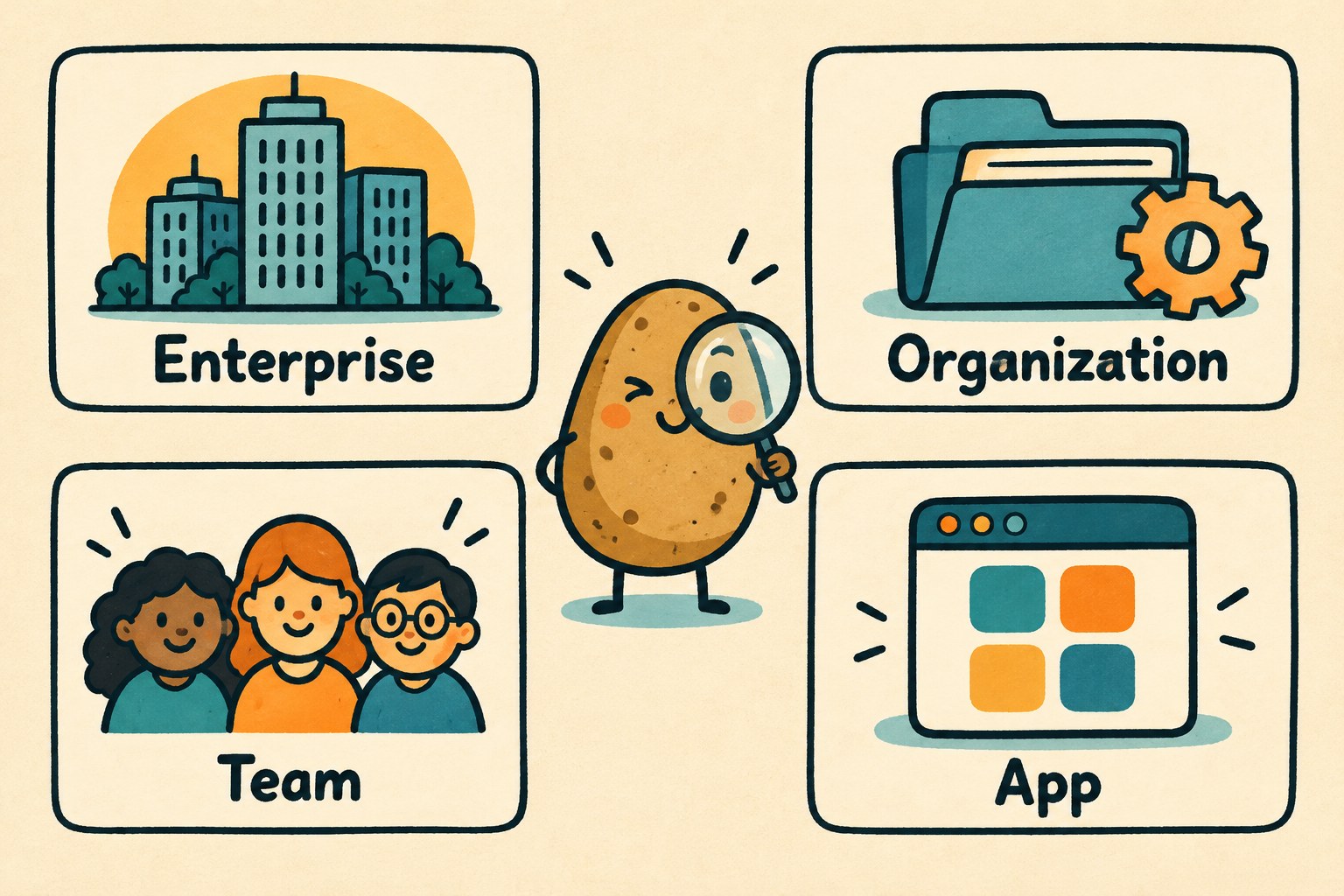
- Scope: Enterprise, organization, enterprise team or agent-app policy; record the target identifier privately. The apps endpoint describes enterprise-wide app policies, not a separately addressed policy for each app.
- Mode: Which management mode is currently active? Who confirmed it?
- Boundary: Which people, apps and settings are explicitly outside this change?
- Owner: Who may inspect the configuration, and who may approve a modification?
Do not switch modes merely to make an endpoint fit an existing script. That is a separate migration decision with a wider audience than the original troubleshooting question.
A GET request does not guarantee a read-only credential
The organization endpoint has a particularly easy trap: its documented fine-grained permission is organization Administration write, even for GET. Organization owners can use it; the organization must be independent or in an enterprise that is not using enterprise-teams model policy. Consult the current organization API reference before selecting an authentication route.
By contrast, the enterprise AI-controls reference lists read access for its GET operations and separate write access for updates. Team and apps responses describe policy settings and editability; they are not final per-user access decisions.
For an inspection-only task, use an already approved route with an authorized administrator. If that route is unavailable, record the missing access and ask the owner to supply the relevant non-secret evidence. Do not create a broadly privileged credential just because the command begins with GET. Never paste tokens or authorization headers into the review record.
Capture a before-state that someone else can compare
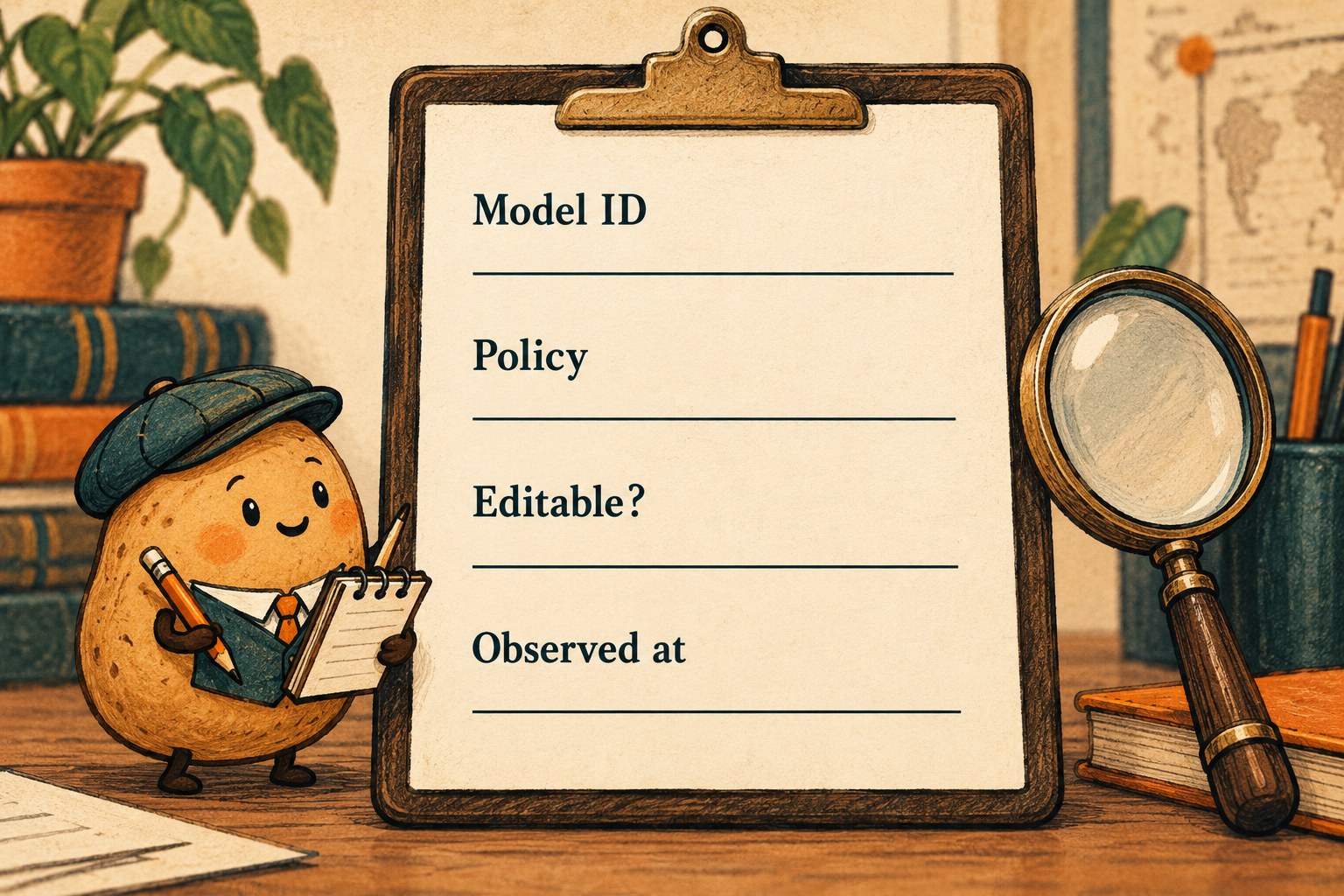
Use one row per model and keep the collection time beside the scope. A screenshot without a timestamp or a response without its target can answer the wrong question beautifully.
| Record field | What to retain | What not to infer |
|---|---|---|
| Observation | Date, time zone, scope, endpoint documentation link and response status. | A response from yesterday is necessarily the current baseline. |
| Model identity | The identifier returned by the relevant GET operation, plus its display label. | A remembered marketing name is a valid API identifier. |
| State and control | Returned policy fields and any editability or inherited-policy information present. | A missing field is equivalent to an explicit false value. |
| Proposed delta | Exact model, old observation, intended new setting and business reason. | Every field in a full response belongs in the change request. |
| Audience | Intended group and a named owner for checking overlapping memberships. | One team response describes all access paths for a person. |
| Disposition | No change, needs evidence, approved change or deferred; decision owner. | Successful retrieval means the change is approved. |
This is our suggested review format, not a GitHub payload schema. Keep raw responses in your approved private evidence location when appropriate; put only the necessary comparison in the review. Use “not observed” rather than filling gaps from another scope's response.
Check overlapping teams before interpreting Optional
In enterprise-teams mode, team access is additive. An enterprise-wide disabled model cannot be enabled by a team; an enterprise-wide enabled model remains enabled. For delegated models, one team enabling a model can give a member access even if another team's setting is Optional. GitHub describes Optional as not currently enabled for that team, not as a per-person denial. See the team-access rules.
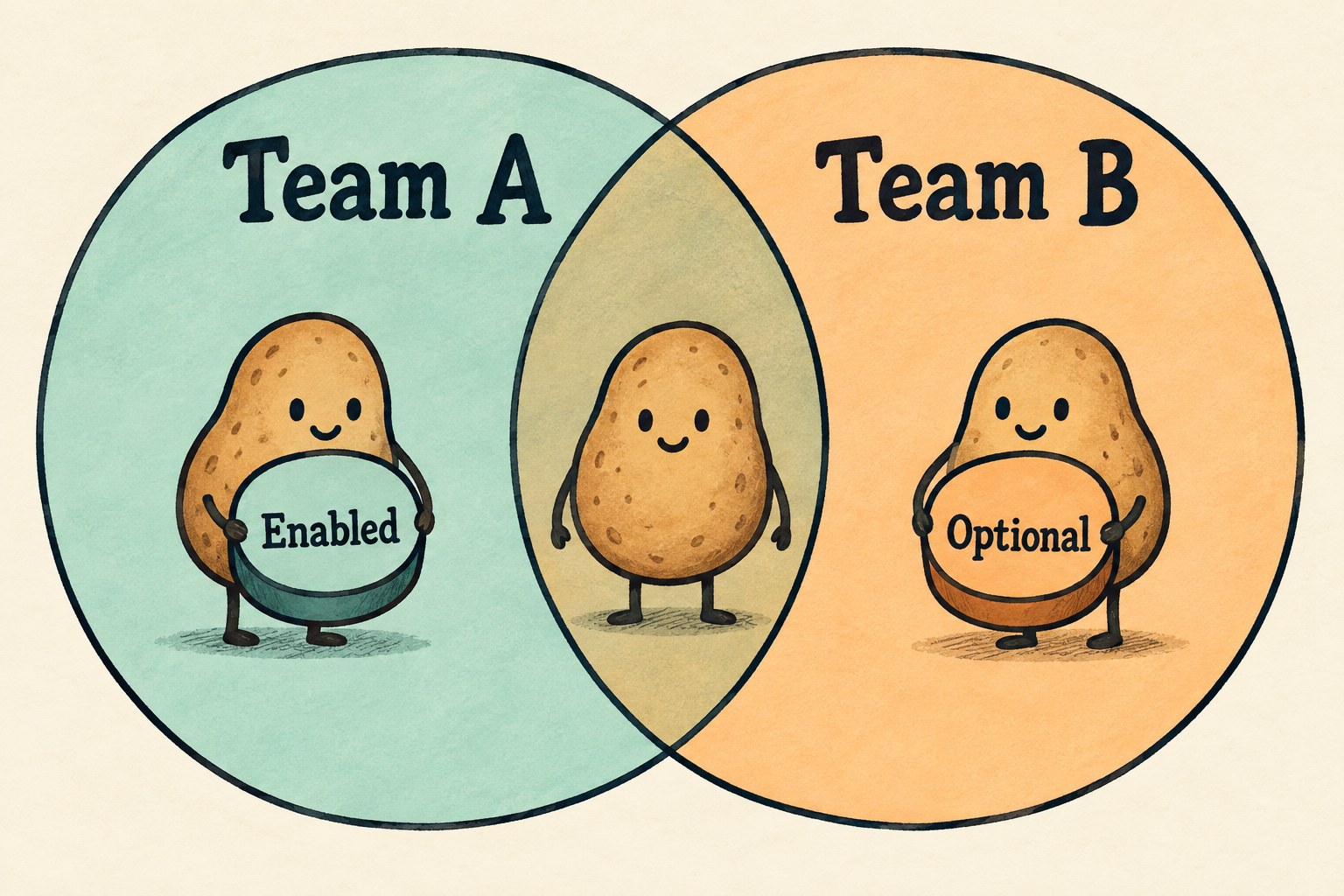
For a fictional review, suppose the requested pilot is Team B, while one pilot participant also belongs to Team A. Write down both memberships before claiming that the participant is a clean test of Team B's setting. If you cannot verify the other membership or policy, keep the user-access conclusion unresolved. Do not remove memberships just to simplify a test.
Keep the change small, then read the result again
For organization updates, GitHub requires model identifiers from GET. Inherited enterprise policies are locked; default availability is also locked when its editability is false. Organization PATCH changes are atomic, and its response contains effective policies for all available models, not only the requested changes. Those are organization-endpoint behaviors, not a promise about every API. See the organization update contract.
- Have the owner review the proposed delta and affected audience.
- Refresh the before-state immediately before the authorized change. If it differs, resolve that difference instead of overwriting it from an old record.
- Follow the current endpoint's documented request format. Keep unrelated models and management-mode changes out of the proposal.
- Retain the actual response, then retrieve the same scope again. Compare the intended change and inspect unexpected differences.
- Ask an authorized affected user to check the relevant Copilot surface. Record the account context, client version, time and observed model availability without collecting prompts or private work.
Refreshing is a review safeguard, not a transaction lock. If another administrator is changing the same scope, coordinate ownership rather than treating “we read it first” as concurrency protection. If the request outcome is uncertain, read the current state before repeating it.

Close with two conclusions and a next action
Use a short handoff with separate configuration and experience conclusions:
- Configuration: At the recorded time, this scope returned these policy values. They match the approved delta, or these differences remain.
- User observation: This authorized test account, on this client, could or could not select the intended model. If no check happened, write “not tested.”
- Next action: Name the owner of any mismatch and the evidence still needed. Do not broaden access as a diagnostic shortcut.
A useful stopping point may be “no policy change needed.” If the issue is a retired model rather than an access setting, use our model-replacement record to separate replacement choice from policy administration. The goal is an explainable decision, not a script that can flip more switches.