Before adopting the October 10 Copilot for JetBrains update, record your IDE and plugin versions, then check the starting model, MCP startup behavior and diagnostic Fix mode separately. A successful chat does not show that all three behaved as intended. Use a disposable project and stop when the observed behavior differs from the setting you meant to test.
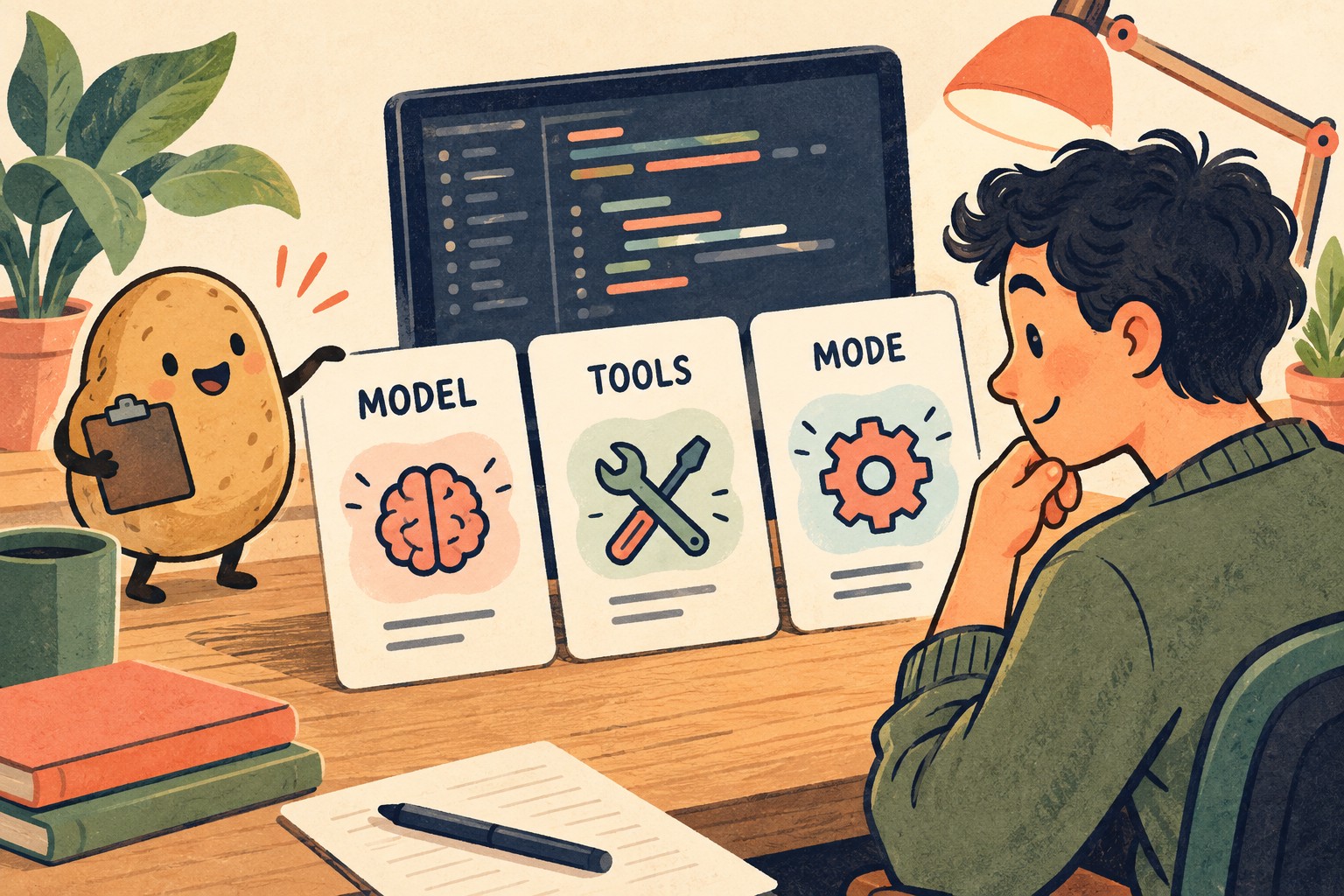
What changed, and what needs a separate check
GitHub’s October 10, 2026 announcement describes enterprise-managed defaults for new conversations while retaining an explicit model-picker choice. It also adds a setting to disable automatic MCP server startup for Copilot and Claude. Diagnostic Fix opens inline chat, using agent mode when available and ask mode otherwise. The announcement ends support for JetBrains IDE 2025.1 and requires 2025.2 or later.
Those are release claims, not results from our own installation. The review below is an original proposed acceptance exercise. It does not prescribe an undocumented settings path, assume every account has the same policy, or promise that disabling startup revokes a server’s access.
Start with an environment receipt
Before changing anything, write down the IDE product and full build, Copilot plugin version, operating system, account type and whether an administrator manages settings. Record which surface you opened: the GitHub Copilot plugin, another IDE assistant integration, or a terminal session. GitHub’s IDE overview distinguishes these entry points; a result in one should not silently stand in for another.
Use a tiny project you can discard, with no customer files or credentials. Save its starting state. If you cannot identify the installed version or the relevant control, mark that row “not checked.” Do not fill the gap with the version number from a release headline.
| Record | What to capture | Why it matters |
|---|---|---|
| Environment | IDE build, plugin version, OS and date | Makes a report repeatable after another update |
| Surface and account | Exact integration and personal or managed account | Keeps different policy contexts separate |
| Starting state | Fresh or existing conversation; explicit selections already made | Prevents an old choice being mistaken for a new default |
| Evidence location | Redacted screenshot or note; test-project revision | Lets someone inspect the claim without receiving private code |
Check the model without mixing up default and choice

Use two observations rather than one vague “model works” check. First, open a new conversation without deliberately changing the picker and record the visible model. Second, explicitly select an available model and record that choice before sending a small, non-sensitive prompt. If you are checking an administrator’s intended default, obtain its name from the administrator or the visible managed configuration; do not infer it from whichever model happened to appear.
Keep the prompt identical when you compare the two observations. A suitable synthetic prompt is: “Explain what this three-line function returns for an empty list. Do not edit files.” Record the selected model and whether the response addressed the question. This is a configuration check, not a model-quality benchmark. Different wording in two answers does not, by itself, establish that the wrong model ran.
Supply this synthetic Python example with that prompt. For an empty list, the expected result is 0; for [2, 3], it is 5. These expected values come from the example itself, not a Copilot trial.
def total(values):
    result = sum(values)
    return result
If the labels disagree with the expected selection, preserve the mismatch and environment receipt. Changing policy, switching accounts and restarting the IDE all at once produces an exciting story and a terrible diagnosis. Change one condition at a time.
Separate a configured MCP server from an observed startup
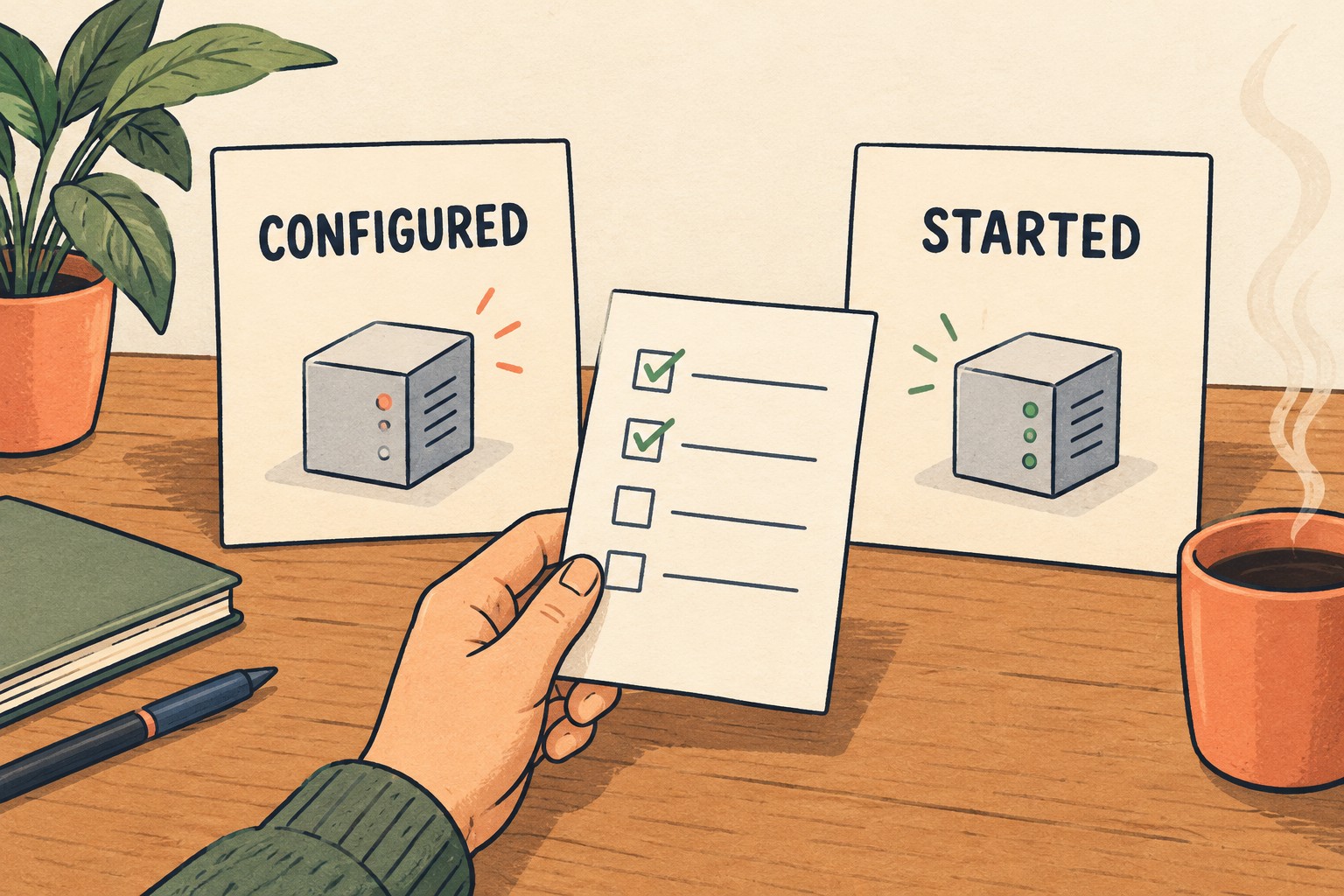
For a server you already trust and are authorized to use, record the automatic-startup setting before opening the test session. Then record the status the IDE actually exposes. Use only non-sensitive status evidence. Do not paste configuration files containing tokens into a bug report.
Record the pre-test server status as running, stopped or unknown, and name the lifecycle action you observed: opening a conversation, restarting the plugin or restarting the IDE. The announcement does not define the startup trigger or say that changing the setting stops an already-running server. Do not treat a fresh chat as proof of a fresh server process.
The useful question is narrow: “Under this setting and this session start, what did I observe?” A server name in a list is not enough to answer it. If no reliable running/stopped indication is available, write “startup not established” rather than “off.” Test Copilot and Claude separately if both are part of your workflow; leave the unused one untested.
This exercise does not require adding a server, granting new permissions, triggering a tool call, or changing organization security policy. An administrator-managed restriction is a boundary to report, not something to work around. Likewise, a startup control is not a substitute for reviewing what a tool is allowed to do.
Inspect the diagnostic Fix route before keeping a change
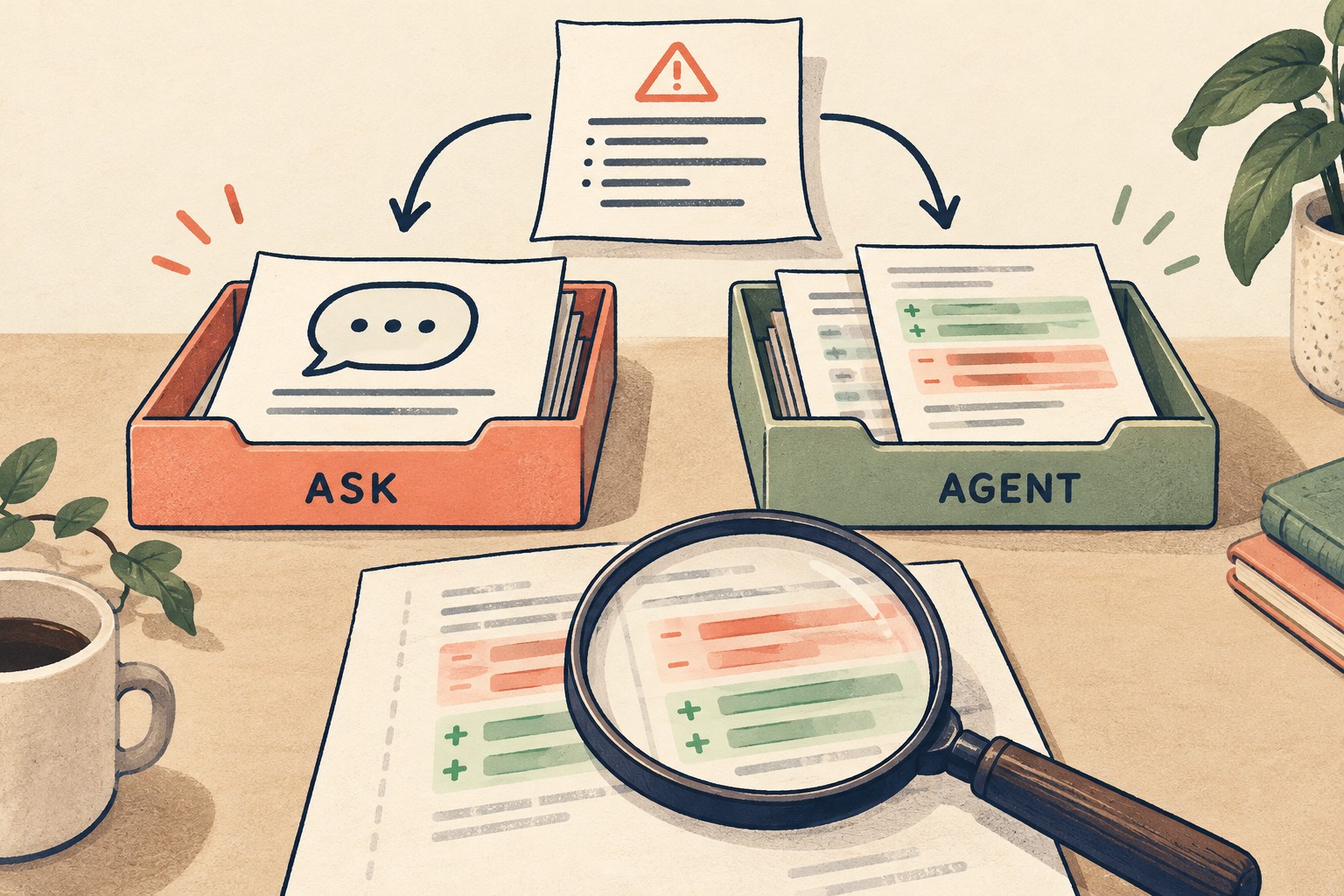
Choose one harmless diagnostic in the disposable project, such as a deliberately unresolved name in a small function. Capture the diagnostic text and original file. Invoke the available Fix action, then record the chat mode shown and the proposed response. Do not deliberately disable organization controls just to force both branches of the test.
GitHub’s agent-mode documentation describes file edits and proposed commands, with review remaining part of the workflow. It also notes that settings or administrators may allow some commands to run automatically. Check your actual configuration before experimenting; do not assume every command will wait for a fresh approval.
- Write the intended result in one sentence: resolve this diagnostic without changing the function’s intended output.
- Review the changed files, not just the final chat response. Look for unrelated edits and dependency changes.
- Run the project’s existing relevant check only if you are authorized to do so. Record its command and actual result.
- Keep or discard the proposed change deliberately. A cleared editor underline is useful evidence, but it is not the same as a passing behavior check.
If ask mode only provides an explanation, record that as the observed result. Do not mark the exercise failed merely because no file changed when the observed route was explanatory. Conversely, an unexpected edit deserves investigation even if the code looks plausible.
A copyable acceptance record
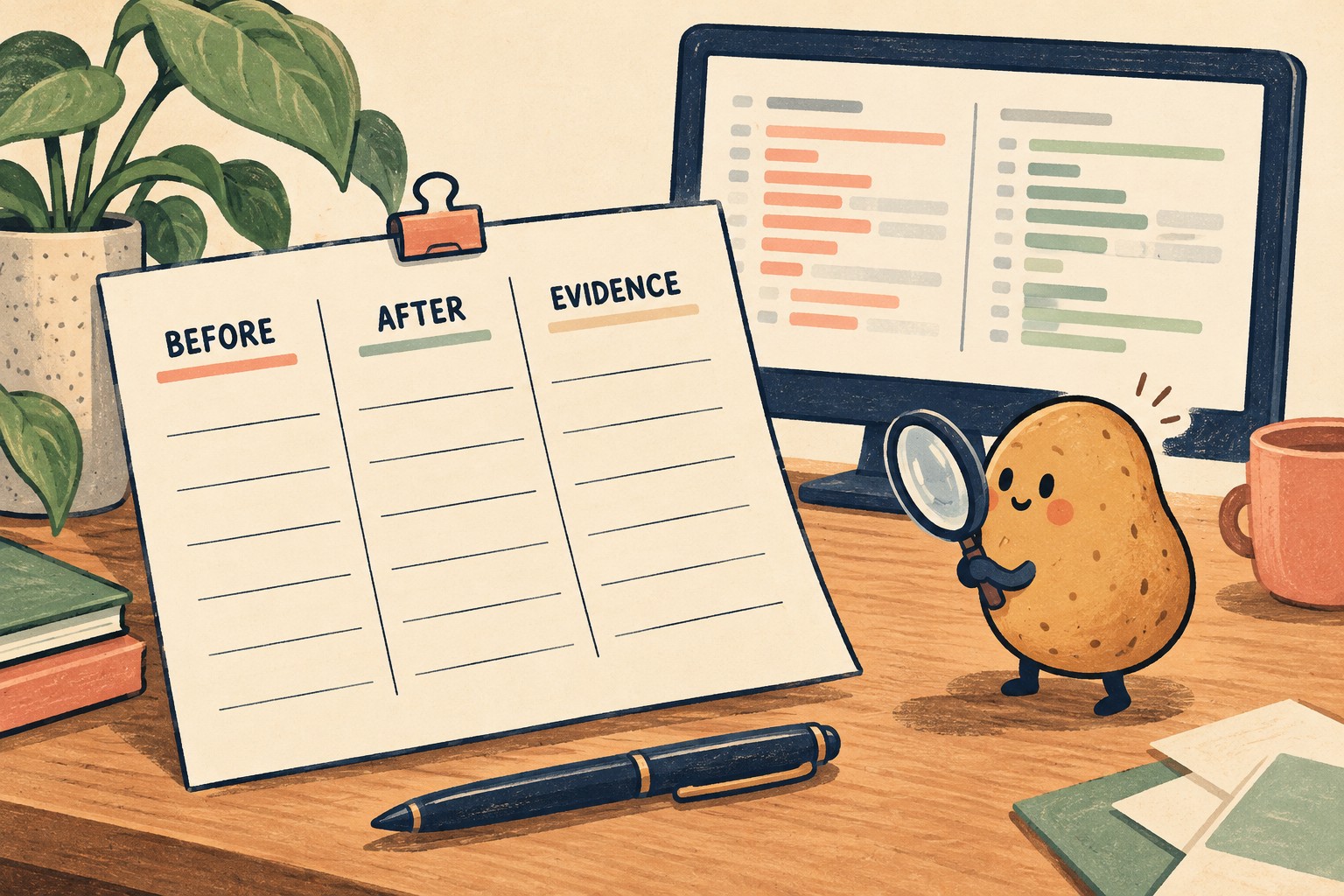
Make one record per observation. Leave unknowns visible. This compact format is intended for a team note or issue draft, not for uploading sensitive project material.
- Environment: IDE/build ___; plugin ___; OS ___; observed on ___.
- Surface and account context: ___; managed settings applicable: yes / no / unknown.
- Check: fresh-chat model / explicit model choice / MCP startup / diagnostic Fix.
- Before: conversation state ___; visible setting ___; test-project state ___.
- Expected: ___; reason or approved configuration reference ___.
- Observed: visible model/mode/status ___; changed files ___; check result ___.
- Evidence: redacted note or screenshot ___; no secrets included.
- Decision: accepted for this condition / mismatch to investigate / not established.
Worked example: unknown is a useful result
Hypothetical example: a developer records a compatible IDE and installed plugin, turns off the relevant automatic-startup option, and opens a fresh Copilot conversation. The server remains listed, but the developer cannot find reliable status evidence. The correct entry is “configured server visible; startup not established.” It is not “startup setting broken” and not “server definitely stopped.” The next step is to locate documented status evidence or ask the administrator, without issuing a tool operation merely to see what happens.
Decide what is ready, and what still needs evidence
Accept only the conditions you actually checked. You may have a clear model-selection result, an untested Claude route and an unresolved MCP status question in the same review. That is more useful than a single green tick for the whole update.
For a repeatable coding task after this configuration review, use the one-rule brief and boundary test. If you hand the investigation to someone else, include the environment receipt and the exact unanswered question. The handoff should save them a restart, not make them guess what “it seemed fine” meant.