Before an extension pairs two existing Chrome tabs, check that they are adjacent, in the same window, have matching pinned and group states, and are not already split. If a check fails, explain the mismatch instead of silently rearranging the user's workspace. After pairing, verify the actual result and offer a separate-tabs action.
Chrome's Split View API announcement, updated September 16, 2026, introduces programmatic pairing from Chrome 155. Native side-by-side viewing and an extension that manages it are different capabilities. This guide supplies an original review worksheet for the second: a small, predictable “pair these two tabs” command. It is a proposed acceptance procedure, not a report of a tested extension or a cross-browser compatibility certification.
Start with a bounded promise
A useful first version has one job: pair the two tabs the user selected. Avoid turning that click into a surprise workspace organizer. Write the promise before implementation: “These two tabs will share a view; their contents will stay open.” List any separate action needed to make them eligible, and let the user choose it.
For a person who only wants manual side-by-side browsing, Chrome's Split View help explains browser controls and separating views. An extension is worth reviewing when it adds a repeatable workflow, not merely another button for an existing browser action.
Use a two-tab eligibility card
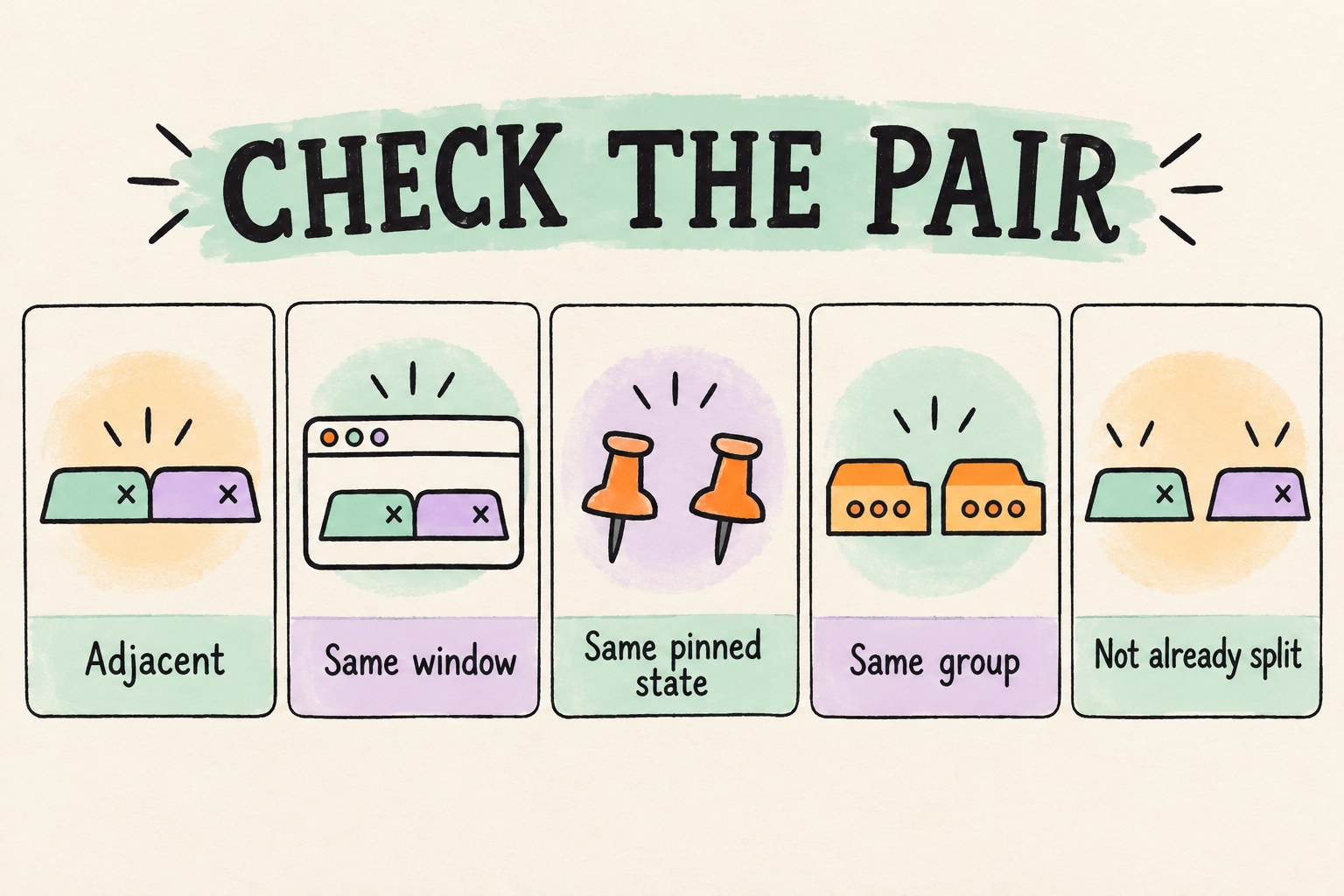
The Tabs API reference requires exactly two adjacent, unsplit tabs with matching windowId, pinned and groupId. The checklist below adds suggested product responses; those responses are our design recommendations, not browser guarantees.
| Review question | Suggested response when it fails |
|---|---|
| Are these two different, still-open tabs? | Ask for another selection; do not substitute an unrelated tab. |
| Are they next to each other in one window? | Identify the mismatch and let the user arrange the pair. |
| Do both have the same pinned state? | Explain that pinned and unpinned tabs cannot form this pair. |
| Do their group IDs match? | Explain the group mismatch without removing group membership. |
| Are neither already in a split view? | Offer an explicit choice to separate the existing pair first. |
| Can this extension environment use the required methods? | Disable only this command with a clear compatibility explanation. |
Do not use the mere presence of splitViewId as a version test. The reference dates that property to Chrome 140, while createSplit starts at 155; the property is also optional. Treat missing state as unknown; refresh it, and keep the command unavailable if it is still missing. The absence sentinel is SPLIT_VIEW_ID_NONE, whose documented value is −1.
Pair, verify, then separate without closing
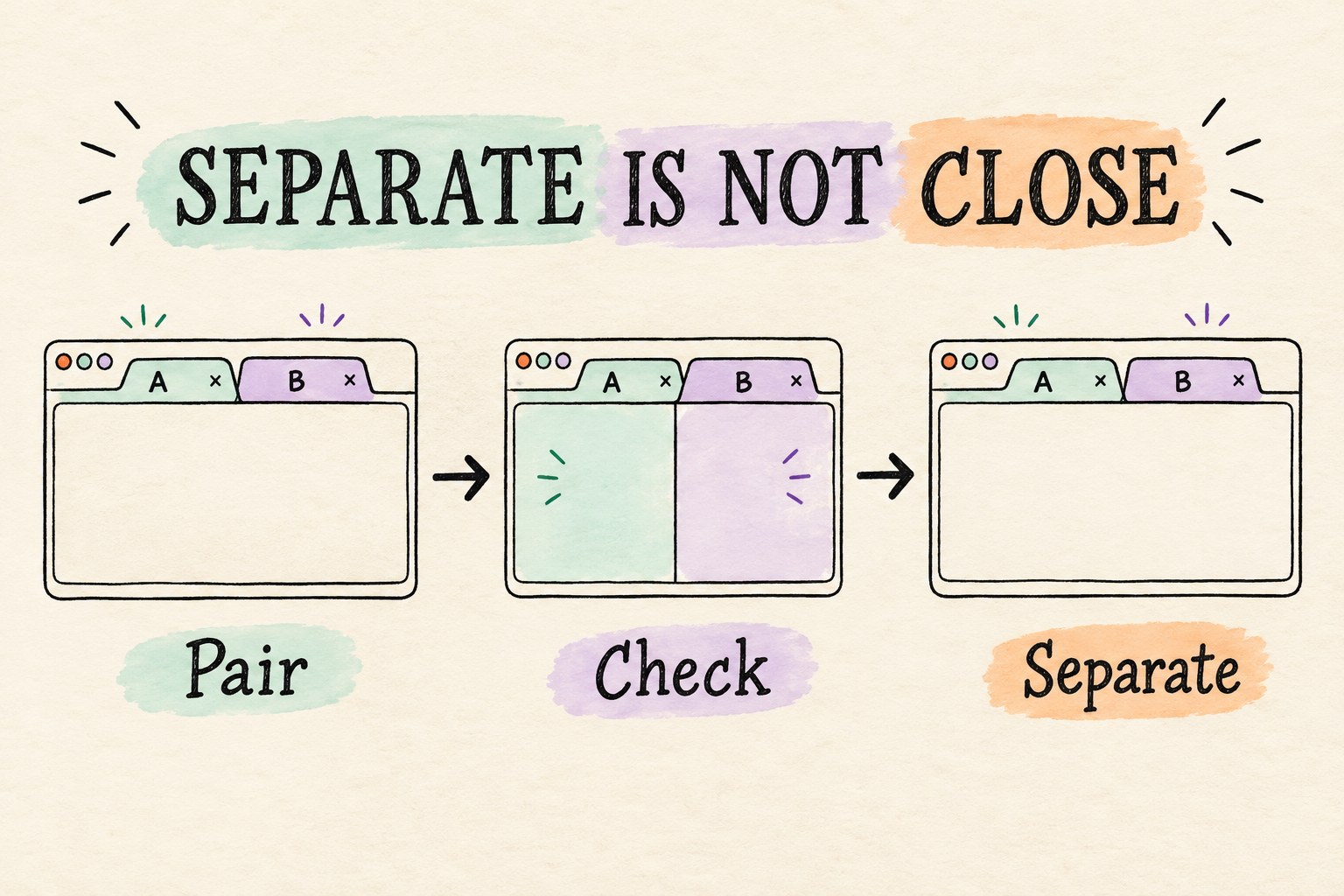
Keep three review steps distinct. First await the pairing operation. Next inspect both chosen tabs to confirm the returned split identifier is their actual shared identifier. Finally exercise the separate-tabs command and confirm both original pages remain open. In the API, unsplit takes the split-view identifier, not either tab's ID. It is not a synonym for closing a tab.
The announcement says separating preserves pinning, window and group state and relative tab placement. Check those properties in the acceptance record rather than treating a successful promise as proof that the whole user experience passed. A panel can show a success message while its own selected-state display is stale.
Suggested observation: identify tabs as A and B in a disposable test workspace. Pair them, separate them, then confirm A and B still exist. Record the two tab IDs separately from the split ID. Do not publish titles or URLs from someone's actual browsing session in a bug report.
Handle a moving target without an automatic rearrangement loop
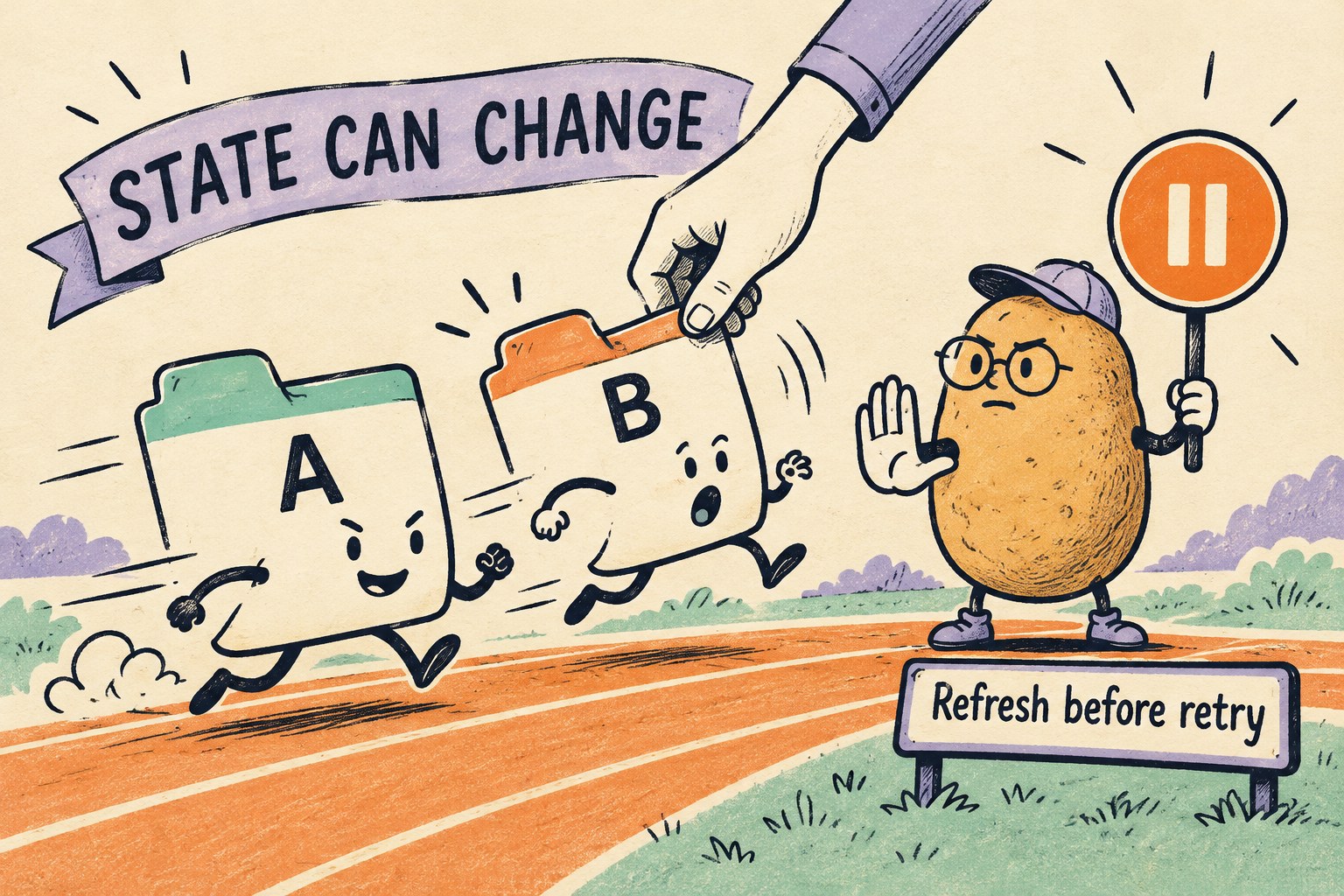
A preflight describes a moment, not a lock. While a popup is open, someone can move a tab, close it, change its group, or use the browser's own split controls. Design the failure message around the next useful action: “The tabs changed. Refresh the selection and try again.” Do not immediately retry the same mutation against stale IDs.
Our suggested recovery flow is: capture the failure, reread the chosen tabs, update the eligibility explanation, and require a fresh user action. If a tab no longer exists, remove it from the selection instead of creating a replacement page. If the result is uncertain, inspect current membership before offering another pairing action.
Test double clicks as well. A second click should not create a second workflow while the first is unresolved. Disable the action while awaiting its result, restore it on a known outcome, and show an explicit unresolved state if verification itself fails. This is a proposed interaction rule, not a measured performance claim.
Separate layout access from page-data access
The Chrome announcement states that split operations do not need permissions. That does not mean a picker can freely read every tab's title and URL. MDN's Tabs API guide distinguishes tab manipulation from access to page metadata. Decide what the picker actually needs before adding a permission; do not request broad site access simply to arrange two tabs.
Chrome's reference places the API in extension pages and service workers, not content scripts. Keep the command in an appropriate extension context. Cross-vendor collaboration on an API is not a promise that your extension works unchanged in every browser: record each browser/version actually checked.
Copy this acceptance record
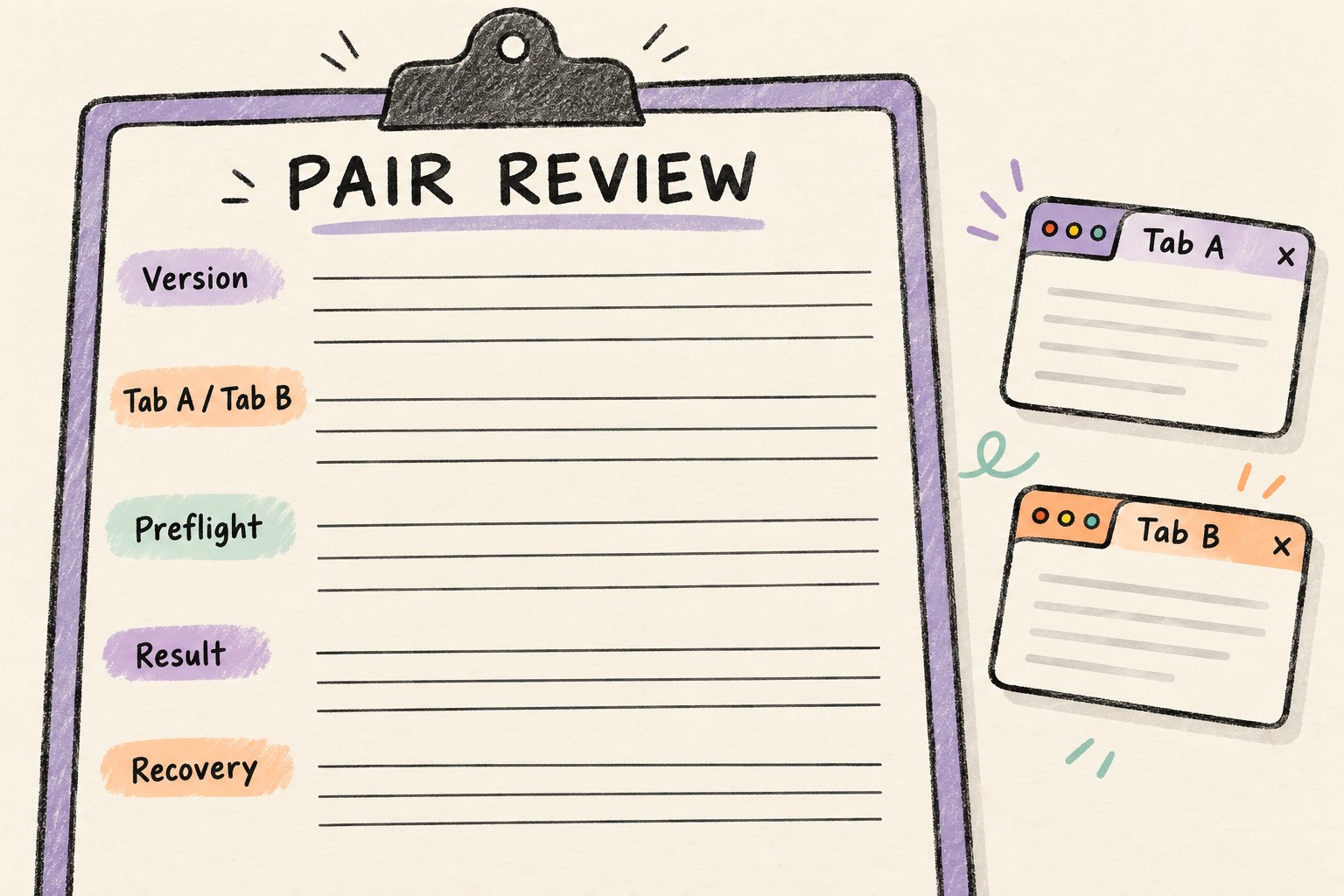
Use synthetic pages named A and B, not personal browsing history. Fill “not tested” where evidence is missing; a blank cell should never be interpreted as a pass.
Browser and version:
Extension build:
Tab A ID / Tab B ID:
Current window / indexes:
Pinned states / group IDs:
Existing split membership:
Required methods available:
Preflight result and explanation:
Pair operation result / returned split ID:
Observed membership after pairing:
Separate operation result:
Both original tabs still open:
State-change case exercised:
Observed message and next action:
Unresolved checks / reviewer / date:
Try a normal adjacent pair, a nonadjacent pair, mismatched groups, mismatched pinning, an already-split tab, a tab closed after selection, and an unavailable-method environment. For each negative case, a useful outcome is an understandable explanation with no unrequested workspace change. These are recommended cases, not tests we have run.
For the pages shown inside the panes, also review the host-versus-embed layout checklist if your existing implementation uses embedded pages. Native split tabs and an iframe layout have different boundaries; do not carry an old workaround's assumptions into the new command.