Before replacing a website's JPEGs with JPEG XL files, prove two things on one page: the new image actually reaches a browser that can display it, and the existing image still reaches a browser that cannot. A format announcement is the beginning of that check, not the result.
Chrome's milestone 155 release notes list JPEG XL decoding with the MIME type image/jxl and give October 6, 2026 as the scheduled stable release date. The earlier September 16 beta announcement describes the decoder and format capabilities. Those references make a small delivery pilot timely; they do not establish support on every visitor's installed browser.
This guide supplies an original review card for a web editor working with a developer. It is based on documentation checked October 8, 2026 in Asia/Seoul. No browser compatibility benchmark, encoder comparison or production migration was performed for this article.
Choose one image and write the acceptance rule first
Pick a nonessential image on a staging page that you control. Keep its approved original and current delivery path. Avoid starting with an entire media library: a single example is easier to inspect and reverse.
Give the pilot one question. For example: “Can this ordinary landscape image be offered as JPEG XL while the existing JPEG remains available to the browsers in our support list?” Leave HDR, animation and a new responsive layout for separate work unless they are the actual requirement. Otherwise a changed crop, changed display size and changed format become three competing explanations for the same visual difference.
- Reference: the approved original, its pixel dimensions and the page where it appears.
- Candidate: a separately named JPEG XL export, with its export settings recorded.
- Visible acceptance: the same intended subject, crop and readable details at the page's actual display sizes.
- Delivery acceptance: the intended file loads in each tested environment and the alternative route is checked separately.
A useful acceptance sentence names the image and the environments. “Looks good on my laptop” leaves both too vague for the next person to reproduce.
Distinguish format selection from recovery after a broken request
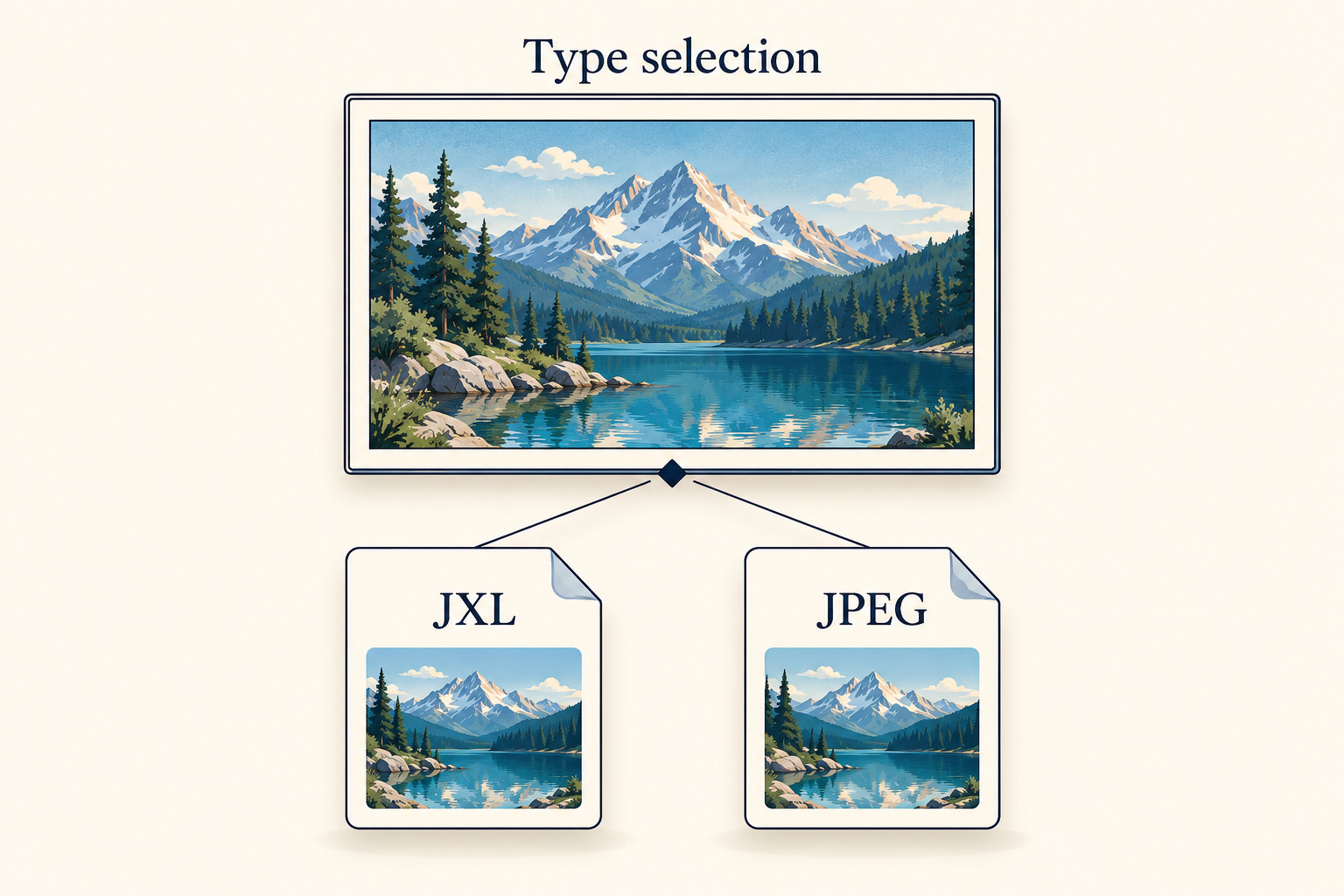
The HTML picture and source specification describes a container with candidate sources followed by an img. Within it, image candidates use srcset; the source's type allows a browser to skip an unsupported format. The contained img element remains responsible for displaying the selected resource.
For a simple pilot, ask the implementer to identify the JPEG XL candidate, its image/jxl type, and the existing JPEG alternative in the delivered markup. Keep the image's alternative text and intended dimensions intact. This is a review of the implementation, not a request to paste an unexplained snippet into a live site.
Do not treat the alternative as a universal rescue path. An unsupported format and a selected file that returns an error are different cases. The HTML image-processing model includes broken-image and error handling; a broken selected request does not establish that the JPEG will be tried next. Check both cases instead of assuming the first proves the second.
Also separate image delivery from image editing. Successfully opening a file in an editor says nothing about which URL your page serves. Successfully uploading a file says nothing about whether the site's build or image service preserves that format.
Look at the requested file, then look at the picture
In Chrome DevTools, open Network before reloading the staging page, filter to images and select the relevant request. The official Network reference documents the request URL, status, type, headers and image preview. Record the actual URL and response Content-Type, rather than inferring the delivered format from a filename alone. Note whether the response came from cache. If you use Disable cache for a fresh-load check, keep that condition in the record and test ordinary repeat loading separately.
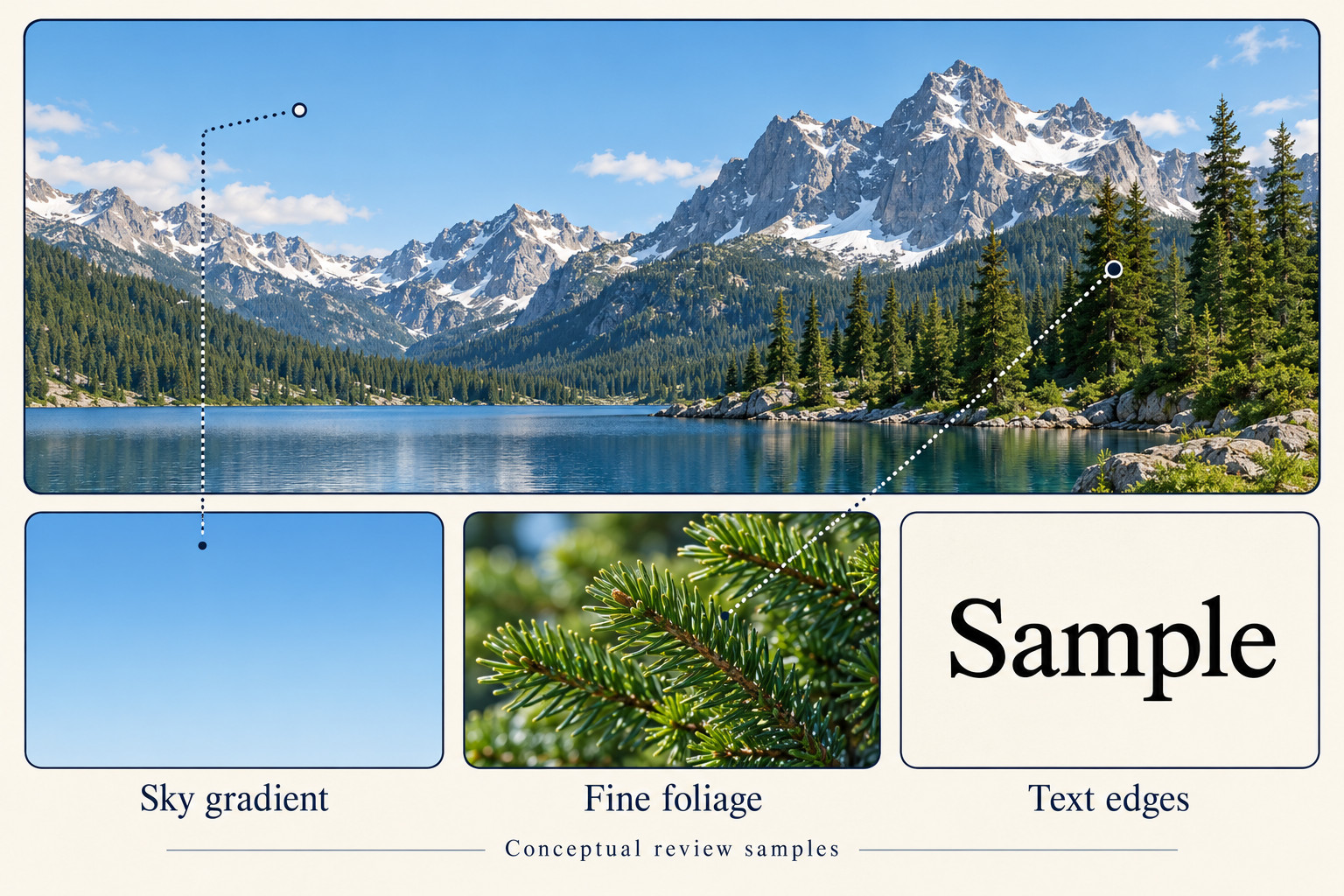
Next, review the rendered image against the approved reference. Use the same page size and comparable display conditions. If the candidate differs, write down where: a horizon edge, a pale sky, fine leaves, a caption baked into the image or an unexpected crop. “Bad quality” is difficult to act on; “the small lettering is harder to read at the card's normal size” gives the implementer a reproducible observation.
Do not record a smaller local file as proof of a faster page. Keep file bytes, observed transfer behavior and visual acceptance as separate fields. A single timing observation can be a troubleshooting clue, but this worksheet is not a performance study. If speed is the goal, define a separate repeatable measurement plan before making a site-wide claim.
Use a two-route review card
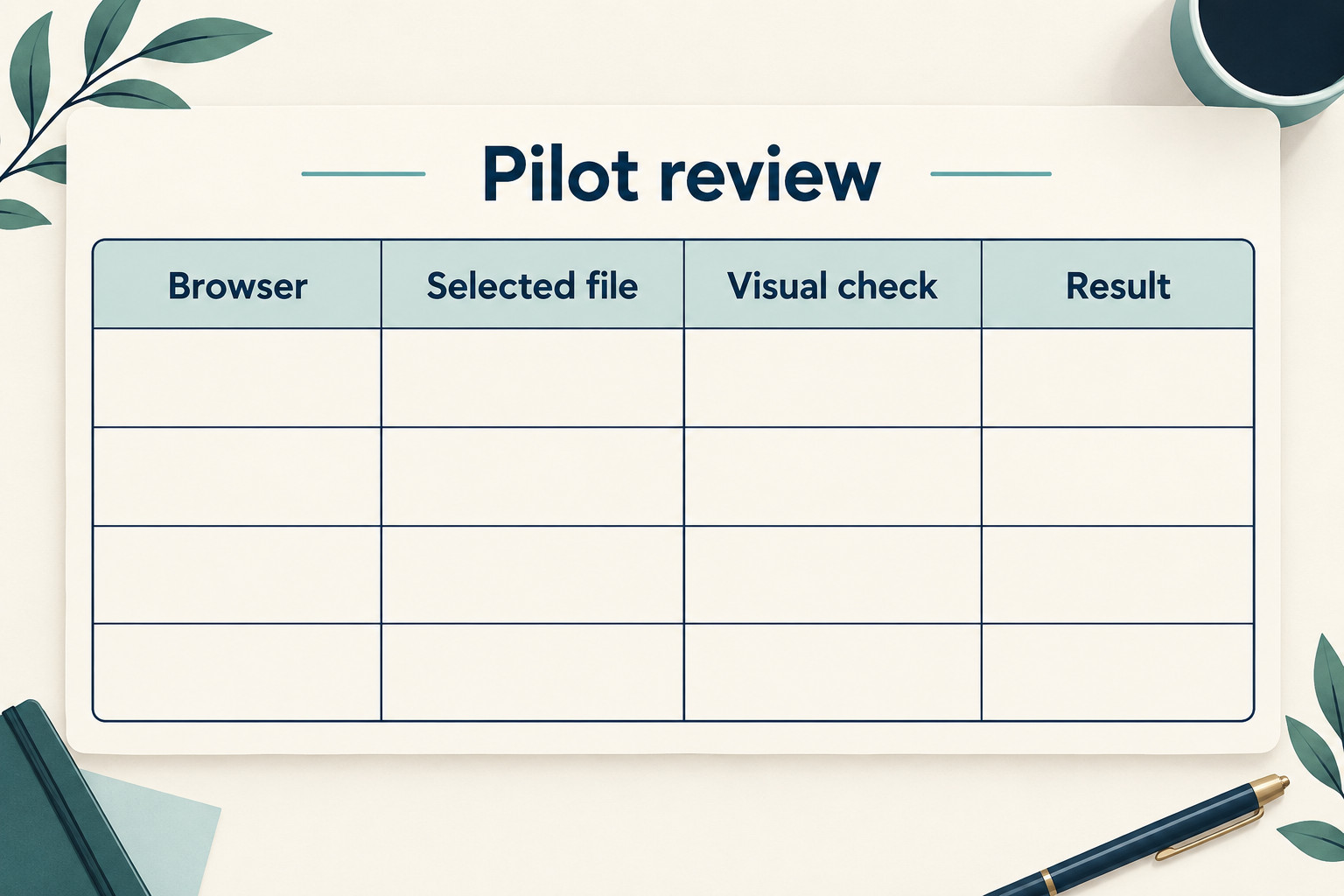
Copy this card into the pilot issue. Add one environment row per actual browser and device tested; leave unknowns explicit. A browser-name label without its version is not enough to reproduce an observation.
| Field | What to record |
|---|---|
| Pilot identity | Staging page URL, image purpose, owner and check time with timezone |
| Original and candidate | Both file URLs, dimensions, export settings and preserved original location |
| Environment | Browser/version, operating system, device and viewport used |
| Observed delivery | Requested URL, response type, status and cache condition |
| Visual decision | Pass, fail or untested; exact detail or crop checked and supporting screenshot if appropriate |
| Alternative route | Actual environment that selected the JPEG and what it displayed |
| Broken-candidate check | Controlled staging-only failure, observed result and recovery plan |
| Decision and next owner | Keep pilot, revise, stop or propose a bounded rollout; unresolved item and responsible person |
A supported-format route and an alternative route need separate evidence. Merely changing a browser's user-agent label is not evidence that its image decoder changed. If you cannot access an appropriate alternative environment, record that row as untested and keep the rollout decision open.
Three fictional outcomes that should lead to different decisions
- The candidate never arrives: the page still requests the original JPEG. Keep the delivery question open; investigate the generated markup and image pipeline before judging JPEG XL quality.
- The candidate arrives but a detail fails review: the request succeeds, yet the chosen crop or small lettering is unacceptable. Return the visual evidence and export settings for revision. A successful response is not visual approval.
- Both intended routes work, but failure behavior is unknown: keep that remaining row visible. Decide how a missing or corrupt candidate will be detected and reversed before expanding the pilot.
These examples are invented decision scenarios, not measurements of Chrome or a particular encoder. They illustrate why a single green “image loaded” check is incomplete.
Finish with a reversible decision
Close the pilot with a short sentence: “For this image and these tested environments, the delivery and visual checks passed; these environments or failure cases remain untested.” If the evidence is incomplete, say which row is missing. If it failed, retain the observed failure and restore the approved delivery path.
Keep the original, the previous markup and the person responsible for rollback identifiable. A successful single-image pilot can justify a proposal for the next small batch. It cannot justify deleting originals, assuming universal support or claiming an unmeasured speed improvement. The useful deliverable is a checked route from source file to visible image, with an honest boundary around what was tested.