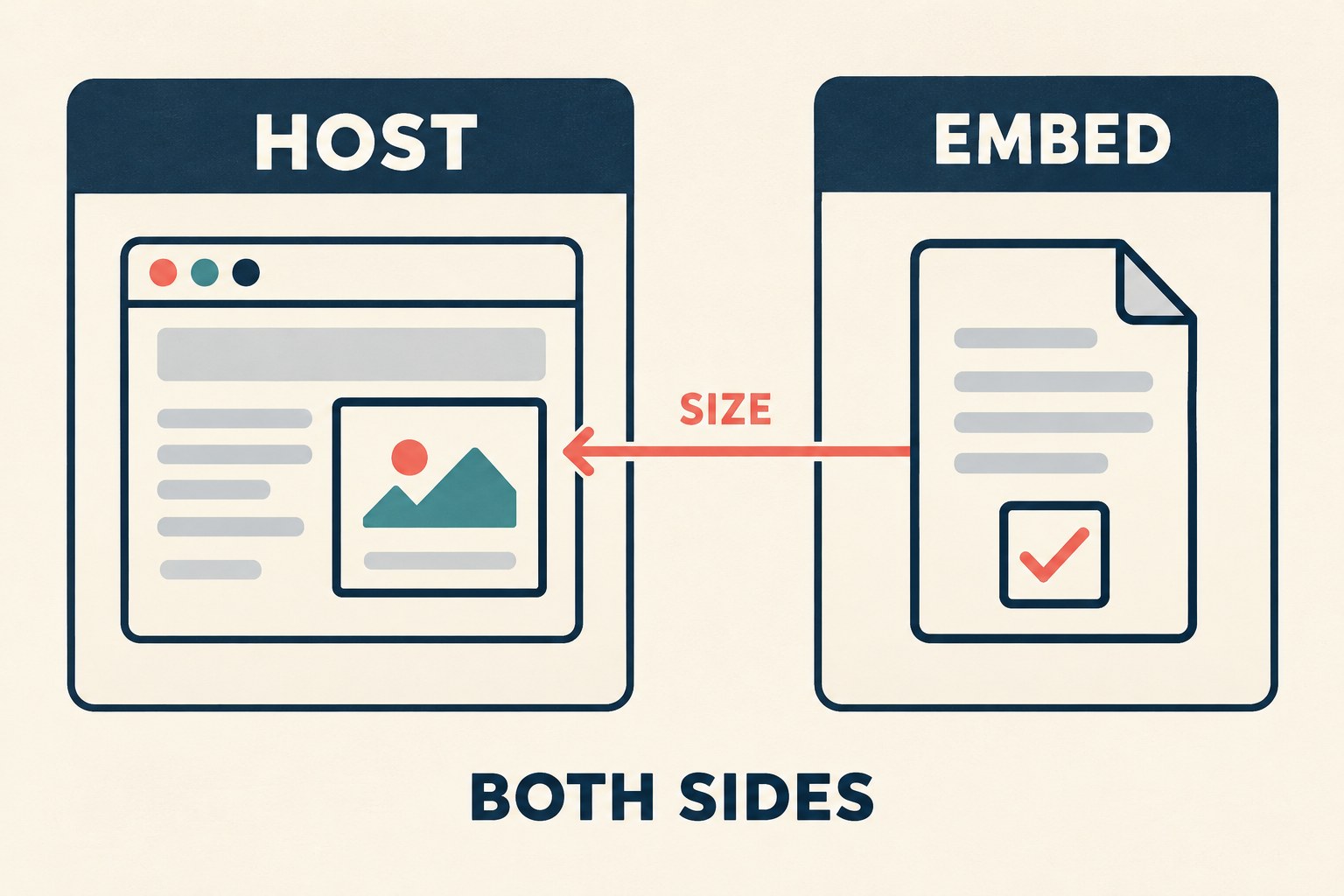
To trial responsive iframe sizing, check both documents: the host must request content-based sizing, and the embedded page must opt in to sharing its size. Keep a usable fallback, then test initial loading and later content changes separately. If you cannot change the embedded page, changing only your host CSS is not a complete migration.

An iframe should not turn the last line of a comment into a treasure hunt. But deleting its fixed height before checking the other end of the embed can trade one layout problem for another.
Google published its responsive iframe guide on September 16, 2026, and its September 22 Chrome 154 release announcement describes support for content-based iframe sizing. This guide turns that change into a small host-and-provider handoff. It is a proposed review procedure, not a report of tests we ran on your widget.
1. Identify who owns each side
Write down the page that contains the iframe and the page loaded inside it. They may have different owners even when their visual design looks identical. A booking vendor, comment provider or internal form team needs a specific request, not “please make it responsive.”
MDN explains the embedded document's opt-in: the meta element permits sharing size information with the parent. MDN currently labels this feature experimental and not Baseline. Treat a successful check in one browser as one result, rather than evidence for every browser your readers use.
| Owner | Question to resolve | Evidence to keep |
|---|---|---|
| Host page | Which iframe receives the new sizing rule? | Page URL, selector and fallback behavior |
| Embedded page | Can its head markup and update handler be changed? | Embedded URL, owner and reviewed change |
| Reviewer | Which browser and content states must remain usable? | Exact browser version, viewport and observations |
If the provider cannot supply the opt-in, retain the working integration and record that dependency. Do not assign a host developer an acceptance criterion they cannot control.
2. Separate sizing from permission to embed
The host-side property is frame-sizing; content-height is the height-based option. The embedded page uses responsive-embedded-sizing metadata. Google's guide shows an allow-origins list for restricting size sharing to intended hosts, and distinguishes it from CSP frame-ancestors, which governs embedding. Review both concerns without treating one as a replacement for the other.
Put the opt-in in the embedded document's initial head markup. Google notes that adding it dynamically after the document has loaded does not enable responsive sizing.
For a pilot, record the real production host origin and the separate staging origin. Ask the provider which ones it intends to allow. A screenshot of correct height on staging does not establish that production's origin is included.
Also inspect existing CSS constraints. The frame-sizing reference describes the property and examples. Capture the iframe's computed sizing rules, not just the new declaration in a pull request. Your theme may still impose a height or maximum height elsewhere.
3. Give later content changes their own test
The requestResize() reference distinguishes initial size reports from later updates: size is reported at DOMContentLoaded and load; the embedded document can request another calculation after its content changes. An initial fit does not demonstrate that expanding a panel or adding a comment will fit.

Give the embedded-page owner a concrete scenario: “Start with two short comments, add two long comments, then collapse the extra content.” Inspect growth and shrinkage. Record the last visible control before and after each action, including whether keyboard focus remains usable.
MDN also notes that calling requestResize() from a top-level document or without the required opt-in can throw NotAllowedError. With no host-side sizing rule, the method can run without resizing the iframe. Therefore, “no console exception” is an incomplete pass condition.
4. Keep the fallback useful
Google demonstrates progressive enhancement with an @supports query and feature detection for requestResize(). Preserve a usable existing sizing route while support varies. In the pilot record, name the fallback explicitly: for example, a fixed-height scrollable frame or the provider's existing sizing integration. Do not call an empty or clipped panel a fallback.

Use a real browser lacking the feature when available, and identify it precisely. A simulated fallback is useful too, but label it simulated. Keep those results in separate rows so a future reviewer does not mistake a forced CSS state for a compatibility test.
Watch the host page as well as the iframe. Google's announcement warns that delayed embed sizing can cause layout shifts. Start a recording before navigation, then inspect whether the paragraph or button below the frame jumps as it loads. Do not infer a Core Web Vitals improvement merely because an inner scrollbar disappeared.
5. Copy this pilot record
The following is an original test template. Fill each observation with what happened; leave untested combinations marked untested. The suggested cases are review choices, not browser conformance requirements.
- Pair: host URL / embedded URL / respective owners
- Build: host revision / embed revision / test date
- Environment: browser and exact version / viewport / device
- Route: enhanced / real unsupported fallback / simulated fallback
- Permission: intended host origin / observed opt-in / existing embed restrictions
- Observation: initial frame / final content reachable / keyboard route / page movement / errors
- Decision: keep pilot / fix and repeat / retain existing integration

| Case | Action | What to inspect |
|---|---|---|
| Empty state | Load with no comments or records | Useful message; no unexplained blank canyon |
| Growth and shrinkage | Add long content, then collapse it | Final control reachable; stale space recorded |
| Narrow viewport | Repeat the same task at a smaller width | Wrapped text, horizontal overflow and focus visibility |
| Slow or failed load | Use a controlled test failure | Understandable host state and a usable recovery route |
| Fallback | Repeat without enhanced sizing | Same essential task still possible |
For example, suppose the initial form fits but its validation message hides the submit button. Record that exact transition and the affected browser; do not simply write “responsive iframe broken.” It gives the provider a reproducible case and tells the host team which fallback must remain available.
Before widening the pilot, resolve every failed essential task and name any untested browser. If the embed lives inside a client-side application, also check direct loading versus in-app navigation; those are different entry paths to the same page. The goal is a reliable handoff, not a shorter CSS file at any cost.