Before accepting an AI-built file importer, test the picker, byte limit, read error, JSON syntax, required data shape and final displayed result separately. A selectable file is not a valid file, and valid JSON is not necessarily useful data. Use the test card below with fictional fixtures before trying anyone’s real export.

A cheerful “Upload complete” message can hide a remarkably unfinished feature. Perhaps nothing was uploaded. Perhaps the file was read but not checked. Perhaps the result belongs to the file you selected two clicks ago. The button is not the acceptance test.
This guide is a proposed review plan for a small, bounded JSON import feature, including one written with an AI coding assistant. It is not a report of testing a particular app, a performance benchmark or a security certification. The example contract is deliberately narrow so that failures have somewhere specific to land.
First decide whether this is an import or an upload
Write down where the bytes go. A local importer reads a selected file in the browser. An uploader sends it to a receiving service. A product may do both, but those are different operations. MDN’s file-input reference explains both local handling through the File API and submission to a server.
For a local-only feature, inspect the implementation and its network behavior rather than inferring privacy from the presence of file.text(). Include error reporting and analytics in that review: a local parser does not prevent another part of the application from transmitting content. Use synthetic files and avoid placing contents or identifying filenames in diagnostic logs.
For a real upload endpoint, browser checks are only the early feedback layer. The receiving service needs its own validation and limits. OWASP’s file-upload guidance describes layered controls, including untrusted content types, constrained file types and sizes, and safe storage. This article’s browser card does not replace that service-level work.
Write a tiny contract before asking for code
Here is an illustrative contract for a fictional reading-list importer. Change its limits to suit your own measured requirements; these numbers are examples, not recommended capacity guarantees.
- One UTF-8 JSON file, at most 1,000,000 bytes, including a file exactly that size. Empty files are rejected.
- The root must be an object with
versionequal to1and anitemsarray containing zero to 100 entries. - Each entry must be an object with a nonempty string
title, at most 200 characters under the product’s explicitly chosen counting rule. Define that rule in the implementation and tests. - Unknown fields are rejected in this example. A different product may ignore them, but that choice must be explicit.
- Nothing is sent to a server in this example. Accepted output shows the accepted file’s identity and item count; rejection never presents an old result as the new file’s result.
A minimal passing fixture is {"version":1,"items":[]}. Its expected result is zero items, not an error. A second fixture with one fictional title should produce one item. This pair catches the common mistake of treating an empty but valid list as a broken file.
Check the picker without promoting it to a validator

accept=".json,application/json" can help someone choose the intended file. It cannot prove that the selected bytes match the product contract. MDN documents accept as a browser hint, not validation.
Likewise, file.type is useful metadata, not a verdict. It may be empty or inferred from an extension rather than the contents. MDN’s Blob.type reference warns against using it as the sole validation method. Decide whether an empty type is permitted to reach the parser, then test that exact policy with otherwise valid data. Do not rename a random file and call it trustworthy.
Record the browser and operating system used for picker checks. Canceling or reselecting the same selection can produce a cancel event instead of the new change your implementation expects. Provide a clear retry or reset path and test it after rejection, not just after the happy path.
Put the size gate before the full read
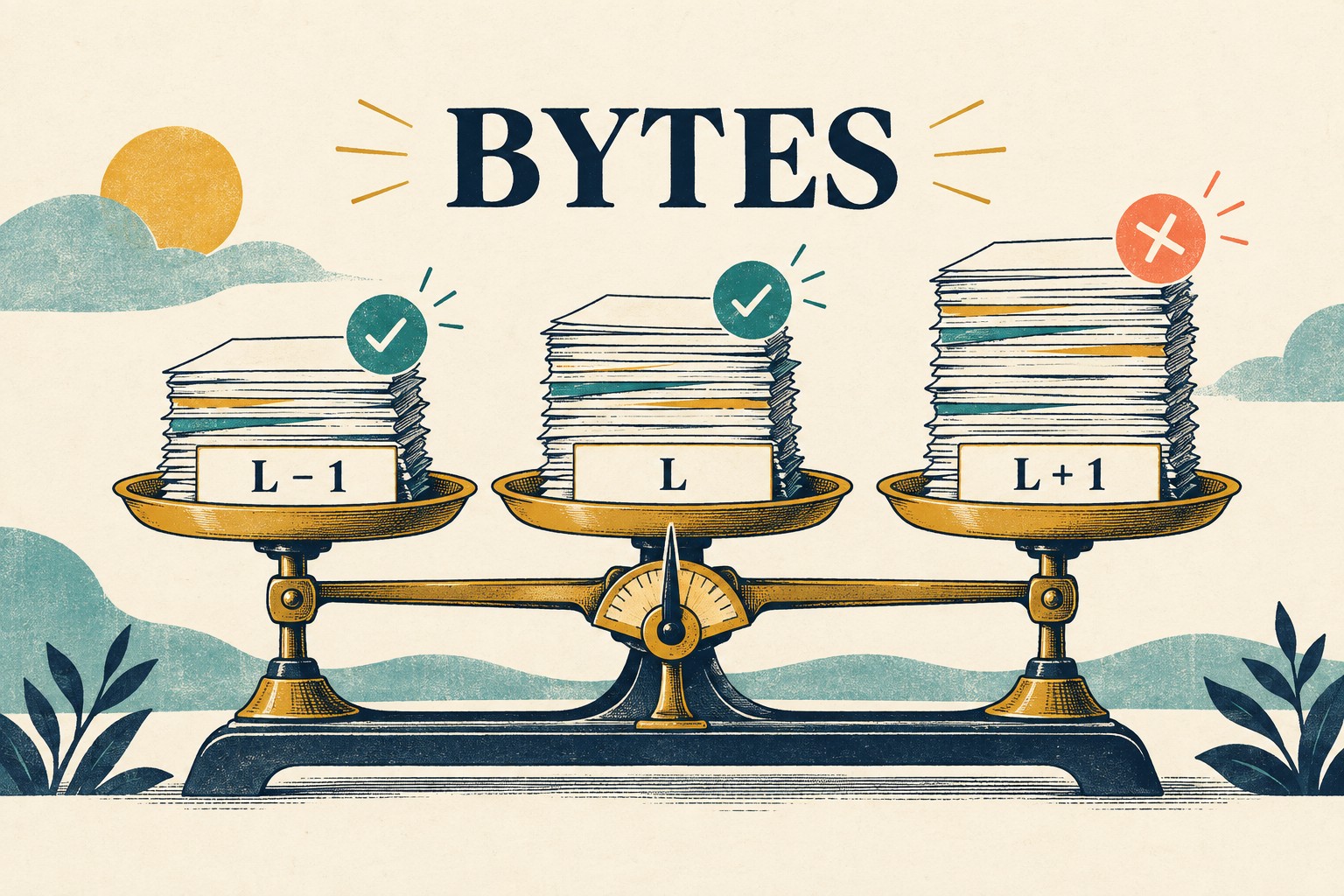
Compare file.size with the declared cap before a full-content read. The size property measures bytes, not visible characters. A short string containing multibyte characters is a useful check against accidentally counting text length instead.
For the inclusive example cap, prepare valid JSON fixtures of 999,999, 1,000,000 and 1,000,001 bytes. Legal trailing JSON whitespace can pad a small valid fixture; verify the actual encoded byte lengths. The first two should reach the later checks. The third should stop before reading, with the size limit explained. Instrument the read function in the test rather than guessing from how quickly the error appears.
Also try a zero-byte file and whitespace-only content. If the contract rejects empty input early, check that message. Whitespace alone still cannot become a valid JSON value. A size cap limits one input dimension; it does not by itself promise a responsive interface on every device. Measure the supported maximum on representative devices before claiming it works smoothly.
Separate read, syntax and shape errors
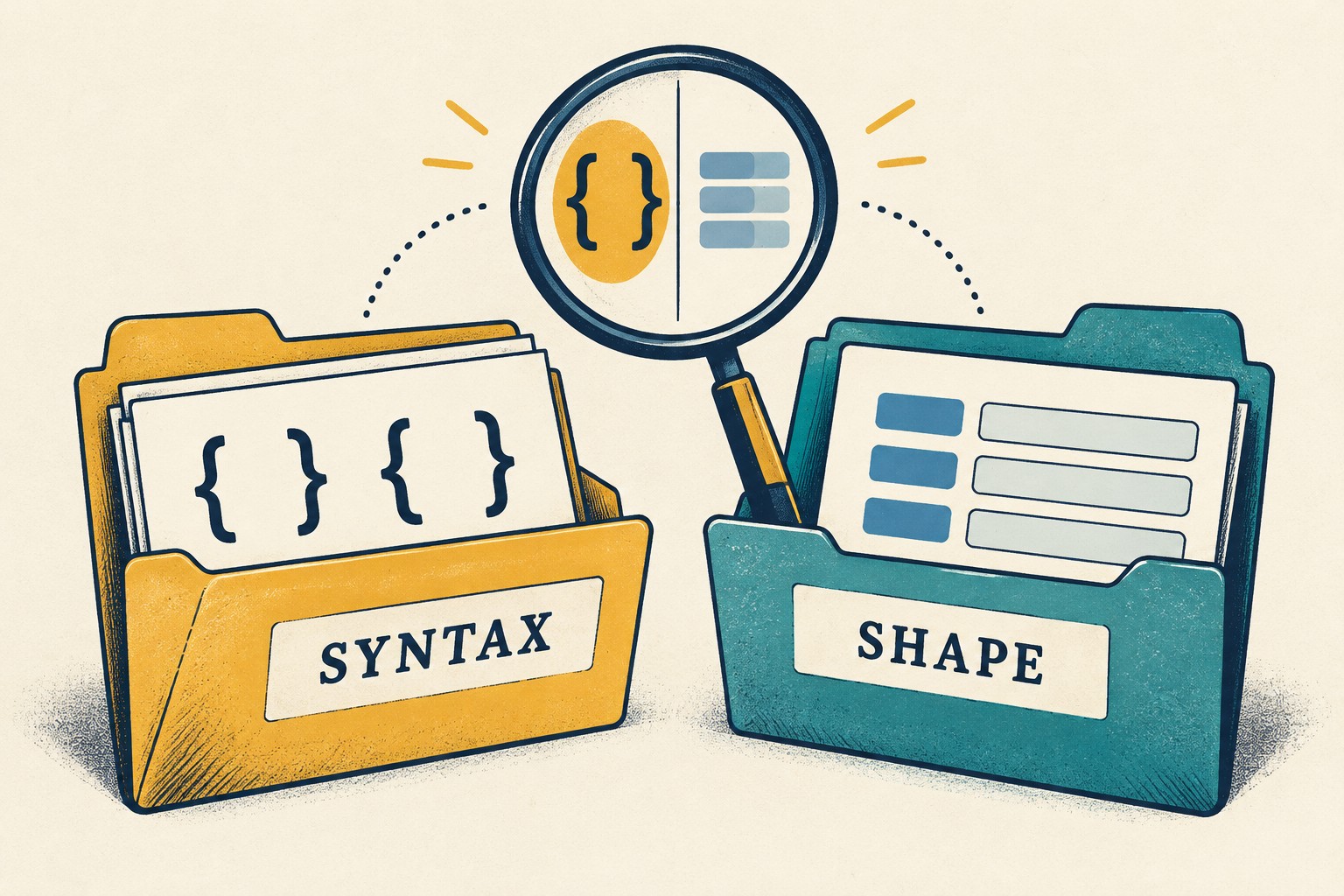
A read failure means the bytes could not be read. A syntax failure means the text could not be parsed as JSON. A shape failure means parsing worked but the resulting value does not satisfy the application’s contract. These should not all become “Wrong file.”
JSON.parse can return objects, arrays, primitives or null, and throws for invalid JSON. It does not know what a reading list is. Test a truncated object for syntax failure, then valid null, [] and {"version":1} for shape failure. Add a wrong version, a numeric title and 101 entries to exercise the example rules.
Ask the coding assistant to keep these checks independently testable. “It parsed” should not be the condition that enables the final result. A useful error says which stage failed and what the user can do next, without dumping private content onto the screen or into logs.
Try to make yesterday’s result win

The most revealing test often uses two perfectly ordinary files. Delay the read for A, select B, let B finish, then finish A. The display must still describe B. Repeat with A failing late: an outdated error must not replace B’s accepted result.
This is a proposed race test, not a claim about how a specific browser schedules reads. An implementation can associate each attempt with an identity and ignore obsolete completions. Test both success and failure branches, plus loading-state cleanup. The exact mechanism matters less than the observable promise: one visible result belongs to one current accepted attempt.
Next, select a valid file followed by an invalid one. Either clear the previous result or keep it explicitly labeled as previous. Never leave yesterday’s count under today’s rejected filename. Canceling the picker should follow a documented behavior, not invent an empty successful import.
Copy this acceptance card into the review
- Contract: local import or server upload; exact byte cap and equality rule; supported encoding; required root, fields, types and bounds.
- Fixture: fictional filename; measured bytes; expected stage and outcome; expected accepted item count if applicable.
- Picker: normal choice, cancel, same-file reselection and retry after rejection; browser and OS recorded.
- Boundaries: L−1, L and L+1 bytes; zero bytes; multibyte text; read invocation observed for the oversized case.
- Content: valid empty and populated lists; malformed text; valid wrong-shape JSON; wrong nested type and out-of-range count.
- State: valid then invalid; A finishes after B; A fails after B; no stale count or stuck loading state.
- Data path: implementation and network observation match the stated behavior; server enforcement checked separately if there is an upload.
- Evidence: expected result, actual result, pass/fail, reproduction steps and remaining uncertainty. An unchecked box is not a pass.
Give the assistant this brief: “Implement the declared contract, preserve separate error stages, and supply tests for every row. Do not mark unrun browser checks as passed. Show which attempt owns the rendered result.” Then review the evidence, not merely the confidence of the reply.
For the broader work brief, use our one-rule brief and boundary-test guide. For the next person picking up the feature, keep an AI coding restart record. The useful finish line is modest: the feature handles the contract you actually wrote, and its limits are visible before real data arrives.