When Cloudflare’s MCP connection asks for more access, compare the requested permission with the task you actually intended before approving it. Start with Minimal if that fits your work, pause on unexplained access, and check the task’s result separately from the permission prompt. A successful sign-in is not a finished job.
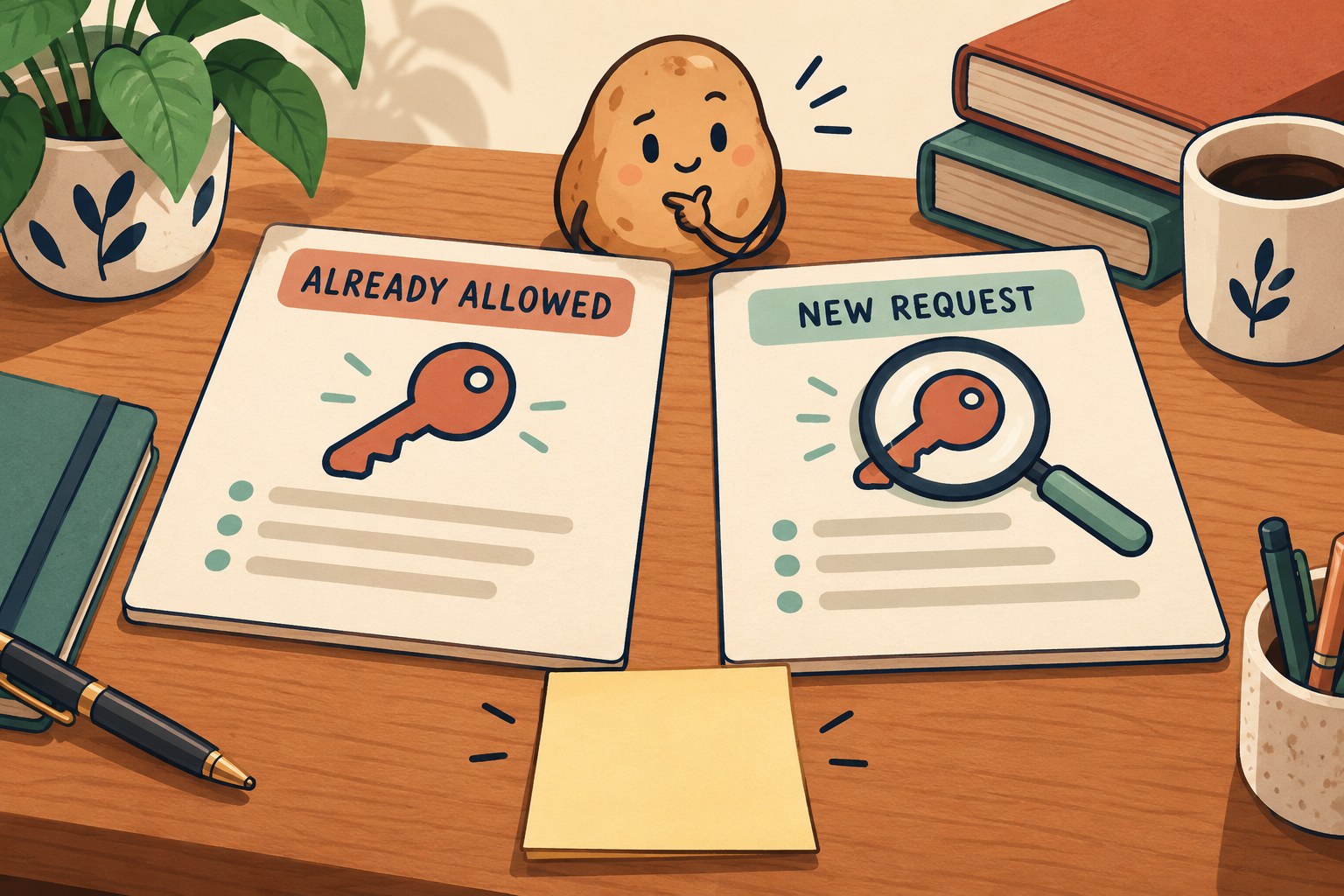
Cloudflare announced step-up authorization for its API MCP server on October 19, 2026. A compatible client can request additional scopes when a tool needs them; permissions granted earlier remain. The announcement identifies https://mcp.cloudflare.com/mcp as the connection endpoint and Minimal as its least-access starting choice. It does not promise support in every MCP client. Source: Cloudflare’s October 19 announcement.
This guide is a proposed review routine, not a report of connecting an account or testing a particular client. Think of the prompt as a new key arriving at reception. The useful question is not “Can I make this dialog disappear?” but “Which door does this job need?”
1. Write the job before opening the permission prompt
Use one sentence with a verb, a target and a stopping point. “Inspect the settings for our staging project and report them without changing anything” is reviewable. “Sort out Cloudflare” gives you very little to compare with an access request.
Before trying a new client, check its own current documentation for step-up support. Cloudflare’s MCP server directory distinguishes its API server from other purpose-specific servers. Match the server to the job rather than assuming every Cloudflare connection has the same capabilities.
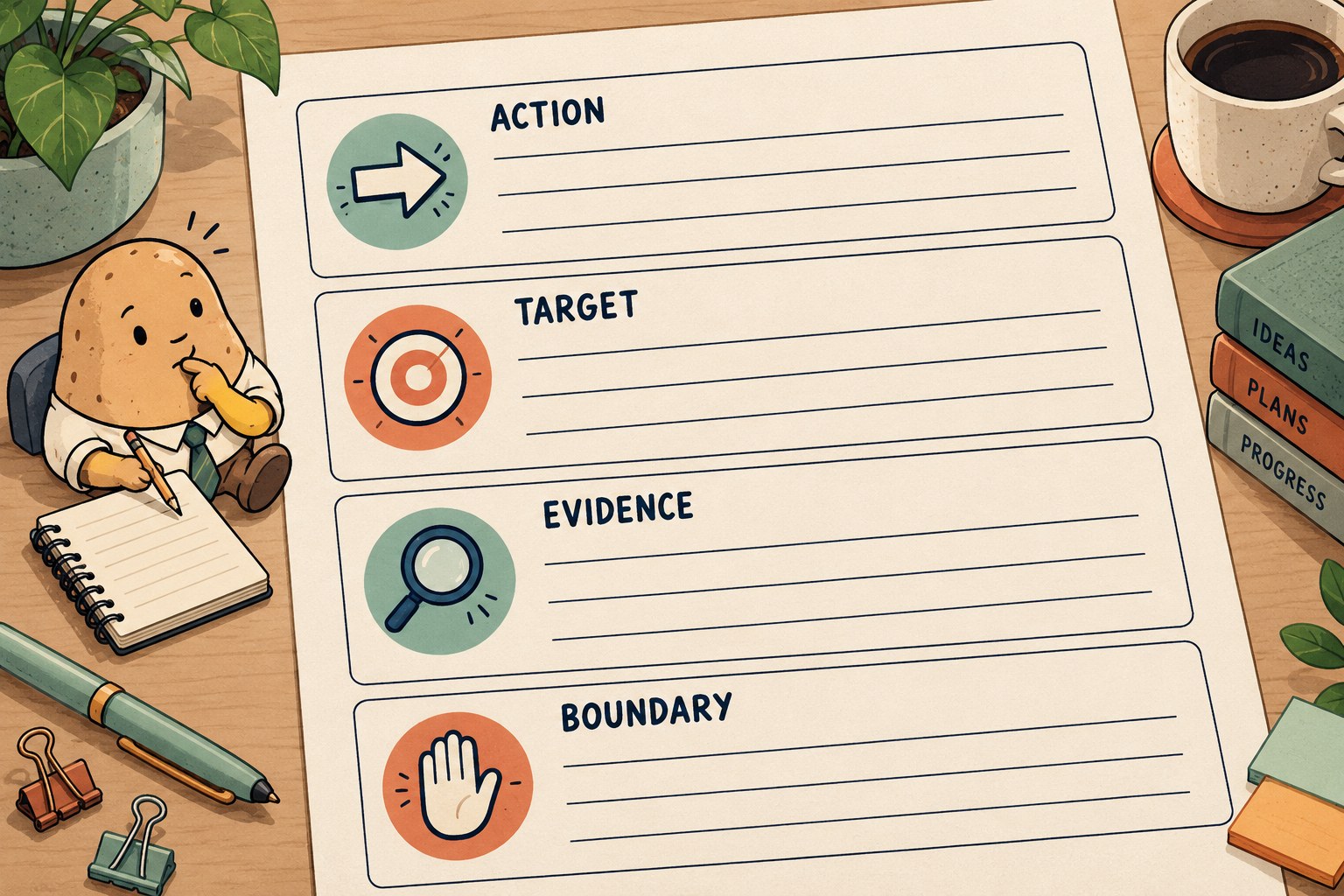
- Action: What should happen, and what must not happen?
- Target: Which account and resource are intended? Use a non-secret label in shared notes.
- Evidence: What output would demonstrate completion?
- Boundary: What unexpected request should stop the task?
Keep this sentence visible during review. If the agent changes its plan from inspection to modification, treat that as a changed task, not a technical detail hidden inside a login flow.
2. Compare the permission change, not just the newest line
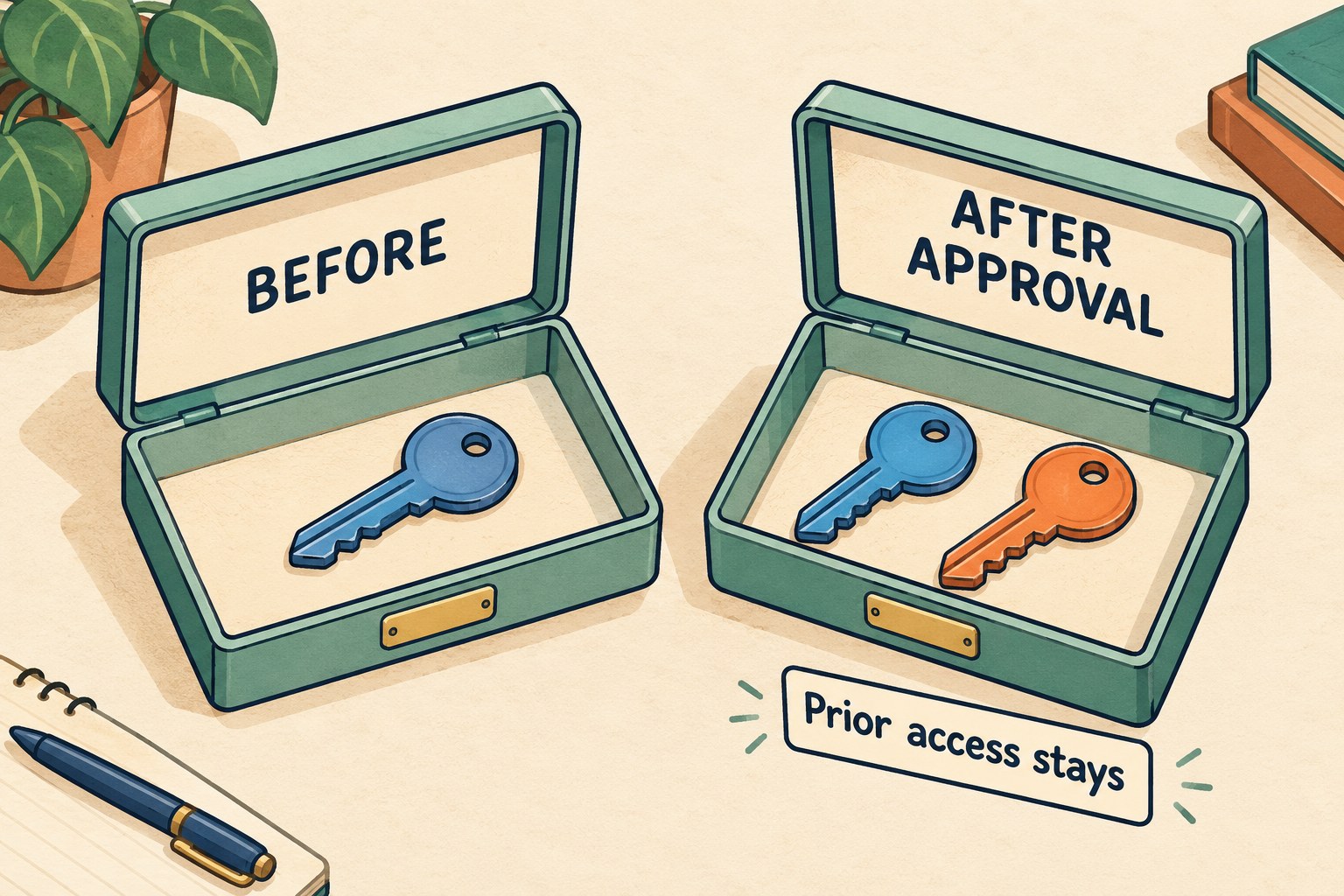
Cloudflare says earlier scopes are retained. Consequently, reviewing only the additional item can miss the access the connection already has. Minimal should not be read as a guarantee of zero access, read-only operation or a grant that expires after one job. Those properties are not established by the announcement.
The worksheet below is our review aid, not a Cloudflare form. Copy permission labels exactly as displayed; do not translate an unfamiliar label into “probably safe.” If existing grants or the resource boundary are not visible, mark them unknown and consult the relevant account or client documentation before deciding.
| Review field | What to write | Reason to pause |
|---|---|---|
| Requested job | Verb, target and no-change boundary | The proposed action differs from your request |
| Existing access | Visible prior permission labels, or “unknown” | You cannot establish the starting access |
| Requested addition | The exact new labels and their documented meaning | A label is unexplained or unrelated |
| Combined access | Existing access plus the requested addition, or “unknown” | You cannot explain the resulting access |
| Resource reach | The account/resource boundary actually shown | You expected one project but see broader reach |
| Decision | Approve, decline or pause, with a short reason | No authorized person owns the decision |
| Result check | The planned readback or output to inspect | Consent is the only evidence of success |
A requested capability can be technically necessary for a tool call without making that call something you wanted. If the access is broader than your task, stop and investigate a narrower workflow or ask the account owner. Do not broaden permissions merely to clear an error.
3. Rehearse three decisions without changing an account
Run this paper exercise with the person who will review prompts. These are hypothetical situations, not official Cloudflare scope names or claims about which API calls require which permissions.
- The read-only brief: Your job is to list a staging resource’s settings. A prompt describes modification capability. Pause. Ask which planned action needs that capability and whether the task can remain inspection-only. A plausible explanation still needs review.
- The expected change: The owner requested one specific update. The prompt’s documented capability and resource boundary fit that update. The authorized reviewer can consider approval, then check the resulting resource independently. Do not report “updated” merely because consent completed.
- The surprise target: The action sounds right, but the account or resource differs from the brief. Decline or pause rather than relying on a familiar service name. Correct the target before any new attempt.
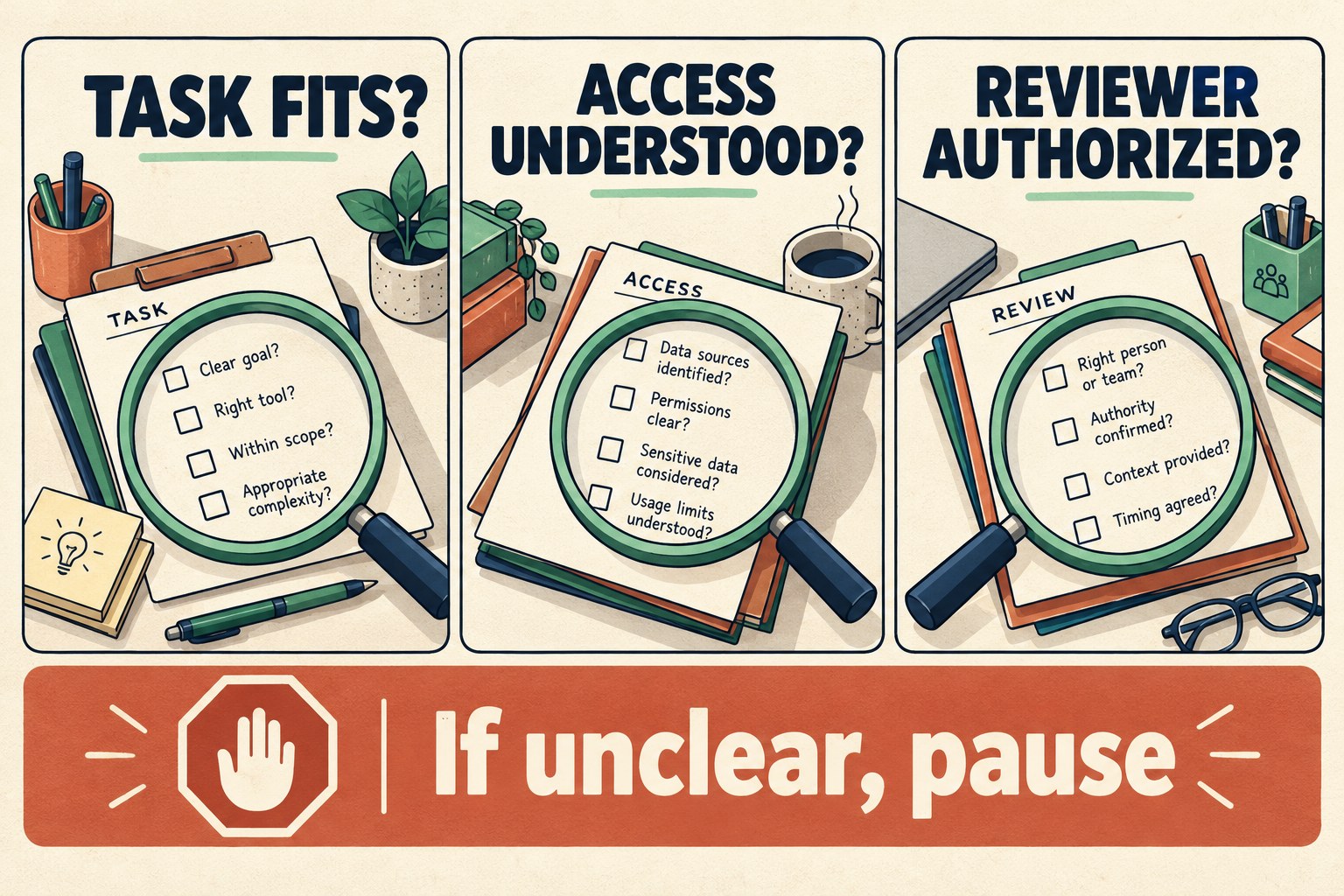
Our decision rule is deliberately ordinary: understood task, understood access, authorized reviewer, then a separate result check. It is a review discipline, not a security certification. A diagram cannot prove the service, client or requested operation is trustworthy.
4. Separate a scope challenge from a login problem
The July 28, 2026 MCP authorization specification describes runtime insufficient_scope challenges and a step-up flow that combines previous and newly required scopes. It also distinguishes invalid or expired credentials from insufficient permissions and calls for bounded retries. An error code alone is not a reason to approve wider access. Source: MCP authorization specification, scope challenge handling.
- A clear new-scope prompt: Return to the comparison worksheet. Explain the added access before deciding.
- No prompt or unsupported flow: Check the client’s compatibility and version. Do not compensate by requesting all permissions.
- The same failure after review: Stop a repeating approval loop. Record the client version, operation, visible non-secret error, time and whether the intended action is confirmed, failed or unknown.
For an uncertain modification, inspect the current resource before retrying. That is our duplicate-work safeguard, not a claim that every operation is safely repeatable. If you cannot establish what happened, hand off the uncertainty instead of clicking until the potato blinks.
5. Close with a result, not a consent receipt

Keep access review and task completion on separate lines. This short handoff makes it harder for “the connection works” to become “the job is done” by accident:
- Task: [Intended action and target.]
- Permission decision: [Reviewed addition; approved, declined or paused; reviewer.]
- Observed outcome: [What the target or returned output actually shows, with time.]
- Unresolved: [Missing evidence or unexpected scope.]
- Next owner: [Who checks what before another attempt.]
Keep passwords, tokens, authorization codes and private account data out of this handoff. Prefer a redacted description over a raw authentication log. For a broader agent-work restart note, see our AI coding handoff checklist; it covers unfinished work rather than this permission decision.
The finish line is simple: the access change was understood, the decision was intentional, and the result was checked. Three separate checks beat one very confident “Allow.”