Before scheduling the first release through a new npm trusted-publisher configuration, record when the trust configuration was created, which workflow it names, and what evidence will show that it actually worked. A saved configuration and a green build are different things.
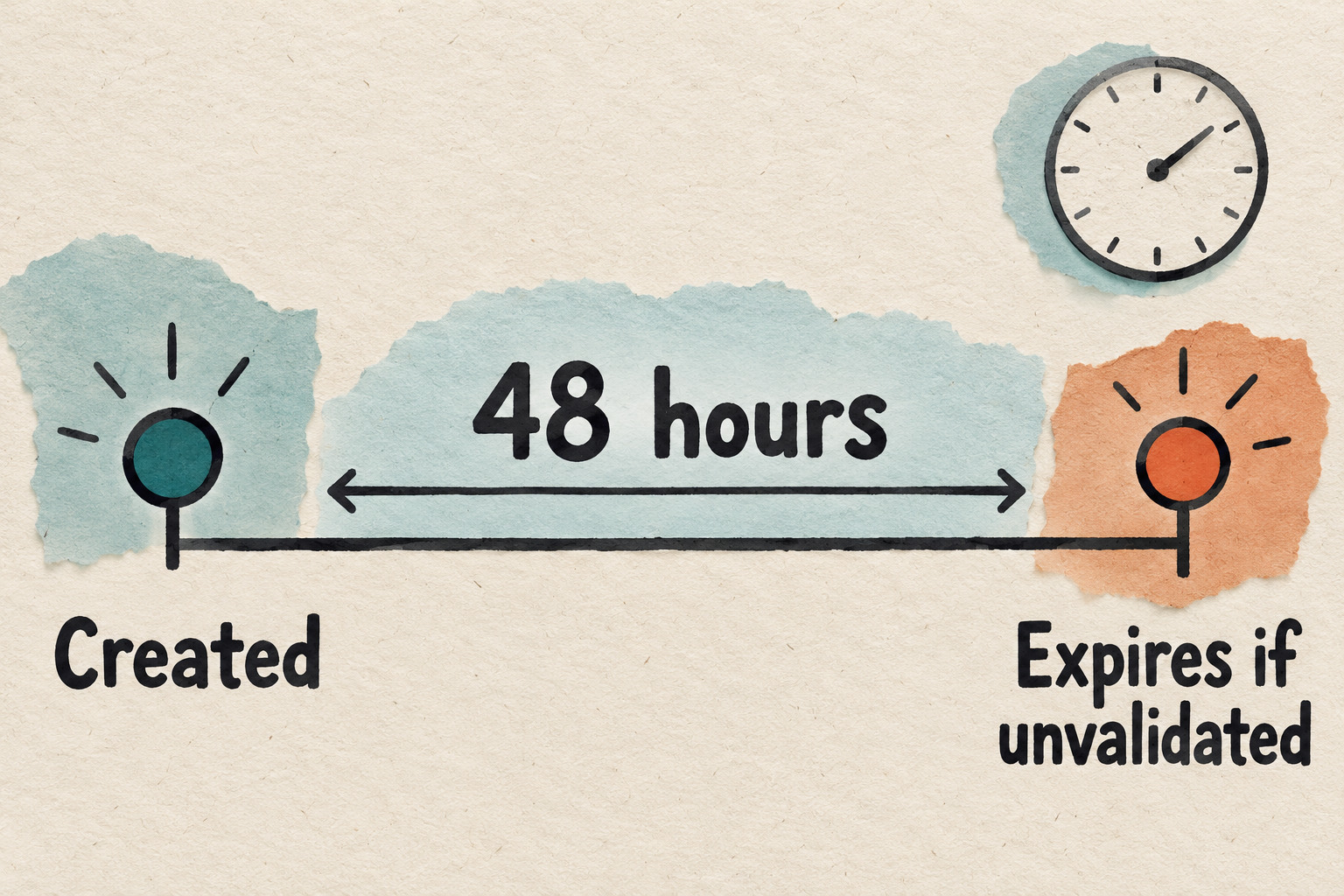
GitHub's October 2, 2026 announcement introduces a 48-hour expiry for unvalidated npm trusted-publisher configurations. A first successful publish validates the configuration and exempts it from that expiry. An expired configuration can no longer authorize publishing, even if it remains visible in settings.
This guide gives maintainers a preparation and handoff card for an already planned release. It is based on documentation checked October 8, 2026; no npm package, trust relationship or workflow was created or tested for this article. Do not ship an unready version just to beat a timer.

Separate the release decision from the validation window
Use two questions at the planning meeting:
- Is this version approved to leave the team? Review the package, tests, release notes and intended audience through your normal process.
- Can the intended publishing route complete within its configuration window? Check the particular configuration, its age and its matching workflow.
A yes to one does not answer the other. If the package is still under review, finish that review before coordinating the configuration with the person authorized to manage it. Treat the window as a scheduling constraint, not a reason to skip an approval.
The announcement also says ordinary edits do not restart the deadline. A changed repository or project identity needs a new trust relationship. Other valid configurations on the package remain unaffected by one configuration expiring. Keep your diagnosis specific to the entry involved rather than labelling the whole package broken.
Write down the window in one time zone
Create a short record before the release meeting. These fields are a proposed working method, not npm interface labels:
| Field | What to record | If unknown |
|---|---|---|
| Configuration identity | Package, provider and distinguishing workflow or project details | Ask the configuration owner which entry is intended |
| Created at | Timestamp with date and explicit time zone, plus its evidence | Do not estimate from the last file edit |
| Planning boundary | Creation time plus 48 hours, expressed in the same zone | Leave the deadline unverified |
| Release appointment | Approved version, responsible maintainer and planned start | Keep setup coordination pending |
| Current status | The status actually observed, and when it was checked | Write unknown, not ready |
For a fictional timing example, a configuration created on October 8 at 09:00 UTC has an arithmetic 48-hour boundary of October 10 at 09:00 UTC. Do not plan the job to start at that boundary: review, runner queues and a failed attempt can consume the remaining time. This arithmetic is a planning aid, not a substitute for npm's actual configuration status.
The npm trusted-publishing guide describes deletion and recreation of an expired configuration, followed by a successful first publish within two days. Have the authorized configuration owner handle that change. Preserve the expired entry's identifying details in the handoff first, so a replacement is not confused with the earlier attempt.
Match the identity and the actual trigger
For GitHub Actions, npm's guide lists the owner, repository, workflow filename and optional environment name. The filename includes its extension and is entered without the directory path. The same guide warns that saving a configuration does not verify it. Compare the actual values rather than assuming a successful save proves the workflow will authenticate.
Next, record the triggering event from the particular run. The October 2 announcement adds issue_comment to the rejected events for npm trusted publishing, alongside pull_request_target; it names push, release and workflow_dispatch as permitted alternatives. A comment-based request may start a workflow while still being unsuitable for this publishing route.
Do not mechanically rename the trigger or widen permissions. Ask the workflow owner to review the intended release entry point and its protections. GitHub's event reference documents that reusable workflows inherit the calling workflow's event payload. For a reusable workflow, keep the caller and called workflow in the review record instead of looking only at the file containing the publish command.
A useful comparison line is: “Intended configuration: ___; actual run: ___; event: ___; source commit: ___; match or discrepancy: ___.” Record a discrepancy as a finding to resolve. Do not repair it by copying authentication material into a ticket.
Collect three pieces of completion evidence
After an authorized release attempt, keep the following observations separate:
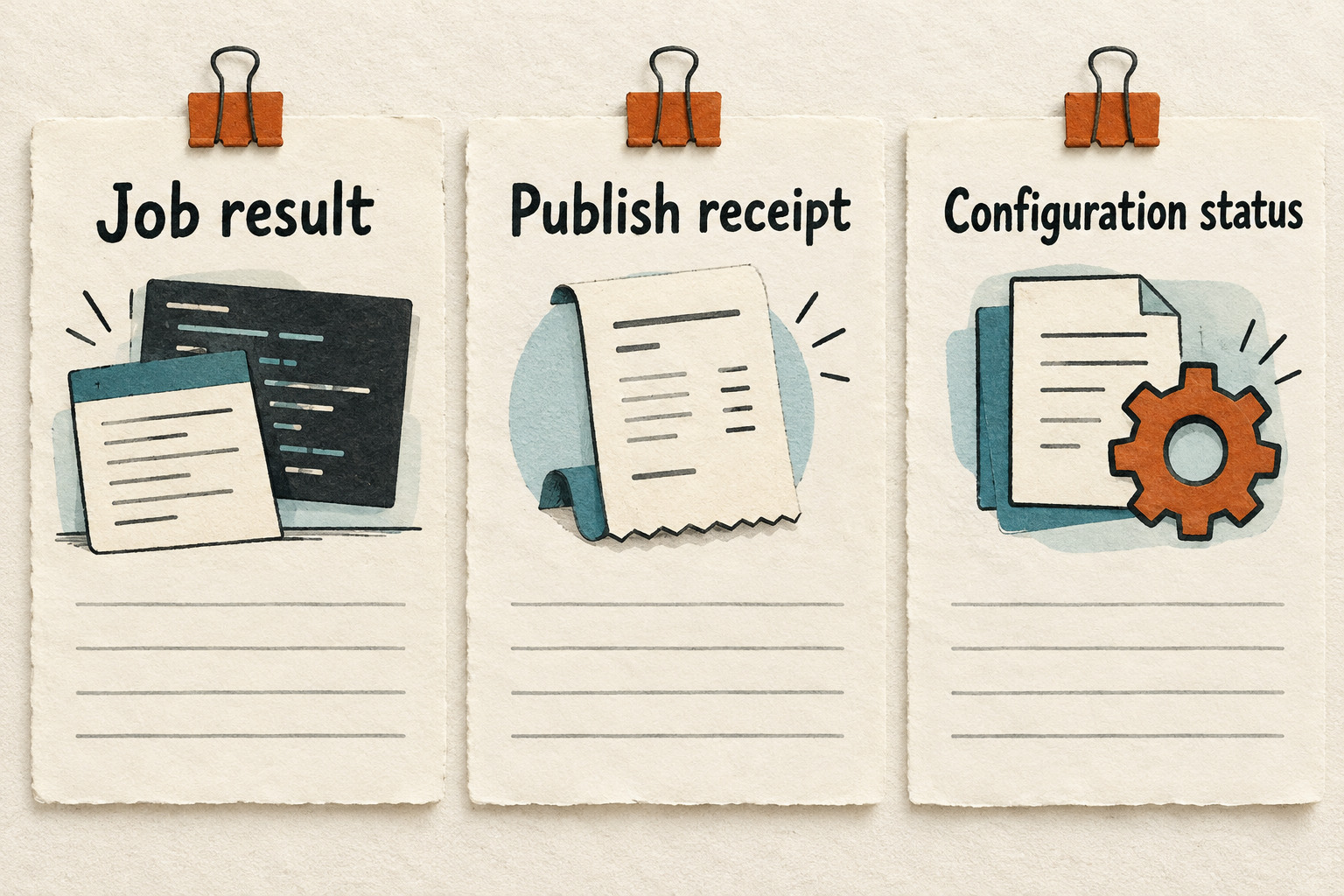
- Job result: Which run and publishing step completed, failed or skipped? A test-only workflow can be green without publishing anything.
- Publish receipt: Which package and exact version were published through which intended route? Retain the relevant redacted result and run link.
- Configuration status: What status is now visible for the specific entry under review? Record the observation time.
As a separate availability check, npm's npm view reference supports querying a specific package version and selecting fields. Use the exact intended package and version in your approved registry-checking process; an unspecified version defaults to latest. Finding a version in the registry establishes its presence, not which trusted-publisher configuration authorized it.
If the registry shows the version but the configuration's validation remains unclear, preserve both observations. Another route or configuration may have published it. Do not rerun a release merely to make the evidence look tidier. Check the existing attempt and ask the responsible maintainer to reconcile it first.
For a staged release, keep candidate acceptance, maintainer promotion and configuration validation as separate observations. This guide does not assume that an accepted staging job proves the configuration's expiry exemption. Verify the actual status and current npm guidance for your route before declaring the window closed.
Use a bounded pause-and-handoff card
Copy the following into a private release note, leaving out tokens, secret values and private log payloads:
| Release handoff | Your record |
|---|---|
| Scope | Package / intended version / registry / source commit |
| Configuration | Provider / owner / repository or project / workflow / current status |
| Window | Creation evidence / time zone / planning boundary / last checked |
| Attempt | Run link / actual trigger / publishing step outcome / receipt |
| Decision | Proceed through existing approval / pause for mismatch / expired entry needs owner review |
| Next step | Named owner / exact unresolved question / next agreed review time |

Pause when the creation time is unknown, the identity differs, the event is rejected, the version is not ready or the status cannot be reconciled. A useful handoff says what was observed and who will resolve it. It does not ask the next person to keep retrying until a green badge appears.
Before closing the card: confirm the intended package and version, reconcile the actual attempt with its configuration, record the current status, and leave any uncertainty explicit. The successful outcome is an approved release with traceable evidence, not merely a configuration that was saved before a deadline.