Your first npm release now has room for a deliberate review. Before approving it, pin down three things: the exact package identity, the files inside the staged archive, and the version readers should eventually receive.
GitHub's October 2, 2026 announcement extends npm stage publish to creating new packages through a local session or granular access token, including a stage-only token. It covers public scoped and unscoped packages and private scoped packages. The proposed first version needs maintainer promotion before installation. Package settings and trusted publishing can be configured after creation.
This guide focuses on a new public package. The review worksheet below is an original proposed procedure based on documentation checked October 7, 2026 (KST); no package was published or installed to prepare it.

Recognize the public placeholder
The current npm staged-publishing guide describes a 0.0.0-stage placeholder when a new package is created. That placeholder is publicly available, while the staged candidate and its contents remain unavailable publicly until approval. Seeing a package page therefore does not establish that your intended first version is live.
Use separate status lines in your release notes:
- Package created: the package identity exists.
- Candidate staged: the intended version is awaiting its decision.
- Target version released: approval completed and the exact version was checked in the registry.
Leave the last line pending until you have its evidence. For a first public release, avoid announcing availability from a successful staging job alone.

Write the target before preparing the upload
Put these fields on one release card. Fill them from the intended release and the actual package metadata, then ask a second person to compare them if one is available.
| Field | What to record | Reason to pause |
|---|---|---|
| Destination | Registry, package name and scope | An unexpected account, registry or namespace |
| Candidate | Exact version and source commit | A changed working tree or ambiguous build |
| Audience | Intended public access and distribution tag | A preview accidentally aimed at the stable audience |
| Review | Maintainer and release decision owner | No one available to inspect the staged result |
Read publishConfig too: npm's package.json reference explains that it can set publish-time registry, tag and access values. A familiar directory name is insufficient evidence of the destination.
Check tool versions and account prerequisites against the current staged-publishing guide before scheduling a release. It lists npm CLI 11.15.0 or later, Node.js 22.14.0 or later, publish access and account 2FA. Use a Node version supported by your chosen npm release.
Review the archive inventory
Start in the actual package directory. The npm publish reference recommends npm pack --dry-run to see the proposed file set. Inspect package scripts before running packaging commands. For an initial inventory with package scripts disabled, the npm pack reference documents --ignore-scripts.
A script-disabled inventory can miss generated build output. Repeat the review against the release artifact produced by your approved build process. Keep the result beside the source commit so another reviewer knows what the list describes.

- Expected for this release: intended runtime entry files, relevant type declarations, applicable license information and a usable README.
- Unexpected: internal documents, real customer examples, credentials, local configuration and unrelated build output.
- Connected: every documented entry point resolves to a file actually present in the archive.
- Explainable: each unfamiliar file has an owner who can say why consumers need it.
The files field and ignore rules influence packing, with special inclusions and exclusions described in the package.json reference. Treat configuration as something to verify against the resulting inventory. A tidy repository view alone cannot establish the archive's contents.
Match the review to one stage ID
Staging uploads a real candidate. After an authorized release workflow stages it, npm's guide documents these inspection commands. Replace each placeholder with the actual package or returned stage ID; do not invent an ID from the version number.
npm stage list <package-spec>locates staged entries.npm stage view <stage-id>retrieves the chosen entry's details.npm stage download <stage-id>downloads its archive for inspection.
Match name, version and tag to the release card, then inspect the downloaded artifact. Keep its checksum with the stage ID and review notes. A checksum helps identify the reviewed bytes; it does not certify their safety or behavior. Open files for inspection without executing unfamiliar scripts.
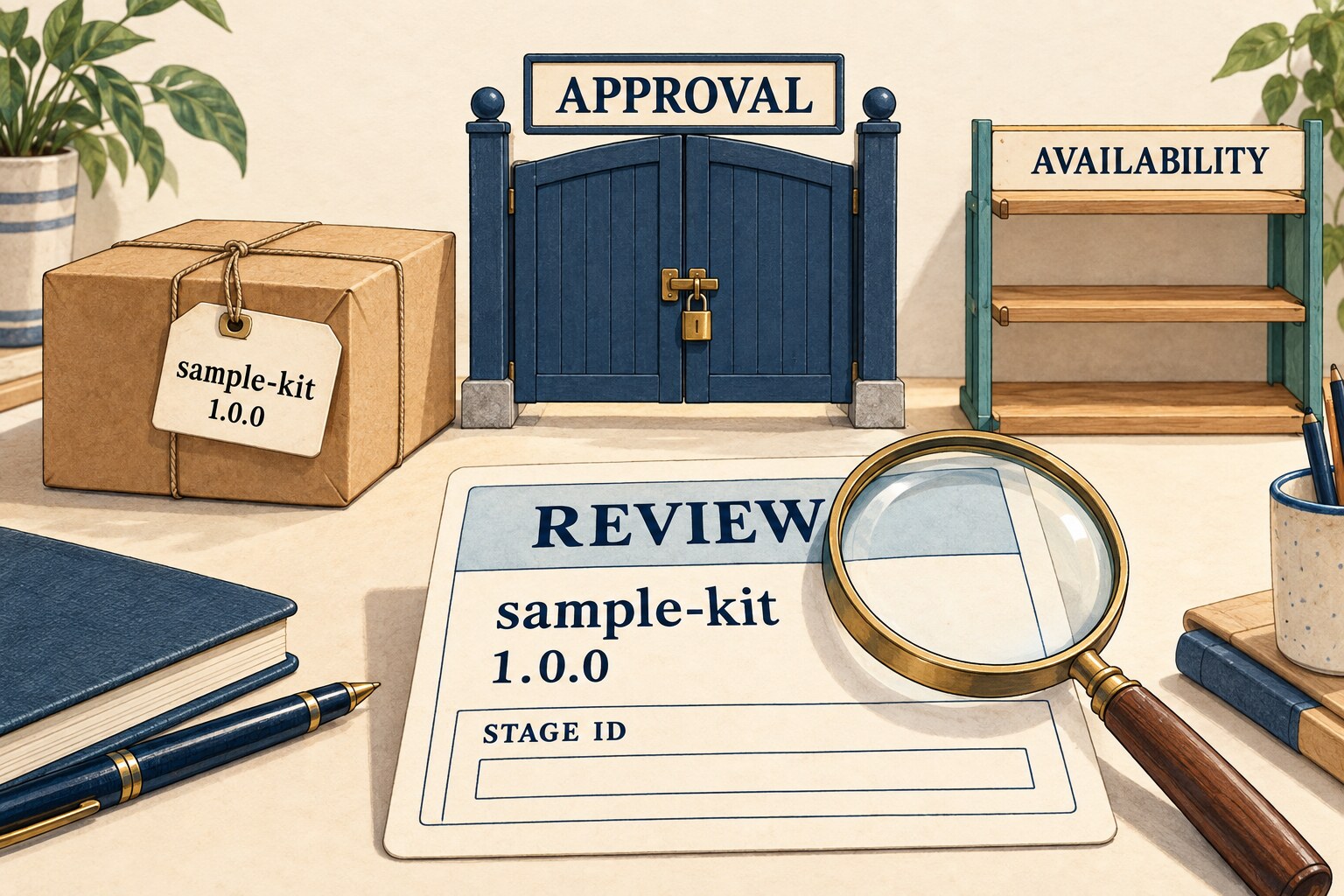
There are two consequential details in the npm stage reference: staged and published versions share version uniqueness, and a staged entry's tag is immutable. Changing that tag requires rejecting the existing staged entry and staging again. Approval and rejection both require 2FA.
Keep any replacement candidate attached to a new review record. After an uncertain upload response, inspect the queue for the intended package and version before repeating the upload. Record what you found rather than assuming either success or failure.
Walk through a missing-file decision
Imagine a fictional first release, version 1.0.0, whose README promises an import from dist/index.js. The local source tests pass, but the downloaded staged archive contains only source files. That candidate fails the archive review: the advertised entry file is absent.
Record the stage ID, missing path and expected build output, and keep approval pending. The release owner can then resolve the candidate through the documented rejection and staging process, repair the build or packing rules, and inspect the replacement artifact. Fixing the local directory does not establish that the already uploaded candidate contains the fix.
Also review automation permissions separately. GitHub's September 18 stage-only token announcement says such tokens cannot directly publish versions, but retain other package write powers, including moving distribution tags and deprecating versions. Keep them protected; their name does not imply read-only access.
Close with an exact-version receipt
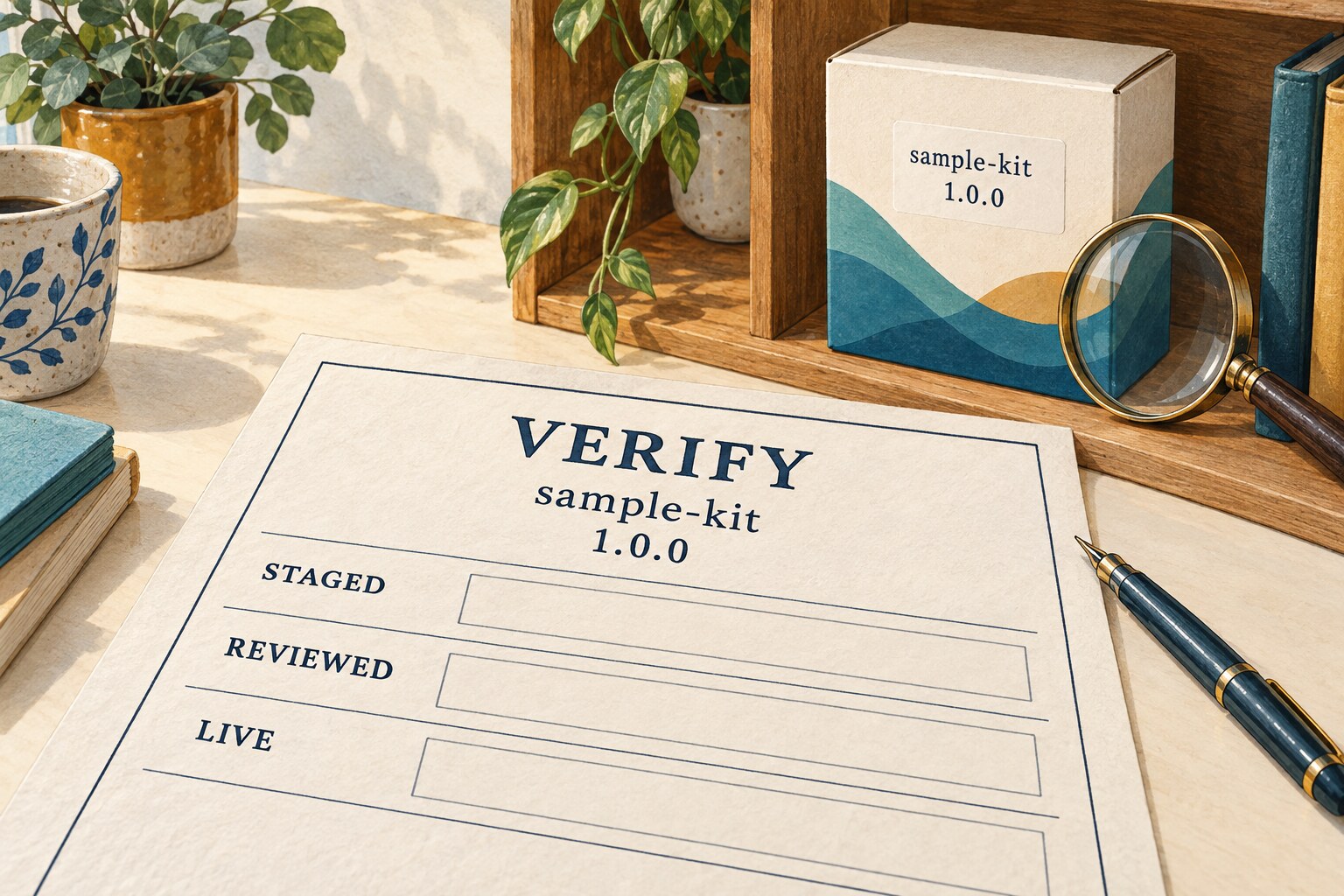
Only the designated maintainer should make the release decision for the reviewed stage ID. npm stage approve <stage-id> publishes that candidate; it is a consequential release action, not another inspection step.
After approval, use the npm view reference to inspect the exact package/version and its registry metadata. For example, npm view <name>@<exact-version> version asks about that version, while npm view <name> dist-tags checks tag mappings. Keep the destination registry consistent throughout.
- Identity: registry, name, version, tag, source commit and stage ID.
- Artifact: downloaded archive checksum and inventory findings.
- Decision: maintainer, time, approval outcome and unresolved concerns.
- Registry: observed exact version and tag mapping, with check time.
- Behavior: separate test results, or an explicit “not tested.”
Registry metadata confirms what was observed there. Consumer installation and runtime checks need their own evidence. This small separation makes a first-release announcement precise and gives the next maintainer a useful starting point.