A long issue history should not become a game of “where did that comment go?” GitHub's October 8, 2026 timeline accessibility update adds list navigation and feedback when more events load. A screenshot alone cannot tell you whether those improvements work in your setup.
This guide provides an original observation record for a short, read-only check. It is a testing plan, not a report of our own screen-reader session or a complete accessibility audit.
1. Set a small task and record the setup
Choose an issue or pull request you are allowed to read with enough history to expose a loading control. Prefer a public, non-sensitive example if you will share the result. Do not add comments or change labels merely to manufacture a test.
Write one goal: “Find the most recent label change and return to the surrounding discussion.” Pick an event that actually exists. A concrete target makes it easier to tell the difference between hearing words and understanding where you are.

CHECK DATE:
PAGE URL / ISSUE OR PULL REQUEST:
HOST: github.com / Enterprise Server version:
OPERATING SYSTEM + VERSION:
BROWSER + VERSION:
SCREEN READER + VERSION:
NAVIGATION MODE / RELEVANT SETTINGS:
TARGET EVENT:
STARTING POINT:
GitHub lists availability on github.com and GitHub Enterprise Server 3.23. Record the server version rather than assuming a self-hosted installation matches the public site. Also note whether the page was freshly opened or already partly expanded.
2. Check orientation before loading anything
Move into the Activity area using your screen reader's supported navigation. Listen for how the timeline is grouped, any item count and your position while moving between events. Record what is actually spoken, including missing information, instead of filling in what the release note says should happen.
GitHub's Issues screen-reader guide documents an NVDA-on-Windows route: in browse mode, use H or 2 to reach the Activity heading, L for the list, and I or Shift+I to move between events. Arrow keys explore detail. These are not universal VoiceOver or JAWS shortcuts; use the instructions for your own combination.
Pause at the target event. Can you identify what changed and move to the neighboring discussion without losing your place? Copy a brief observation, not the entire conversation. Keep any private names or issue content out of a publicly shared report.
3. Treat loading as a separate test
Before activating Load more, record your location and any announced count. Activate the control once, wait for the page to settle, then note the announcement and where navigation resumes. GitHub says the update moves focus to the newest event and announces how many events loaded. Test those two outcomes separately.
Do not use an example number from a release note as the expected batch size. Likewise, a total list count and a count of newly loaded events answer different questions. List items can include events other than comments and the loading control, so an item count is not simply a comment count. Keep both in their own fields; if a count is not announced, write “not heard” rather than guessing it from the screen.
GitHub's NVDA guide describes Load more or Load all as a list item activated with Enter. If neither control is present, record “not available on this page.” That is an untested loading case, not a failure and not proof that loading announcements work. Choose another permitted long history if you need that case.
4. Use an observation table, not a green tick by instinct
| Check | Record | Next step if unclear |
|---|---|---|
| Enter Activity | Grouping and count heard, or not heard | Confirm page location and navigation mode |
| Move between events | Event identified and position information | Repeat from a recorded starting event |
| Load additional events | Control used and exact feedback | Separate absent control from absent announcement |
| Resume navigation | Event reached after loading | Record focus location rather than infer it visually |
| Complete target task | Found / not found / stopped, with reason | Describe the specific obstacle |
Synthetic example: “Entered Activity; grouping heard; position information not recorded; Load more present; after activation an announcement was heard but not transcribed.” This record is incomplete. It calls for a focused repeat, not a claim that the entire feature passed or failed.
5. Turn an unclear result into a reproducible handoff
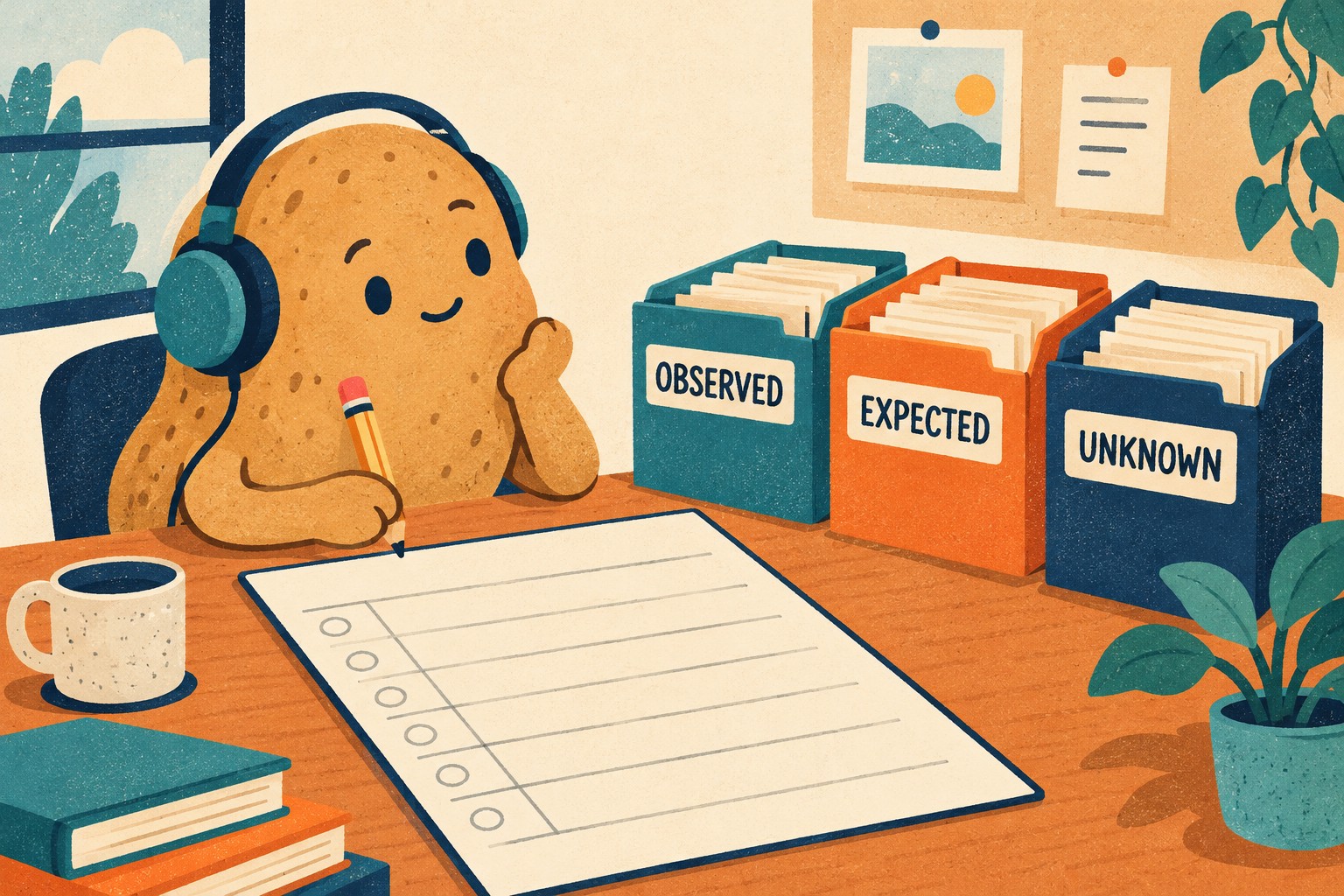
EXPECTED BEHAVIOR + SOURCE:
STEPS FROM A FRESH START:
ACTUAL ANNOUNCEMENT:
LOCATION BEFORE / AFTER LOADING:
TASK OUTCOME:
REPEAT RESULT IN THE SAME SETUP:
NOT TESTED:
SAFE EVIDENCE TO SHARE:
Keep expectation and observation apart. If you try another browser or reader, create another row rather than replacing the original result. A useful report says where the difficulty occurs and which combination showed it; it does not declare all screen readers broken from one uncertain attempt.
Before sharing recordings or transcripts, review them for private repository content and personal information. A short redacted reproduction can be more useful than a long recording with unrelated speech. Do not post credentials, tokens or confidential issue details.
The finish line is a traceable answer to the small task you chose. A visible timeline, valid markup and an automated check can each be useful evidence, but none is a substitute for the actual reading experience you are trying to assess. Keep unresolved cases marked unknown. The potato stamp can wait.