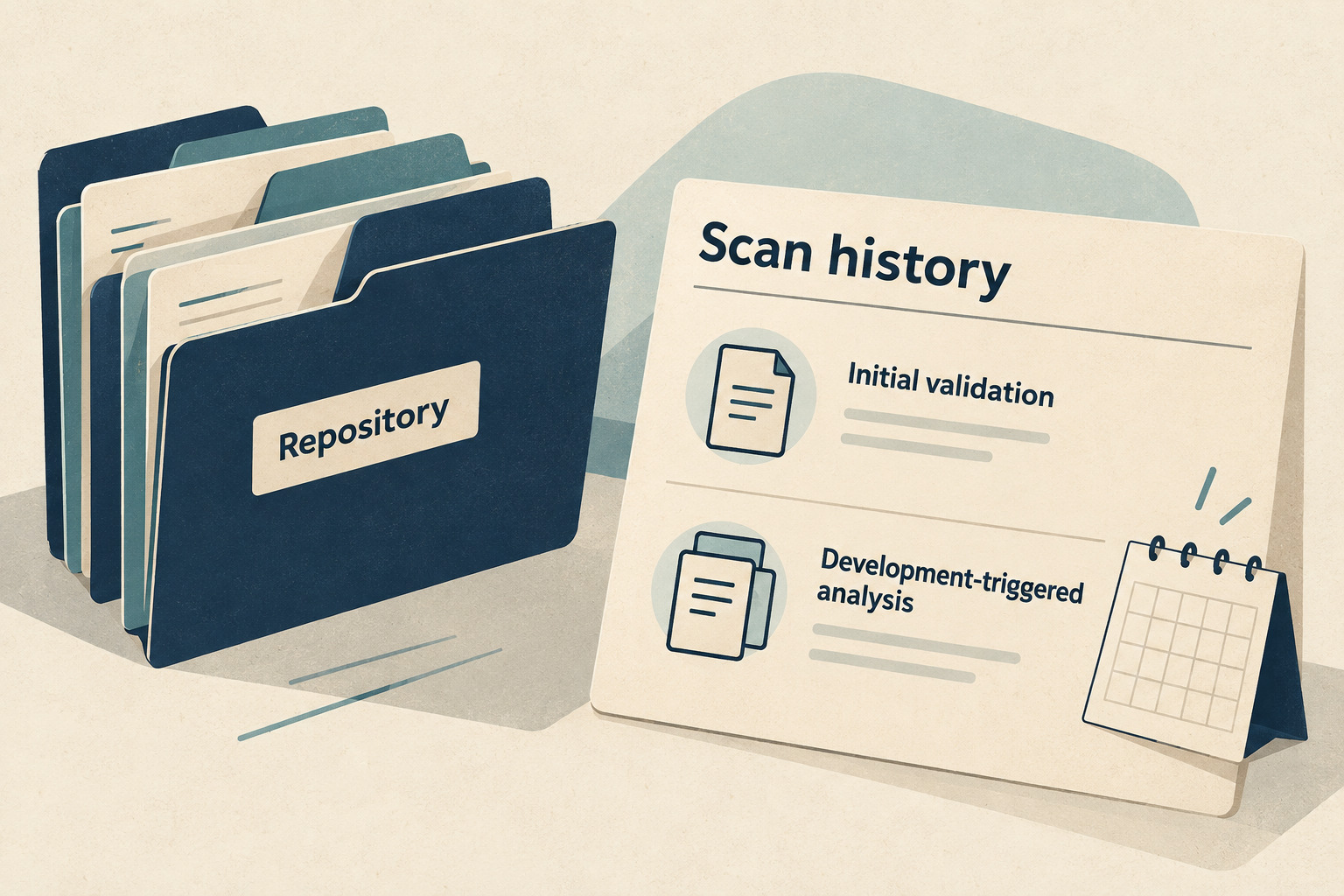
If a repository has one completed code scan but no weekly follow-up, first identify what triggered that analysis. A setup-validation run and a development-triggered run answer different questions. Use the history card below to record the evidence before proposing a schedule change.
GitHub's October 1, 2026 announcement changes the activity test for weekly scans in code scanning default setup and GitHub Code Quality. Enabling default setup still produces an initial validation scan; weekly scheduling starts after an analysis triggered by a push or pull request. Earlier Git activity is not the deciding record, and activity is shared between the two products. The announcement says no configuration change is required, with Enterprise Cloud support available then and Enterprise Server support planned for 3.24.
This is a read-only troubleshooting worksheet, based on documentation checked October 8, 2026 in Asia/Seoul. It does not establish the state of any real repository or replace a security review.
Confirm which scheduling system you are looking at
Start the card with the repository URL, product, setup type and observation time. Do not diagnose a custom workflow by applying a default-setup rule to it.
GitHub's setup-type reference distinguishes default setup from advanced setup, where teams define their own workflow or use external CI. For default setup, documented development triggers include pushes to the default or protected branches and qualifying pull requests targeting those branches; fork pull requests are excluded. A push somewhere in a repository is therefore insufficient evidence by itself. The useful record is the analysis that followed.
- Default setup confirmed: continue with the activity check.
- Advanced or external setup confirmed: inspect that configuration's own triggers and run history.
- Setup unknown: keep the diagnosis open and ask the responsible owner to identify it.
Also record the hosting environment. An announcement about Enterprise Cloud does not prove that a particular Enterprise Server installation already has the behavior. Avoid turning a version assumption into a configuration edit.
Separate the initial result from weekly eligibility
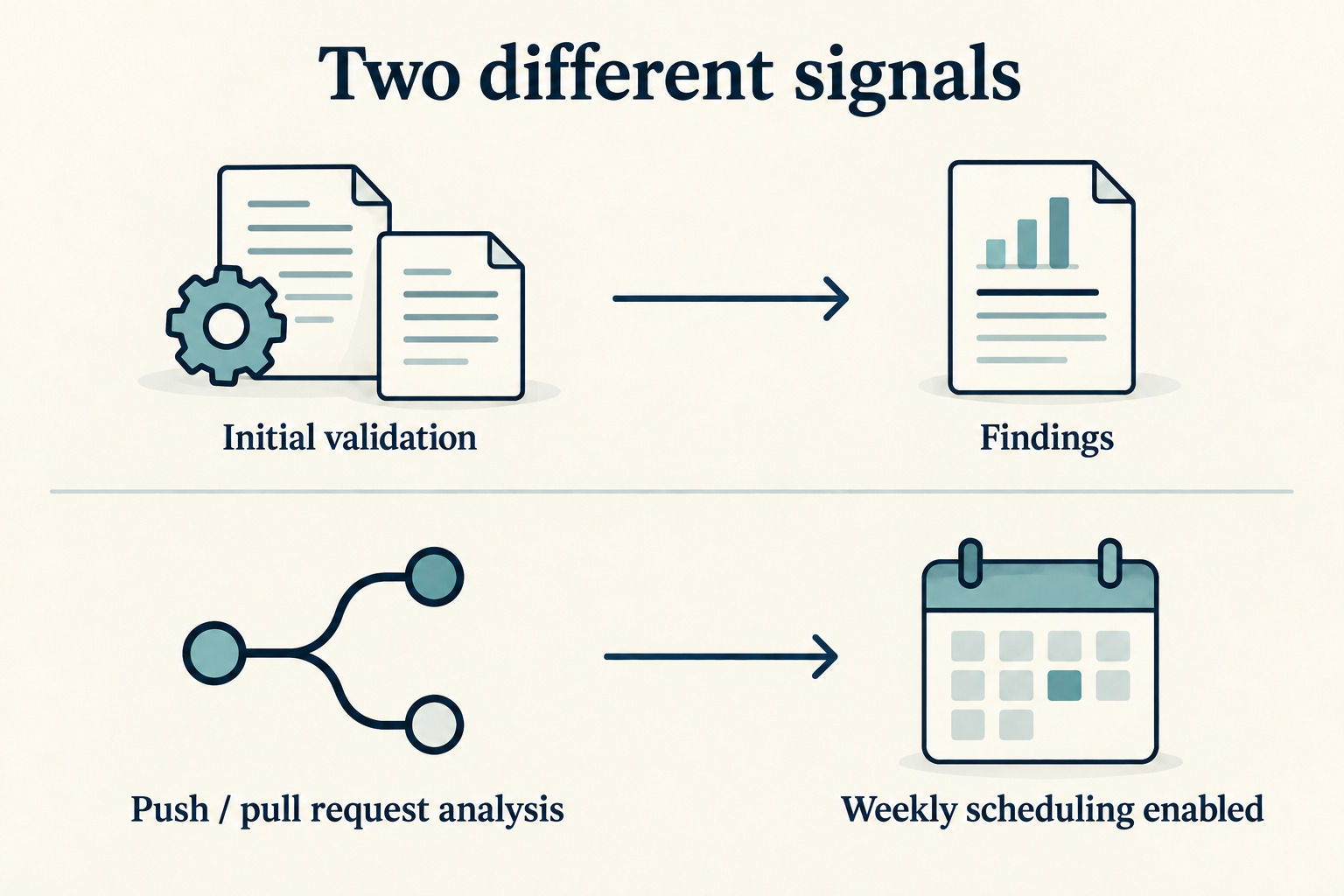
The current default-setup documentation defines an active repository using a push- or pull-request-triggered scan within the last 180 days. Initial scans, configuration-change scans, language-change scans and scheduled scans do not count as activity. Events from before default setup was enabled do not qualify.
Keep two observations on separate lines: latest analysis of any kind and latest qualifying development analysis. A recent timestamp in the first field cannot substitute for evidence in the second. If the latter is not visible, write “not established from available history,” rather than inventing a last-active date.
The same documentation describes an organization option to continue scans every 30 days on inactive repositories. That interval is fixed. Record whether an authorized owner confirms the option applies; do not assume an inactive repository should always have no scans. Deciding to enable it is a separate policy and resource decision.
Build one evidence card per repository
Copy these fields into an approved internal document. They are an original review template, not names of additional GitHub statuses.
| Field | Record |
|---|---|
| Identity and scope | Repository URL; code scanning or Code Quality; Cloud or Server version; confirmed setup type |
| Observation | Reviewer, timestamp with time zone, and any access or history limitation |
| Latest analysis | Run link, recorded event, relevant branch or PR, commit, time and observed result |
| Development evidence | Latest identified qualifying analysis, or not established; include evidence from either product when applicable |
| Schedule context | Observed schedule information and confirmed inactive-repository option, or unknown |
| Disposition | Explanation supported / further investigation / different scheduling system |
| Follow-through | Open question, responsible owner, evidence to obtain and next review date |
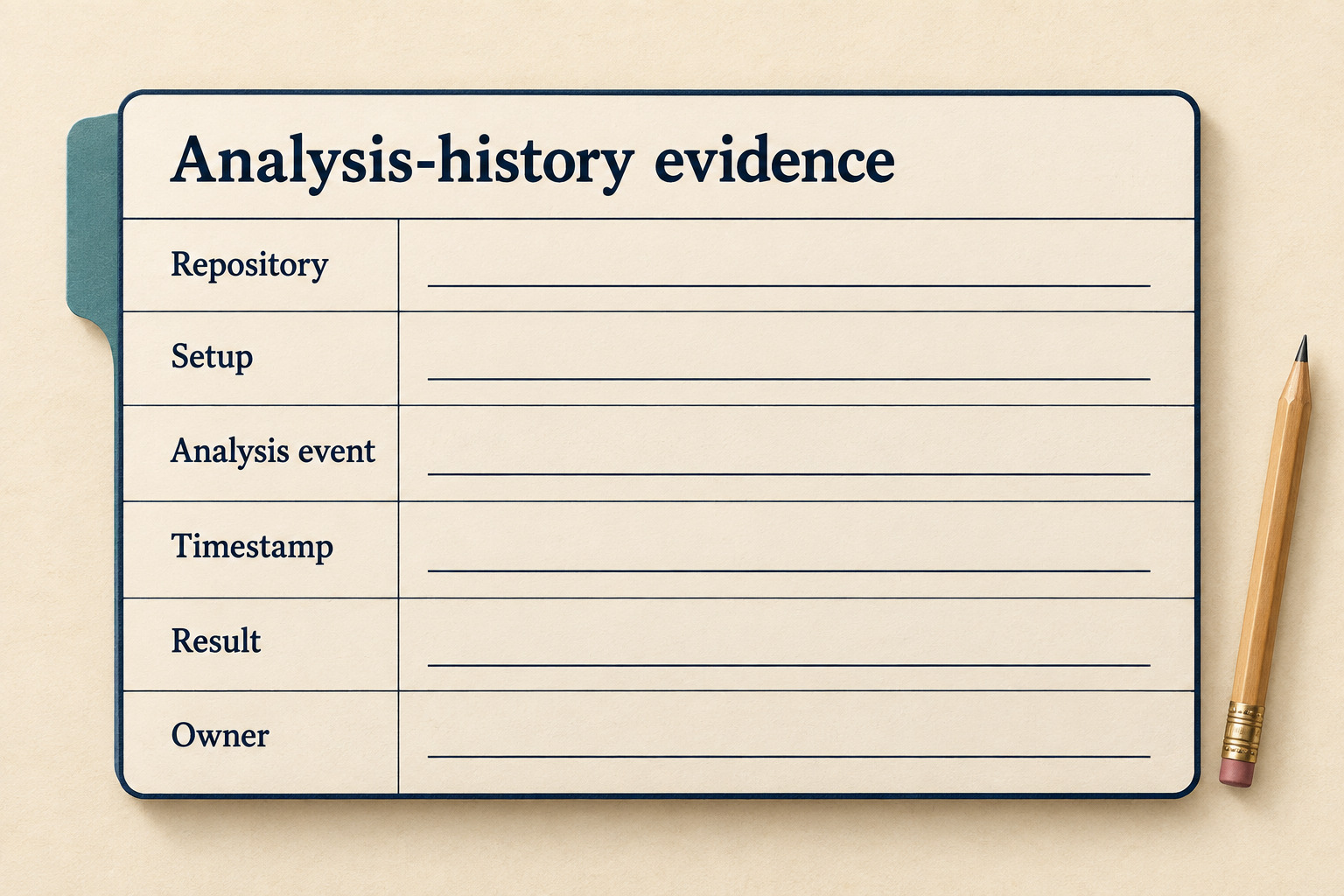
Use links instead of copying whole logs when that gives the owner enough context. Keep repository details and analysis output within your team's approved workspace. The card should let a colleague reproduce your reasoning without spreading internal findings into a public document.
Read the existing run before diagnosing its absence
GitHub's log-viewing guide directs readers to the repository's Actions tab, then the code-scanning workflow entry and its analysis job. A run created by enabling default setup is listed as CodeQL. The run also links to its triggering commit. These are useful starting points, but a familiar title alone should not decide your classification.
- Open an existing relevant run using the access you already have.
- Record its displayed event, time, job result and linked commit or pull request where available.
- Separate “the run exists” from “the analysis completed successfully.” Preserve a failed, cancelled or unresolved result as observed.
- Compare the evidence with the setup and activity rules. If event provenance remains unclear, leave the classification unresolved.
A scheduling explanation does not diagnose a failed analysis. Equally, an empty alert list does not prove that the expected code was analyzed. Keep those questions outside the schedule conclusion until their own evidence is checked.
Try the card on three fictional cases
These examples illustrate the review method; they are not measurements or reports from tested repositories.
| Available evidence | Defensible conclusion | Next question |
|---|---|---|
| Default setup, initial validation only, no qualifying development analysis established | The initial run alone does not establish weekly eligibility | Is relevant history missing, is there shared Code Quality activity, or does the inactive-repository option apply? |
| Default setup, recent qualifying push analysis documented, expected weekly result not found | The validation-only explanation does not account for this record | What does the actual schedule and run history show, and who can investigate the missing result? |
| A scan timestamp is visible, but setup type and event are unknown | There is insufficient evidence to classify the schedule | Can the owner supply the setup and exact run link? |
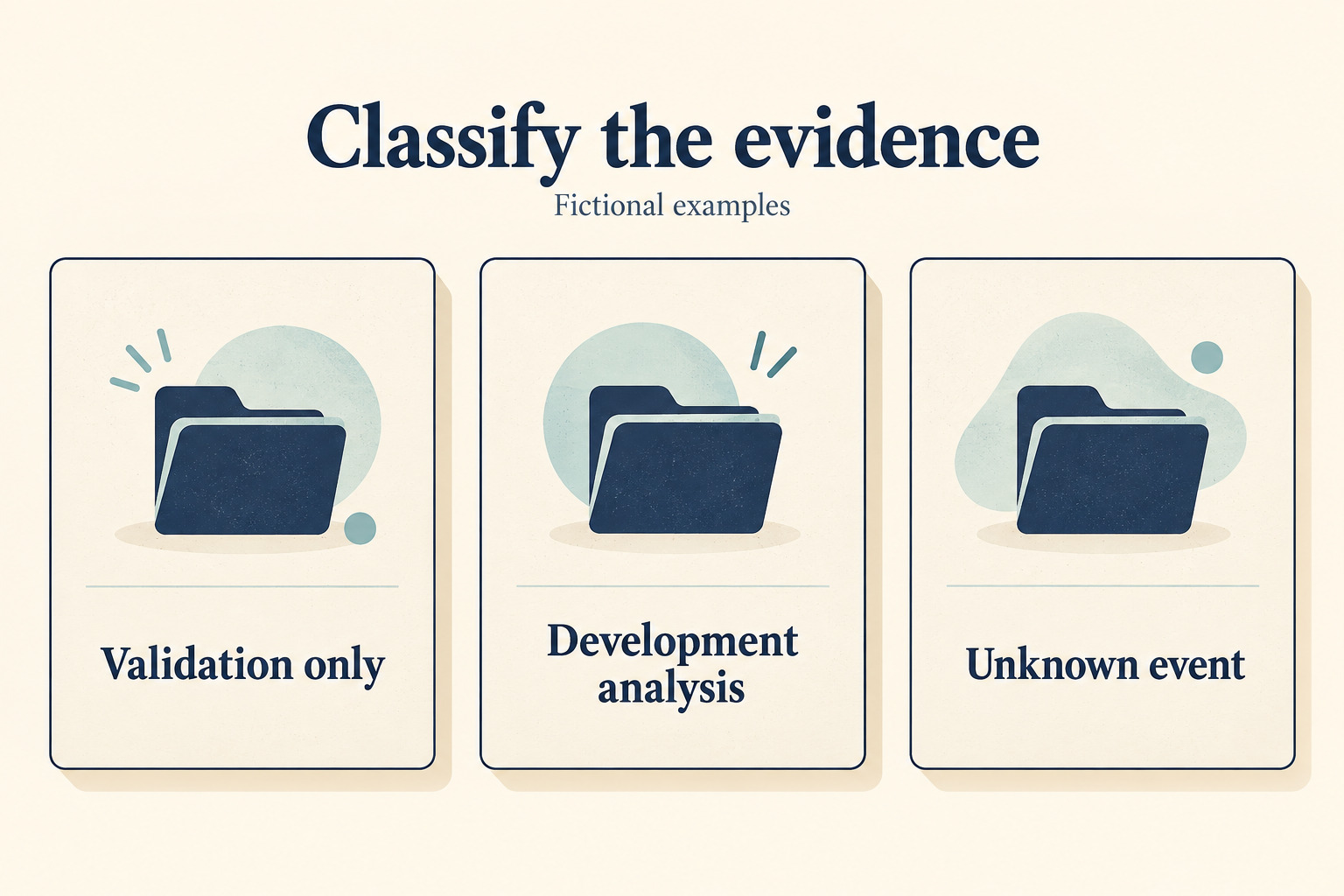
Notice that none of the outcomes is “repository safe.” The card answers a narrower operational question: does the evidence explain the observed scheduling behavior, or is more investigation needed?
Hand off the question without manufacturing activity
Do not create a meaningless commit, toggle scanning off and on, or loosen protections merely to make a calendar look active. Those actions change the system being investigated. First hand the owner a concise record:
- Observed: which analysis exists, when it ran and what result it shows.
- Supported explanation: the specific rule that fits, or why none has been established.
- Still needed: the missing setup, event, shared-product history or schedule observation.
- Decision owner: who can decide whether a configuration change is appropriate.

Close the card only with a bounded conclusion: an explanation supported by linked evidence, a separate configuration investigation assigned to its owner, or confirmation that another scheduling system applies. Keep scan findings and remediation work in their own existing process.