If a GitHub Actions workflow still selects macOS 14, start with an inventory of the jobs that depend on it. Replacing a runner label is only one part of the change: the candidate also needs the right architecture, tools and usable build output.
GitHub's October 1, 2026 retirement announcement says the macOS 14 image will retire on November 2, 2026. The affected labels are macos-14, macos-14-large and macos-14-xlarge. Scheduled brownouts temporarily fail affected jobs; the next listed window after this guide's October 7 KST check is October 12 at 14:00 UTC through October 13 at 00:00 UTC. GitHub also warns that reduced capacity may lengthen queues before retirement. Recheck the linked schedule before a release.
This guide provides an original migration worksheet and a fictional decision example. It does not report a migration tested on a real application.
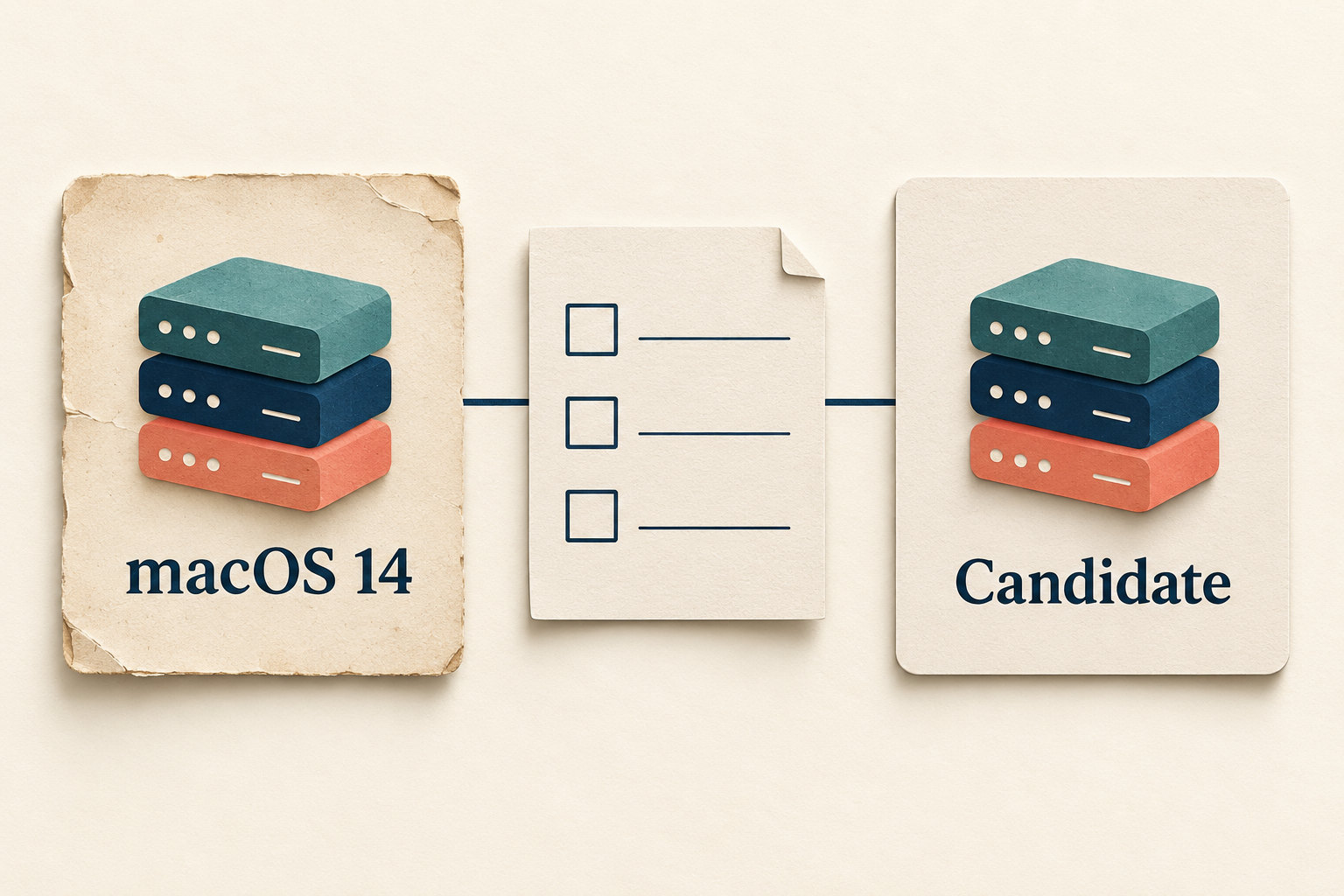
Find the effective runner choice, not just one label
Start in .github/workflows and search for all three affected labels. Then inspect every macOS job's runner selection, including choices supplied through matrices, inputs, variables or called workflows. A search result is an inventory lead, not proof that you found every resolved value.
GitHub's workflow syntax reference describes how runs-on selects the execution machine and accepts strings, variables and other forms. An array of runner labels means the runner must match all of them; it is not a list of alternative operating systems. Review the expression feeding the job before changing it.
- Direct selection: record the workflow path and job ID that names an affected label.
- Matrix selection: identify the macOS row, including any included or excluded combinations.
- Reusable workflow: trace the caller's input to the called workflow and record the reference being used.
- Other maintained branches: include release branches that still run supported workflows. An edit on the default branch may leave those unchanged.
Give each row an owner and a next run that matters, such as a release build. Keep unrelated Linux, Windows and self-hosted jobs out of the replacement list unless you establish that they are affected. This announcement concerns GitHub's hosted image, not an instruction to upgrade a personal Mac.
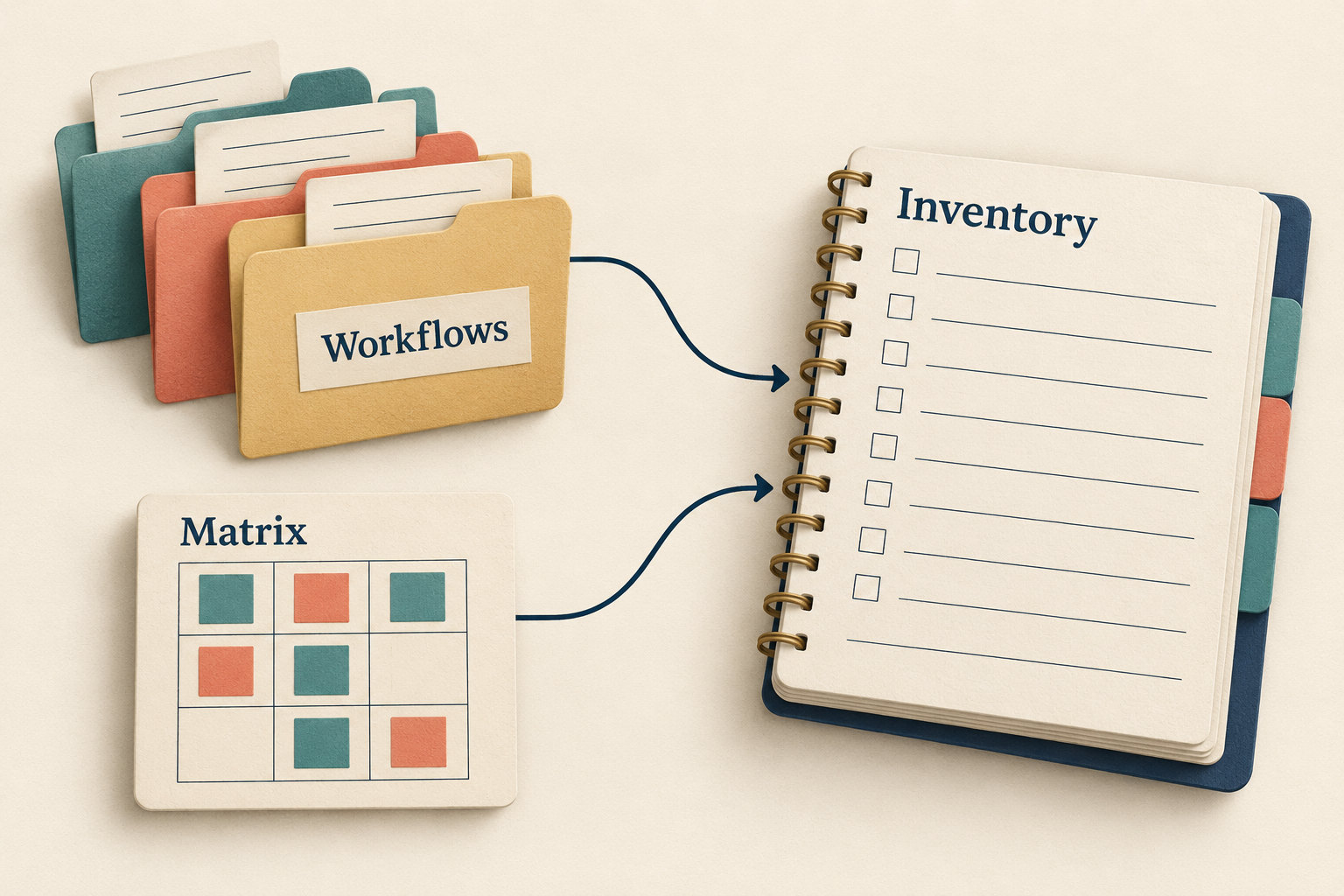
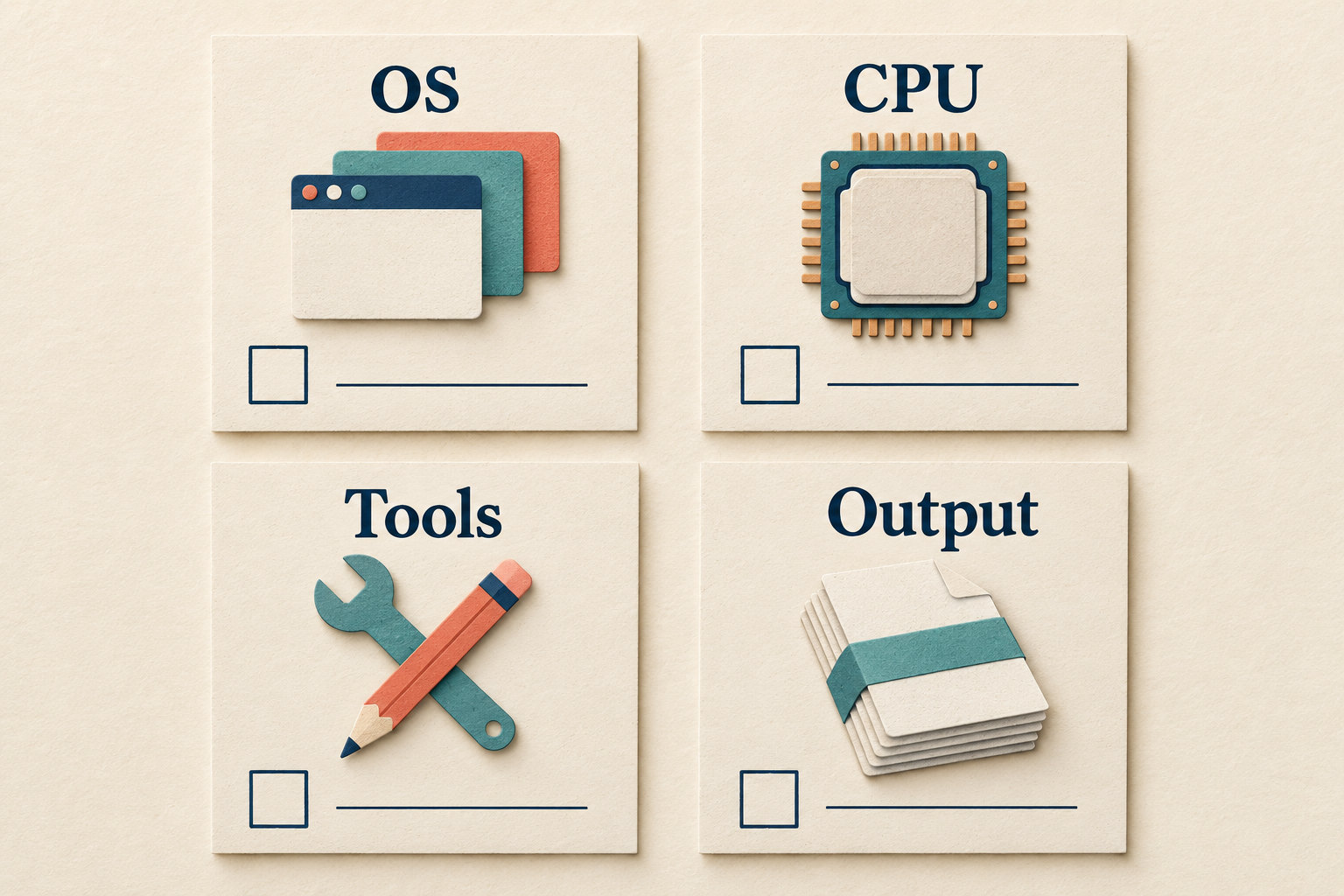
Choose a candidate across four separate checks
The retirement announcement lists arm64 options including macos-15 and macos-latest, which it identifies with macOS 26, along with larger arm64 variants. Treat these as candidates to evaluate, not a universal substitution for every retired label.
The current runner-image inventory distinguishes architectures: macos-14-large is x64, while macos-14 and macos-14-xlarge are arm64. Do not infer CPU architecture from the macOS version number. The official retirement issue maps the Intel macos-14-large label to macos-15-large or macos-latest-large. Verify current availability and validate the chosen route separately.
| Check | Question to resolve before the trial | Evidence to keep |
|---|---|---|
| OS | Which supported image will the job select? | Exact candidate label and the observed image version |
| CPU | Can the job's executables and dependencies run on that architecture? | Required architecture, candidate architecture and any unresolved dependency |
| Tools | Are the compiler, SDK, runtime and required simulator available? | Required versions and the candidate's included-software record |
| Output | Does the produced package still meet the application's requirements? | Artifact identity and the checks appropriate to its intended users |
A version-specific OS label makes the OS choice explicit, but does not freeze every installed tool. GitHub's image release guidance describes regular software updates. Record what the actual run used rather than treating yesterday's documentation as an immutable environment.
Check access and cost before selecting a larger runner or adding trial runs. The hosted-runner reference distinguishes available runner types and repository contexts. A migration plan should stay within the team's approved runner access and budget.
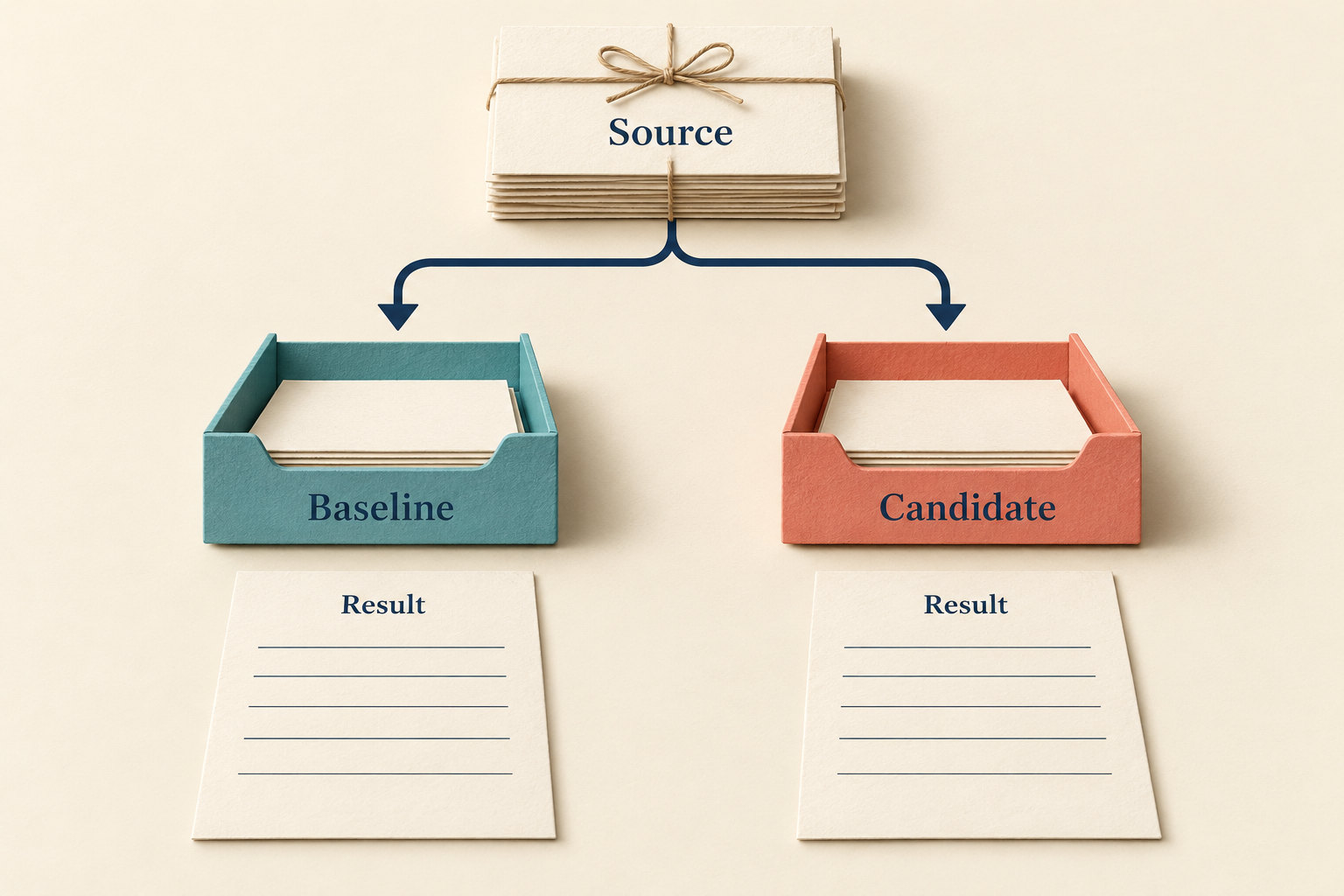
Make the first trial comparable and bounded
Choose one representative job and agree on what would make its replacement acceptable. Keep the same application source and dependency lockfiles for the comparison; record the workflow-only difference separately. Avoid combining the runner switch with a dependency refresh or product feature, because a failure would be harder to attribute.
- Save the last useful baseline run link and its source revision. If you lack a usable baseline, say so rather than presenting a comparison you cannot make.
- Prepare the candidate through the repository's normal review process. Review triggers before pushing: a trial branch can still activate publishing or deployment steps.
- Use a build-and-test path that cannot publish a release or change production. Keep credentials, permissions and deployment protections unchanged.
- Inspect tool setup, compilation, tests and the generated output separately. Mark skipped stages as untested.
- Record the first failing step and relevant non-sensitive log excerpt. Separate a missing tool or architecture mismatch from a test assertion failure.
Do not remove checks or add a blanket error override to make the trial green. If release signing or another privileged stage cannot be exercised in the bounded trial, record that as an open acceptance gate for the normal authorized release process.
For the observed environment, open the run's Set up job log and find its Runner Image details and Included Software link. GitHub's run-log guide says this records runner-image details and a link to the preinstalled tools present on that machine. Keep that link with the candidate's run URL. Avoid copying full logs into public discussions when they may contain private paths or project details.
Work through an example that should stay blocked
Consider a fictional release job that uses macos-14-large and invokes an Intel-only packaging utility. Its owner proposes an arm64 candidate. Unit tests pass, but the packaging stage cannot run the utility.
The correct worksheet outcome is “blocked: packaging compatibility unresolved.” Passing unit tests does not establish that a releasable artifact exists. The owner must investigate a supported compatible runner or an approved replacement for the utility, then repeat the affected checks. This example supplies no measured run result and recommends no specific paid runner.
Now suppose the candidate creates a package successfully, but its intended platform compatibility has not been checked. That is a different open gate. Record “package created; target compatibility not checked,” and use the application's existing output-validation process. A completed CI job is useful evidence, but the acceptance decision must match what the job actually exercised.
Keep a migration record that survives the switch
Copy one row per effective runner choice. Use concrete links where possible, and write “unknown” where evidence is missing.
| Field | Your entry |
|---|---|
| Scope | Repository, branch, workflow path, job ID and matrix row or caller |
| Current dependency | Retiring label, baseline run and application source revision |
| Candidate | Exact label, architecture, observed image version and software-list link |
| Acceptance | Required tools, tests and output checks; candidate run and artifact links |
| Open gates | Failed or skipped stages, owner and next safe action |
| Cutover | Reviewed workflow commit, first normal run and the branches still to update |

After the approved switch, inspect the first normal run and repeat the inventory search across the branches in scope. Check dynamic choices again; zero literal matches alone is not an exhaustive audit.
Plan recovery around a supported, reviewed configuration. Returning to macOS 14 after its retirement is not a dependable fallback. If no acceptable candidate is ready, leave the blocker visible and pause the affected release rather than silently weakening its checks. The finished migration is an explained runner choice, observed execution evidence and an output decision the owner can defend.