A successful workflow can leave you with no new code coverage in GitHub. Before treating a green check as evidence, follow the report from the tested commit to the upload result.
GitHub's October 1, 2026 announcement changes a common first-push experience: the Code Quality coverage action skips a non-default-branch upload when no open pull request is associated with it, rather than failing CI. The action explains the skip in a notice and step summary. Repeated pushes before a PR exists are also skipped. The change covers GitHub Team and Enterprise Cloud, including data residency, but not Enterprise Server.
The practical consequence is a new question for your review: did this run produce usable coverage for this change? This guide is a documentation-based inspection routine, not a report of testing the service. It concerns actions/upload-code-coverage; other uploaders have their own behavior.
Keep three pieces of evidence separate
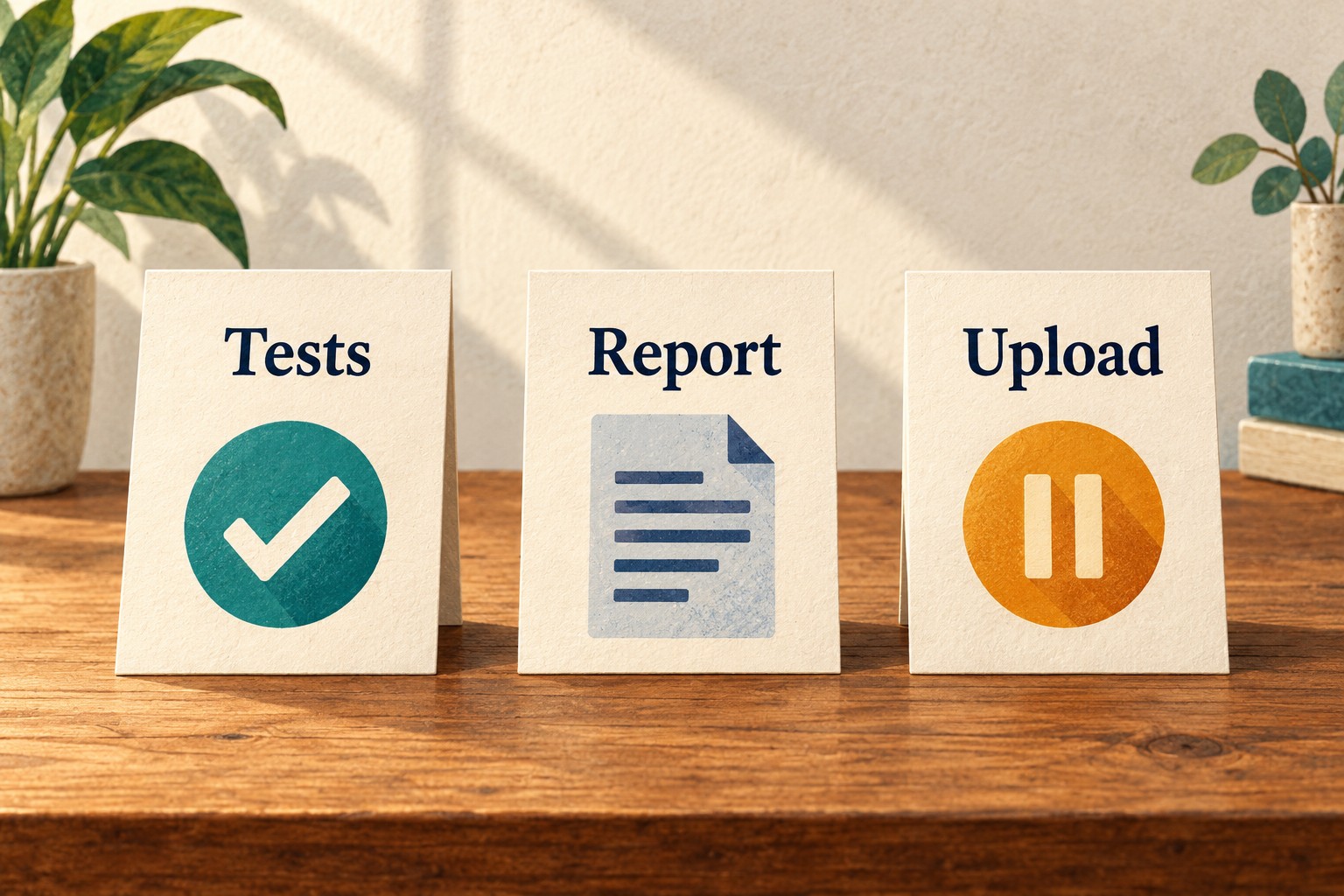
Start with one pull request and its latest relevant workflow run. Avoid a repository-wide cleanup while you are trying to explain one missing report. Make three short notes:
- Tests: Which checkout ran, and where is the test result?
- Report: Which file did the test command produce, and which source revision does it describe?
- Upload: Was that report uploaded and processed, deliberately skipped, or left unverified?
A useful answer can be “tests passed; report generated; upload skipped.” That is more informative than either “everything passed” or “coverage is broken.” A local XML file proves that a file exists. It does not, by itself, prove that GitHub received it. Likewise, an older coverage comment should not be silently promoted into evidence for a newer change.
Find the event that can produce the next report
Opening a PR does not itself run a workflow that listens only for pushes. Under that configuration, the next push is the next upload opportunity. Default-branch and supported PR-event uploads keep their previous behavior, according to the October announcement.
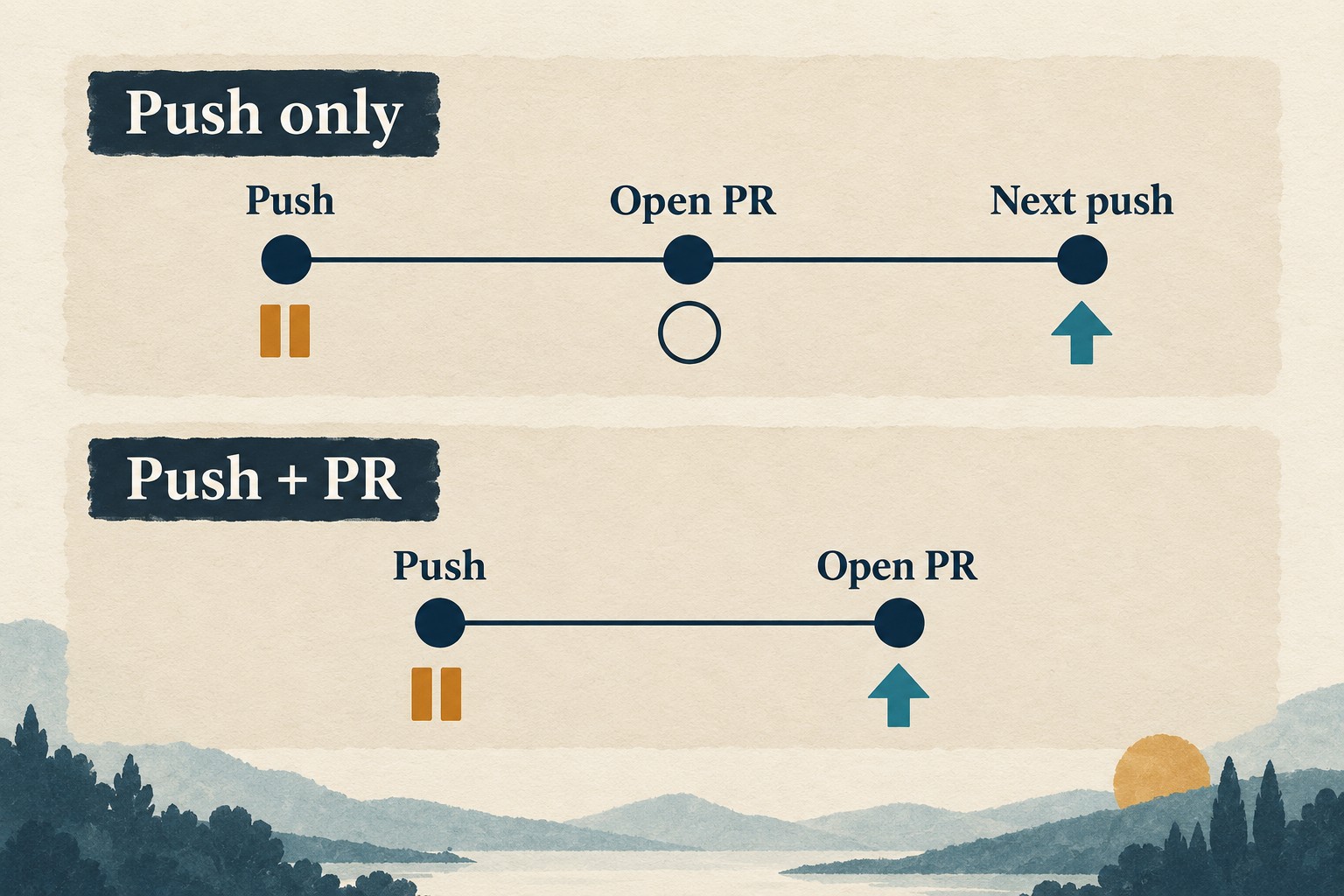
Use this event map while reading the actual workflow. “Upload opportunity” means the route is eligible; it does not promise a valid report or successful processing.
| What happened? | What should you look for? |
|---|---|
| Feature-branch push with no open PR | A deliberate skip notice, not a new uploaded result. |
| PR opens after that push; workflow is push-only | No new run from opening alone. Record the next qualifying event. |
| Next push with an open PR | The associated PR, pushed revision and upload outcome. |
| Matching same-repository PR event | A run for that event and evidence tied to the PR head. |
| Default-branch push | The baseline report's revision and upload outcome. |
The official workflow strategy guide recommends PR events plus default-branch pushes for most repositories. Broad push and PR triggers can run twice for the same PR commit. Preserve any separate requirement to test every branch; a condition placed on the entire test job can suppress tests as well as the upload.
Before proposing a trigger change, write the intended behavior in ordinary language: “Test every branch push; upload on eligible PR work and default-branch updates.” Then review whether the configuration actually matches it. Do not add a second trigger simply to make a missing-report symptom disappear.
Read the upload explanation before retrying
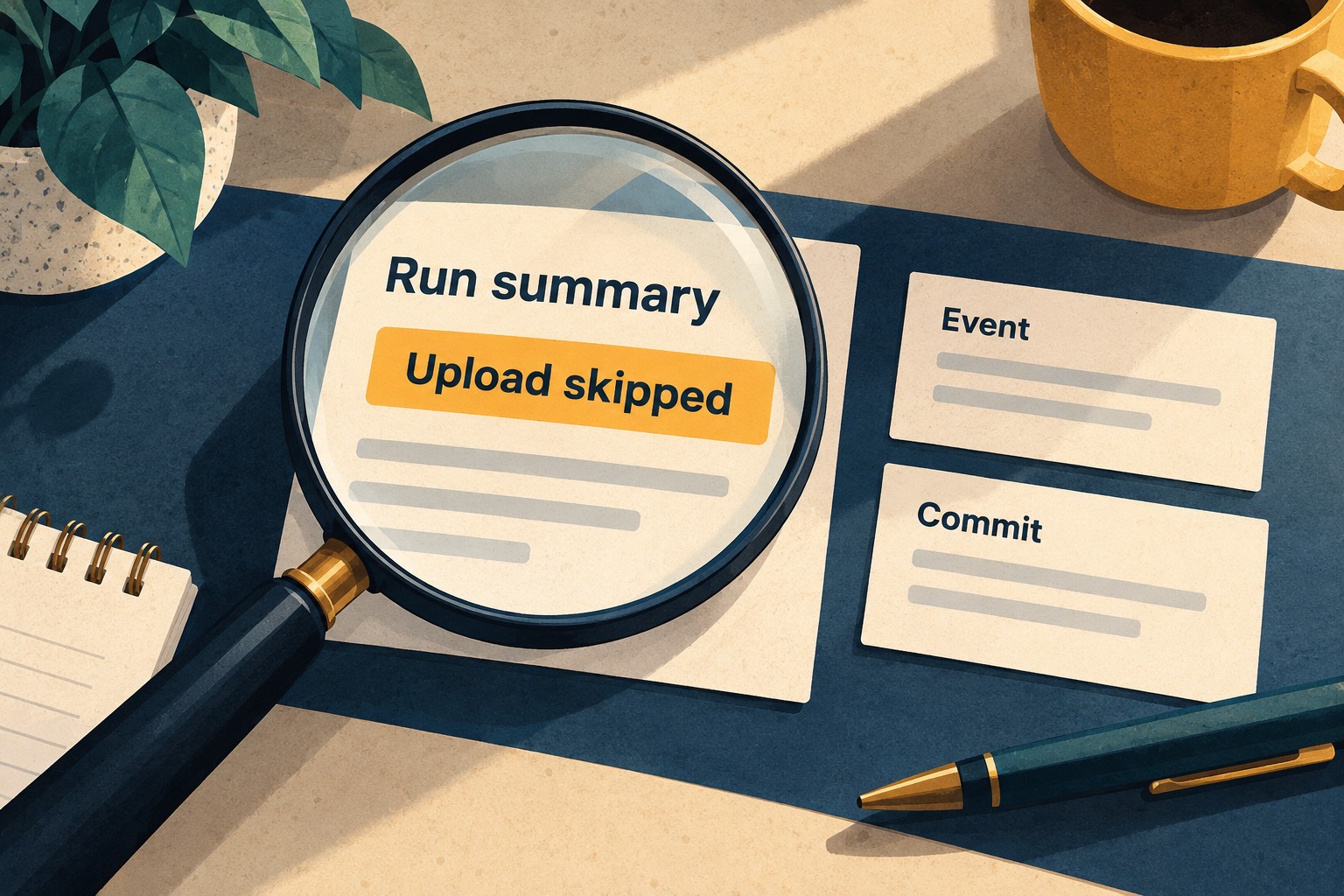
Open the exact run, select the upload step, and read its notice, warnings and summary. Copy the run URL and attempt into your note. Check the action version referenced by that workflow; a release announcement is not evidence that an old pinned action contains newer behavior.
The current action README documents several outcomes that deserve separate labels:
- A branch without an associated open PR can skip successfully.
- A report for a commit that is no longer the latest on its branch can be skipped with a warning.
- Fork PRs and merge-queue runs are unsupported upload routes and are skipped.
- Setting
fail-on-errortofalsecan let an upload error finish with a successful exit. - Setting
wait-for-processing-timeoutto0turns off the normal processing wait.
These are reasons to inspect the outcome, not reasons to disable safeguards. In particular, making upload errors non-blocking is unnecessary just to accommodate the new-branch skip. If the summary says “skipped,” keep that word in the receipt. If the outcome is unclear, use “not verified” and identify the missing evidence.
A retry is a proposed action, not a diagnosis. First ask whether it will run against the same revision, whether the relevant PR now exists, and whether the reported cause has changed. Repeating a run without explaining those points can add another green check while leaving the original question unanswered.
Match the report to the source that was tested

GitHub's coverage setup guide uses a generated Cobertura XML report and identifies it by file, language and label. Its checkout example explicitly selects the PR head when available. The guide also directs readers to the github-code-quality[bot] PR comment to inspect coverage results.
This matters because a PR run's GITHUB_SHA normally identifies a merge commit, while github.event.pull_request.head.sha identifies the branch head. The workflow event reference explains that distinction. Record the checkout actually used rather than assuming the event's convenient-looking SHA answers every question.
For a separate test and upload job, check the artifact handoff too. The strategy guide recommends isolating the upload job so its write permission is separate from the job executing repository code and dependencies. For your inspection, follow one report through both jobs: producer run, artifact name, downloaded file and upload label. A similarly named file from an earlier attempt is not an interchangeable substitute.
Use a fictional mismatch to challenge your note: the report packet says revision A, but the PR now contains revision B. The next task is to establish which revision was tested and uploaded. Do not copy A's percentage into B's review merely because the filenames match.
If a fork's upload is skipped, keep that limitation visible. Do not switch to pull_request_target as a quick fix for executing untrusted PR code; GitHub's event documentation warns against that use.
Walk through a first-push example
Imagine a small team whose workflow runs only on pushes. At 09:00, a developer pushes a new feature branch without a PR. Tests pass and the report exists, but the upload summary explains that no PR is associated. At 09:05, the developer opens a PR. These times and events are an invented teaching example.
The review note should now say: “Coverage upload skipped on the first push. Opening the PR did not start this push-only workflow. Awaiting the next qualifying event.” It should not say “coverage verified” and should not invent a zero-percent result.
If a later push creates a new run, inspect that run's report and processing evidence afresh. If the team instead wants a run on PR opening, review the trigger change deliberately, including possible duplicate runs and its effect on tests. Keep any merge-policy decision separate from this read-only diagnosis.
Copy a coverage receipt before closing the review
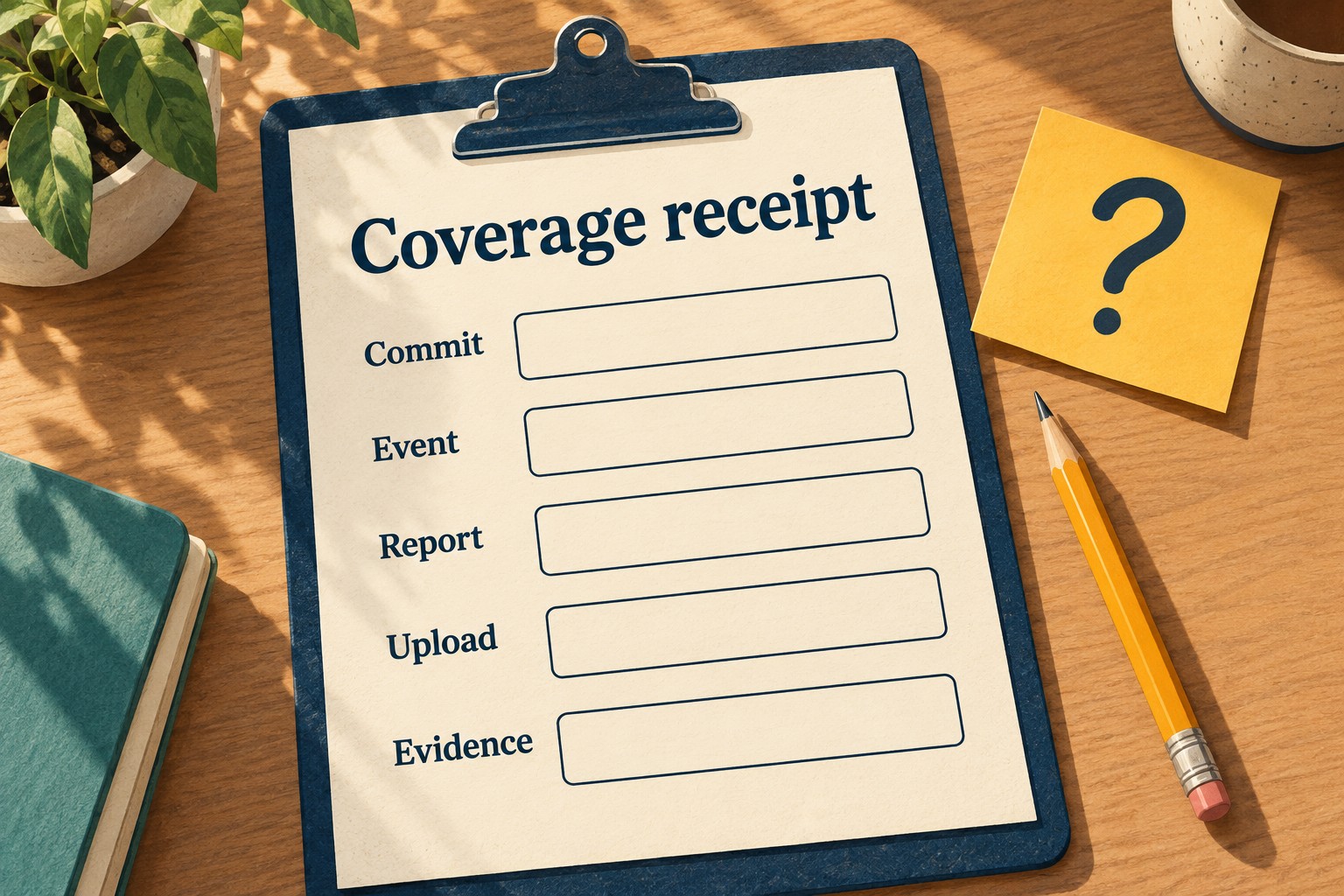
This is a suggested working record, not a GitHub output format. Fill it from observable evidence; leave unknown fields explicit.
| Field | What to record |
|---|---|
| Run | URL, attempt and observation time. |
| Event | Push or PR activity, branch and PR number. |
| Source identity | Tested checkout SHA and current intended PR head. |
| Report identity | Producer, file, language, label and artifact handoff if used. |
| Upload outcome | Uploaded and processed; intentionally skipped; failed; or not verified. |
| Evidence | Step-summary or log link, skip reason, and relevant current PR result. |
| Next step | Expected event or missing check, with a named owner. |
Close the inspection when another person can follow the record to the same conclusion. A successful skip can be entirely expected. The important thing is to avoid turning it into a claim that a report arrived.