A release note that says “CI passed” and links to a workflow run can lose its supporting detail. If someone needs to inspect that release later, decide which evidence to keep while the original records are still available.
On October 1, 2026, GitHub confirmed that on github.com its Actions retention setting now also governs checks, workflow runs and commit statuses, including checks and statuses from third-party applications. Older records are cleaned up after the configured period. Raising the setting cannot recover records already removed. The practical task is to make a small, verifiable evidence handoff for releases that need one.
Source: GitHub's October 1 retention announcement
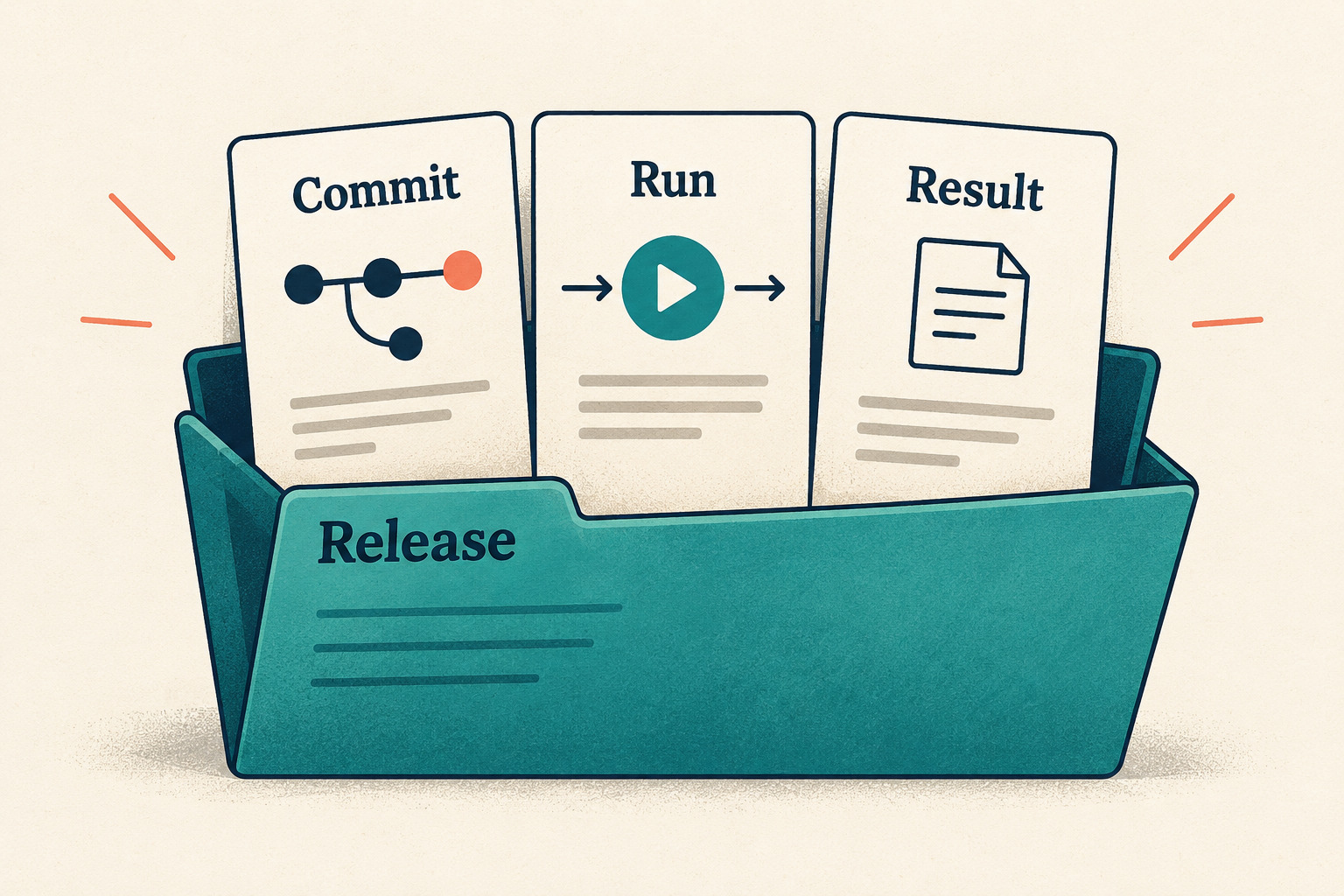
Start with the question the evidence must answer
Choose one release or change. Write the question a future reader will need to answer: “Which revision produced this package, and which checks were observed before we handed it over?” That gives the record a purpose. Saving every available file without an inventory makes the next person reconstruct the same story.
- Identity: repository, actual built or tested checkout SHA, release or package version, workflow and run URL. Keep the workflow/event SHA separately if it differs.
- Outcome: the exact required job or check names and the conclusions you actually observed.
- Supporting material: the relevant logs, reports or build files, if they exist and you are permitted to retain them.
- Custody: the approved storage location, responsible person and date for reviewing whether the copy is still needed.
Keep deployment evidence separate if the question includes what reached production. A build's success alone does not show which version an environment served.
Inspect the retention boundary without changing it
In the repository's Settings, open Actions, then General, and locate the retention field. Record its value and any organization or enterprise cap you can verify. If you cannot see the setting, ask the repository owner for that information; an inaccessible field is an unknown, not evidence of the default.
GitHub documents a 90-day default, a public-repository range of 1–90 days and a private-repository range of 1–400 days, subject to managing organization or enterprise limits. It also says customized periods apply to new objects rather than retroactively changing existing ones, and individual artifacts can have custom retention. This customization rule does not exempt old checks or runs from the October 1 cleanup. Do not turn today's repository setting into a promised expiry date for every older item.
Source: GitHub repository retention settings
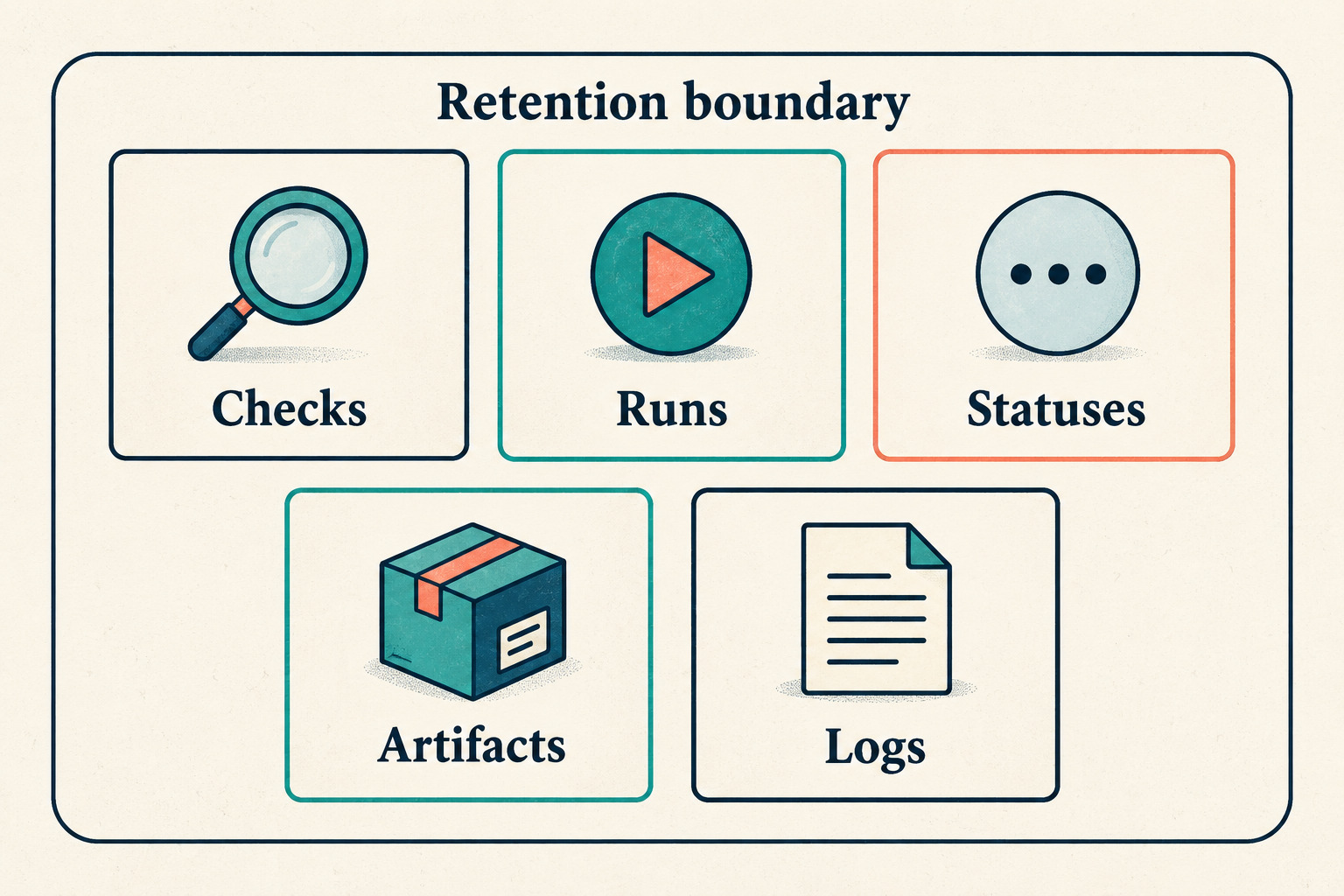
For each item you need, record its creation time, any displayed expiry information, and what remains uncertain. Plan the handoff while it is available. Changing a shared setting is an owner decision, not a substitute for checking the specific record.
Use an evidence matrix before downloading
| Item | What to record | What to verify in the saved handoff |
|---|---|---|
| Workflow run | Run URL or ID, event SHA, actual checkout SHA, event, attempt and observed conclusion | The receipt identifies the run you intended, rather than another run with a similar title |
| Jobs, checks and statuses | Name, provider, outcome and supporting URL for each required result | A missing, skipped or canceled result stays visibly distinct from success |
| Logs | Which run attempts and jobs the downloaded files cover | The files open and contain the expected job and step evidence |
| Artifacts | Name, source run, version and the files you need from it | The saved copy contains the expected report or build output |
| Handoff receipt | Capture time, copied-file inventory, storage location and owner | A colleague can locate the copies without reconstructing your browser session |
This is a proposed working matrix, not a GitHub export format. A log archive is not automatically an export of every check, status or third-party report. If a result lives in another service, identify its own evidence location and retention policy rather than assuming the Actions copy contains it.
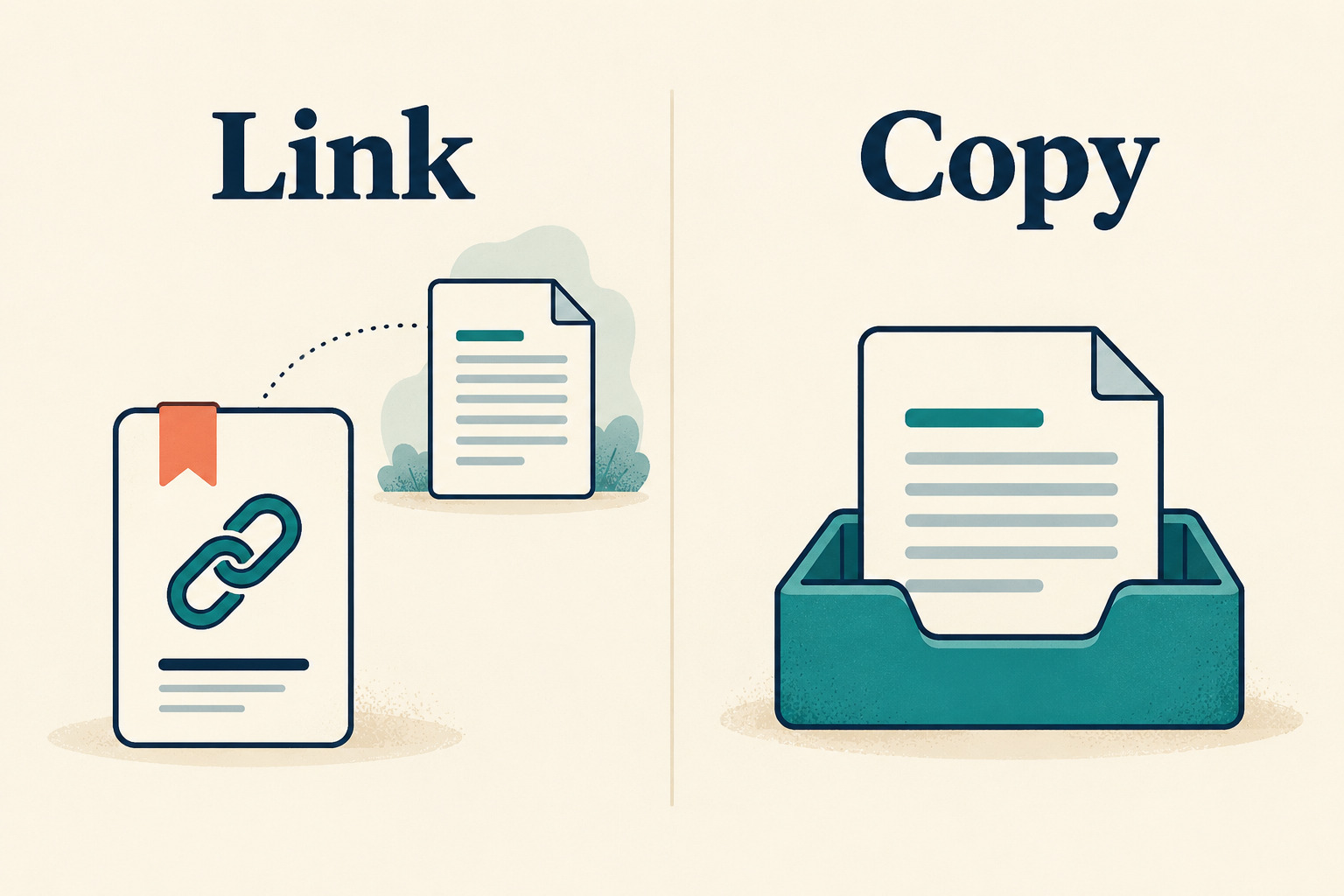
Download the right material, then open it
GitHub's artifact download guide requires a signed-in account with repository read access. On the chosen workflow run, use the Artifacts section to download an available artifact before it expires. The artifact name helps you find it; verify the artifact against the recorded build inputs rather than relying on its name.
Source: downloading workflow artifacts
For logs, open the relevant job and use the log options menu's download command. There is an important rerun detail: GitHub says an archive from a partially rerun workflow contains only the jobs rerun in that attempt. Obtain the earlier attempts too when their jobs are part of the evidence you need.
Source: downloading logs and the partial-rerun limitation
- Match the repository, actual checkout revision and run before saving anything. If the checkout revision is unverified, keep that gap explicit rather than inferring it from the run title.
- List the expected files or job records before opening the download.
- Open each needed report or log as data in an appropriate viewer. Do not execute a downloaded build just to confirm that it exists.
- Record which expected items you found and which were absent or unavailable.
- Keep sensitive logs and private reports in approved storage with the intended access restrictions. Do not attach them to a public issue or release by default.
An optional file checksum helps detect whether a copy changes later. It does not establish that the original result was accurate, that the file is safe to execute, or that the intended reader has permission to open it.
Work through a partial-rerun example
Consider an invented release with two jobs: Build and Test. Attempt 1 runs both; Build succeeds and Test fails. Attempt 2 reruns only Test, which succeeds. For this example, both attempts are confirmed to test the same checkout revision. The handoff needs the Build evidence from attempt 1 and the Test evidence from attempt 2, with their attempt numbers retained.
A folder containing only the second log archive is incomplete for that question. Label the first Test result as failed and the later one as succeeded; do not erase the earlier result or present the two attempts as one uninterrupted successful execution. If an expected archive is no longer available, write “unavailable at capture” and identify the gap.
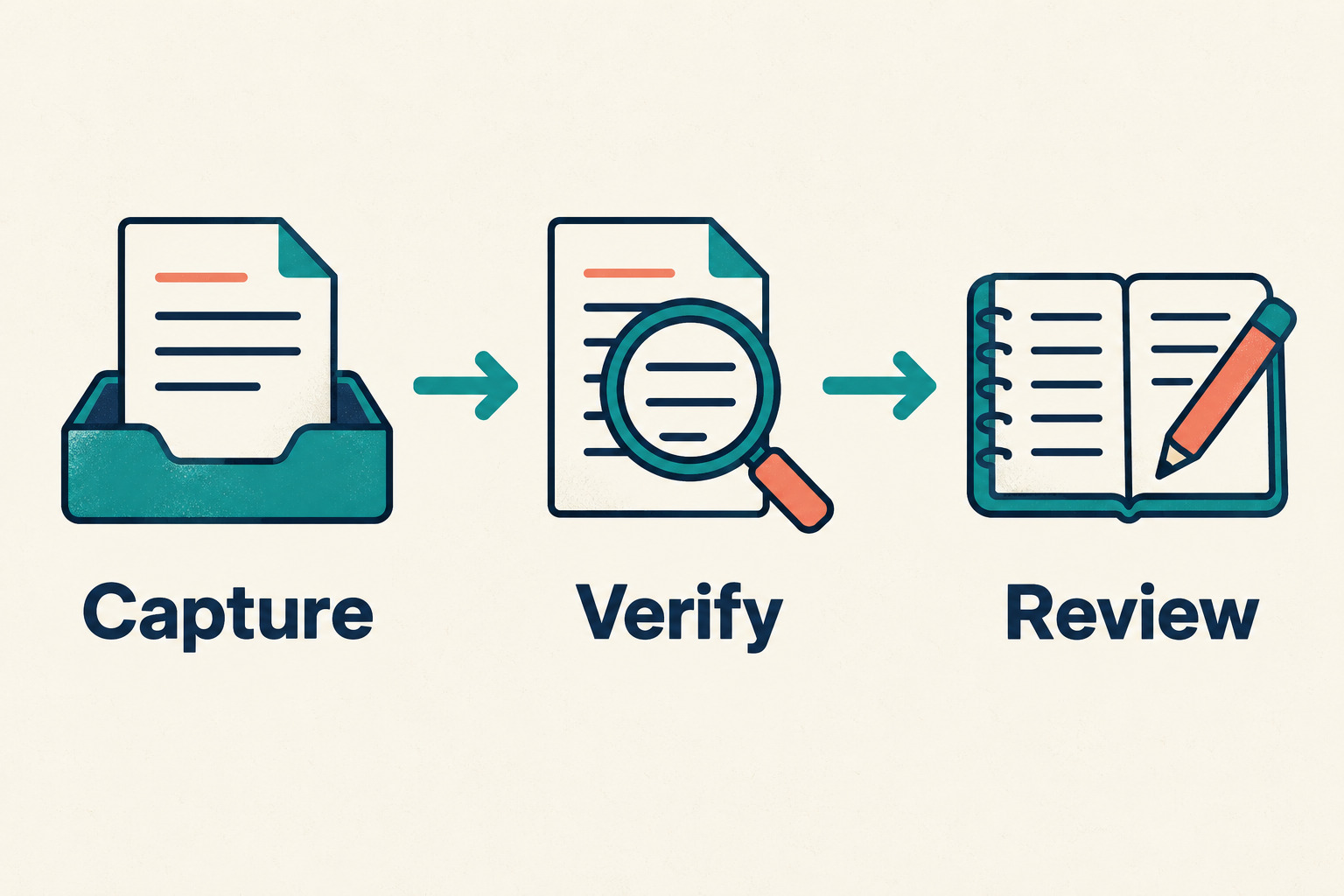
Keep three stages separate: capture the available evidence, verify its identity and contents, then review the handoff with its intended reader. A successful download only completes the first stage.
Copy this release evidence handoff
- Question this record answers:
- Repository and release/version:
- Actual built/tested checkout SHA and evidence for it:
- Workflow, event, event SHA, run URL/ID and attempt numbers:
- Required jobs/checks/statuses and observed outcomes:
- Evidence captured at, with timezone:
- Retention setting observed at, applicable cap and item-specific expiry information:
- Downloaded files and the jobs/reports each covers:
- Approved copy location and access check:
- Missing evidence and unresolved questions:
- Owner and next review date:
Finish by asking the intended reader to locate one saved report and match it to the recorded commit and run. If they need your open browser tabs to make the connection, improve the inventory. Keep the original links for context, but make clear which facts were observed, which copies were checked and which evidence remains missing.