If a supplier email is missing from a Copilot summary, open the original message before treating the summary as complete. Record the prompt, missing detail and any policy notice, then ask your administrator whether external-email exclusion applies. An omission alone does not identify its cause or prove that the message is unsafe.
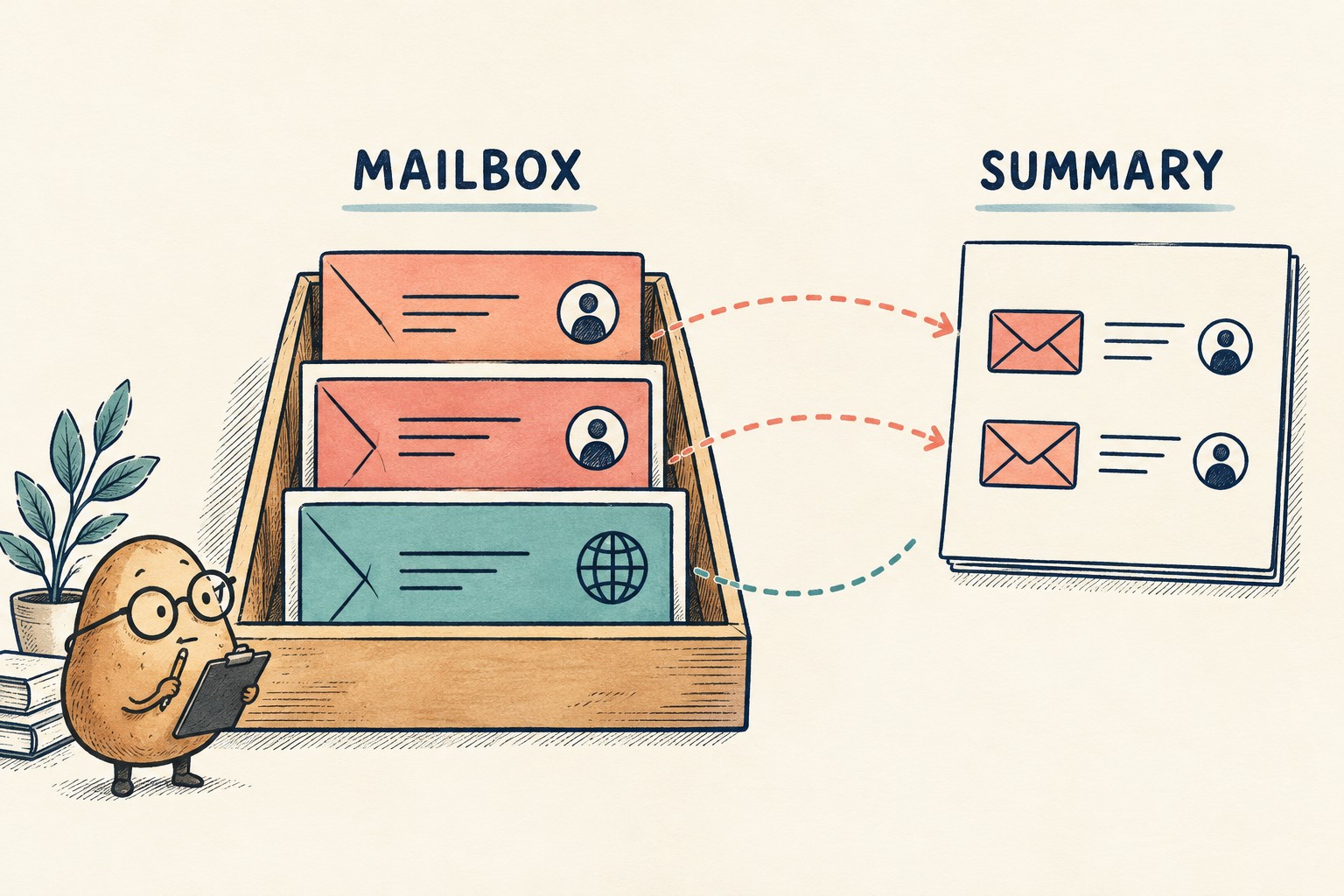
A short inbox summary is useful. A short inbox summary that quietly becomes your entire delivery schedule is a different proposition. The practical question is not just whether Copilot produced an answer, but whether the answer covers the messages your decision depends on.
Microsoft's October 8, 2026 explanation of external-email risks provides a timely reason to review that boundary. This article offers an original observation sheet for employees and their support teams. It is not a report of a tenant test, an instruction to weaken a policy, or a claim that every missing message has the same explanation.
What the external-email control actually changes
Microsoft Learn, updated October 5, 2026, describes the feature as preview for Microsoft 365 Copilot and Copilot Chat. An applicable policy can exclude externally received email from grounding, summarization and citations while leaving the user's access to the email unchanged. Its external classification compares the sender's domain with the tenant's accepted domains; it does not inspect the message body.
That makes an external-sender match a different finding from a malicious-content verdict. A familiar supplier's message is still worth checking in the original. Equally, a message appearing in a summary does not authenticate its instructions. Keep ordinary verification of business requests separate from this inclusion check.
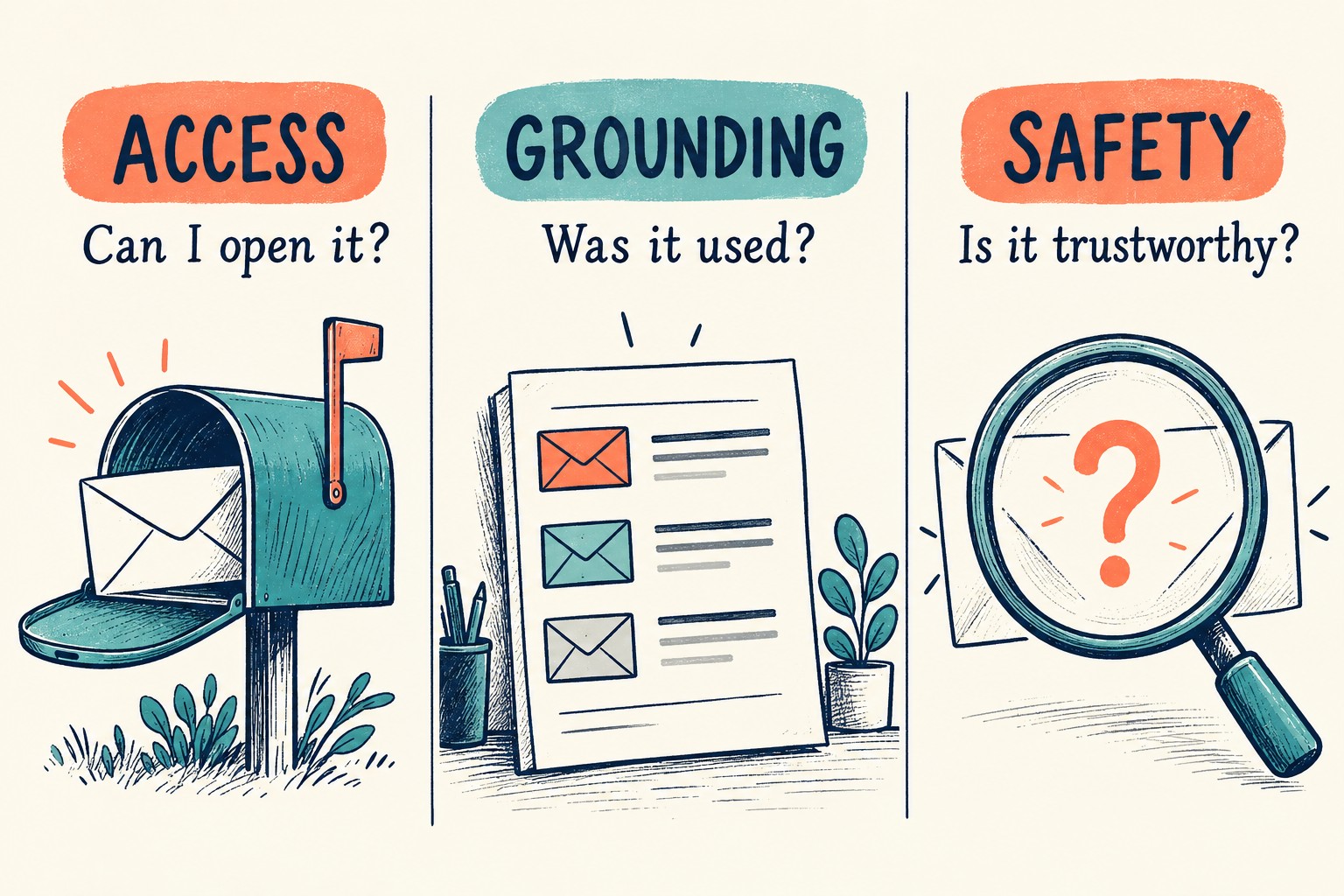
Start with one missing detail, not the whole inbox
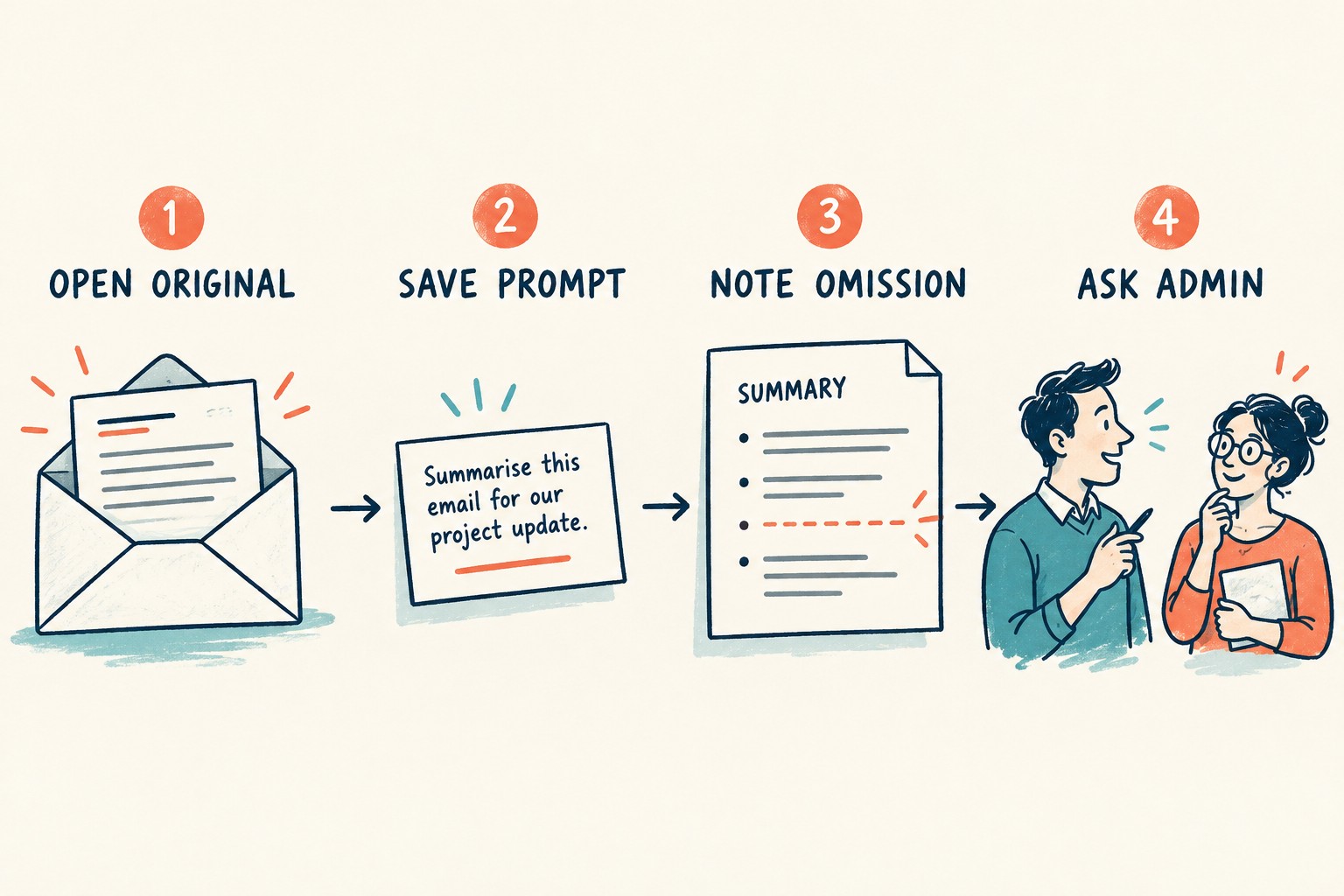
- Open the original. Locate the specific message through your normal authorized mailbox access. If you cannot open it, record that first; you do not yet have a summary-only problem.
- Keep the task reproducible. Save the exact question and name the interface used. Record the date, time and time zone. “Copilot missed something yesterday” leaves a support team guessing.
- Name the omission. Write “the supplier's revised delivery date was not included,” rather than “the answer was bad.” Note whether the message was cited and whether a policy explanation appeared.
- Use the normal support route. Ask the responsible administrator to confirm the relevant policy and scope. Do not alter accepted domains, forward material into another account, or paste restricted content elsewhere to make it appear in a summary.
Store this record in an approved internal place. Use a short local case label in screenshots or shared notes where possible; do not publish mailbox addresses, customer information, message bodies or a prompt containing confidential material.
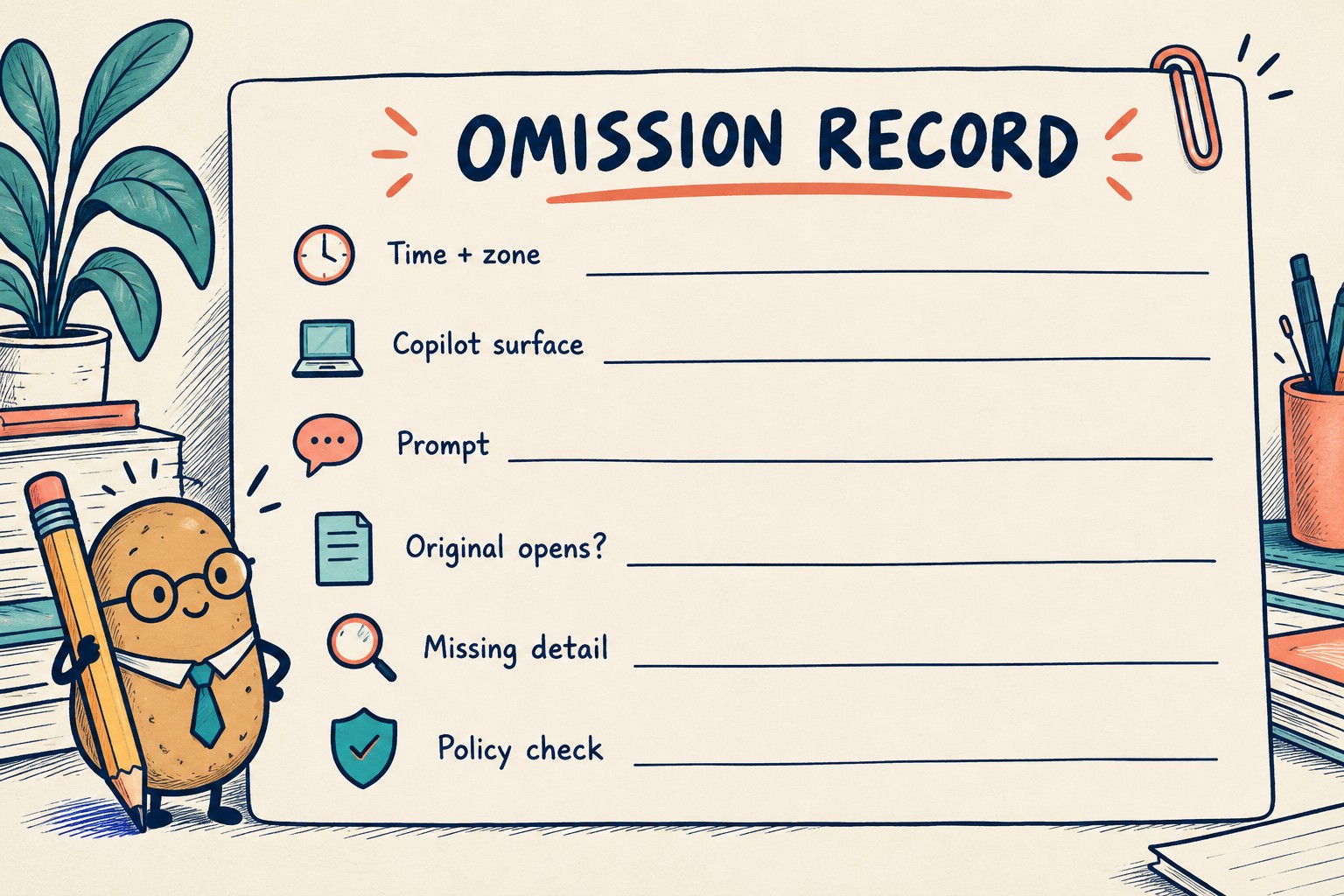
Copy this omission record
This is a proposed worksheet, not a Microsoft diagnostic form. Keep unknown answers explicitly unknown. A blank field is less useful than “not checked.”
| Field | What to write |
|---|---|
| Case and time | Internal case label; observation date, time and zone |
| Surface and question | Exact Copilot interface; prompt retained in an authorized internal record |
| Original message | Opens normally / cannot open / not checked; a permitted internal reference |
| Missing information | The one delivery date, response request or other detail the task needed |
| Observed answer | Detail included / absent / ambiguous; citation seen / not seen; notice wording if present |
| Administrator check | External-domain classification, applicable policy and scope, latest relevant change time, or confirmation pending |
| Business fallback | Original checked; work record corrected; responsible person informed if necessary |
| Disposition | Confirmed policy exclusion / original-access issue / unresolved; owner and next action |
Ask for confirmation without prescribing a security change
Use a bounded request such as: “For case A, I can open the original email, but the delivery change was absent from the saved summary. Please confirm whether external-email exclusion applies to this user and task, and whether a recent policy change affects the observation. The internal record contains the prompt and time.”
Microsoft documents that policy updates can take up to four hours to appear in these Copilot experiences. Record the administrator's change time separately from your test time. This is a reason to coordinate a meaningful recheck, not a promise that waiting will resolve every omission. The documentation also distinguishes sensitivity-label restrictions, where an item may still be cited, from external-email exclusion; do not diagnose one from the other's citation behavior.
Agree what closes the case before repeating the task. A useful closeout names the confirmed reason and the workflow used for the missing detail. If the administrator cannot establish a cause, retain “unresolved” and the next investigation owner. A second differently worded summary is another observation, not proof of a policy configuration.
A hypothetical delivery-date handoff
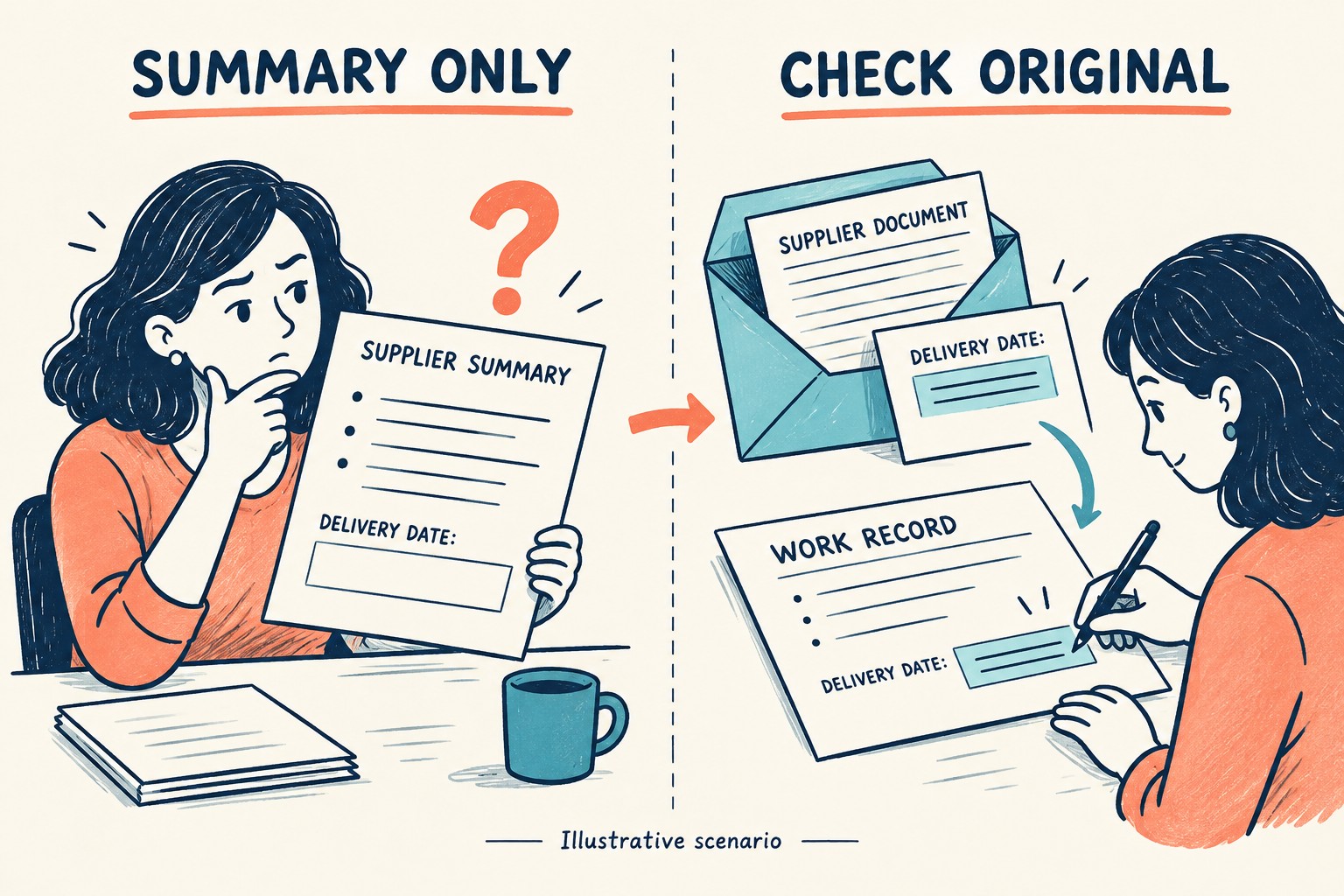
Imagine a buyer asks for open supplier updates. One supplier has emailed a changed delivery date, but the generated summary does not mention it. The buyer opens the original, records the new date in the team's existing work record and marks the summary's coverage as incomplete. Separately, support checks whether the external-email policy explains the omission.
The buyer does not report “no delivery changes” based on the missing sentence. Nor does the buyer label the supplier unsafe. Those would turn an absence in one generated answer into two unsupported conclusions.
Keep the useful boundary in the daily workflow
- Before acting on an important date or request, name the original source you checked.
- Separate the business task you completed from the technical explanation still awaiting confirmation.
- Keep the observation small enough to reproduce and private enough to share only with the right support team.
- Use the same record on the agreed recheck so changed conditions are visible.
If your team is deciding whether AI summaries help at all, use the one-task AI-at-work experiment to define the task and review criteria. The goal here is narrower: an omitted email should become a traceable question, not an invisible hole in a decision.