A model appearing in a picker answers one question: can this tool discover it? Before using it for work, answer two more: which endpoint will receive the task, and which model is active in this session? The worksheet below keeps those observations separate.
GitHub's October 7, 2026 announcement adds local Ollama discovery through /model in Copilot CLI version 1.0.94-0 onward. Have an Ollama service running with the intended model already available; the model needs both streaming responses and tool-call support. Discovery itself neither installs a runtime nor downloads a model.
This is a documentation-based preparation guide, checked October 8, 2026 in Asia/Seoul. It includes an original session-check template and a synthetic first-task example. It does not report a hands-on Copilot test or certify that a computer is isolated from the network.
1. Separate discovery from an active choice
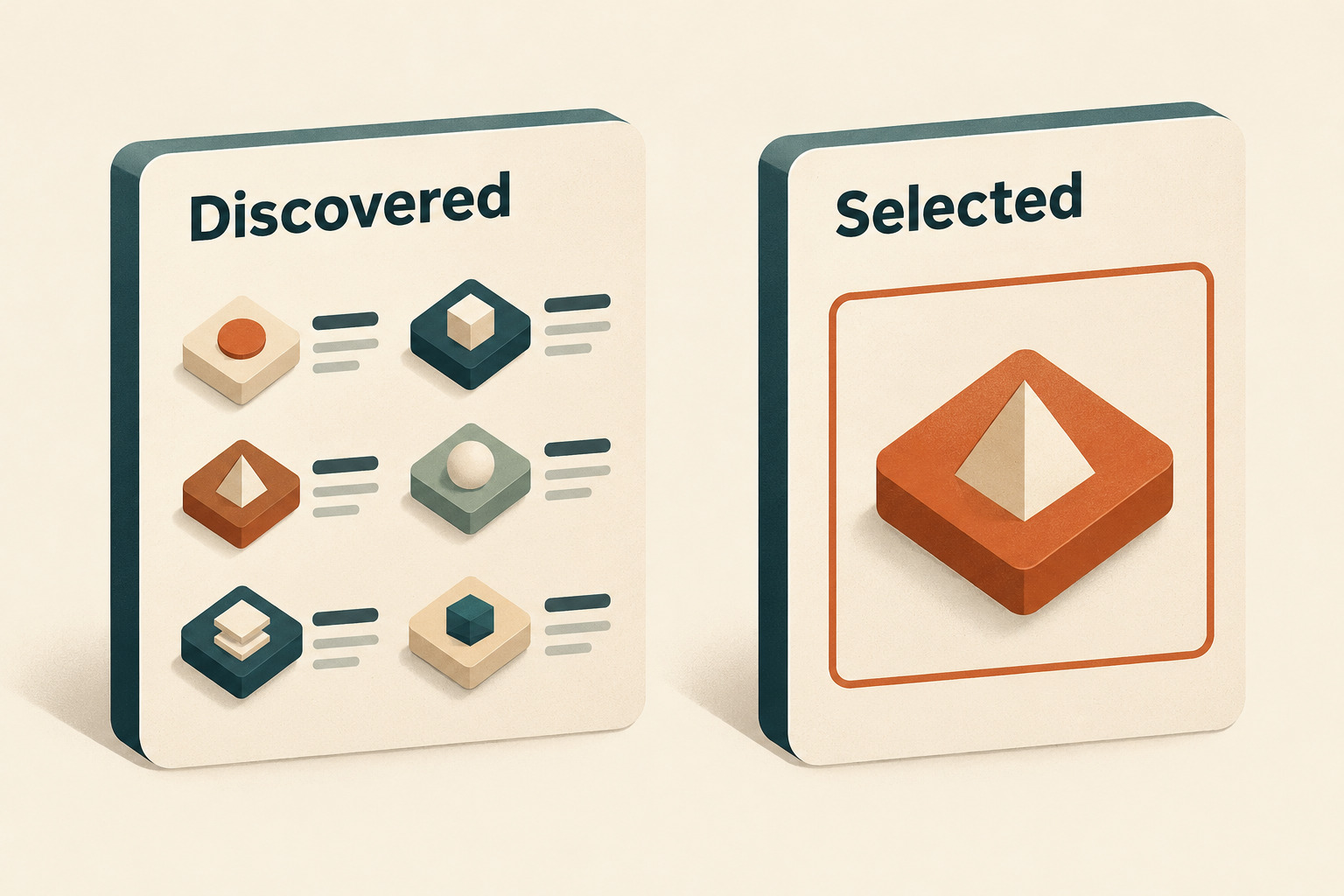
The announcement describes reviewing the discovered model's provider and endpoint before confirming either Add and use for this session or Add without switching. The first can change the current session without a restart; the second adds the model without making that switch. Connection problems can appear in the picker with an explanation.
Write down what you actually did. “I saw the model” is too vague for a handoff. Use one of these worksheet descriptions:
- Seen only: a candidate appeared; no selection was confirmed.
- Added, not switched: the candidate was added, but the active session choice still needs checking.
- Selected for this session: the choice was confirmed; record the displayed active model before the first task.
- Blocked: record the connection explanation and stop the trial until it is understood.
These are notes for your review, not additional product status names. Keep the model previously in use on the same card so that an accidental non-switch is easy to notice.
2. Make an endpoint card before adding work context
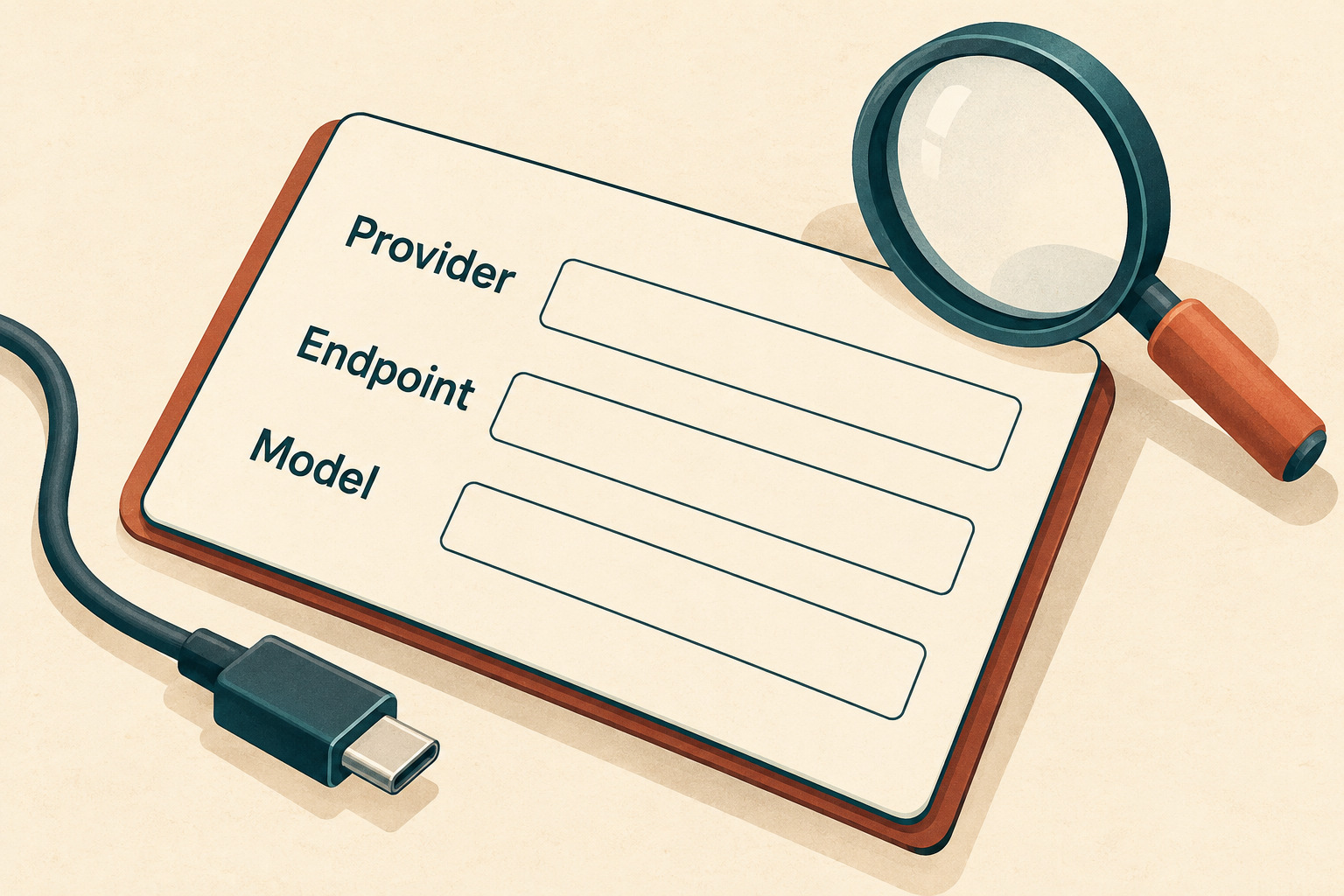
GitHub's provider documentation distinguishes provider type, API base URL and model selection. Compatible options include OpenAI-compatible endpoints, Azure OpenAI and Anthropic. A familiar model name is therefore insufficient evidence about where a request goes.
Copy the non-secret identity fields into an approved private note. Never paste an API key, bearer token or an unredacted configuration dump into this worksheet.
| Field | What to record | Question it answers |
|---|---|---|
| Observation | Date, time zone, CLI version and reviewer | Which environment did this check describe? |
| Provider | Provider name/type displayed or configured | Which integration is being used? |
| Endpoint | Non-secret host and relevant path; redact embedded credentials | Where is this client sending model requests? |
| Model | Discovered candidate and separately confirmed active selection | Did the session actually switch? |
| Runtime | Who operates the endpoint and what is known about its model route | Does the endpoint itself forward work elsewhere? |
| Allowed input | Synthetic only, or a specifically approved work-data scope | What may be included in the trial? |
If you cannot identify the endpoint owner or model route, leave the field unknown and keep real work out of the trial. Ask the responsible administrator for the missing fact rather than guessing from the word “local.”
3. Review offline mode as a separate setting
The announcement says a local selection leaves the CLI’s offline setting and GitHub telemetry unchanged. The offline-mode documentation describes COPILOT_OFFLINE=true as preventing the CLI from contacting GitHub's servers. It also warns that a remote provider still receives prompts and code context over the network. Record the setting and endpoint together; neither the model label nor the word “offline” is a complete network assessment.
There is a second layer to check when Ollama is involved. Its official FAQ documents a local-only configuration that disables Ollama Cloud features, including cloud models and web search. That is a separate runtime control. A client pointing at a local service does not, by itself, document every service that runtime might use.
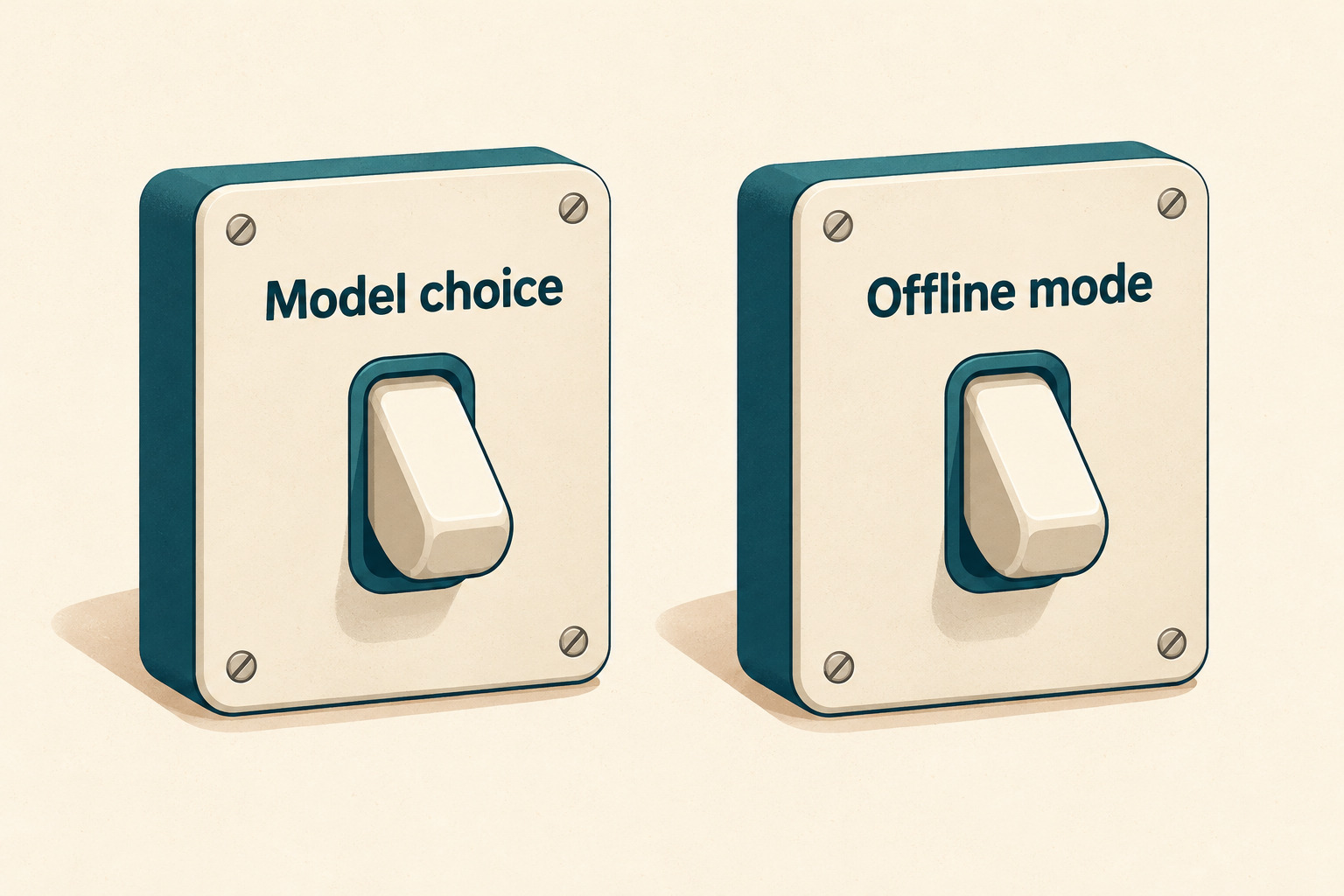
For the worksheet, keep three lines: CLI offline setting, provider destination and runtime cloud-feature setting. Add the evidence or write unknown beside each. In a managed environment, have the authorized owner review changes. Do not weaken network controls or expose a local service just to make discovery work.
4. Try one small task with an answer you can check
After the route and allowed input are clear, use a disposable folder containing only synthetic material. Keep unrelated repositories, personal files and production credentials outside the exercise. Limit any tool permissions to what the trial needs; a successful model connection is not permission for wider access.
Here is an original toy task you can prepare manually. Create a text file named demo-tasks.txt containing these three invented lines:
draft | alpha
done | beta
draft | gamma
Ask the selected model: “Read only demo-tasks.txt. List the labels whose state is draft, preserving file order. Do not edit files or use the network.” The expected content is alpha, gamma. You can check it by reading the three lines yourself.
Record whether a permitted file-read tool was actually used, whether the final answer matched, and whether any extra action was proposed or taken. A correct answer copied from context does not demonstrate tool use. If the model only proposed an action, record that distinction rather than treating the proposal as execution. The instruction to avoid network use is a task boundary, not a technical isolation control.
This tiny example can reveal an immediate mismatch or tool problem. It cannot establish performance on a real codebase, privacy compliance, reliability across sessions or comparative model quality. If it fails, preserve the non-sensitive error and the observed selection before changing anything.
5. Finish with a session receipt
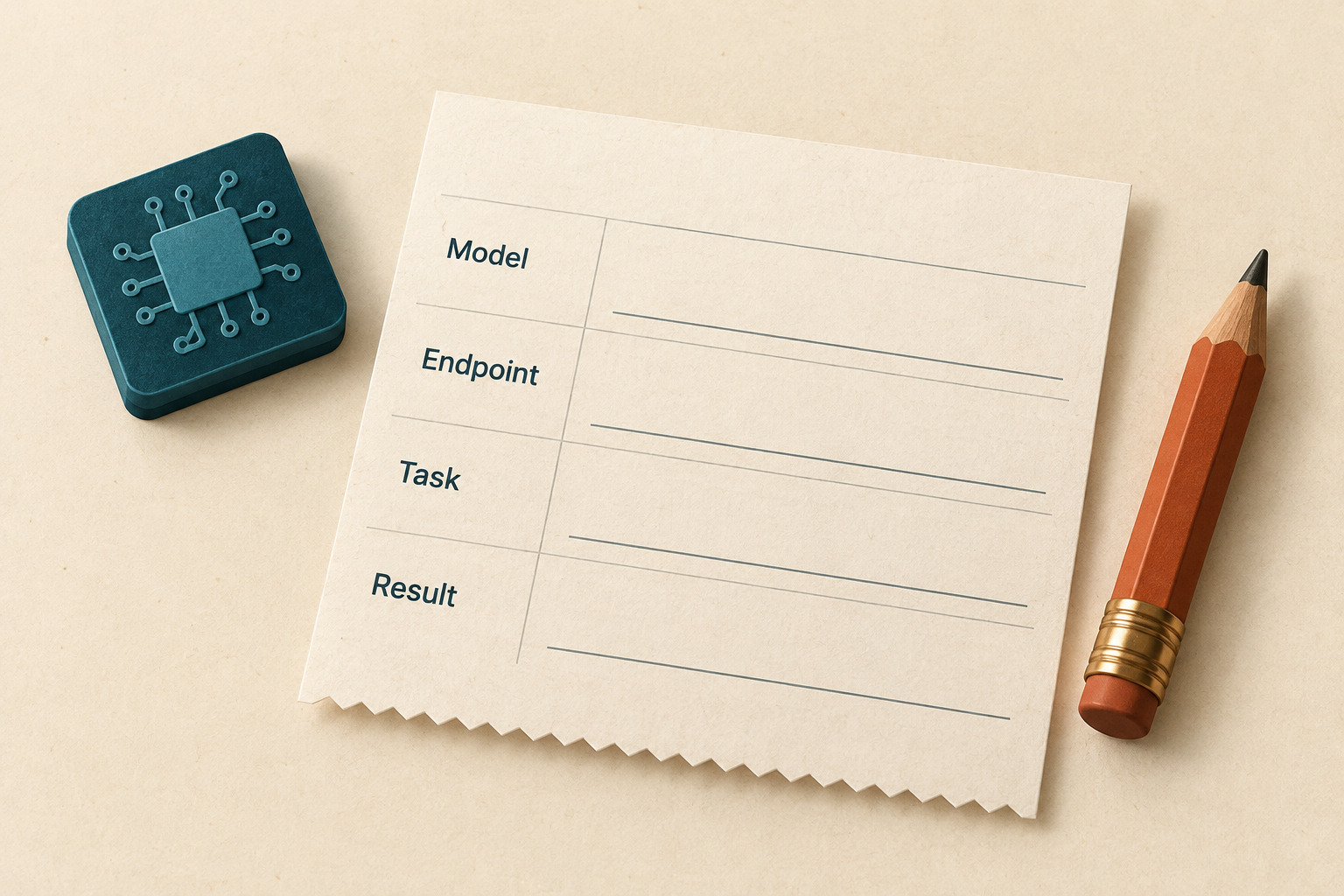
Use this compact handoff after the trial. Leave unobserved fields empty or explicitly unknown; never turn the expected answer into a claimed result.
- Session: observation time, CLI version, active model and non-secret endpoint.
- Route evidence: CLI offline setting, runtime setting and what remains unverified.
- Task: synthetic input, allowed actions and expected answer.
- Observed: tool invocation, returned answer, errors and any unexpected action.
- Decision: continue within the approved scope, investigate, or return to the previous known configuration.
- Next owner: person responsible for the open question and what evidence they need.
The useful outcome is a traceable choice: a particular session, model, destination and observed task result. Repeat the identity check when starting a later session instead of assuming that an earlier selection proves the next one.