If a workplace extension stops working after a browser update, first identify whether it failed to attach a debugger or failed later while doing its task. Those are different troubleshooting paths.
Google's Chrome 155 policy announcement, published September 8 and updated September 16, 2026, lists October 6 as the start of the Stable rollout. It describes stricter checks for extensions using chrome.debugger on managed browsers with specified enterprise restrictions. A rollout date does not establish the version installed on your device.
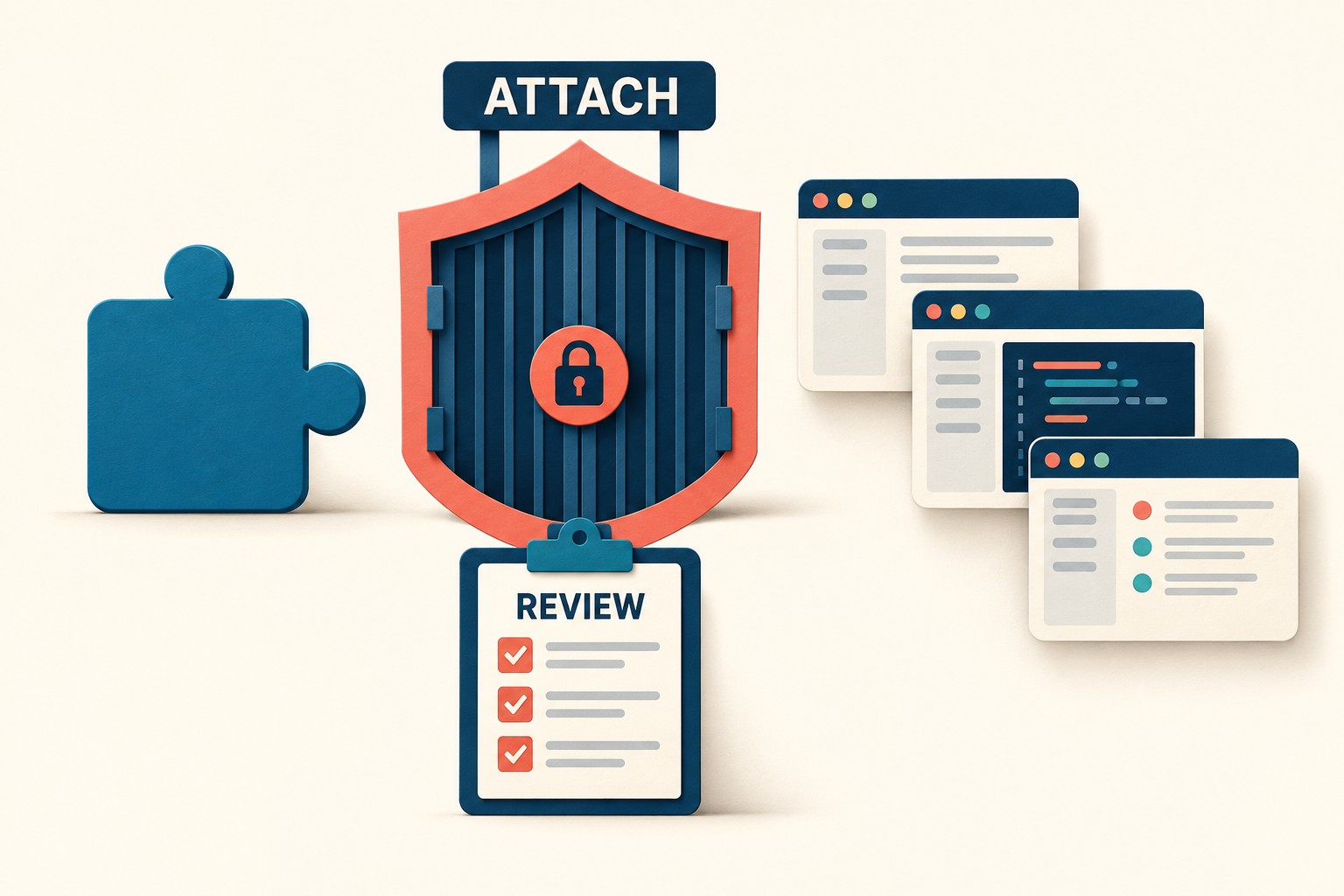
Start with the environment you actually have
This particular change concerns managed environments with host restrictions, screenshot restrictions or applicable data-loss-prevention (DLP) rules. Google says unmanaged browsers, and managed browsers without these specific restrictions, are unaffected by this change. An error appearing around an update is a clue, not a diagnosis.
Make a short record before asking someone to fix the extension:
- The full browser version and channel, operating system, and observation time.
- The extension's name, identifier and version, plus the single feature you attempted to use.
- Whether the failure occurred when attaching, after a successful attachment, or at an unknown stage.
- The management state of the browser in which you observed the problem.
Google's management check points to chrome://management for management information and chrome://policy for configured policies. Inspect the affected environment rather than relying on what its profile picture or account name suggests.
The policy-viewing guide distinguishes policy source and scope. A setting may come from the platform, cloud management or an enterprise default; user-level and machine/device-level scope differ. Record the displayed scope and source when available. If you cannot determine the effective policy, leave that field unresolved for the administrator.

Separate the two policy-error families
The current debugger API reference documents these attachment errors:
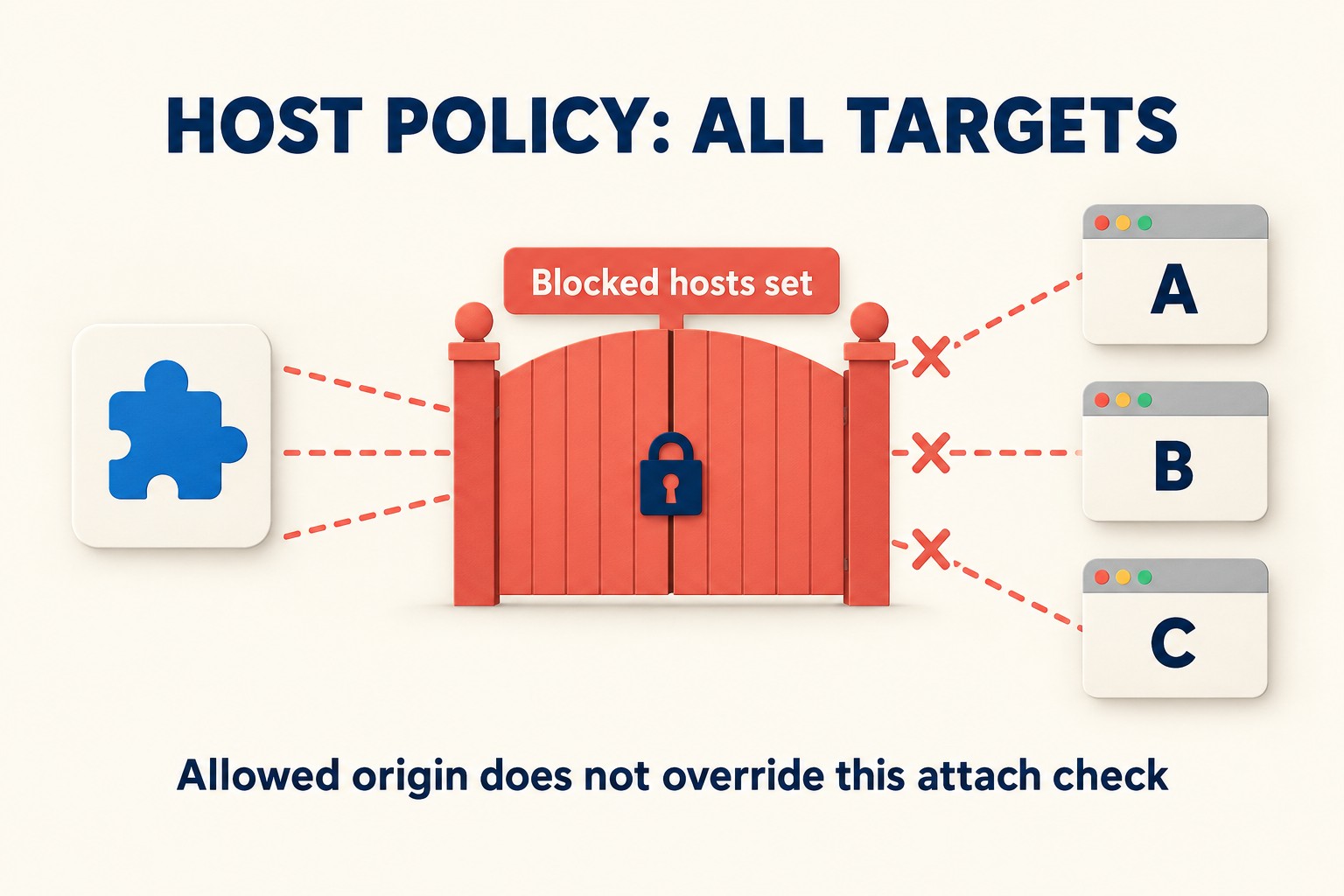
Host access is restricted by policy.A configured blocked-host list for the extension prevents attachment to every target, even an origin included inruntime_allowed_hosts.Screenshot capture is restricted by policy.Attachment can fail when screenshot capture is disabled by policy, or when DLP rules apply to the target.
The host case is the easy one to misread. A nonempty runtime_blocked_hosts setting under ExtensionSettings is enough to block debugger attachment across targets. Adding a permitted page to an allowlist does not resolve that attachment check.
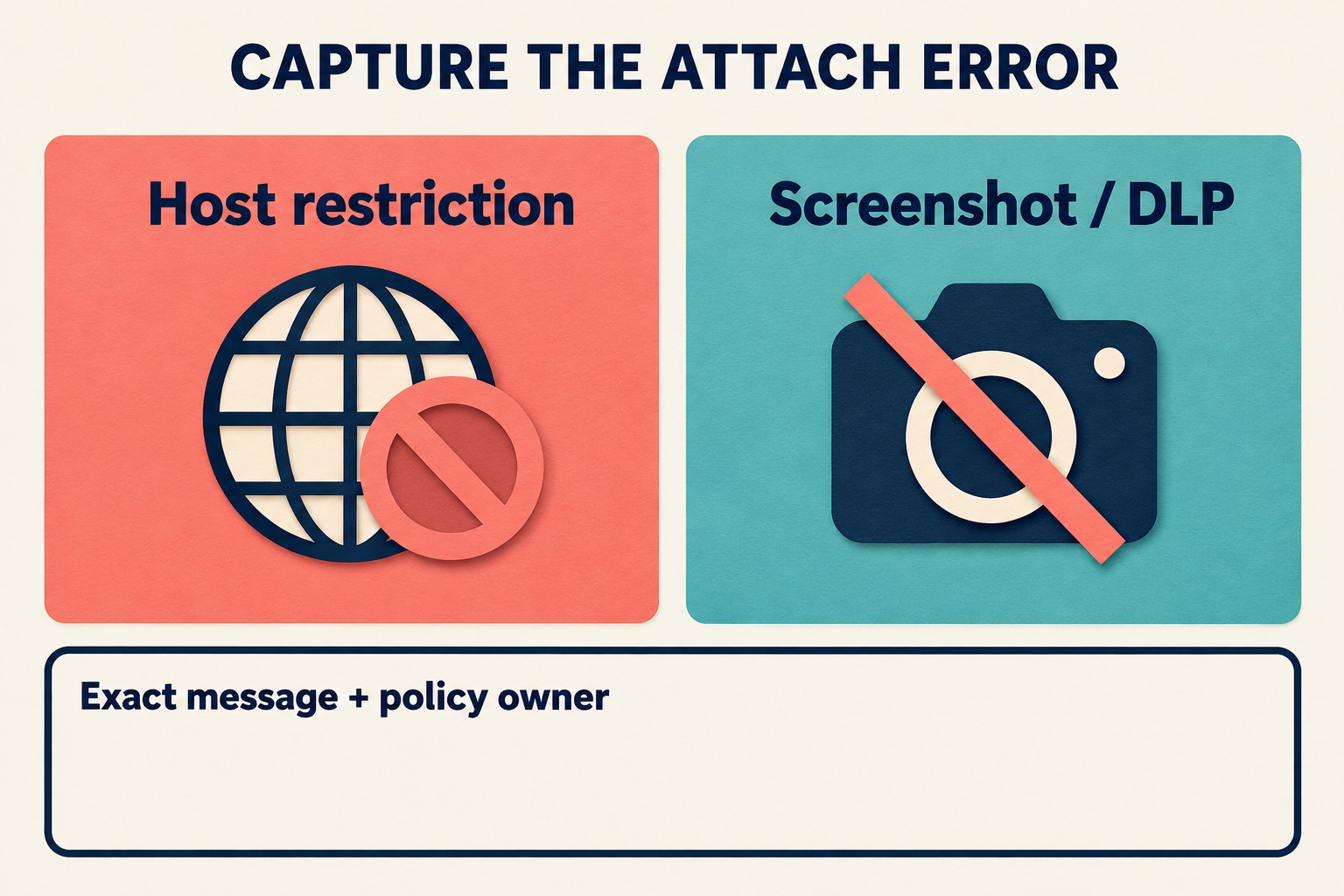
The screenshot-related message also describes an attachment restriction. It is not evidence that the extension already took a screenshot, or even that the requested feature was a screenshot feature. Keep the reported failure stage separate from what the user intended to do.
Google explains the stricter boundary in terms of Chrome DevTools Protocol (CDP), whose capabilities sit below ordinary web-origin filtering. For the reader, the useful question is which capability the feature needs and which policy applies, rather than which page to try next.
Keep a precise failure record
Ask the extension developer to preserve a rejected attachment as a distinct result. The API reference documents promise rejection when attachment fails. For callback-based code, the announcement demonstrates checking chrome.runtime.lastError. A session that attaches and later detaches needs a separate investigation.
Your support note should preserve the exact error locally, then explain the affected feature in ordinary language. For example: “The annotation tool could not start its debugging connection. The host-policy message appeared before the annotation step.” Avoid reporting an unsupported root cause such as a broken website.
Do not repeatedly retry a known policy rejection as if it were a brief network outage. Keep unrelated errors in an “other or unresolved” category. A useful report can say what is known while explicitly leaving the cause open.
Describe the smallest capability the feature needs
Write one sentence about the work: add a label to an approved page, apply a network rule, or perform an approved cookie operation. Then ask the developer whether a narrower API can support that feature within the organization's controls. These are evaluation candidates, not drop-in replacements or permission grants.
| Required work | Candidate to review | Boundary to verify |
|---|---|---|
| Run a script or insert CSS | Scripting API | Requires the scripting permission and appropriate host permissions, including temporary activeTab access where applicable. Check the exact target and organizational policy. |
| Block or modify network requests using rules | Declarative Net Request API | Rule-based handling without exposing request contents. Do not assume it reproduces arbitrary CDP inspection or every existing feature. |
| Query or modify cookies for approved hosts | Cookies API | Requires the cookies permission and relevant host permissions. Real cookie values do not belong in a troubleshooting worksheet. |
If a feature genuinely requires CDP, record that dependency for the developer and administrator. Keep the current protection in place while they decide what is supported. Do not move work into an unmanaged profile, remove restrictions or change launch settings merely to make a test pass.
A fictional example: an allowlisted page still fails
Suppose an internal extension adds an approved annotation to a support page. Its developer used debugger attachment for that feature. After an update, the extension reports the host-policy error. The support page is allowlisted, but the extension also has a blocked-host entry.
The useful handoff is: “Attachment rejected; annotation never ran; allowed-page status did not bypass the debugger restriction. Please assess whether this annotation can use scripting under the existing policy.” The developer still needs to inspect the implementation and test it. This example does not establish that migration is possible, that a real extension was tested, or that any policy should be relaxed.
Copy the policy-scope triage worksheet
Use one card per extension feature and affected environment. This is an original editorial template, not an official Chrome form.
| Field | What to record |
|---|---|
| Context | Browser version/channel, OS, management state, extension name/ID/version, and observation time. |
| Task and stage | One intended action; attachment rejected, attached then failed, or stage unknown. |
| Observed message | Exact error, where it appeared, and a sanitized reproduction using an authorized test case. |
| Policy evidence | Relevant policy name, displayed source/scope, affected extension or target, and administrator confirmation still needed. |
| Capability review | Smallest required capability; candidate API; permission and policy questions; unsupported parts. |
| Owners and next step | Developer owner, administrator owner, agreed action, and who can approve it. |
| Retest | Approved test environment and case, expected result, actual result, date and remaining limitation. |
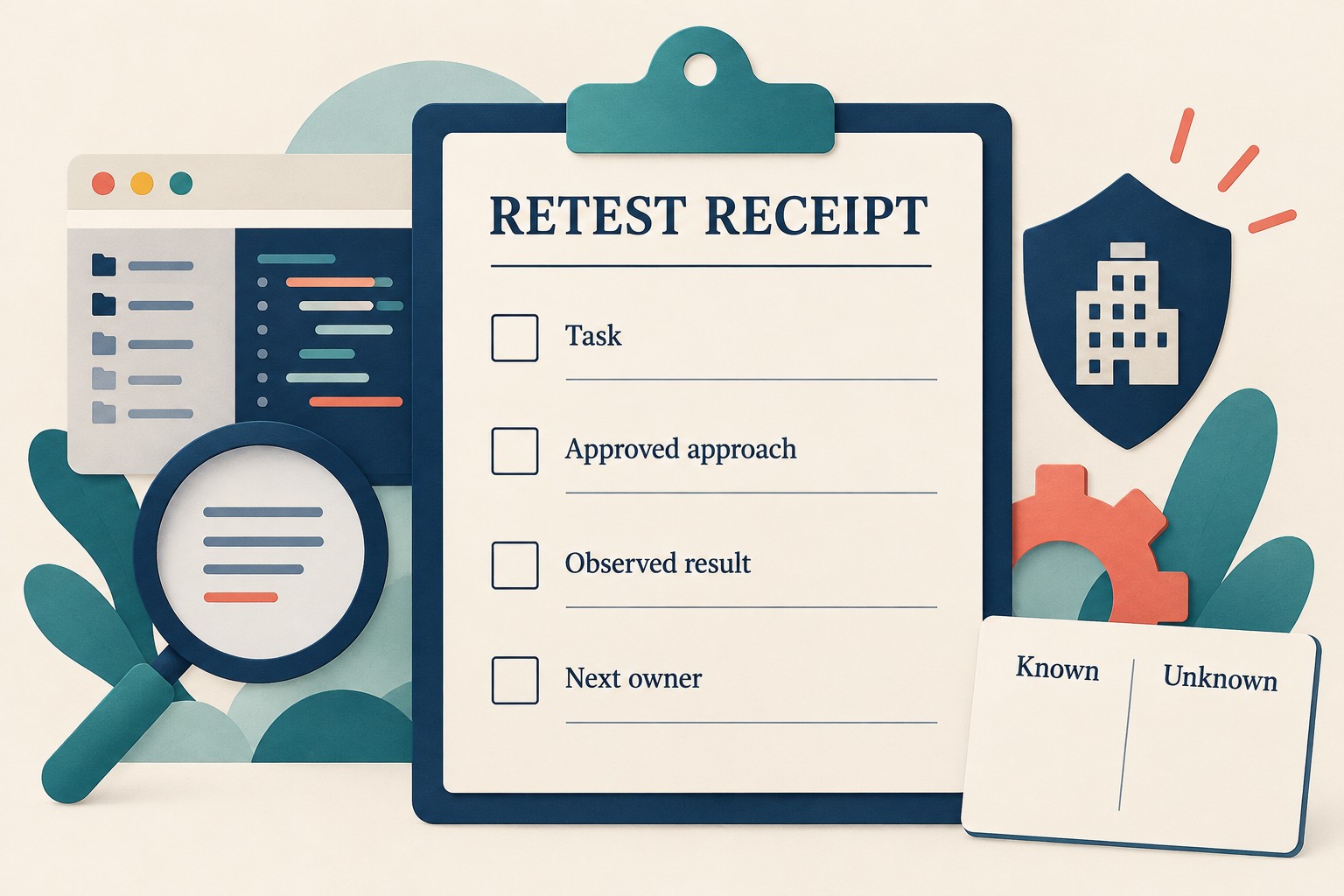
Keep internal URLs, customer content, account details and policy exports out of public issue reports. Share only the minimum sanitized evidence through the organization's approved support route. If DLP prevents a capture, describe the message without trying to capture restricted content another way.
Close the card when the team has a verified supported path, an explicitly unsupported feature, or a named unresolved dependency. “The extension is installed” is not enough to close an attachment failure. Neither is a test that succeeds only after removing the protection you were meant to preserve.